Wordtune Review: Is It Useful for Rewriting Work Emails?
Wordtune is worth considering if your main problem is not writing a full email from scratch, but making a rough work email sound clearer, smoother, and more professional. It is strongest as a sentence-level rewrite helper. It is less convincing as your only grammar checker, long-form writing system, or approved workplace AI tool unless your company has reviewed the privacy terms.
This Wordtune review is based on official Wordtune product, pricing, Help Center, privacy, and terms pages checked on June 14, 2026. It is an official-research-only review, not a hands-on output-quality test.
Quick Verdict
- Try Wordtune if you already have email drafts and want clearer phrasing, tone options, shorten/lengthen help, and quick sentence alternatives.
- Start with the free Basic plan if you only rewrite occasional emails. Wordtune lists 10 rewrites and AI suggestions per day on Basic.
- Consider a paid plan only if you rewrite enough work messages to run into the free limits often.
- Choose Grammarly first if your main need is grammar, spelling, punctuation, and consistency feedback across many messages.
- Use ChatGPT, Claude, Copilot, or Gemini instead when you need to plan, draft, summarize, or restructure longer emails and documents.
- Check workplace policy first before pasting client, HR, legal, finance, or confidential company text into any AI writing tool.
What Wordtune Is Best For
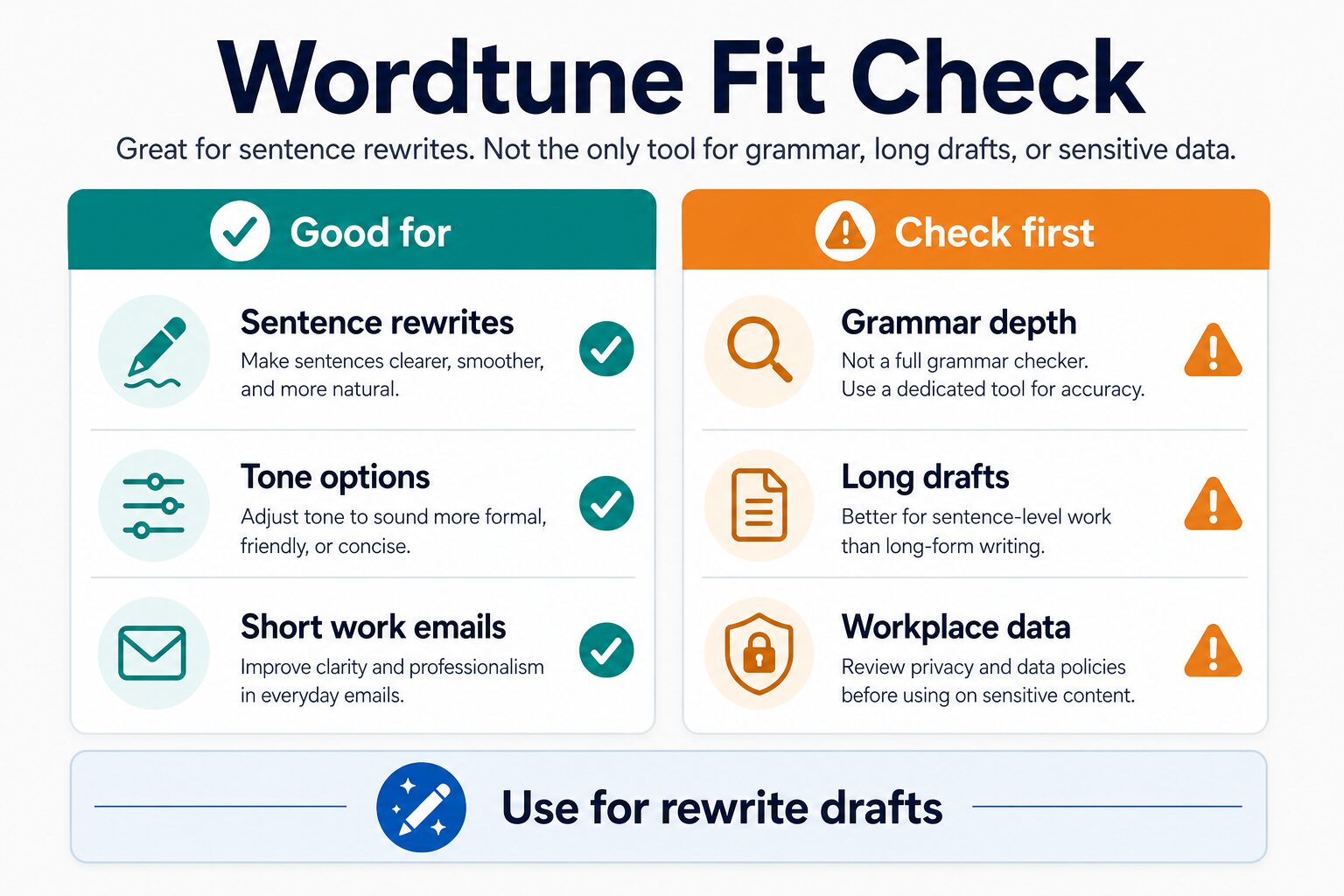
Wordtune is best understood as a rewrite tool for text you have already written. Its official Rewrite page describes rewording emails, articles, and messages, choosing tone, shortening or lengthening text, using synonyms, and translating a word or sentence into English in context.
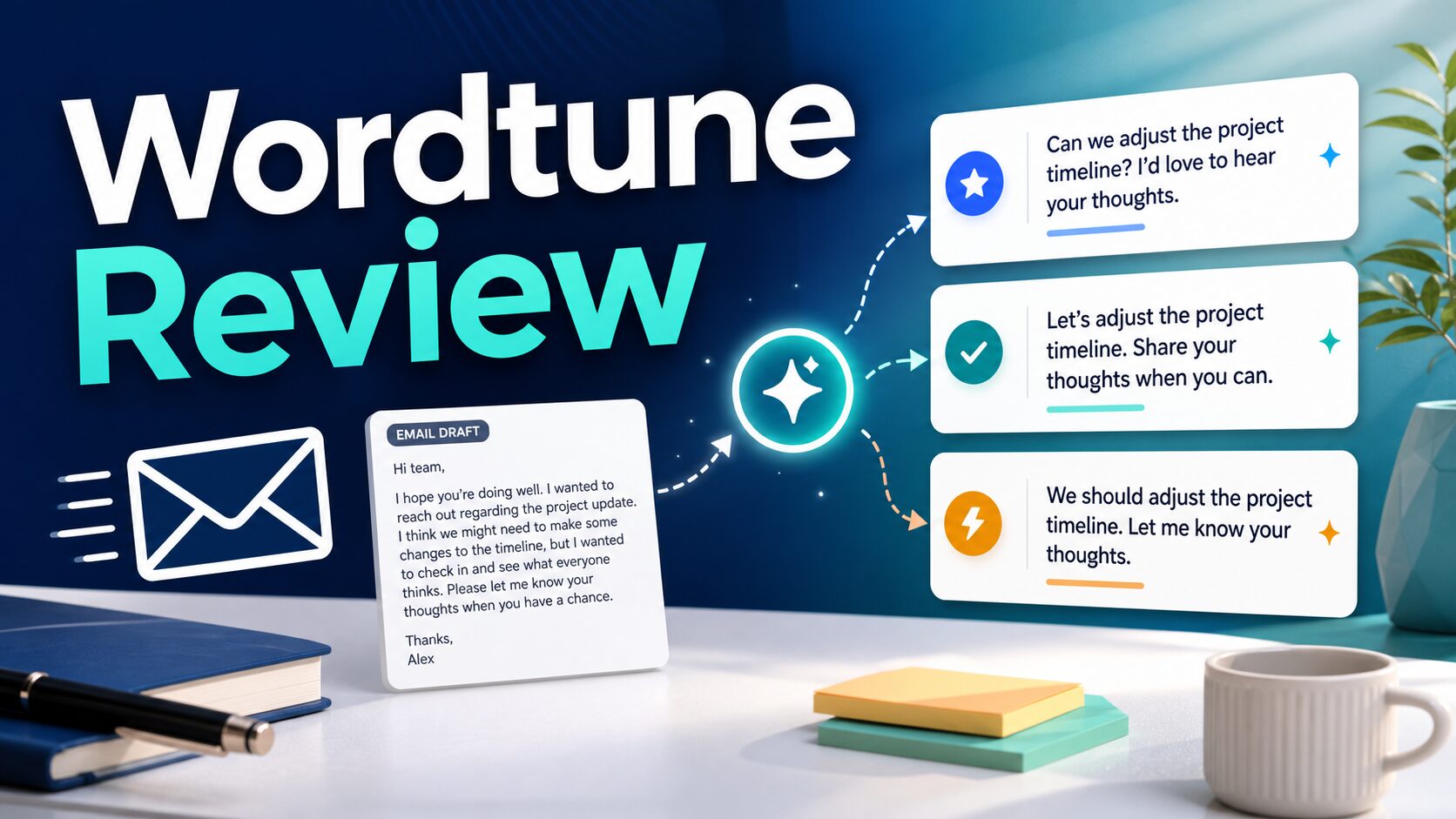
For work emails, that means Wordtune can be useful when the message is basically correct but the wording feels too direct, too long, too stiff, or not clear enough. A typical use case is taking a sentence like “Please send this today because we are late” and looking for a more professional version before sending it to a colleague, client, or manager.
The important limit is that Wordtune should not replace your judgment. A rewrite suggestion can make a sentence smoother while also changing tone, emphasis, urgency, or relationship nuance. For sensitive messages, read the final email out loud and confirm that it still says what you mean.
Wordtune Pricing and Plan Limits
Wordtune’s official pricing page was checked on June 14, 2026. Prices and plan limits can change, and Wordtune’s Help Center says pricing may vary by region or promotions, so check the current plans page before paying.
| Plan | Displayed price checked June 14, 2026 | Useful limits / features from official pages | Best fit | Watch out for |
|---|---|---|---|---|
| Basic | $0.00 | 10 rewrites and AI suggestions per day, 3 AI summarizations per month, unlimited spelling corrections, and unlimited grammar checks. | Occasional email rewriting and light phrasing help. | The daily rewrite limit can feel tight if you rewrite many emails in one workday. |
| Advanced | $6.99 monthly / $4.89 per month billed annually on the official pricing page. | 30 rewrites and AI suggestions per day, 15 monthly AI summarizations, AI recommendations, spelling corrections, and grammar checks. The pricing page shows a 3-day free trial. | Professionals who rewrite regularly but do not need unlimited use. | Still has usage limits. Confirm the billing period and trial terms before starting. |
| Unlimited | $9.99 monthly / $6.99 per month billed annually on the official pricing page. | Unlimited rewrites, AI suggestions, summarizations, spelling corrections, grammar checks, vocabulary enhancements, clarity improvements, fluency increases, and premium support. The pricing page shows a 3-day free trial. | Daily writers who know they will use rewrite suggestions heavily. | Pay only if sentence-level rewriting is a frequent bottleneck, not just a nice extra. |
| Business | Business pricing is handled separately. | Wordtune’s Help Center says Business offers free 7-day trials for accounts with 3 to 100 seats and supports card, debit card, and invoice payment methods. | Teams that need admin and billing review before workplace use. | Do not treat a personal plan as approved for sensitive company data. |
Wordtune’s pricing FAQ and terms also say refunds are not offered for partial subscription periods. If you try a paid plan, set a reminder before the trial or renewal date if you are not sure you will keep it.
Where Wordtune Works
Wordtune’s Help Center says it is available as an online web app, Chrome Browser Extension, Edge Add-on, and iOS mobile app. It also says Wordtune does not currently offer a standalone Mac desktop app, and Android is not supported in that platform article.
The browser-extension route is the most relevant for work email rewriting because it can sit near places where you already write. Wordtune’s extension Help Center page says the extension can be disabled on specific websites, and that Google Docs usage requires Docs to be in Pages mode. Those details matter if you want Wordtune available for some writing surfaces but not everywhere.
Pros and Cons for Work Emails
- Pro: useful for rough draftsWordtune is a good fit when you have the idea but want cleaner phrasing before sending.
- Pro: tone options are practicalFormal, casual, shorten, and lengthen-style controls are useful for adjusting everyday workplace tone.
- Pro: free plan is enough to test the habitThe Basic plan gives limited daily rewrite use without starting with a paid subscription.
- Con: not a complete email strategyIt does not decide what to say, when to escalate, or how much context a recipient needs.
- Con: grammar-first users may prefer GrammarlyIf your main need is systematic correction and consistency feedback, compare it with a dedicated grammar checker.
- Con: privacy review still mattersWordtune has official privacy terms, but your workplace may have stricter rules for client or internal data.
Wordtune vs Grammarly vs ChatGPT for Emails
Wordtune, Grammarly, and general AI chatbots overlap, but they solve different email problems.
| Need | Best starting point | Why | Related AI Work Toolkit guide |
|---|---|---|---|
| Rewrite one awkward sentence. | Wordtune | Its core value is quick rephrasing and tone adjustment for text you already wrote. | This review |
| Catch grammar, spelling, punctuation, and consistency issues. | Grammarly or another grammar checker | A grammar-first tool is usually better when correction depth matters more than rewrite variety. | Best Grammar Checkers for Non-Native English Speakers |
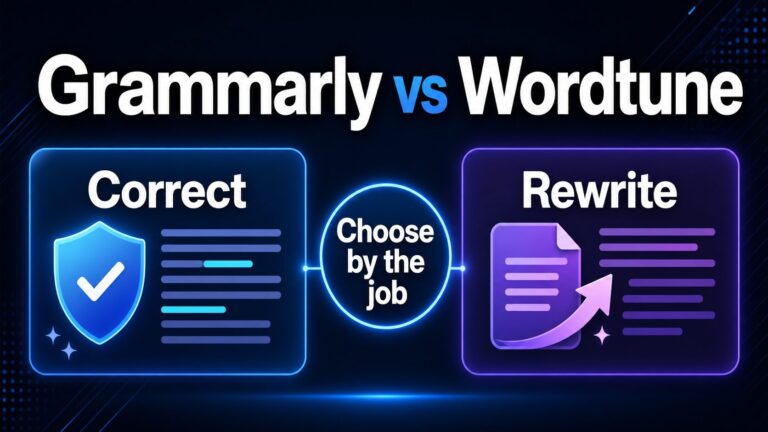
| Choose between Grammarly and Wordtune. | Compare both by task | Use Wordtune for rewrites; use Grammarly when correction and consistency are the main job. | Grammarly vs Wordtune |
| Draft a whole email from notes. | ChatGPT, Claude, Copilot, Gemini, or an email assistant | A general assistant is better when you need structure, context, and first-draft generation. | Best AI Email Writing Tools for Professional Communication |
| Improve your rewrite workflow. | A repeatable prompt and review process | The tool matters less than keeping meaning, tone, and relationship context intact. | How To Rewrite Professional Emails With AI Without Sounding Generic |
Privacy and Workplace Data Cautions
Wordtune’s privacy policy explains that AI21/Wordtune collects, uses, stores, protects, retains, and shares personal data under its policy. That does not automatically make Wordtune inappropriate for work, but it does mean you should match the tool to the sensitivity of the text.
For low-risk messages, such as a meeting follow-up with no private details, Wordtune may be a reasonable rewrite layer. For client data, legal wording, HR issues, finance details, medical information, unreleased product plans, or anything covered by a company AI policy, use your approved workplace tool or ask before pasting the content into a third-party AI writer.
If this is your main concern, use the AI Tool Privacy Checklist for Professionals before adding any writing assistant to your workflow.
Who Should Use Wordtune?
- Use it if you often write email drafts that are understandable but need clearer professional phrasing.
- Use it if you want alternatives for tone, length, and sentence flow without asking a chatbot to create a whole email.
- Use it if you write in English at work and want a quick second pass before sending routine messages.
- Skip it if your main problem is grammar accuracy, citation integrity, document structure, or compliance review.
- Skip it if your workplace only allows approved AI tools for company text.
FAQ
Is Wordtune free?
Yes. Wordtune’s official pricing page lists a Basic plan at $0.00, with limited daily rewrites and AI suggestions plus unlimited spelling corrections and grammar checks. Check the current pricing page before relying on any plan limit because prices and plan details can change.
Is Wordtune good for work emails?
Wordtune is a good fit for rewriting short work-email drafts when you already know what you want to say. It is less useful if you need help deciding the message strategy, writing a long first draft, or checking sensitive workplace content.
Is Wordtune better than Grammarly?
It depends on the job. Wordtune is better framed as a rewrite and tone tool. Grammarly is usually the first tool to compare when grammar, spelling, punctuation, and consistency are the main needs.
Can I use Wordtune with Google Docs?
Wordtune’s extension Help Center says Google Docs use requires Docs to be in Pages mode. If you use a different writing surface, check Wordtune’s current platform and extension support before assuming it will work there.
Does Wordtune offer refunds?
Wordtune’s pricing FAQ and terms say refunds are not offered for partial subscription periods. If you start a trial or paid subscription, review the billing terms and cancellation timing first.
Final Recommendation
Wordtune is useful if your email bottleneck is sentence-level rewriting: making a draft clearer, smoother, more concise, or more professional. Start with the free plan and test it on low-risk messages. Upgrade only if you hit the free limits often and still prefer Wordtune’s rewrite workflow over your existing grammar checker or AI assistant.