QuillBot vs Grammarly for Work Writing
Grammar & Rewriting
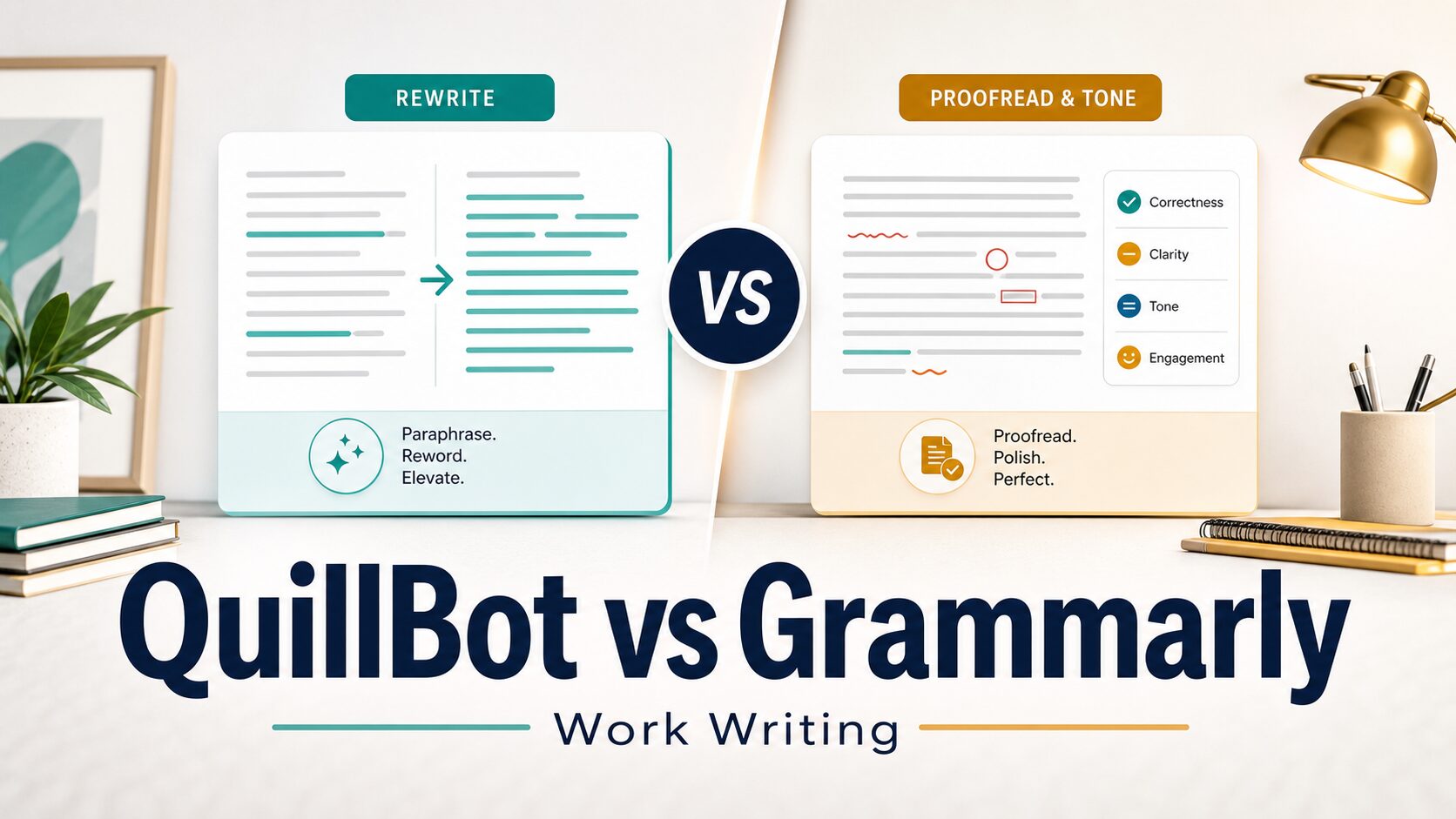
If you are comparing QuillBot vs Grammarly for work writing, the useful answer is not a universal winner. QuillBot is usually the better first stop when you need to rewrite, paraphrase, shorten, or reshape a draft. Grammarly is usually the better first stop when you need final grammar, spelling, tone, clarity, and send-ready polish.
Quick Answer: Choose by the Writing Job
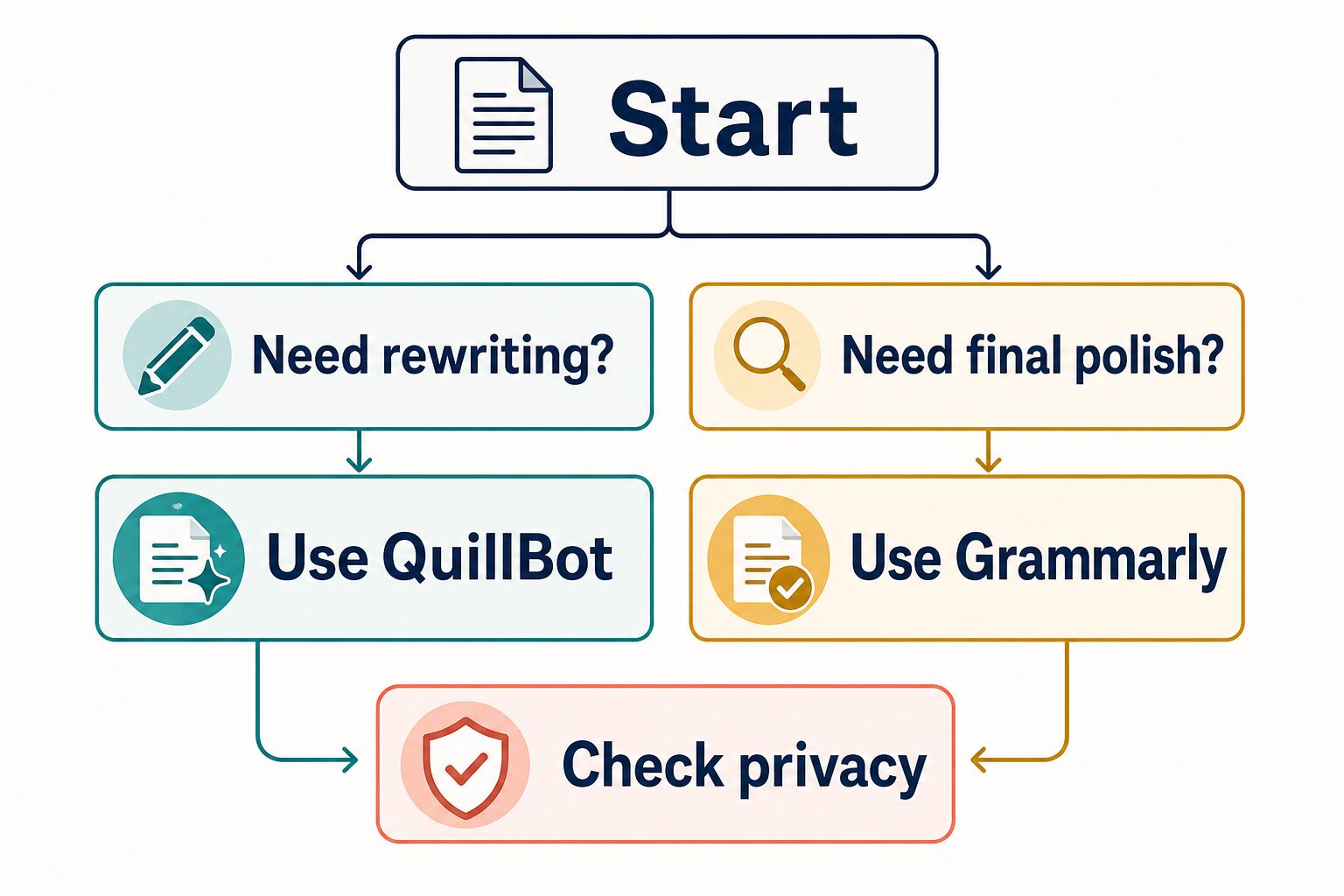
Use QuillBot first when your draft says the right thing but the wording feels too long, stiff, repetitive, or hard to reuse in another format.
Use Grammarly first when your draft is mostly done and you want grammar checks, spelling cleanup, punctuation help, tone suggestions, and final clarity before sending or submitting.
Check privacy first before pasting client work, internal documents, unpublished research, student records, medical details, legal material, financial data, or anything covered by a workplace policy.
QuillBot vs Grammarly: The Practical Difference
For everyday work writing, QuillBot and Grammarly sit at different points in the writing process.
QuillBot is more naturally a rewriting assistant. It is useful when you want to paraphrase a sentence, find a cleaner version of a rough paragraph, shorten text, or explore alternate wording before you choose the final version.
Grammarly is more naturally a final-polish assistant. It is useful when your wording is mostly set and you want help catching grammar, spelling, punctuation, tone, and clarity issues before the text leaves your desk.
This article is based on official product, pricing, privacy, and security pages checked on June 26, 2026. I did not run a hands-on output-quality benchmark for this article, so I do not claim that one tool produces objectively better writing. The recommendation is based on workflow fit and official-source review.
| Decision Point | QuillBot | Grammarly |
|---|---|---|
| Best first use | Rewriting, paraphrasing, shortening, and trying alternate wording. | Grammar, spelling, tone, clarity, and final review before sending. |
| Better fit for | Drafts that need rewording while keeping the same basic meaning. | Drafts that are mostly complete but need professional polish. |
| Free-plan note | Official page lists a free plan with limited paraphrasing, grammar help, summaries, and AI Detector access. | Official page lists a Free plan at $0/month. |
| Paid-plan note | Premium is listed from $8.33/month when billed annually on the official premium page. | Pro is listed at $12/month on the official plans page; Enterprise requires contacting sales. |
| Skip if | You only need a final spelling and grammar pass on text you already like. | You need many alternate paraphrases or a faster way to reshape rough text. |
| Evidence status | Official sources checked; no output-quality benchmark claimed. | Official sources checked; no output-quality benchmark claimed. |
Use QuillBot When the Main Job Is Rewriting
QuillBot is the cleaner choice when the problem is not simply “is this sentence correct?” but “can I say this in a clearer or shorter way?” That makes it useful for rough work drafts, academic paraphrasing checks, blog-outline cleanup, and professional messages where the first draft sounds too long or repetitive.
For work writing, the safest way to use QuillBot is to treat suggestions as options, not final answers. Compare the rewritten sentence with your original meaning before you paste it into an email, report, or school assignment.
QuillBot’s official premium page lists a free plan and Premium plan. The free plan is enough to understand the workflow, but the official page also lists limits such as paraphrasing word limits and limited access to some tools. If you expect to rewrite longer documents often, check the current Premium page before deciding whether the upgrade is worth it.
Good QuillBot use cases
- Shortening a long paragraph before turning it into an email.
- Trying two or three alternate versions of a sentence that sounds stiff.
- Rewording repeated phrases in a report or blog draft.
- Exploring a clearer structure before you do the final grammar pass.
When to skip QuillBot
Skip QuillBot as your first tool if your draft already says what you mean and you only need spelling, punctuation, grammar, or tone checks. In that case, a final proofreading tool is a better match.
Use Grammarly When the Main Job Is Final Polish
Grammarly is the better first choice when your draft is close to finished. If you are about to send a client email, submit a class assignment, publish a LinkedIn post, or share a report with your team, you usually want correctness and tone checks more than multiple paraphrase options.
For professionals and non-native English writers, Grammarly’s main value is friction reduction: it can help you catch small issues that are easy to miss when you are focused on the idea. That does not mean every suggestion is right. Your job is still to decide whether a suggestion keeps your meaning intact and fits the relationship with the reader.
Grammarly’s official plans page lists Free, Pro, and Enterprise options. As of the June 26, 2026 check, the page showed Free at $0/month and Pro at $12/month. Enterprise pricing is handled through sales contact. Check the official pricing page before paying because plan names, features, and prices can change.
Good Grammarly use cases
- Checking grammar, spelling, and punctuation before sending work messages.
- Reviewing tone when an email could sound too blunt or too casual.
- Cleaning up final drafts after you have already chosen the wording.
- Using a writing assistant across browser, desktop, or document workflows where available.
When to skip Grammarly
Skip Grammarly as your first tool if the draft needs major rewriting, structural changes, or multiple wording alternatives. It may still help later, but rewriting first and proofreading second is usually more efficient.
Which Is Better for Non-Native English Professionals?
If you write English at work and want a simple starting rule, use Grammarly for final messages and QuillBot for rough rewriting.
That said, the more important question is whether the tool respects your meaning. A polished sentence that changes the level of certainty, removes a key caveat, or makes you sound more confident than you intend can create real work problems.
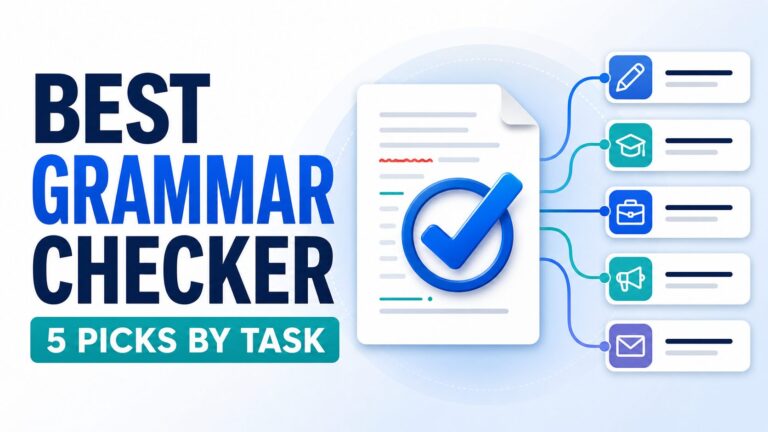
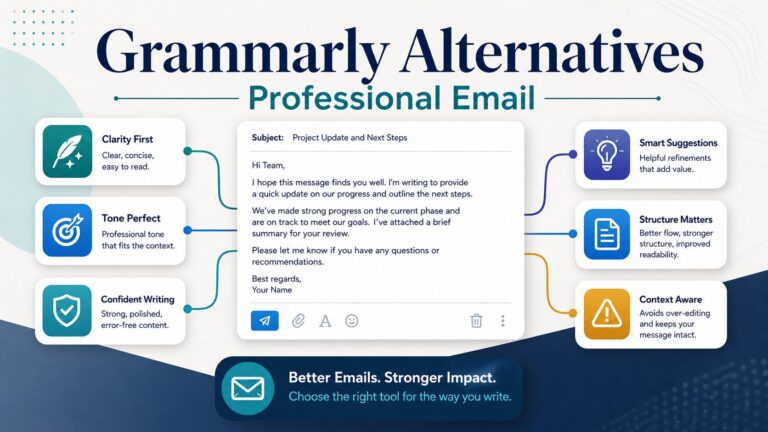
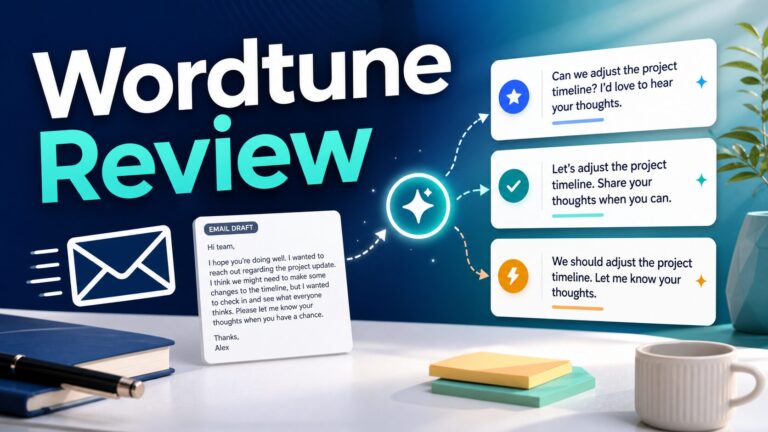
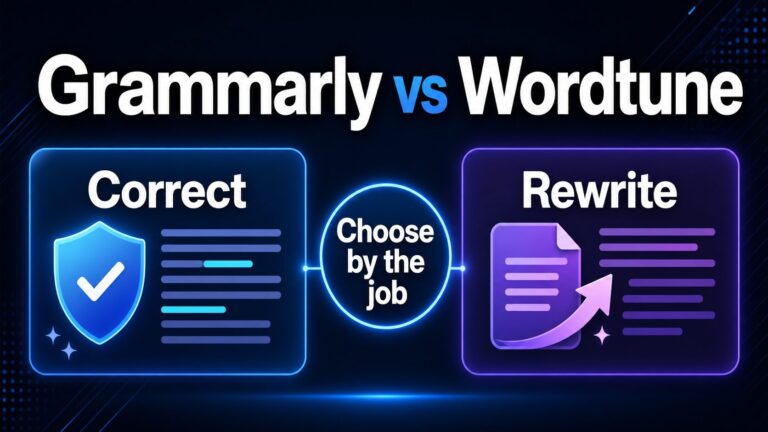
For broader grammar-tool selection, start with our best grammar checker for non-native English professionals. If you are deciding between Grammarly and a style-focused alternative, read the Grammarly vs Wordtune comparison. If the immediate task is email rewriting, use the workflow in how to rewrite professional emails without sounding generic.
Decision Checklist
- Need alternate wording? Start with QuillBot, then review meaning manually.
- Need a final send-ready pass? Start with Grammarly, then accept only suggestions that fit your context.
- Working with confidential material? Check privacy pages and workplace policy before uploading text.
- Mostly writing professional email? Pair the tool with a clear email workflow, not just a grammar score.
- Unsure whether to pay? Use the free plan first, then check current official pricing only when the tool fits a repeat workflow.
Privacy and Workplace Data: Check Before You Paste
The most important work-writing caution is not whether QuillBot or Grammarly has more features. It is whether the text is safe to upload.
Before using either tool with workplace or academic material, check the official privacy and security pages, your employer’s AI policy, your school policy, and any client confidentiality rules. This is especially important for contracts, legal drafts, medical information, financial data, unpublished research, student records, internal strategy, and messages that identify customers or employees.
Use official pages as the current source of truth: QuillBot privacy, QuillBot terms, Grammarly privacy policy, and Grammarly security.
Pricing: What to Check Before Paying
Pricing is worth checking directly because both products can change plan names, features, discounts, and billing details.
On June 26, 2026, QuillBot’s official Premium page listed a free plan and Premium from $8.33/month when billed annually. Grammarly’s official plans page listed Free at $0/month and Pro at $12/month, with Enterprise handled through sales contact.
Do not upgrade just because a comparison page says one tool is better. Upgrade only if the tool solves a repeat problem you actually have: recurring paraphrasing for QuillBot, or recurring final proofreading and tone review for Grammarly.
| Situation | Better first tool | Why |
|---|---|---|
| Rough paragraph is too long | QuillBot | You need alternate wording before the final proofread. |
| Email is ready but may sound blunt | Grammarly | You need tone and correctness review before sending. |
| Report needs spelling and punctuation cleanup | Grammarly | The main task is final polish, not rewriting. |
| Draft repeats the same phrase too often | QuillBot | You need phrasing options and manual meaning review. |
| Client or confidential text | Neither, until policy is checked | Privacy and workplace rules matter before feature fit. |
FAQ
Is QuillBot better than Grammarly for work?
QuillBot is better when the main job is rewriting or paraphrasing. Grammarly is better when the main job is final grammar, tone, and clarity review. For work, the safer answer is to choose by task rather than treat either tool as a universal winner.
Is Grammarly better than QuillBot for non-native English writers?
Grammarly is often a stronger first choice for final workplace messages because it focuses on grammar, spelling, punctuation, and tone. QuillBot can still be useful when you need to reshape wording before that final review.
Can I use both QuillBot and Grammarly?
Yes. A practical order is QuillBot first for rewriting, then Grammarly second for final polish. Do not accept every suggestion automatically; compare the final version with your intended meaning.
Which free plan should I try first?
Try the free plan that matches your repeat problem. If you often need alternate wording, start with QuillBot. If you mostly need grammar and tone checks before sending, start with Grammarly. Check the official pricing pages before upgrading.
Are these tools safe for confidential work text?
Do not assume that any writing assistant is safe for confidential text by default. Check the official privacy and security pages, your workplace policy, and any client or academic rules before uploading sensitive material.
Sources Checked
Official product and policy pages checked on June 26, 2026: QuillBot Premium, QuillBot Privacy, QuillBot Terms, Grammarly Plans, Grammarly Pro, Grammarly Privacy Policy, and Grammarly Security.
Final Recommendation
For work writing, start with the problem in the draft. If the sentence needs to be rewritten, shortened, or reframed, use QuillBot first. If the message is already drafted and needs grammar, tone, and final clarity review, use Grammarly first.
The best workflow for many people is not QuillBot or Grammarly. It is QuillBot for rewriting, Grammarly for final polish, and a privacy check before either tool sees sensitive work text.
For a broader tool path, continue with the AI Work Toolkit grammar checker guide or review whether Grammarly is worth it for non-native English professionals.