Grammarly Alternatives for Professional Email
Grammar & Rewriting
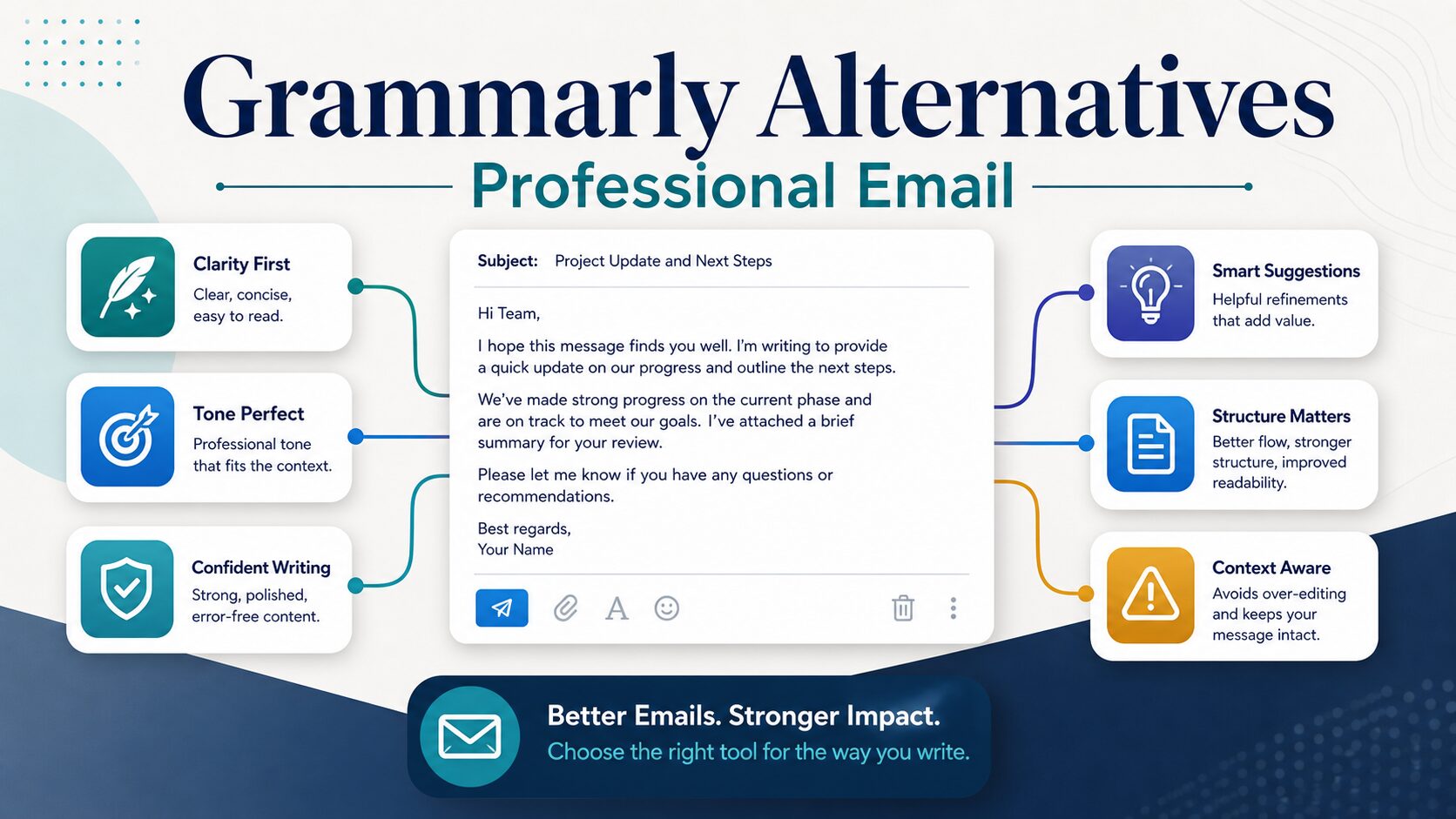
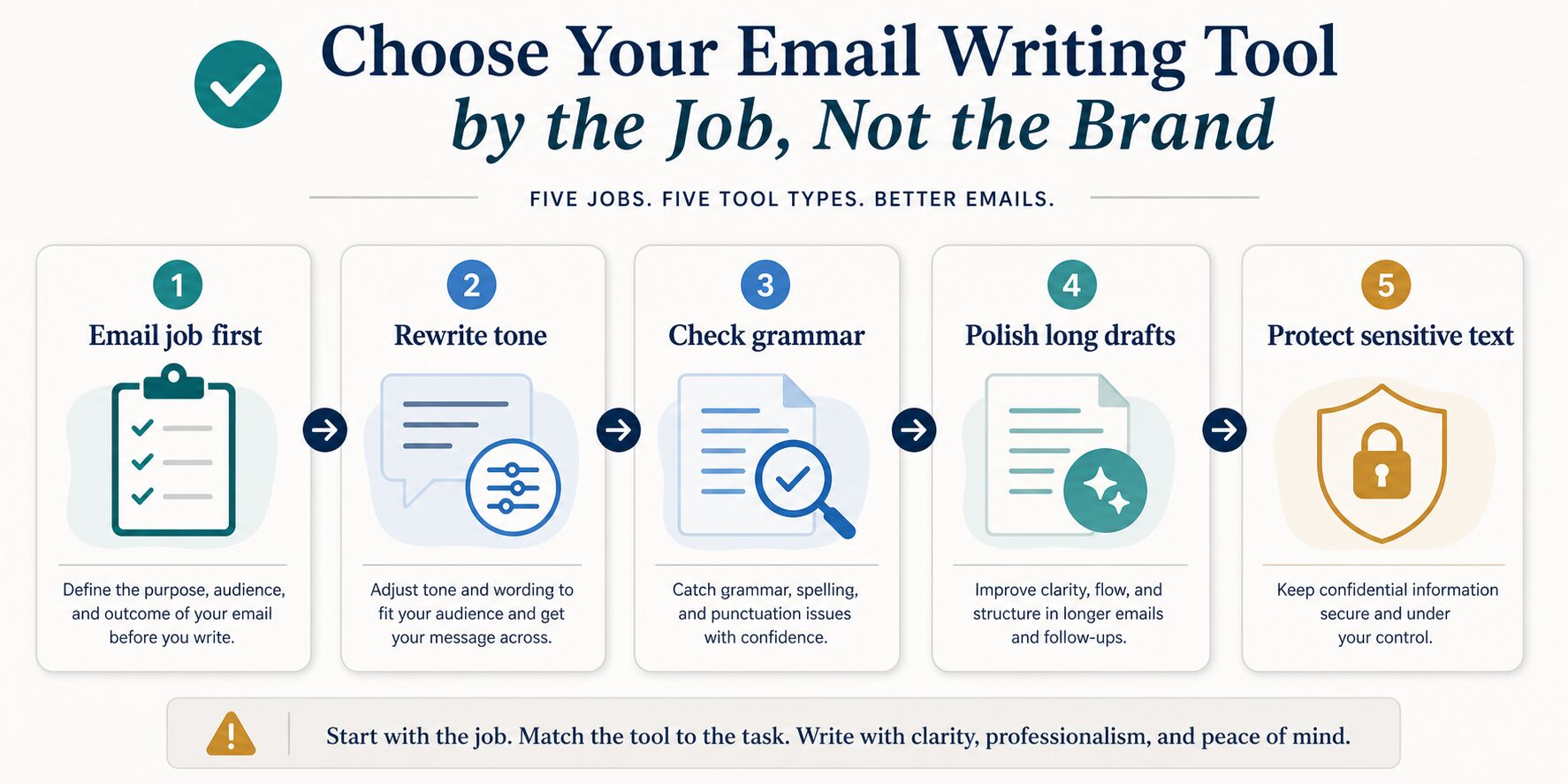
If you want Grammarly alternatives for professional email, do not start with a giant tool list. Start with the email job. A tool that is useful for quick paraphrasing may be the wrong choice for confidential client text, and a strong grammar checker may not be the best fit when your real problem is tone.
Quick Answer: Choose by the Email Job
Try Wordtune first when the main job is rewriting tone, shortening awkward wording, or making a message sound more natural before you send it.
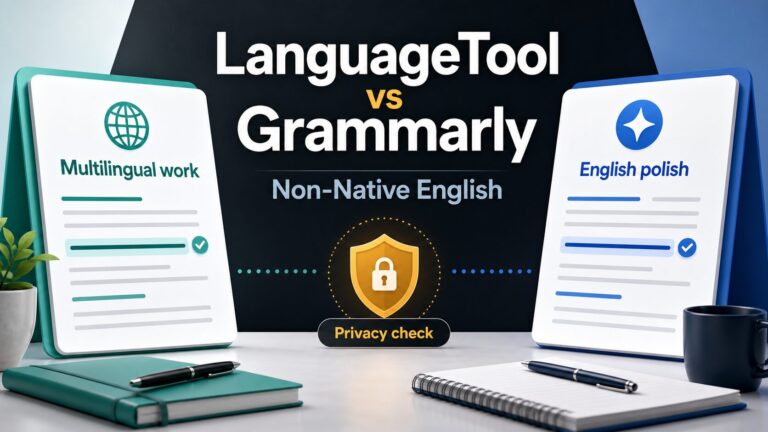
Try LanguageTool first when you write in more than one language or need grammar support beyond English-only workplace polish.
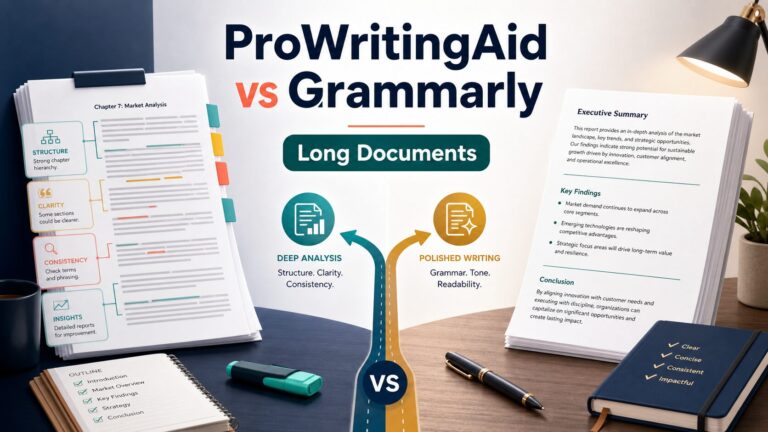
Try ProWritingAid first when professional email is part of a longer writing workflow, such as reports, proposals, drafts, or recurring client communication.
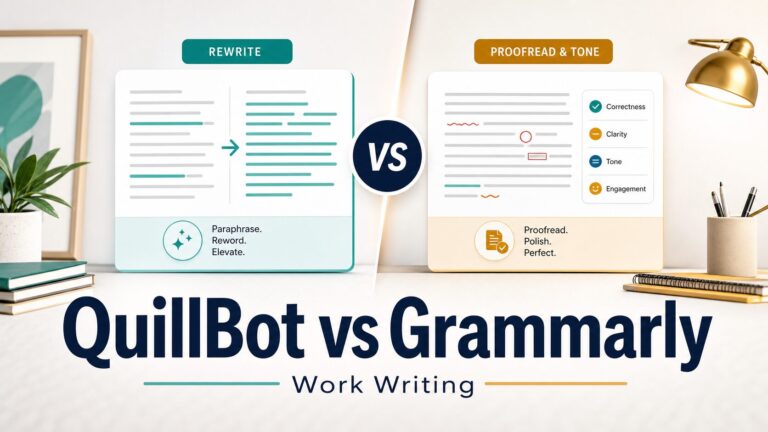
Try QuillBot first when you need quick paraphrasing or summarizing help, but review the final wording carefully so your meaning does not drift.
Keep Grammarly if your main need is broad English polish across common workplace writing surfaces and you are already comfortable with its privacy settings, plan limits, and writing suggestions.
Why Switch From Grammarly?
Grammarly can still be a strong choice for English workplace polish. The reason to look for an alternative is not that Grammarly is automatically weak. The reason is that professional email has several different jobs: checking grammar, rewriting tone, preserving meaning, handling multilingual work, polishing longer drafts, and protecting sensitive text.
If one of those jobs matters more than general English polish, another tool may be a better first fit. For example, Wordtune is more naturally framed around rewriting and wording options, LanguageTool is more naturally framed around multilingual grammar support, ProWritingAid is more naturally framed around deeper writing review, and QuillBot is more naturally framed around paraphrasing and summarizing tasks.
How This Comparison Was Evaluated
This article is based on official product, pricing, privacy, and security pages checked on June 27, 2026. I did not run a direct accuracy or output-quality benchmark for this article, so the recommendations are based on use-case fit, official feature signals, pricing-page checks, privacy cautions, and practical email-writing workflow needs.
That matters because email-writing tools can look similar from a distance. The real question is not “Which tool is universally better?” The better question is “Which tool should I try first for this specific professional email job?”
| Tool | Best first use | Official pricing/free-plan note | Skip if | Evidence status |
|---|---|---|---|---|
| Wordtune | Tone rewrites, clearer wording, shorter or more natural professional messages. | Official pricing page showed Free, Advanced, Unlimited, and Teams-style plan labels during this check. Verify the live page before upgrading. | You mainly need grammar checking, multilingual support, or a long-document editor. | Official sources checked; no direct benchmark claimed. |
| LanguageTool | Grammar, punctuation, style, and spelling support when your work crosses languages. | Official Premium page showed Basic / Try for free and Premium paths; official pages state 30+ languages. | Your work is almost entirely English and you mostly need final workplace polish. | Official sources checked; no direct benchmark claimed. |
| ProWritingAid | Longer professional drafts, recurring writing review, reports, proposals, and heavier editing workflows. | Official pricing page showed Free, Premium, Premium Pro, and Lifetime-style plan labels during this check. | You only need a quick one-sentence email rewrite before sending. | Official sources checked; no direct benchmark claimed. |
| QuillBot | Quick paraphrasing, summarizing, grammar checking, and rewriting support for short email drafts. | Official Premium page referenced Free / Premium language plus Paraphraser, Grammar Checker, Summarizer, Citation Generator, and Plagiarism Checker features. | You need careful tone control for delicate client, HR, legal, or executive email. | Official sources checked; no direct benchmark claimed. |
| Grammarly | Broad English polish across workplace writing surfaces when you want one familiar assistant. | Official plans page showed Free, Pro, and Enterprise paths plus feature rows such as AI prompts and business controls. | You need multilingual grammar support first, or you want a tool focused mainly on rewriting options. | Baseline comparison tool; official sources checked. |
Wordtune: Best Fit for Tone Rewrites
Wordtune is the first alternative I would check when your email already has the facts but the wording feels too stiff, too blunt, too long, or too indirect. That is a common problem for non-native English professionals: the meaning is right, but the tone may not fit the audience.
Use Wordtune when you need help turning a rough draft into a clearer message for a manager, client, recruiter, professor, or teammate. It can be especially useful when you want several ways to say the same thing and then choose the version that still sounds like you.
Good Wordtune use cases
- Making an email sound more polite without becoming weak.
- Shortening a long explanation before sending it.
- Trying a warmer or more direct version of the same message.
- Rewriting a follow-up email that feels awkward.
When to skip Wordtune first
Skip Wordtune as your first choice if your main problem is grammar checking across several languages, long-document editing, or strict workplace privacy review. Also avoid accepting a rewrite just because it sounds smoother. Read the final version and confirm that it still says what you meant.
LanguageTool: Best Fit for Multilingual Grammar Support
LanguageTool is the strongest first alternative when English is not your only work language. Its official pages state support for 30+ languages, which makes it useful when your email work crosses English and another language during the same week.
For professional email, this matters because many tools are built around English-first polish. If your first draft carries patterns from another language, or you switch between English and your main work language, LanguageTool may fit the workflow better than an English-only assistant.
Good LanguageTool use cases
- You write English emails but also prepare messages in another language.
- You want grammar, punctuation, spelling, and style checks beyond English.
- You need browser, office, email, desktop, or API options.
- You care more about multilingual checking than AI rewriting.
When to skip LanguageTool first
Skip LanguageTool as the first paid option if your work is almost entirely English and your main need is final clarity, tone, and polish across common workplace apps. In that case, Grammarly or Wordtune may be a more natural first comparison.
ProWritingAid: Best Fit for Long Drafts Around Email
ProWritingAid is a better fit when professional email is part of a broader writing workflow. Think proposals, reports, client updates, article drafts, long follow-ups, or recurring professional writing where structure and clarity matter beyond one short message.
If your email work is mostly quick replies, ProWritingAid may feel heavier than needed. But if you often write longer drafts and then turn parts of them into emails, it deserves a look.
Good ProWritingAid use cases
- Polishing long client updates before trimming them into email.
- Reviewing reports, proposals, and formal drafts that later become email summaries.
- Getting broader writing feedback than a quick grammar pass.
- Building a repeatable editing workflow for professional writing.
When to skip ProWritingAid first
Skip ProWritingAid first if you need a fast, lightweight rewrite for a short email. It is more appealing when email is connected to longer documents or repeated writing work.
QuillBot: Best Fit for Quick Paraphrasing and Summaries
QuillBot is worth checking when the job is quick paraphrasing, summarizing, or getting unstuck on a short draft. Its official Premium page references tools such as Paraphraser, Grammar Checker, Summarizer, Citation Generator, and Plagiarism Checker.
For professional email, the main caution is meaning drift. A paraphrase can sound fluent while subtly changing the relationship, urgency, or responsibility in the message. That is risky for client updates, HR topics, legal language, academic communication, and manager escalations.
Good QuillBot use cases
- Rephrasing a sentence that feels repetitive.
- Creating a shorter version of a long paragraph.
- Summarizing notes before turning them into an email.
- Checking grammar on a quick draft before a final human review.
When to skip QuillBot first
Skip QuillBot as the first choice when the email is sensitive, political, legal, or relationship-heavy. In those cases, a smoother paraphrase is not enough. You need meaning control and privacy review first.
When Grammarly Is Still the Right Choice
It is easy for an alternatives article to make switching sound like the default. That is not always the practical answer. Grammarly can still be the right tool if you mainly write in English, want one familiar assistant across work surfaces, and already understand its free/paid plan limits and privacy controls.
Grammarly’s official pages position it around English writing support across apps, word processors, websites, browsers, email clients, and desktop applications. Its plans page also shows Free, Pro, and Enterprise paths. If your main task is English polish rather than multilingual grammar or heavy paraphrasing, staying with Grammarly may reduce tool switching.
Pricing and Free Plans: Verify Before You Upgrade
Do not make a paid decision from an old comparison table. Pricing pages can change by region, billing interval, tax handling, trial terms, feature packaging, and account state.
During this check, the official pages exposed free and paid plan paths for the tools covered here, but several pages use dynamic pricing or plan presentation. That is why this article links to official pricing pages instead of turning every plan into a fixed price table.
Privacy Check Before You Paste Professional Text
Email feels casual, but the text can contain client names, internal decisions, HR issues, student information, legal terms, contract details, financial data, unreleased research, or company strategy. Do not treat any grammar or rewrite tool as automatically appropriate for confidential work.
Before using a tool with sensitive email text, check its current privacy policy, account settings, AI-training controls where available, security page, and your workplace or school policy. If the text would create a problem if shared with a third-party writing service, rewrite it locally, anonymize it, or ask for approval before pasting.
Decision Checklist
- If the email sounds awkward: try Wordtune for wording and tone options.
- If you write across languages: try LanguageTool first.
- If the email comes from a long draft: check ProWritingAid.
- If you need quick rephrasing: use QuillBot carefully and verify meaning.
- If you mostly need English polish everywhere: staying with Grammarly may be simpler.
- If the text is sensitive: check privacy terms and workplace rules before using any tool.
Related AI Work Toolkit Guides
If you want a broader grammar-tool view, start with the best grammar checker for non-native English professionals. If your current choice is specifically Grammarly against a rewrite-focused tool, read Grammarly vs Wordtune.
If the real problem is email workflow rather than a single tool, compare the best AI email writing tools for professional communication and the guide to rewrite professional emails without sounding generic. For adjacent comparisons, see QuillBot vs Grammarly, ProWritingAid vs Grammarly, and LanguageTool vs Grammarly.
FAQ
What is the best Grammarly alternative for professional email?
The practical answer depends on the job. Wordtune is a strong first check for tone rewrites, LanguageTool for multilingual grammar, ProWritingAid for longer professional drafts, and QuillBot for quick paraphrasing. Grammarly may still be the better fit for broad English polish across workplace apps.
Is there a free Grammarly alternative for email writing?
Several tools covered here show free entry points or free-plan language on official pages, including Wordtune, LanguageTool, ProWritingAid, QuillBot, and Grammarly itself. Check the current official pages before relying on a free plan for heavy work because limits and features can change.
Which Grammarly alternative is better for non-native English professionals?
If you write across languages, start with LanguageTool. If you write mostly in English but need better tone, start with Wordtune. If you need broader grammar-tool context, use the AWT grammar checker guide before choosing.
Which tool is safest for confidential email?
Do not assume any tool is automatically safe for confidential email. Check the current privacy policy, AI-training controls where available, security documentation, and your workplace or school policy before pasting sensitive text.
Should I use more than one email writing tool?
Most readers should start with one tool that matches the main job. Add a second tool only if it solves a different problem, such as using a grammar checker for correctness and a rewrite tool for tone. Too many tools can create inconsistent wording and more review work.
Official Sources Checked
Final Recommendation
For professional email, the smartest Grammarly alternative is the one that fits the job. Use Wordtune for tone rewrites, LanguageTool for multilingual grammar, ProWritingAid for longer writing workflows, and QuillBot for quick paraphrasing. Keep Grammarly if you mainly need English polish across everyday work apps. For sensitive email, pause before any tool and check privacy terms first.