Best Grammar Checker for Non-Native English at Work: 5 Picks
Grammar & rewriting tools
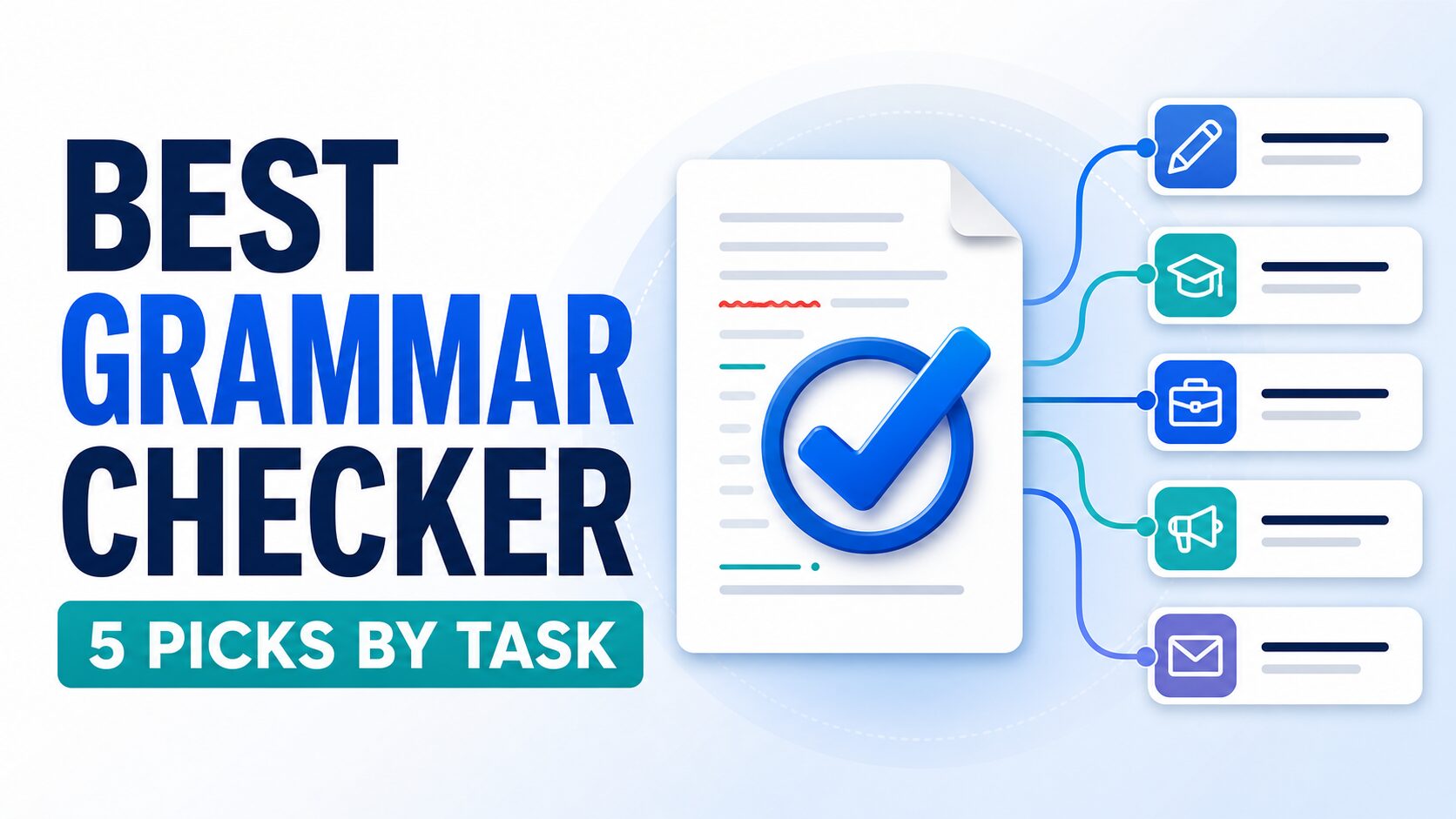
For most non-native English professionals, Grammarly is the best first grammar checker to try for everyday work. Choose Wordtune for sentence rewrites, QuillBot for paraphrasing utilities, LanguageTool for multilingual checking, and ProWritingAid for long reports.
The important choice is not which brand promises the most AI. It is which tool fixes your recurring writing problem without changing a deadline, commitment, level of certainty, or professional tone. This guide gives you five task-based picks and a four-step meaning-lock workflow before you pay.
Quick Verdict: 5 Grammar Checkers, Picked by the Job
If you only want one starting point, try Grammarly Free on a low-risk work message. It is the broad baseline for spelling, punctuation, grammar, conciseness, and tone detection. Do not paste confidential text until you have checked your organization’s policy and the tool’s data-use settings.
Choose Wordtune when your grammar is acceptable but your sentence sounds stiff or awkward. Choose QuillBot when paraphrasing, summarizing, or capped utility tools matter. Choose LanguageTool when multilingual checking or lower listed subscription paths matter. Choose ProWritingAid when you edit long reports and want repeated writing patterns, not just quick inline fixes.
The practical rule is simple: lock the facts and commitment first, correct errors second, and rewrite only if the sentence still fails the reader. Never treat paraphrasing as ordinary proofreading when your workplace, client, school, or journal draws a different line.
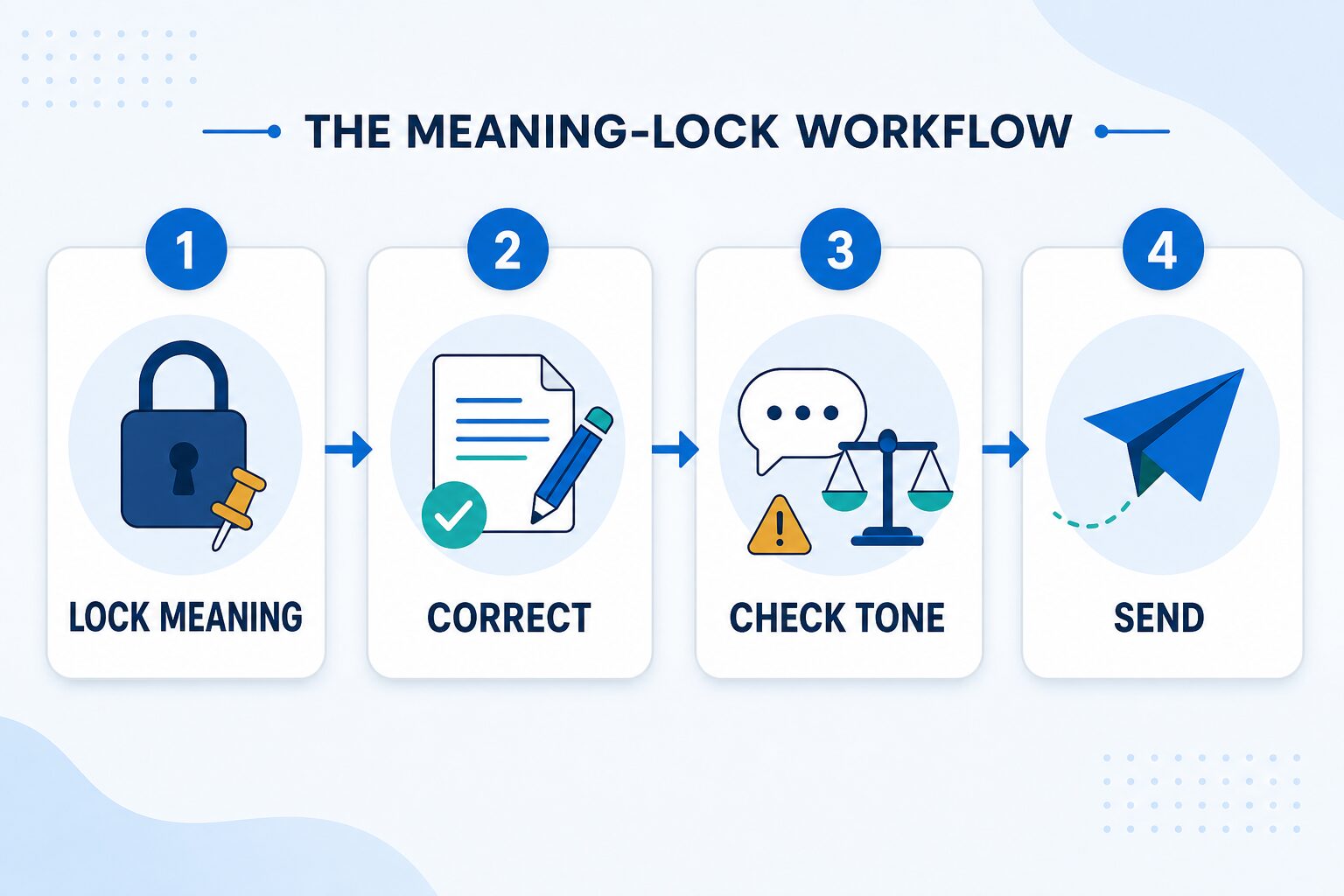
The Meaning-Lock Workflow: Use Any Grammar Tool Without Losing the Point
- Lock meaning: underline the deadline, number, request, owner, and level of certainty that must not change.
- Correct: accept spelling, punctuation, and grammar fixes one group at a time. Do not accept a full rewrite yet.
- Check tone: compare the new sentence with the original. Did “will” become “may”? Did a request become an order? Did an apology lose responsibility?
- Send: read the final message once without the tool. If the facts, commitment, and relationship still match your intent, the edit is ready.
This four-step check is the original value of this guide. It turns a vague “Which tool is best?” question into a repeatable decision: use the least powerful feature that solves the writing problem, then verify meaning before sending.
How We Selected These Tools
Evidence limit: This is an official-research-only guide. We did not run a new hands-on correction accuracy test, so the article does not rank tools by output quality, speed, or measured accuracy.
Selection criteria: Each tool had to solve at least one practical writing job for a non-native English professional: real-time correction, sentence rewriting, paraphrasing, multilingual checking, long-document review, or a clear free-plan starting point. We also checked whether the upgrade path and privacy caveats were clear enough to explain before a reader pays.
Reader-first rule: The goal is not to sound like a different person. The goal is clearer professional English that keeps your meaning, responsibility, and level of politeness intact.
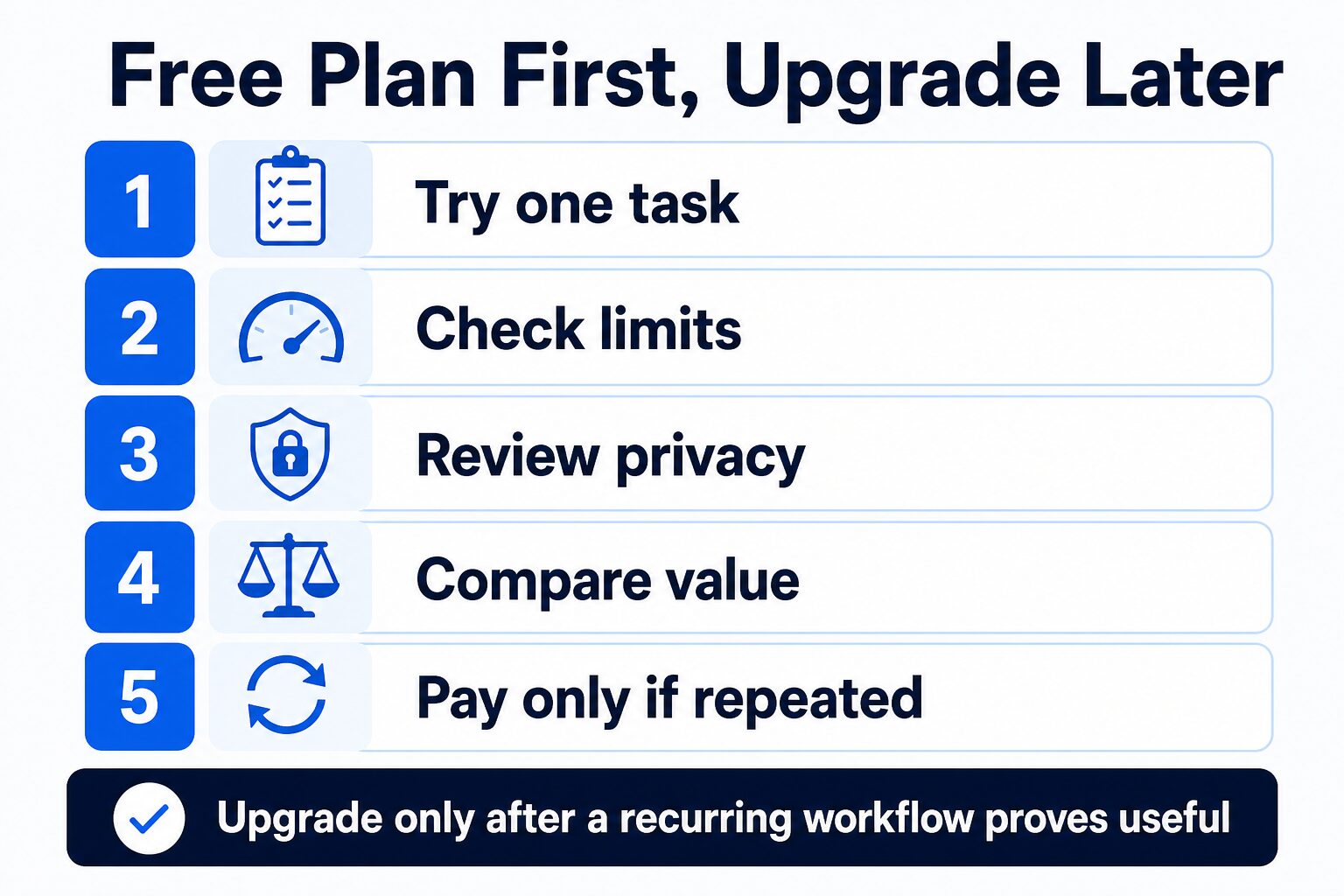
Upgrade rule: Do not choose a paid plan from a feature list alone. Run the same low-risk paragraph through the meaning-lock workflow, then pay only if the tool repeatedly fixes a real problem without changing the point.
If you are choosing a full AI writing stack rather than a grammar checker only, read our broader guide to practical AI writing tools for work. If you already know your choice is between Grammarly and Wordtune, the next step is the dedicated Grammarly vs Wordtune comparison. For newer branch decisions, use QuillBot vs Grammarly for work writing when paraphrasing is the question, and ProWritingAid vs Grammarly for long documents when report-length editing is the question.
Comparison Table
| Tool | Best fit | Free access checked | Paid-plan note | Who should skip or verify first | Evidence label |
|---|---|---|---|---|---|
| Grammarly | Broad workplace English across email, documents, browser writing, clarity, tone, and fluency. | Free includes grammar, spelling, punctuation, conciseness, tone detection, and a limited AI-prompt allowance according to official pages checked July 12, 2026. | Pro adds full-sentence rewrites, tone and fluency suggestions, plagiarism/AI-text checks, and more AI prompts. Grammarly’s official pages currently show conflicting prompt allowances, so verify the live plan screen before paying. | Verify policy first if your organization restricts browser writing assistants, AI features, or text use for product improvement. | Official research only |
| Wordtune | Rewriting sentences that are understandable but too stiff, vague, long, or hard to read. | Basic (Free) includes unlimited spelling and grammar checks, 10 daily rewrites/AI suggestions, and 3 monthly summaries on the official plan page checked July 12, 2026. | Advanced adds more rewrites and summaries plus advanced AI tools; Unlimited offers full flexibility. Pricing may vary by region. | Skip if you mainly want grammar education, long-document reports, or fixed pricing visible before signup. | Official research only |
| QuillBot | Paraphrasing, summarizing, AI chat, detector checks, and other capped writing utilities. | Free includes Standard and Fluency modes, 125-word paraphrasing, 1,200-word summarizing, 20 AI Chat queries/day, and other caps according to the help page updated June 10 and rechecked July 12, 2026. | Premium raises limits and adds 9 paraphraser modes, tone insights, plagiarism checker, higher AI detector limits, and more. | Verify first if your school or workplace treats paraphrasing differently from grammar correction. | Official research only |
| LanguageTool | Grammar and spell checking when multilingual coverage matters. | Public site offers a free AI grammar and spell checker across languages. | The live Premium page shows plan intervals and a limited-time discount, but its fetched price fields did not render on July 12, 2026. Verify checkout rather than relying on an old roundup price. | Skip if you need deep English-only rewriting or enterprise workflow controls more than multilingual checking. | Official research only |
| ProWritingAid | Long documents, reports, manuscripts, and writers who want structured reports instead of only quick inline fixes. | Free account includes basic writing suggestions up to 500 words at a time, Grammar Checker, 2 Reports, 3 Sparks, and 10 Rephrases per day according to help pages rechecked July 12, 2026. | Premium and Premium Pro unlock unlimited runs of 25+ reports and unlimited word count; verify current prices before buying. | Skip if you mostly write short emails and do not want to work through reports or longer editing feedback. | Official research only |
Grammarly: Best Baseline for Everyday Workplace English
Use Grammarly if: you want one baseline checker for common English errors, clarity, tone, word choice, and writing surfaces such as browsers, desktop apps, email, and documents.
Skip or verify first if: your employer, university, client, or publication restricts AI writing assistants, browser extensions, or use of submitted text to improve AI systems.
Grammarly is the easiest first comparison point because it works across many places where professional writing happens. Its official grammar-check page lists free grammar, spelling, punctuation, conciseness, and tone detection. Pro adds full-sentence rewrites, word choice, tone suggestions, fluency suggestions, plagiarism detection, and a larger AI-prompt allowance.
Claim-control note: Grammarly’s official Plans page showed 2,000 Pro AI prompts when checked July 12, while its Features page showed 1,000. Because the first-party pages conflict, this guide does not use the prompt count as a buying reason. Check the plan screen shown to your account before paying.
For a non-native English professional, the best use is not accepting every suggestion. Use Grammarly to catch mistakes, then decide whether the suggestion preserves your intended meaning. A message can become smoother while also becoming too direct, too soft, or less precise.
The privacy check matters. Grammarly’s current privacy policy is under Superhuman Platform Inc., and its European legal-basis table includes user content among data used for product improvement and new-product development. That does not automatically make the tool wrong for you, but it means sensitive workplace text deserves a policy and settings check before you paste it.
If Grammarly is your baseline but you are unsure whether QuillBot or ProWritingAid is the better second tool, use the focused comparisons instead of trying to answer everything from this roundup: QuillBot vs Grammarly for paraphrasing-heavy work and ProWritingAid vs Grammarly for long documents.
Wordtune: Best Fit for Rewriting Stiff Sentences
Use Wordtune if: your sentences are mostly correct but sound stiff, wordy, or unnatural in professional English.
Skip or verify first if: you need detailed grammar education, long-document reports, or a fixed price before comparing plans.
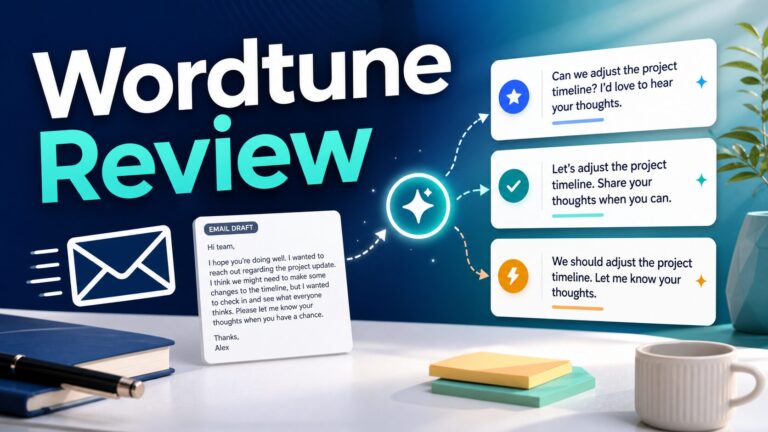
Wordtune is a better fit when your real problem is phrasing. Its plan page checked July 12 lists unlimited spelling and grammar checks on Basic, plus 10 daily rewrites/AI suggestions and 3 monthly summaries. Advanced increases those limits; Unlimited removes rewrite and summary limits and adds vocabulary, clarity, and fluency features.
The main caveat is pricing: Wordtune’s own help page says pricing may vary by region. That makes old roundup prices unreliable. If you are comparing Wordtune seriously, check the plan page from your own location before upgrading.
Use Wordtune carefully for workplace messages. A rewrite can improve flow while changing the level of certainty, responsibility, or politeness. For email-specific examples, see our guide to rewriting professional emails without sounding generic.
QuillBot: Best Fit for Paraphrasing and Utility Limits
Use QuillBot if: you want paraphrasing, summarizing, AI chat, detector checks, and writing utilities with clear free-plan limits.
Skip or verify first if: your school or workplace treats paraphrasing, AI rewriting, and grammar correction as different kinds of assistance.
QuillBot is attractive when you want several writing utilities in one place. Its free-vs-premium help page, updated June 10, 2026, lists Standard and Fluency modes, paraphrasing up to 125 words, summarizing up to 1,200 words, access to extensions, 20 AI Chat queries per day, 3 image generations per day, and 3 AI presentation generations per day.
Premium raises many of those limits and adds 9 paraphraser modes, compare modes, advanced writing suggestions, tone insights, plagiarism checking, higher AI detector limits, more storage, and more AI-generation capacity. Those extras may matter for repeated student, creator, or content work, but they are not automatically needed for basic workplace proofreading.
For non-native English speakers, the risk is over-paraphrasing. Use paraphrases to compare options, not to replace your own judgment. If a sentence contains a claim, commitment, deadline, number, or academic citation, review the rewrite line by line.
LanguageTool: Best Fit for Multilingual Checking
Use LanguageTool if: you want grammar and spell checking across languages and prefer a lower listed premium path.
Skip or verify first if: you need deep English rewriting, advanced workplace admin controls, or plan-specific integrations.
LanguageTool is a practical candidate when you write across languages or want a simpler grammar and spell checker. Its public site positions it as a free AI grammar checker, and its help center lists individual premium subscriptions.
The public Premium page checked July 12 lists monthly, quarterly, annual, and two-year intervals, Premium checks, a 150,000-character text-field limit, unlimited AI sentence paraphrasing, and a style guide. Its fetched price fields did not render and the page showed a limited-time discount, so this guide deliberately avoids copying an exact price. Verify the checkout displayed for your location.
LanguageTool’s privacy help page says it uses physical, technical, organizational, and administrative safeguards and cites GDPR and German BDSG compliance. That is useful context, but it still does not replace your own workplace, client, or school policy.
ProWritingAid: Best Fit for Long Documents and Reports
Use ProWritingAid if: you edit reports, essays, manuscripts, long articles, or repeated writing patterns and want structured feedback.
Skip or verify first if: you mostly need quick email polishing and do not want to work through longer reports.
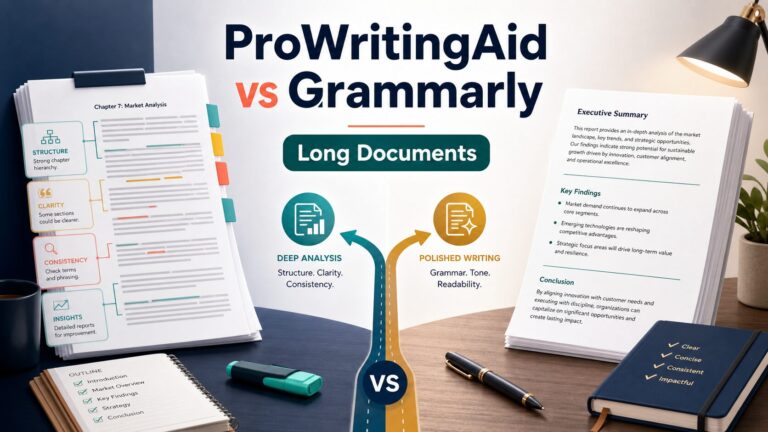
ProWritingAid is different from a quick grammar checker because it leans into reports and long-form editing. Its free-plan help page says you can get basic suggestions on up to 500 words at a time, use the Grammar Checker, and run 2 Reports, 3 Sparks, and 10 Rephrases per day.
Paid plans unlock unlimited runs of 25+ reports and unlimited word count. That makes the upgrade question different: you are not just paying for one better correction. You are paying for a workflow that can reveal repeated patterns across a long document.
ProWritingAid’s data-safety page is also explicit. It says the company does not use your data or writing to train AI models or algorithms, removes analyzed text after processing except documents you save in the Web Editor, and uses encryption and security controls. Still, confidential work should go through your own policy check first.
A Same-Paragraph Test Before You Pay
Use one low-risk paragraph in every shortlisted free plan. A shared sample is more useful than unrelated feature lists because it exposes the kind of help each tool actually offers without pretending this article ran a controlled accuracy test.
- Build the sample: write 80-120 safe words with one grammar error, one stiff sentence, one deadline, and one polite request.
- Lock the meaning: mark the deadline, responsibility, number, and level of certainty before opening a tool.
- Compare suggestions: note which tool corrects the error, which rewrites the sentence, and which pushes you toward features you do not need.
- Upgrade decision: pay only if one tool solves the recurring problem, preserves all locked details, and fits your privacy or school policy.
Privacy Filter: What Not To Paste
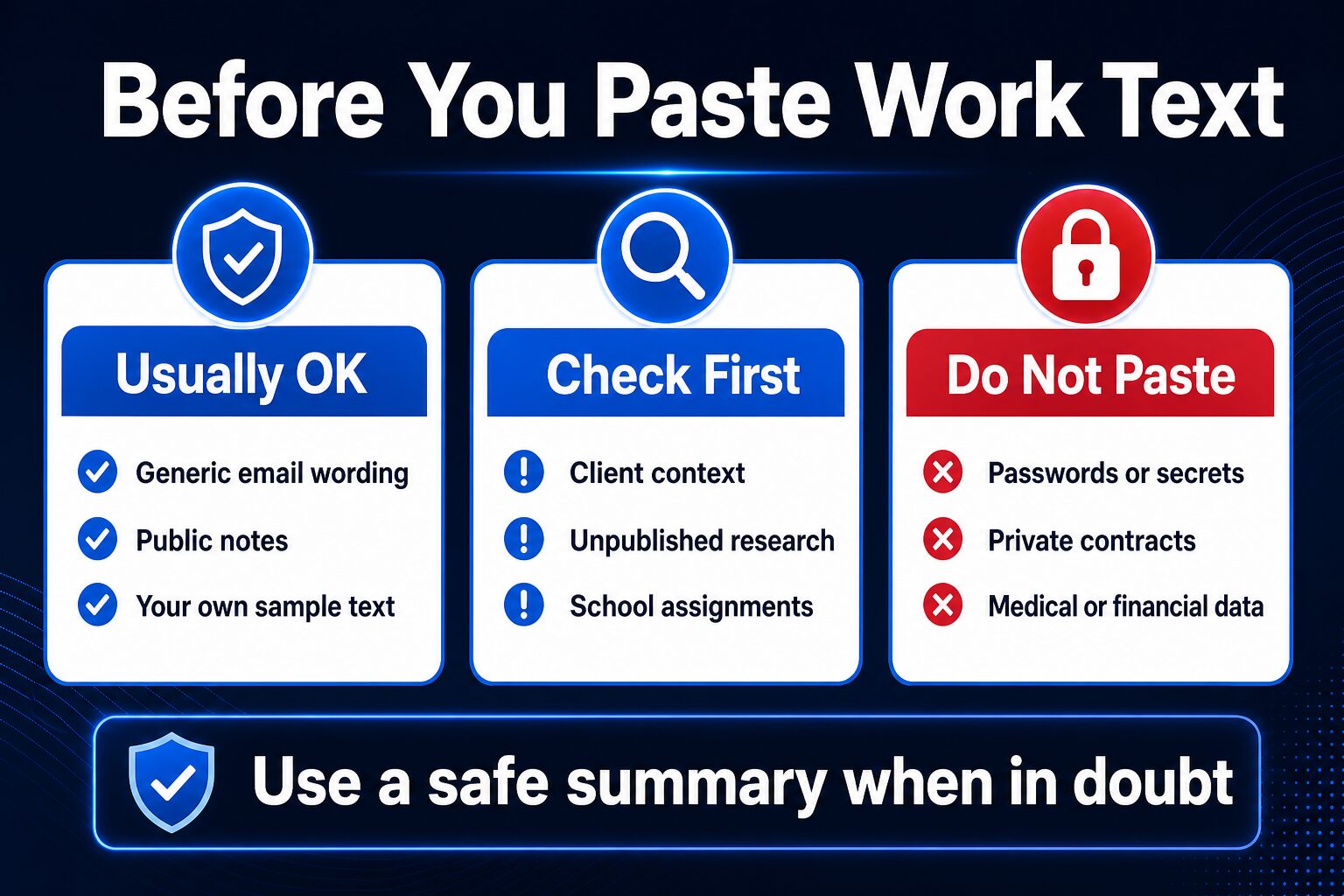
A grammar checker can feel harmless because it is only checking words. That is the wrong mental model. The text you paste may include client names, unpublished research, business strategy, contracts, student work, legal language, health details, financial information, or private negotiations.
Use this simple rule: if you would not paste the text into a public forum, do not paste it into a grammar or rewriting tool until you have checked the official data-use terms, your account settings, and your organization or school policy. When possible, rewrite a safe summary and ask the tool to improve the summary instead of the original confidential text.
Academic writers should be especially careful. Some courses, journals, and institutions allow proofreading but restrict AI rewriting, paraphrasing, or generative suggestions. Check the rule before submission, especially if you are using QuillBot, Wordtune, or generative rewrite features.
Free Plan Versus Paid Plan: When Should You Upgrade?
Do not upgrade because a comparison table looks convincing. Upgrade only after one real workflow repeats often enough to justify the cost.
For occasional emails, a free plan may be enough. For daily workplace writing, a paid plan may be worth considering if it saves editing time without changing your meaning. For long documents, check word limits, report limits, and whether the tool can handle the document shape you actually edit. For privacy-sensitive work, the cheaper plan is not useful if the data terms do not fit your situation.
Which Tool Fits Your Situation?
If you write business emails every day
Start with Grammarly as the baseline, then compare Wordtune if tone and sentence flow are the recurring issue. If email is your main workflow, also read our guide to AI email writing tools.
If your sentences sound stiff
Compare Wordtune and QuillBot. Wordtune is more obvious for sentence-level rewriting. QuillBot is worth checking when paraphrasing and summarizing limits matter. In both cases, review the rewrite carefully so your intent does not drift.
If you are choosing between Grammarly and QuillBot
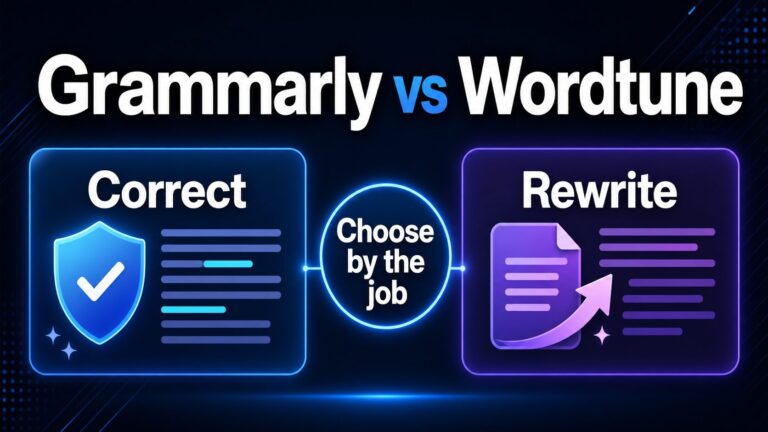
Ask whether the job is correction or paraphrasing. Grammarly is the safer first baseline for everyday workplace correction; QuillBot is more relevant when you need paraphrasing, summarizing, or capped utility tools. Use the dedicated QuillBot vs Grammarly work-writing comparison if this is the real decision.
If you write resumes, cover letters, or LinkedIn text
Use grammar tools to remove errors and improve clarity, but do not let them flatten your experience into generic phrases. For job-search writing, see our guide to resume writing tools for non-native English speakers.
If you write long reports, essays, or manuscripts
Look at ProWritingAid before paying for a quick-correction tool. The free 500-word-at-a-time limit can help you evaluate the workflow, but the main value is in reports and repeated writing patterns. If your real choice is document-depth feedback versus broad inline correction, read ProWritingAid vs Grammarly for long documents.
If your work contains sensitive data
Start with privacy documentation, admin settings, and policy. If the text is confidential, use a safe summary instead of the original.
FAQ
What is the best grammar checker for non-native English speakers?
For broad workplace English, Grammarly is the best starting baseline in this official-research-only roundup. Wordtune is better when the main job is rewriting awkward sentences. QuillBot fits paraphrasing and utility limits, LanguageTool fits multilingual checking, and ProWritingAid fits long documents.
Should I pick Grammarly, QuillBot, or ProWritingAid first?
Pick Grammarly first for everyday correction, QuillBot first for paraphrasing-heavy work where policy allows it, and ProWritingAid first for long documents. If you are still unsure, run the same low-risk paragraph through the free plan and check meaning preservation before comparing paid features.
Is a free grammar checker enough?
Often, yes. A free plan can be enough for occasional emails, short messages, and basic proofreading. Upgrade only if you repeatedly hit limits or need paid features such as full-sentence rewrites, advanced suggestions, long-document reports, plagiarism checking, or higher AI-use limits.
Should non-native English speakers use AI rewriting tools?
They can be useful, but only if you stay in control. Use rewriting tools to clarify your meaning, not erase your voice. Always check whether the rewrite changes politeness, certainty, detail, or responsibility.
Are grammar checkers safe for work documents?
Not automatically. Check official privacy and data-use terms, account settings, and your organization’s policy. Do not paste passwords, confidential contracts, client details, medical, legal, financial, or unpublished research text unless you have permission and the tool’s terms fit the use case.
Can grammar tools cause academic integrity problems?
They can if your institution restricts AI rewriting, paraphrasing, or external editing assistance. Grammar correction, proofreading, paraphrasing, and generative rewriting may be treated differently. Check the course, journal, or institution policy before submission.
Final Recommendation
If you want one practical starting point, try a free grammar-checking workflow first. Use Grammarly as the baseline for broad workplace English, Wordtune for sentence rewrites, QuillBot for paraphrasing and utility limits, LanguageTool for multilingual checking, and ProWritingAid for long documents.
The right tool is the one that helps you communicate clearly while preserving your meaning and respecting your privacy constraints. Use the same safe paragraph, lock its facts and commitment, compare suggestions, and pay only if the same workflow keeps helping.
Official Sources Checked
- Grammarly grammar checker and plan details
- Grammarly / Superhuman privacy policy
- Wordtune plans and pricing help page
- Wordtune privacy policy
- QuillBot Free vs Premium help page
- QuillBot trust center
- LanguageTool free grammar checker
- LanguageTool Premium features and live plan intervals
- LanguageTool subscriptions help page
- LanguageTool data protection help page
- ProWritingAid free plan help page
- ProWritingAid data safety help page