Grammarly vs Wordtune: Which Should You Try First for Work?
Grammar & rewriting tools
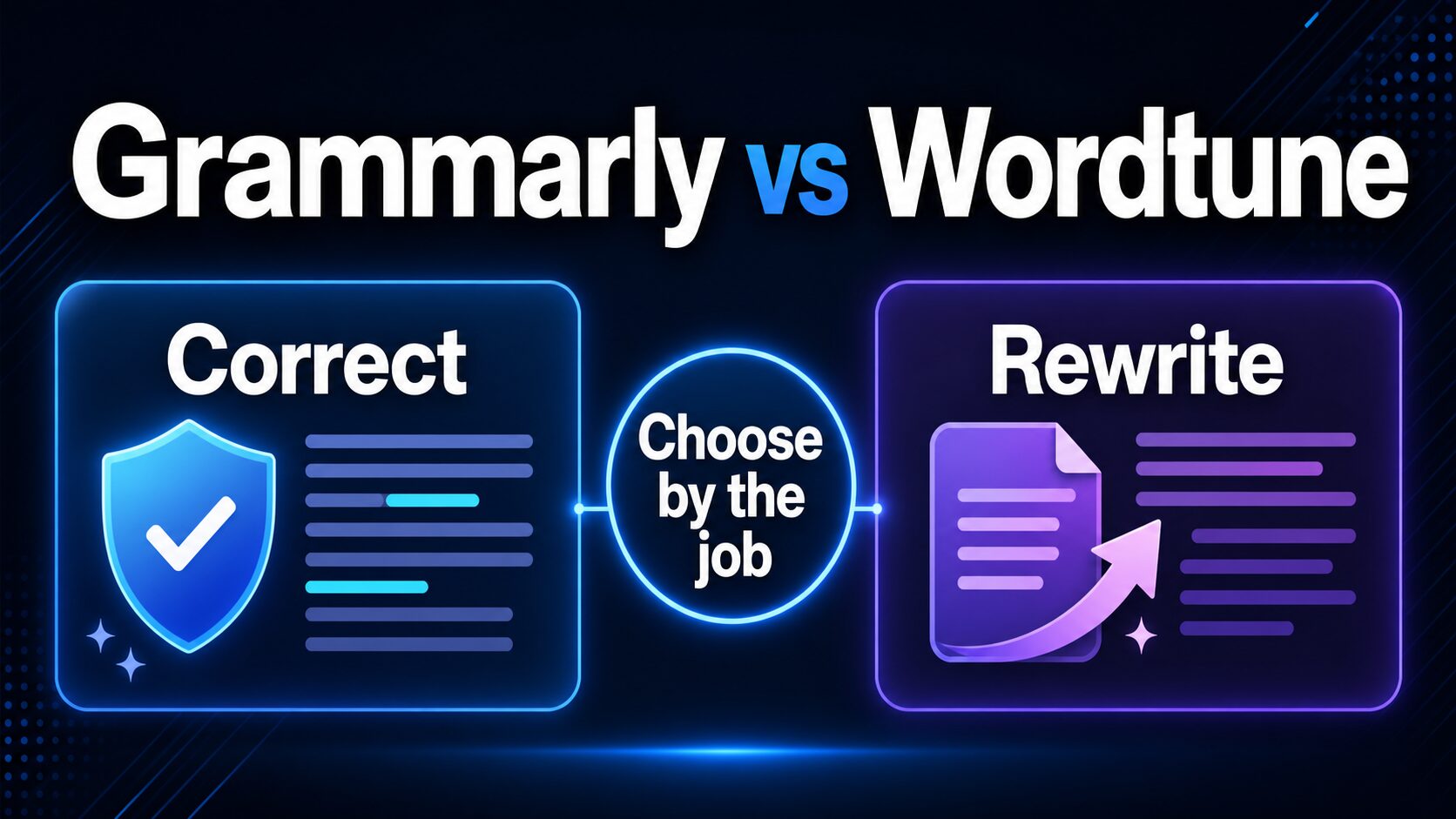
Quick answer: try Grammarly first if the work risk is correctness, tone, fluency, plagiarism/AI checks, or writing across many apps. Try Wordtune first if the sentence is already correct but still sounds stiff, blunt, repetitive, or hard to read.
For professional English, the useful question is not only “which brand is better?” It is whether you need a checker, a rewriter, or a two-step workflow: check the sentence first, then rewrite only the parts that still need better phrasing.
If you are choosing between Grammarly and Wordtune for work, start with the writing job. Grammarly is the better first stop when mistakes, tone, fluency, and workplace polish are the risk. Wordtune is the better first stop when the sentence is already correct but sounds stiff, blunt, repetitive, or not quite natural.
This comparison uses official plan, help, privacy, and security pages checked on July 2, 2026. I did not run a new hands-on output-quality test, so this page does not claim that either tool is universally more accurate. If you want a broader tool stack before choosing one subscription, start with the practical AI writing tools for work guide.
Quick Verdict: Choose by the Writing Job
Pick Grammarly if you regularly send client emails, reports, applications, LinkedIn messages, or team documents where grammar, tone, clarity, fluency, and policy risk matter more than creative phrasing.
Pick Wordtune if your writing is mostly accurate but you need alternative sentence versions, a smoother flow, a more formal tone, or help turning rough thoughts into natural English.
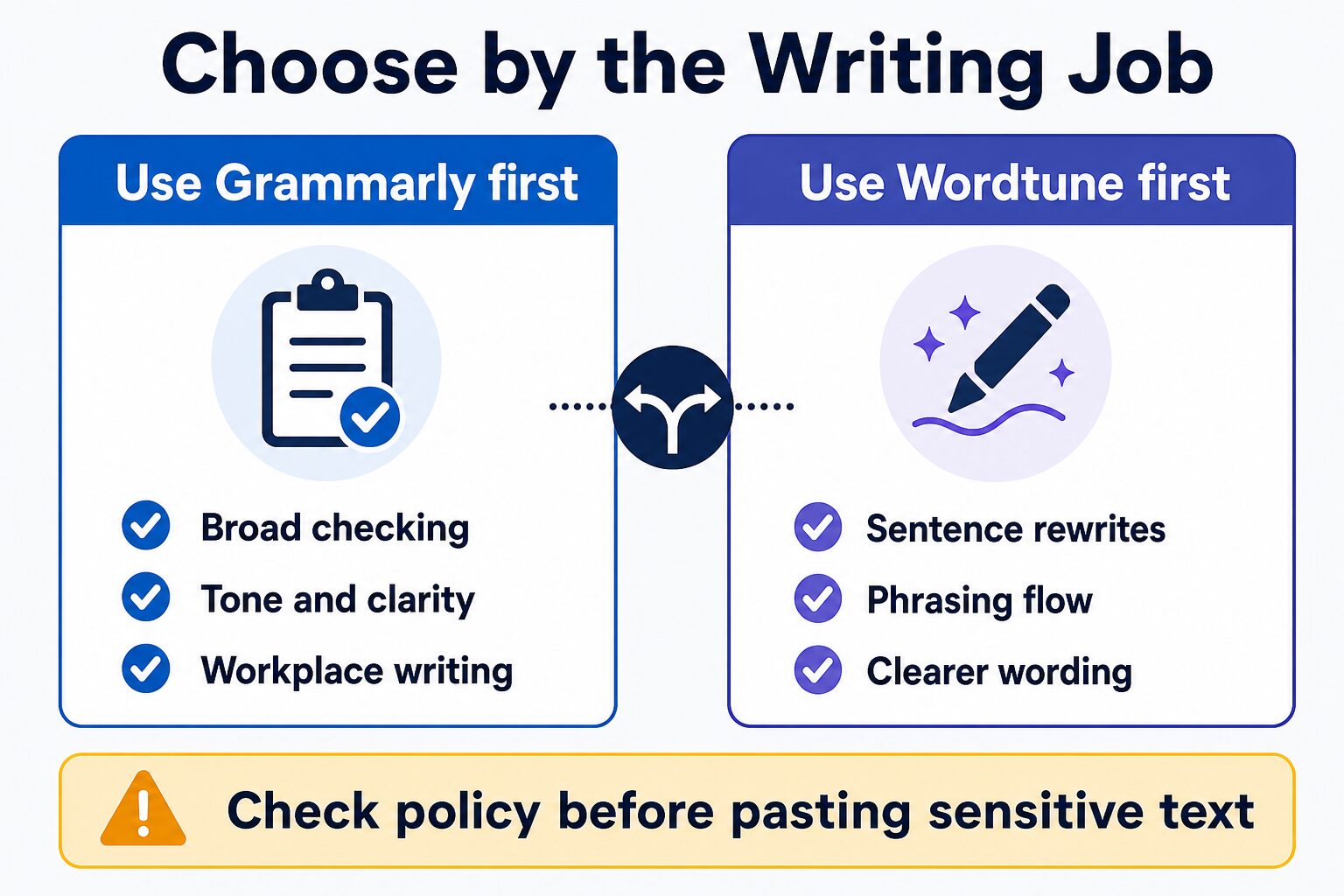
My practical rule: if the text is important, check it before you rewrite it. A polished sentence can still contain a grammar, tone, citation, policy, or privacy problem.
The 15-Minute Decision Test
Before you pay for either tool, run the same safe sample through both free plans. Use a paragraph that has no client names, private data, unpublished research, passwords, or confidential context.
- Write one real work-style paragraph yourself: an email reply, proposal note, LinkedIn message, or report summary.
- Use Grammarly first and note whether the useful feedback is mostly correction, tone, fluency, or risk checking.
- Use Wordtune on the same paragraph and note whether the useful feedback is mostly alternate phrasing, shorter wording, or tone rewrites.
- Count the edits you would actually accept. Ignore suggestions that change your meaning or make the text sound generic.
- Choose the tool that fixes your repeated bottleneck, not the tool with the longer feature list.
Grammarly vs Wordtune: Side-by-Side Comparison
| Decision point | Grammarly | Wordtune | Best first choice |
|---|---|---|---|
| Main job | Grammar, spelling, tone visibility, tone adjustment, fluency, full-sentence rewrites, plagiarism/AI detection, and app-wide writing support depending on plan. | Paraphrasing, rewriting, grammar, spelling, AI suggestions, summaries, vocabulary, clarity, and fluency features depending on plan and limit. | Grammarly for risk checks; Wordtune for phrasing flow. |
| Free plan | Official plans page lists Free at $0/month with mistake-free writing, tone visibility, and 100 AI prompts/month. | Official plans page lists Basic at $0.00 with 10 rewrites/AI suggestions per day and 3 AI summaries per month. | Try both free if you can test them on safe sample text. |
| Paid plan signal | Pro is listed from $12 average monthly cost on annual billing, with monthly and quarterly options documented by support. | Advanced and Unlimited are shown with discounted monthly prices on the public plans page; Wordtune says prices may vary by region or promotion. | Check checkout terms before paying. |
| Fastest CTR-intent answer | Best first try when the searcher wants a safer professional English baseline. | Best first try when the searcher wants more natural versions of text they already wrote. | Pick by bottleneck: correctness first, phrasing second. |
| Professional email | Good first check when tone, grammar, fluency, and confidence matter before sending. | Useful after the email is correct but needs a warmer, shorter, clearer, or more formal version. | Grammarly first, Wordtune second if phrasing still feels stiff. |
| Reports and documents | Stronger official surface for broad workplace writing and security documentation. | Useful for rephrasing paragraphs, improving flow, and creating alternate sentence versions. | Grammarly when document risk is high. |
| Privacy posture | Grammarly publishes detailed security documentation, including encryption, AWS hosting, SOC 2, ISO, and data ownership statements. | Wordtune privacy policy describes processing of prompts, text, documents, uploaded content, and usage data for service, customization, improvement, and research purposes. | Check workplace policy before using either tool. |
| Affiliate status here | This page uses official product links only. | This page uses official product links only. | No affiliate recommendation is used in this comparison. |
When Grammarly Is the Better First Choice
Grammarly is the better first choice when the cost of a mistake is higher than the cost of a slightly plain sentence. That includes client emails, cover letters, reports, public bios, proposals, and workplace messages where grammar, tone, and clarity all matter.
The current Grammarly plans page lists Free at $0/month with mistake-free writing, tone visibility, and 100 AI prompts per month. It also lists Pro with full-sentence rewrites, tone adjustment, fluency, personalized suggestions, plagiarism/AI detection, and 2,000 AI prompts per member per month. Grammarly support separately lists Pro billing options, including monthly, quarterly, and annual subscriptions.
That does not mean Grammarly is always “better.” It means Grammarly covers more of the broad workplace writing risk surface. For non-native English professionals, that matters when you want the final text to be clear and appropriate, not just more fluent.
Choose Grammarly first if you often think:
- “I need to know whether this sentence is correct before I polish it.”
- “This email must sound professional, not casual or too direct.”
- “I write in several apps, not only in one editor.”
- “I need to check plagiarism, AI detection, or security documentation before using a paid tool.”
When Wordtune Is the Better First Choice
Wordtune is the better first choice when your sentence is basically correct but does not sound like the version you want to send. The official Wordtune site emphasizes paraphrasing, rewriting, grammar correction, tone, contextual suggestions, AI writing, and summaries.
Wordtune’s plans page lists Basic at $0.00, Advanced at a discounted monthly price, and Unlimited at a higher discounted monthly price. The same public table shows Basic with 10 rewrites or AI suggestions per day and three AI summaries per month, Advanced with 30 per day and 15 per month, and Unlimited with unlimited use for those fields. The help center says Advanced adds more rewrites and summaries plus advanced AI tools, while Unlimited removes limits.
That makes Wordtune especially useful when the real task is expression: making a sentence shorter, more formal, warmer, less stiff, or easier to read. For a practical email workflow, pair this article with the email rewriting workflow.
Choose Wordtune first if you often think:
- “This sentence is correct, but it sounds unnatural.”
- “I need three alternate versions before I choose the final wording.”
- “I want a more formal or smoother version of something I already wrote.”
- “I need rewriting help more than a full writing system.”
Free Plan vs Paid Plan: What To Check Before Upgrading
Start free unless you already know you have a repeated writing job. A paid plan makes sense only when the same problem appears often enough to justify the subscription.
Grammarly upgrade signal
Consider Grammarly Pro if you repeatedly need full-sentence rewrites, tone adjustment, fluency help, plagiarism/AI detection, and a higher AI prompt limit. Check whether the price you see is monthly, quarterly, or annual billing. Grammarly support lists the annual plan as $144/year, which is a $12 average monthly cost, while monthly billing is listed separately.
Wordtune upgrade signal
Consider Wordtune Advanced or Unlimited if you hit Basic rewriting or summary limits and the tool is becoming part of your daily writing process. Wordtune says prices may vary by region or promotion, so treat the pricing page and checkout screen as the final source before paying.
If budget is the main issue
If you only need occasional help, do not upgrade yet. Use safe sample text on the free plans, compare the result with your own judgment, and review the free AI writing tools guide before adding another subscription.
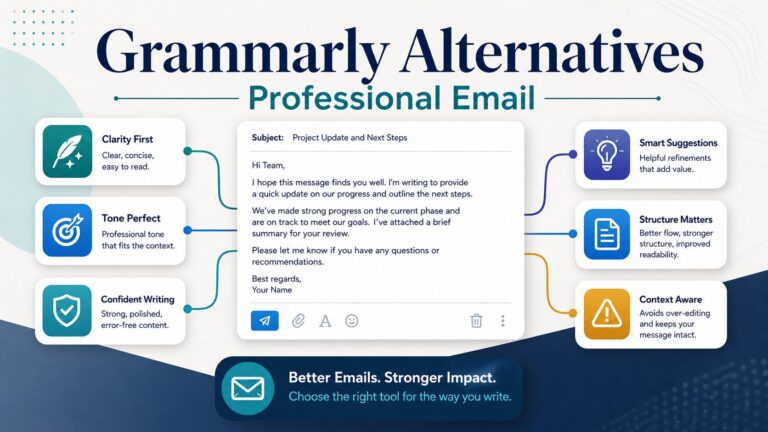
If your test shows that neither tool fits your email style, compare newer Grammarly alternatives for professional email before you pay for a plan you will not use every week.
Privacy and Workplace Data: What Not To Paste
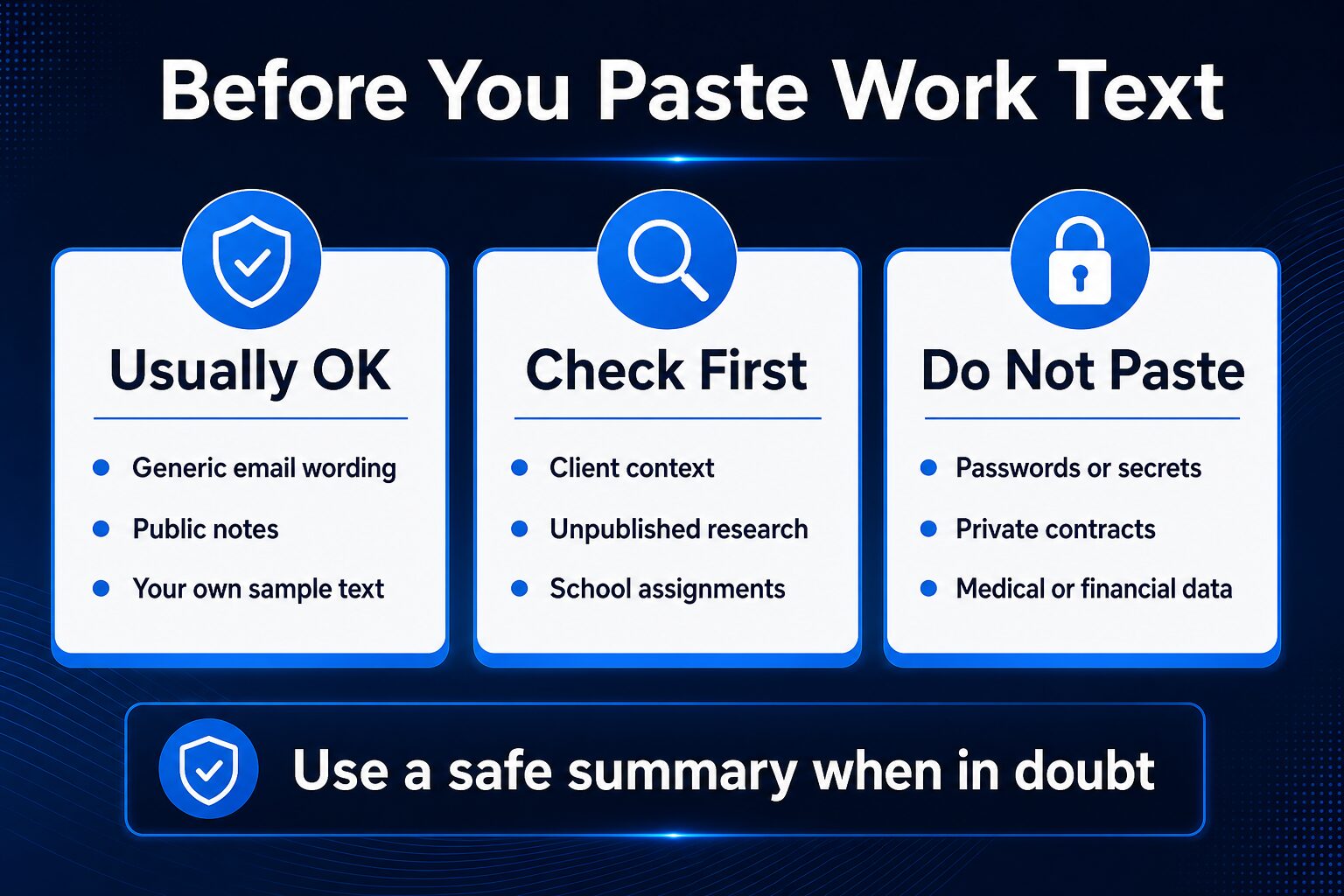
Before using either tool, decide what kind of text you are pasting. A generic email draft is different from a client contract, unreleased study material, student record, private financial document, or medical/legal message.
Grammarly publishes more detailed public security documentation than many consumer writing tools. Its support page says Grammarly does not sell or monetize user or team content, hosts data in AWS US East, encrypts data in transit and at rest, and maintains SOC 2 and ISO certifications. It also says no security measure is perfect.
Wordtune’s privacy policy says content such as prompts, text, documents, uploaded content, and usage data may be processed to provide, maintain, customize, improve, enhance, develop, and research services. That does not mean you should never use Wordtune. It means you should keep sensitive facts out unless your workplace, school, or client policy allows it.
Safe habit: replace names, client details, account numbers, unreleased data, and confidential facts with neutral placeholders before using any writing assistant.
Use Both Only When the Workflow Justifies It
Using both tools can make sense, but only if you have enough writing volume. A practical order is:
- Draft the message yourself so the meaning stays yours.
- Use Grammarly to catch correctness, tone, fluency, and risk issues.
- Use Wordtune only on sentences that still sound stiff or unclear.
- Read the final version out loud and remove anything that no longer sounds like you.
This order helps avoid a common problem: rewriting too early. If you rewrite before checking the sentence, you may make the wording smoother while hiding the original grammar, tone, or policy risk.
Which Tool Fits Common Professional English Tasks?
Daily business email
Start with Grammarly if the email must be correct and professionally toned. Use Wordtune afterward if the email sounds stiff, cold, or too long. For more options, see the AI email writing tools guide.
Reports and proposals
Start with Grammarly because the risk is broader than sentence flow. You may need clarity, consistency, tone, plagiarism/AI checks, and security documentation. Use Wordtune selectively for paragraphs that need smoother phrasing.
Non-native English self-editing
Use Grammarly when you want a broad check before sending. Use Wordtune when you already know the sentence is accurate but want alternatives. For broader options, compare this with the grammar checker guide for non-native English speakers.
Academic or student writing
Check school policy before using either tool. Do not paste confidential research, unpublished data, or assignment text if your institution restricts AI writing assistance. Grammarly’s documentation may be easier to review for security and governance, but policy still decides.
Job search writing
Use Grammarly to reduce correctness and tone risk in resumes, cover letters, and LinkedIn text. Use Wordtune to make stiff bullet points easier to read. Do not let either tool invent credentials, metrics, employers, titles, or results.
FAQ
Is Grammarly better than Wordtune?
Grammarly is better as a broad professional English baseline. Wordtune is better when the main job is rewriting and alternate phrasing. Without hands-on output testing, this article does not claim one is universally more accurate.
Is Wordtune enough as a grammar checker?
Wordtune includes grammar-related tools, but its strongest fit is rewriting and phrasing. If correctness, tone, fluency, plagiarism/AI detection, and security documentation matter, Grammarly is the safer first comparison point.
Should non-native English professionals use these tools?
Yes, if the goal is clearer professional communication while keeping your meaning intact. The goal is not to erase your voice or sound like a different person.
Are the free plans enough?
They may be enough for occasional email rewrites or light checking. Upgrade only when you repeatedly hit limits or when paid features solve a real work problem.
Does this comparison use affiliate links?
No. This article currently uses official product links and internal AI Work Toolkit guides only, so the recommendation is not tied to a commission route.
Final Recommendation
Best first choice for most professional work: Grammarly, because it covers more of the correction, tone, fluency, and workplace-risk surface.
Best first choice for sentence-level rewriting: Wordtune, because its value is strongest when you need alternate versions of something you already wrote.
Best low-risk path: try the free plans with safe sample text, then pay only if the same writing problem repeats every week.
If you are still deciding, use the Start Here guide to map your writing problem first. A tool-vs-tool comparison is useful only after you know whether you need checking, rewriting, drafting, summarizing, or a broader AI work stack.