Zoom AI Companion vs Fathom
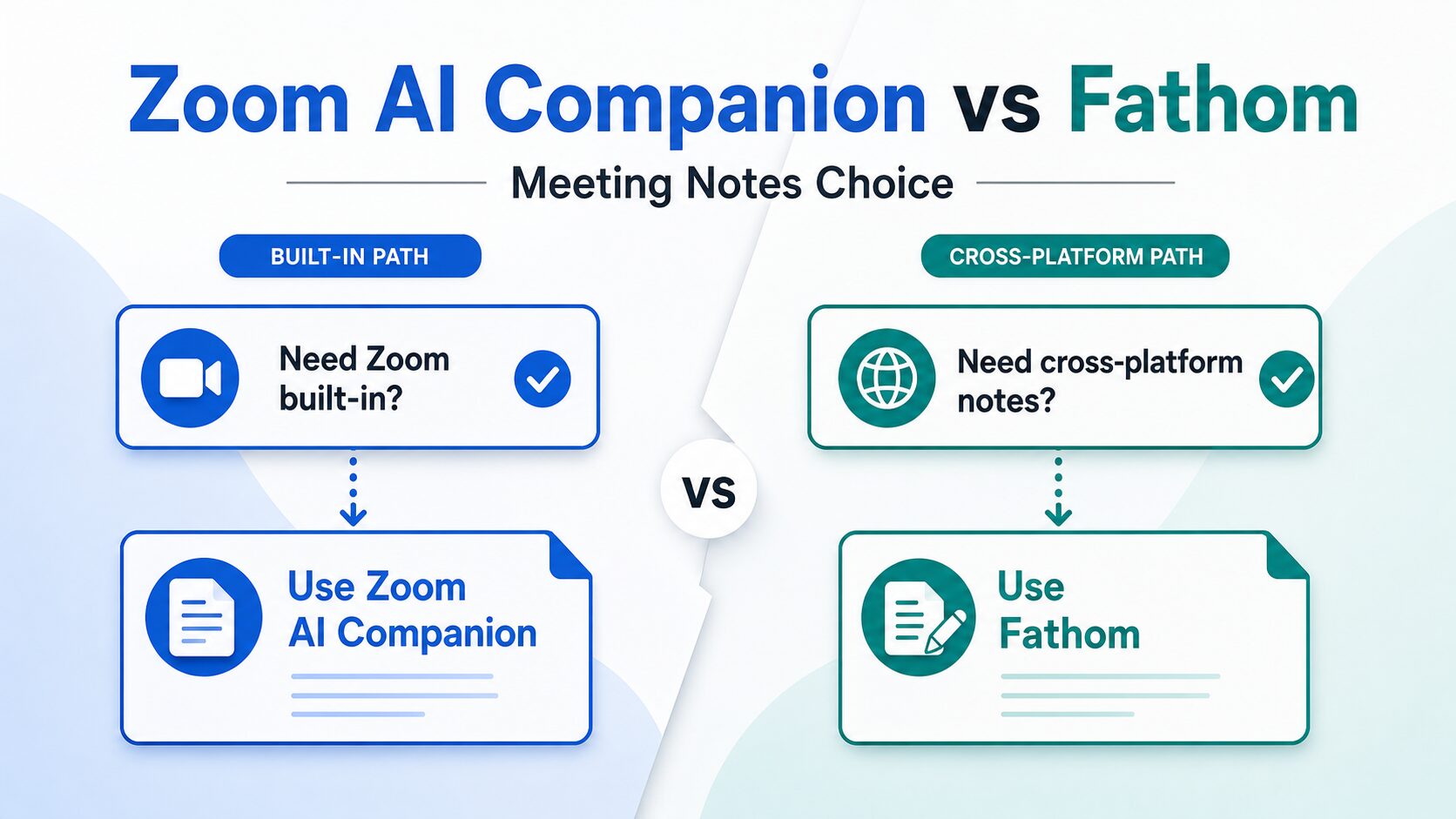
Zoom AI Companion vs Fathom is not just a feature comparison. It is a meeting workflow decision: do you want notes, summaries, and follow-up tasks to stay inside Zoom, or do you need a dedicated AI notetaker that follows you across Zoom, Google Meet, Microsoft Teams, and the rest of your work tools?
Quick Verdict
Choose Zoom AI Companion, now presented by Zoom as ZoomMate on its current AI assistant page, if your meetings already live in Zoom and you want meeting summaries, notes, questions, and follow-up work inside the Zoom Workplace ecosystem.
Choose Fathom if you want a dedicated AI meeting notetaker with a free individual path, cross-platform meeting capture, searchable transcripts, clips, summaries, and workflow integrations outside Zoom.
Pause before using either tool if the meeting includes client, employee, student, medical, legal, financial, or confidential business information. Consent, retention, privacy, and admin controls matter more than transcript convenience.
Evidence status: This comparison is based on official product, pricing, privacy, trust, and help sources checked on June 30, 2026. It does not claim hands-on testing, transcript-accuracy testing, speed benchmarks, or workplace deployment results.
The Main Difference
Zoom AI Companion is the cleaner starting point when Zoom is already the meeting home. It reduces tool sprawl because the assistant sits inside the same workspace where the call, chat, calendar, docs, and follow-up work may already happen.
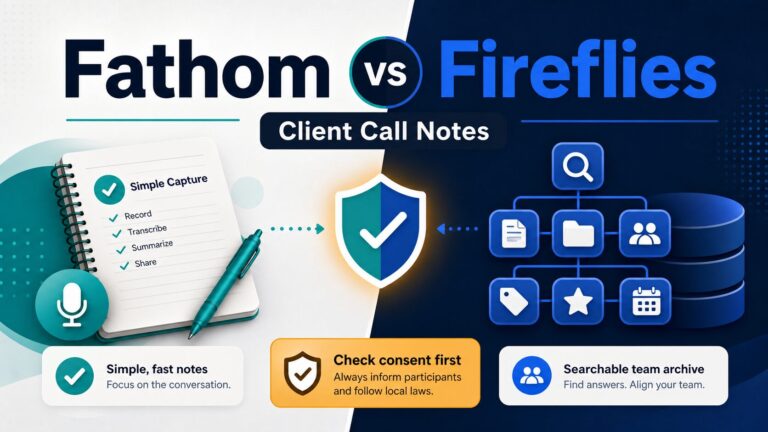
Fathom is the cleaner starting point when meeting notes need to exist outside one meeting platform. Its official site positions it as a dedicated AI notetaker for meetings, with bot and bot-free capture options, summaries, searchable transcripts, clips, and integrations across a wider work stack.
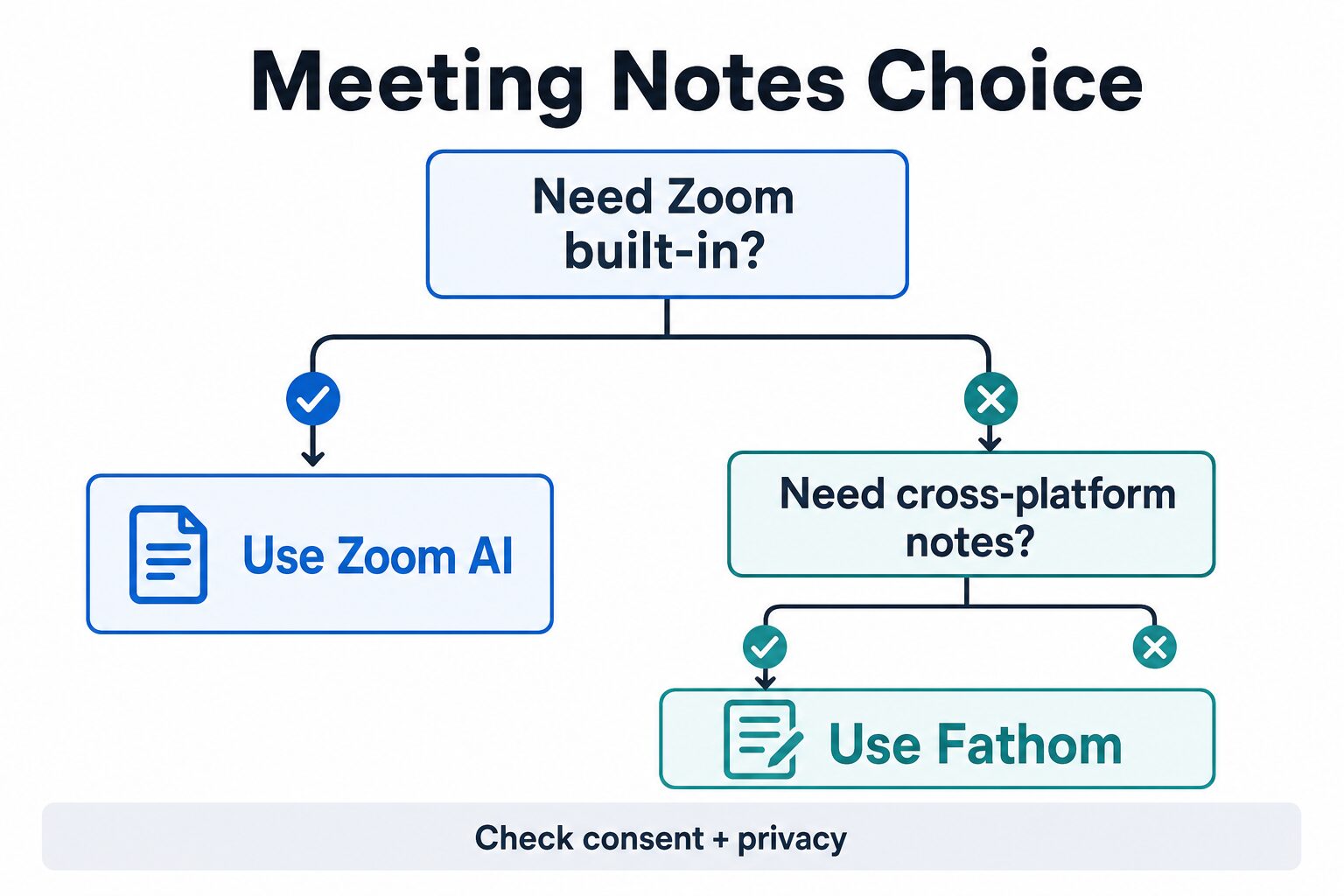
The practical rule is simple: if the meeting workflow is Zoom-native, check Zoom first. If the workflow is cross-platform or note-taking is the product you are buying, check Fathom first.
Zoom AI Companion vs Fathom At A Glance
| Decision point | Zoom AI Companion / ZoomMate | Fathom |
|---|---|---|
| Best fit | Teams already using Zoom Workplace who want AI notes and follow-up inside Zoom. | Workers and teams who want a dedicated AI notetaker across Zoom, Google Meet, Microsoft Teams, and connected work tools. |
| Free or entry path | Zoom’s current AI assistant page lists a limited basic path with meeting summaries, in-meeting questions, My Notes, AI queries, agentic search, and workflow limits. | Fathom’s pricing page lists a Free plan with unlimited recordings and transcriptions, plus clips, playlists, and search across calls. |
| Paid-plan caution | Check the current Zoom AI / ZoomMate page because paid capabilities and AI-credit details can change. | Check current Fathom pricing because Premium, Team, Business, and Enterprise plan terms and discounts can change. |
| Workflow strength | Built-in Zoom meeting workflow, Zoom content, meeting summaries, My Notes, and post-meeting work. | Dedicated notes, transcripts, summaries, clips, search, integrations, and cross-platform capture. |
| Skip if | You need notes to travel naturally across non-Zoom meetings and external work tools. | You already have enough Zoom-native AI notes and do not want another meeting data store. |
| Privacy check | Review Zoom AI privacy/security resources and account admin settings before using it for sensitive meetings. | Review Fathom’s privacy policy, Trust Center, retention options, and team/admin controls before recording sensitive meetings. |
Use Zoom AI Companion If Zoom Is Already The Meeting Workspace
Zoom is the stronger first check when the meeting, calendar, chat, and follow-up work are already organized around Zoom. The current Zoom AI assistant page now emphasizes ZoomMate, but many users still search for the older Zoom AI Companion name. For this article, treat them as the same decision path: Zoom’s native AI assistant inside the Zoom ecosystem.
Zoom’s official AI assistant page describes a limited basic path and paid ZoomMate capabilities. The basic path includes limited meeting summaries, in-meeting questions, My Notes, AI queries, agentic search, and workflow runs. Paid ZoomMate capabilities include AI credits, expanded note-taking, custom meeting summary templates, agent tools, and connected-app search.
That makes Zoom a practical choice when you want fewer moving parts. If your team already uses Zoom, adding a separate notetaker means another account, another data location, another consent message, and another admin/security review.
Skip Zoom for this job if your meetings frequently happen in Google Meet, Microsoft Teams, external customer calls, or mixed-platform workflows where notes need to be searchable outside Zoom.
Use Fathom If Meeting Notes Need To Travel Across Tools
Fathom is the stronger first check when the note-taking workflow is the product. Its official site presents it as an AI notetaker that summarizes meetings, captures transcripts, creates action items, and connects with tools such as Google Meet, Zoom, Microsoft Teams, Gmail, Slack, Salesforce, HubSpot, Asana, Zapier, ChatGPT, Claude, and its API/MCP options.
Fathom’s official pricing page lists a Free individual plan with unlimited recordings and transcriptions. It also lists paid individual and team plans for more advanced summaries, action items, conversational meeting assistant features, collaboration, team search, admin controls, security controls, SSO/SCIM, and enterprise options.
That makes Fathom easier to justify when your meeting notes need to become a searchable record across many calls and tools. It can also be a better fit when the person taking notes is not always the Zoom host.
Skip Fathom for this job if you only need simple notes for Zoom meetings and your current Zoom plan already covers enough. A dedicated note-taker is useful only if the extra meeting data store and workflow integrations solve a real problem.
What To Check Before Paying
Do not compare these tools by the word “AI” alone. Compare the specific limit that will break your workflow first.
For Zoom, check whether your current account includes the AI features you plan to use, how many meeting summaries or My Notes uses are available on the basic path, whether third-party meeting note-taking matters, and whether the paid ZoomMate plan is needed for unlimited AI note-taking, custom summary templates, agents, or connected-app search.
For Fathom, check whether the individual Free plan is enough or whether your use case needs Premium, Team, Business, or Enterprise features. A solo worker may care most about unlimited recordings, transcripts, clips, and search. A manager may care more about team call visibility, comments, folders, keyword alerts, admin controls, SSO/SCIM, retention programs, and security review.
If you are buying for a company, the cheapest visible plan is not always the safest plan. The real buying question is whether the tool can meet your consent, retention, access control, and procurement requirements without creating a messy side channel for meeting data.
Who Should Skip Both For Now?
Skip both tools temporarily if your organization has not decided whether AI meeting transcription is allowed. A good meeting summary is not worth a policy problem. Start with a written note-taking process, a sanitized test meeting, or a security review before recording real customer, employee, student, healthcare, finance, or legal conversations.
Also skip both tools if your main problem is not meeting notes. If you need project management, use a project tool. If you need CRM hygiene, check your CRM workflow. If you need better follow-up emails, improve the follow-up template first. Meeting AI helps when meetings create information you actually need to search, summarize, share, or turn into next steps.
Finally, skip the upgrade if the free or existing plan solves the job. A paid AI notetaker is easiest to justify when missed details, poor follow-up, or scattered meeting records are already costing time.
Privacy And Consent Matter More Than The Summary
AI meeting assistants can process meeting audio, video, transcripts, summaries, attendee names, email addresses, calendar details, and follow-up notes. Fathom’s privacy policy explicitly treats meeting notes, recordings, transcripts, meeting content, attendee names and emails, and calendar information as meeting content information. That is useful for understanding the privacy surface.
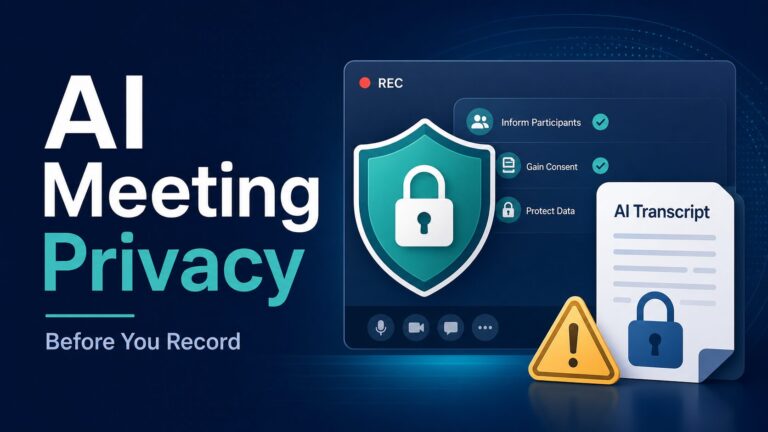
Before using either tool, check whether your meeting participants need notice or consent. Also check whether your employer, client, school, or industry policy allows AI transcription, cloud recordings, summaries, or connected-app workflows.
For sensitive meetings, read the AI meeting assistant privacy checklist before choosing a tool. For broader workplace uploads, use the AI tool privacy checklist for professionals.
A Five-Minute Decision Test
1. List your meeting platforms
If almost every important meeting is in Zoom, start with Zoom’s built-in AI path. If meetings are split across Zoom, Google Meet, and Teams, Fathom deserves a closer look.
2. Decide where notes should live
If notes should stay near Zoom meetings, use Zoom. If notes need to feed search, CRM, follow-ups, and other tools, compare Fathom’s integrations.
3. Check consent first
Use a low-risk meeting or dummy content first. Do not test on client, employee, medical, legal, financial, or confidential calls.
Where To Go Next
If you are comparing the broader category, start with the best AI meeting assistants for remote workers. If you are leaning toward Fathom, read the dedicated Fathom review.
If your main worry is recording policy, consent, or sensitive meeting data, use the privacy checklist before opening a new account. That step is slower than clicking “record,” but it is safer for real workplace calls.
Final Recommendation
Choose Zoom AI Companion / ZoomMate if you want meeting notes inside the Zoom workspace and your team already runs meetings there. Choose Fathom if you want a dedicated notetaker that can handle cross-platform meetings, searchable transcripts, clips, summaries, and workflow integrations.
Do not choose either tool only because it has a generous free plan or an impressive AI feature list. Choose the tool that matches where your meetings happen, where the notes should live, and what your consent/privacy rules allow.
Official Pages To Check
Pricing, plan limits, AI features, and privacy terms can change. Check the current official pages before paying or recording sensitive meetings.
FAQ
Is Zoom AI Companion the same as ZoomMate?
Zoom’s current official AI assistant page presents the product as ZoomMate, while many searchers and older materials still use Zoom AI Companion. For a buying decision, check the current Zoom AI assistant page and your own Zoom account plan before relying on a name alone.
Is Fathom free?
Fathom’s official pricing page lists a Free individual plan with unlimited recordings and transcriptions. Paid plans add more advanced individual, team, business, and enterprise features. Check the current official pricing page because plan details and discounts can change.
Which is better for remote teams?
Zoom is better when the team already works inside Zoom and wants fewer separate tools. Fathom is better when meetings happen across platforms or when searchable standalone meeting records and integrations are the main need.
Can I use either tool for confidential meetings?
Only after checking consent, company policy, retention, security controls, and data-use terms. For sensitive calls, use a privacy checklist first and avoid pasting or recording confidential information until the tool is approved for that use.
Sources
- Zoom AI assistant / ZoomMate official page, checked June 30, 2026.
- Zoom Workplace pricing, checked June 30, 2026.
- Zoom AI privacy and security resource, checked June 30, 2026.
- Zoom privacy resources, checked June 30, 2026.
- Fathom official homepage, checked June 30, 2026.
- Fathom pricing, checked June 30, 2026.
- Fathom privacy policy, checked June 30, 2026.
- Fathom Help Center, checked June 30, 2026.
- Fathom Trust Center, checked June 30, 2026.