Zapier Alternatives for AI Workflows: Practical Options for Solo Operators
The best Zapier alternative is not automatically the cheapest automation tool. For AI workflows, the better choice is the platform whose workflow model matches the job: visual logic, human review, browser data, open-source control, or developer-level API work.
This guide is for solo operators and small teams comparing Zapier alternatives for real work. It is based on official product, pricing, help, privacy, and security sources checked on June 6, 2026. It is official-research-only, not a hands-on speed, reliability, or output-quality benchmark.
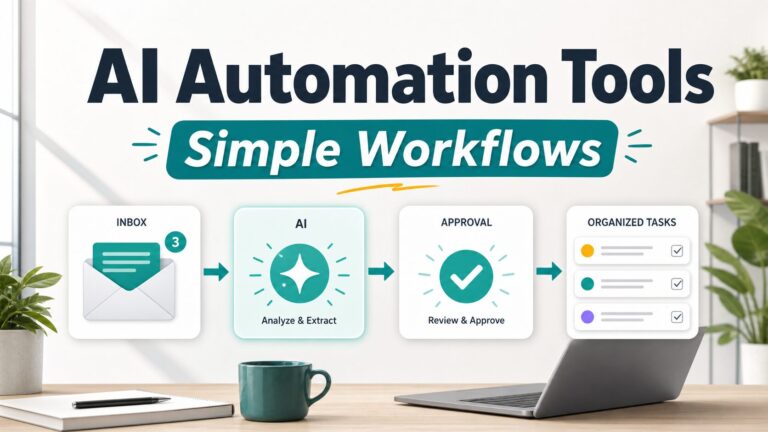
If you are still mapping the broader category, start with our guide to the best AI automation tools for simple workflows. If automation is only one part of your stack, compare it with our AI productivity tools guide and free AI tools starter stack.
Quick Verdict: The Best Zapier Alternative Depends On The Workflow
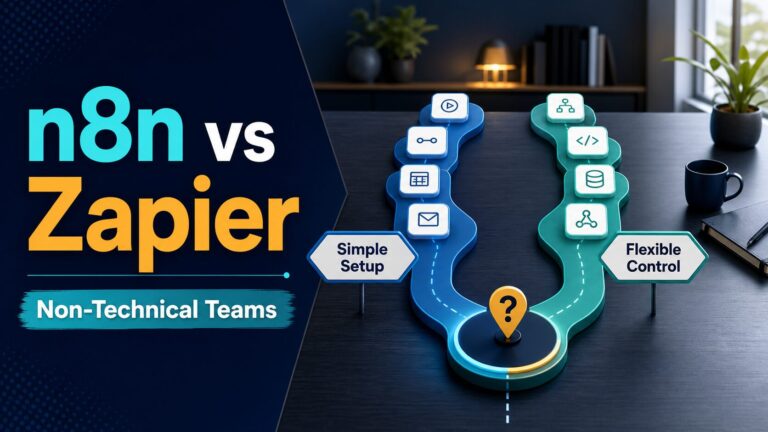
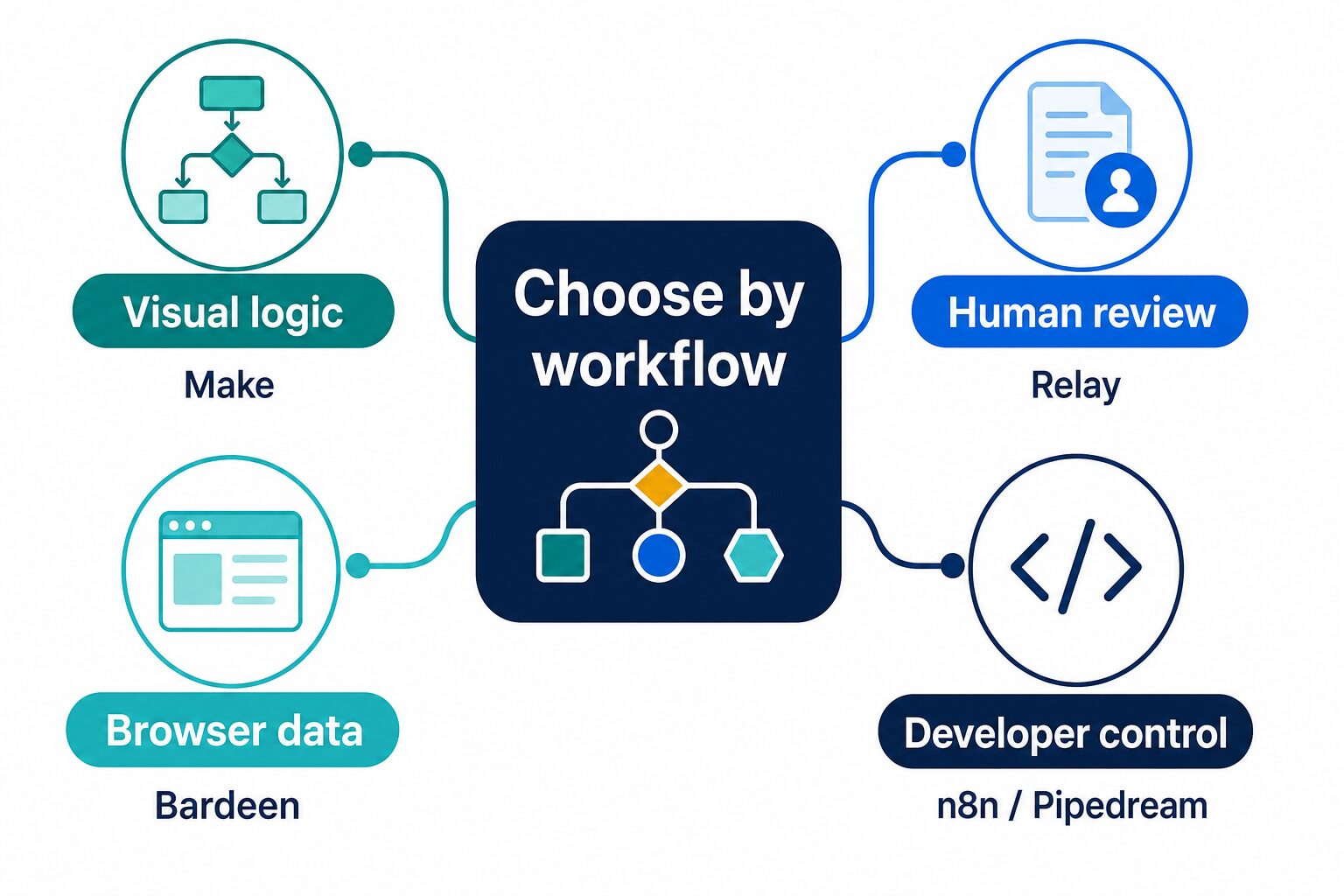
Choose Make if you want a visual builder for branches, filters, and data movement. Choose Relay.app if the workflow needs a person to approve AI output before the automation continues. Choose Bardeen if the work happens in the browser, such as research, scraping, enrichment, or moving web data into a sheet. Choose IFTTT for simple personal or device applets, not complex business AI workflows. Choose n8n if you are comfortable with technical setup and want open-source control. Choose Pipedream if you are comfortable with code, APIs, and developer-style workflows.
Why Look For A Zapier Alternative?
Zapier is still a practical default when you need broad app coverage and a fast first automation. Its official Free-plan help page lists 100 tasks per month, one user, and two-step Zaps, while its pricing page organizes paid use around task volume and product features. If your workflow is one trigger and one action, Zapier may be the least distracting place to start.
Alternatives become worth checking when the workflow is no longer simple. Maybe you need visual debugging, cheaper high-volume runs, human approval for AI output, browser-based data collection, self-hosting, or custom code. The switch should be driven by a specific workflow problem, not by a generic “Zapier alternatives” list.
Zapier Alternatives Compared
| Tool | Best fit | Free-plan or trial signal checked | Pricing caveat | Who should skip it |
|---|---|---|---|---|
| Make | Visual automation scenarios, routers, filters, multi-step data movement, and workflows that need inspection. | Official pricing says there is no time limit on the Free plan and explains monthly credits. | Module actions count as credits, so complex scenarios can consume more than beginners expect. | People who want the simplest trigger-action setup and do not want to learn a scenario canvas. |
| Relay.app | Human-in-the-loop AI workflows, approval steps, AI output reviews, and team handoffs. | Official pricing lists Free with 1 user, 500 AI credits/month, 200 steps/month, and 2 active workflows. | AI credits and workflow steps both matter; verify the current limit before using it for production. | People who mainly need the widest app catalog or do not need approval gates. |
| Bardeen | Browser automation, web research, scraping, enrichment, and sending web data into sheets or work systems. | Official support says Free includes 100 monthly credits for production automations and unlimited Builder Mode testing. | Credits are consumed by automation actions; deeper scraping or enrichment can use credits quickly. | People who need back-office app orchestration more than browser-based research work. |
| IFTTT | Simple personal applets, device connections, home routines, and lightweight one-trigger/one-action automations. | Official help says Free has no subscription fee and supports a limited number of Applets with one trigger and one action. | Pro and Pro+ unlock more Applets, multiple actions, faster runs, filter code, and AI services. | People building sensitive, business-critical, multi-step AI workflows. |
| n8n | Open-source-friendly automation, technical control, complex workflows, and teams that can maintain the setup. | Official pricing page says plans include unlimited users and workflows, with cloud pricing based on workflow executions. | Cloud Starter was listed at 20 EUR/month billed annually with 2.5K executions when checked; self-hosting changes the operating burden. | Nontechnical operators who want a managed no-code experience with minimal setup. |
| Pipedream | Developer automation, APIs, code steps, event sources, and workflows that need serverless control. | Official pricing lists Free with 100 credits/month, 3 active workflows, 3 connected accounts, and no credit card required. | Docs explain credit-based compute; memory and run time affect usage. | People who do not want to read docs, write code, or think about API behavior. |
1. Make: Best Visual Zapier Alternative
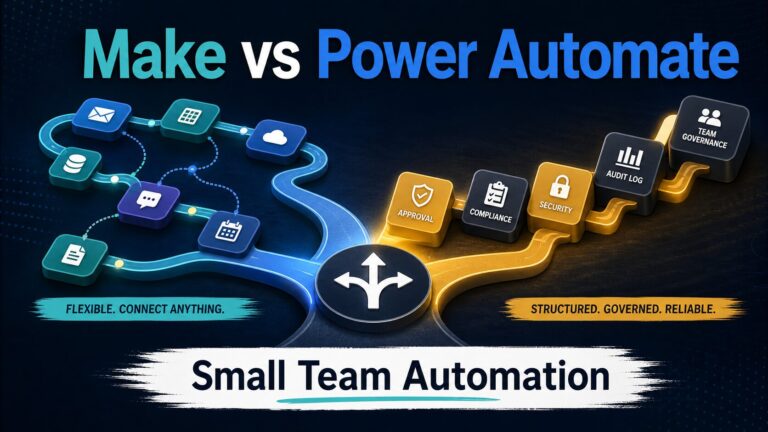
Make is the strongest Zapier alternative to check when your workflow has visible logic: branches, filters, routers, data mapping, repeated steps, or multiple app handoffs. Its official pricing page says each module action in a scenario counts as one credit, and it describes credits as the monthly usage unit.
That model can be easier to reason about when the workflow is no longer a straight line. A solo operator can inspect how information moves from a form to a sheet, from a sheet to an email draft, from an email draft to a task system, and from a task system to a weekly review.
Use Make when: the workflow has branches or data transformations you need to see. Skip or compare first when: the job is a simple two-step automation where Zapier’s setup speed is enough.
2. Relay.app: Best For Human-In-The-Loop AI Workflows
Relay.app is the alternative to check when the AI step should not run unattended. Its official pricing page lists AI credits, workflow steps, active workflows, and AI output reviews, while its AI credits docs explain that AI credits are consumed by AI-related features such as prompting models, transcription, text-to-speech, and website scraping.
This matters because many useful AI workflows should pause before they affect a customer, client, student, teammate, or public document. If AI drafts a reply, extracts action items, classifies a lead, or summarizes a document, the safer pattern is often “AI prepares, human checks, automation continues.”
Use Relay.app when: approval, review, and controlled handoff are core to the workflow. Skip or compare first when: you mostly need a massive app directory or cheap high-volume operations.
3. Bardeen: Best For Browser And Web-Data Work
Bardeen fits workflows that start in the browser. Its official support page says the Free plan includes 100 monthly credits for production automations and unlimited Builder Mode testing. Its credit-system support page says one credit is consumed for every action executed in an automation.
That makes Bardeen a better Zapier alternative for web research, scraping, enrichment, and moving browser data into structured records. It is less obviously the first choice for general back-office app orchestration after the data is already inside business systems.
Use Bardeen when: the repeated work is web research or browser data collection. Skip or compare first when: your main task is connecting mainstream SaaS tools through backend integrations.
4. IFTTT: Best For Simple Personal Applets, Not Complex AI Work
IFTTT is often mentioned as a Zapier alternative, but the fit is narrower for work AI workflows. Its official help page describes Free, Pro, and Pro+ plans. Free has no subscription fee and supports a limited number of Applets with one trigger and one action. Pro and Pro+ add more Applets, multiple actions, faster runs, filter code, and access to IFTTT AI Services.
For solo operators, IFTTT can be useful for lightweight personal automations, device routines, notifications, and simple connections. It is not the first place I would build a sensitive workflow that routes client text through AI, updates customer records, or needs careful approval and logging.
Use IFTTT when: the job is a simple applet with low risk. Skip or compare first when: the workflow is business-critical, multi-step, or sensitive.
5. n8n: Best For Open-Source Control
n8n is the Zapier alternative to check when control matters more than convenience. Its official pricing page says plans include unlimited users and workflows and that pricing is based on monthly workflow executions rather than per step. On the checked pricing page, the cloud Starter plan was listed at 20 EUR/month billed annually with 2.5K workflow executions, hosted by n8n.
The tradeoff is maintenance. If you are comfortable with technical setup, self-hosting decisions, credentials, logs, nodes, and workflow debugging, n8n can be powerful. If you want a simple managed no-code experience, the extra control may become extra work.
Use n8n when: you want open-source flexibility and can maintain the workflow. Skip or compare first when: you need the lowest-maintenance path for a basic business process.
6. Pipedream: Best For Developer-Controlled Workflows
Pipedream is better understood as a developer workflow platform than a direct no-code replacement. Its official pricing page lists Free with 100 credits/month, 3 active workflows, 3 connected accounts, and 2M AI tokens. Its pricing docs explain a credit model based on workflow compute time and memory, not simply the number of visual steps.
That is useful if your workflow needs API calls, custom code, event sources, or serverless-style control. It is less useful if the real need is “connect my form to my spreadsheet and send an email” without reading documentation.
Use Pipedream when: the workflow is API-heavy or code-friendly. Skip or compare first when: the operator is nontechnical and wants a guided visual builder.
Check Before Automating With AI
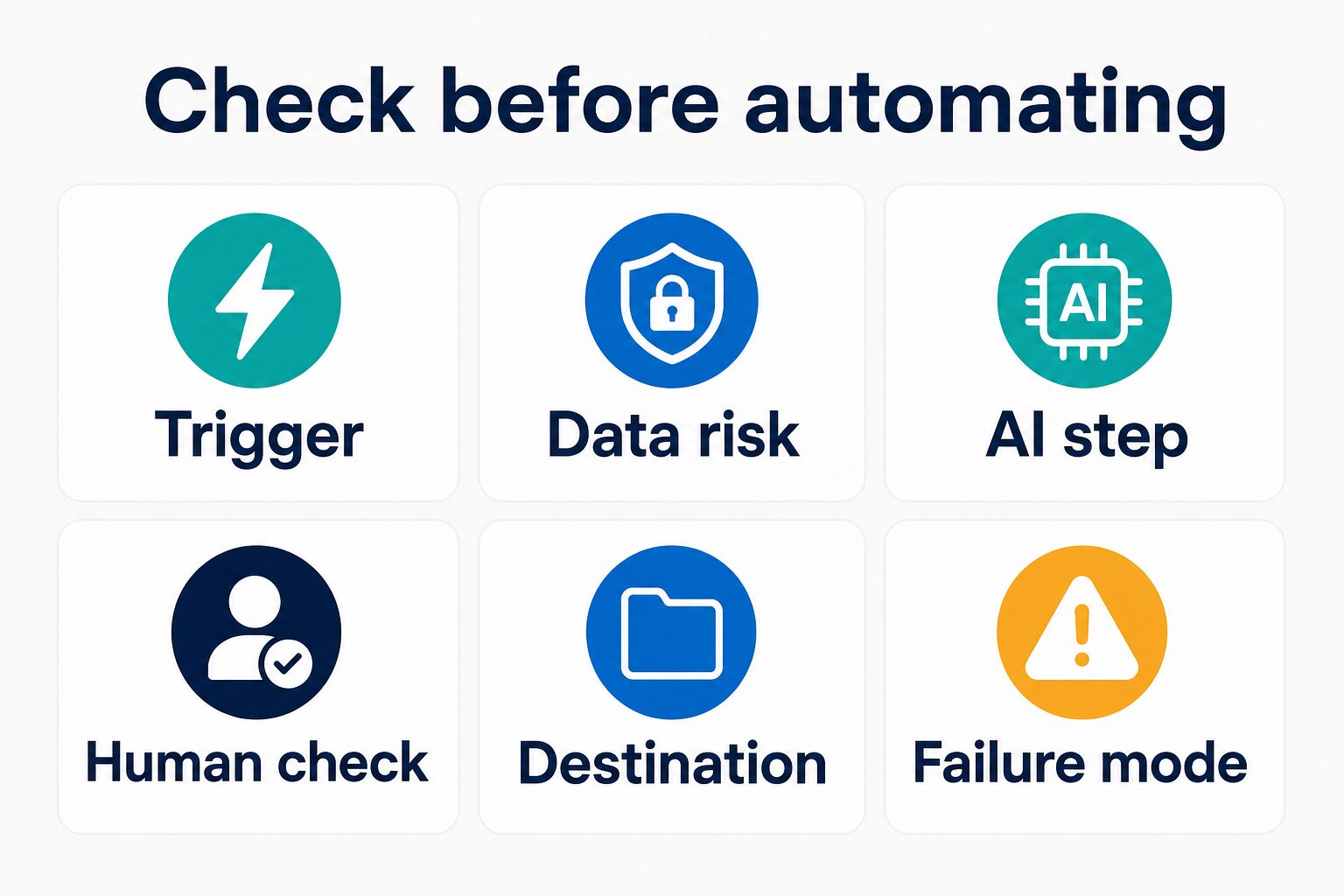
Before you switch platforms, write the workflow in plain English. What starts it? What data enters it? What does AI do? Who checks the output? Where does the result go? What happens if the trigger fires twice, the AI output is wrong, or an app disconnects?
If you cannot answer those questions, the problem is not Zapier. The problem is that the workflow is not yet stable enough to automate. Keep it manual for another week, watch where the repeated work actually happens, and then automate the least risky step first.
Privacy And Workplace Data Checks
Automation tools connect systems. AI steps can also send text, files, records, and context to model providers or platform features. That combination deserves caution. Do not route client information, student data, medical details, legal documents, financial records, HR material, unpublished research, private credentials, or confidential business data through an automation until the official security, privacy, data-processing, and admin terms are reviewed.
For low-risk experiments, use public or dummy data. Test a simple workflow such as “new form response to draft task” or “meeting transcript to private action-item draft” before letting AI output affect another person. If your workflow starts with meetings, pair this article with our guide to turning meeting transcripts into action items with AI.
How To Choose Without Overbuying
- Start with the current workflow. Write the trigger, input, AI step, review owner, destination, and failure mode.
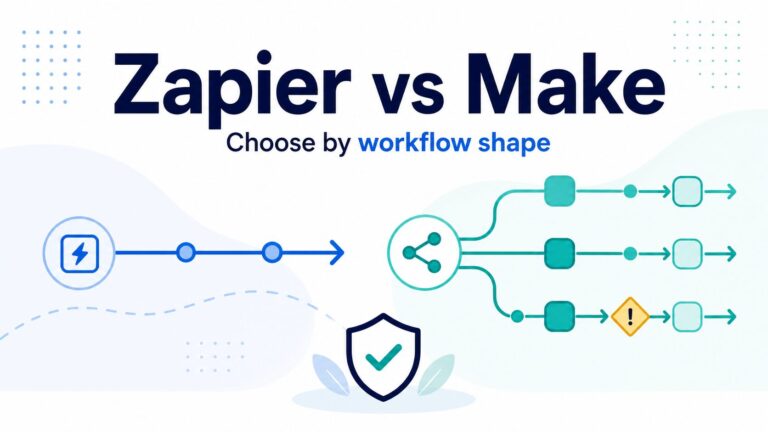
- Choose by shape. Use Make for visible logic, Relay.app for approval, Bardeen for browser data, IFTTT for simple applets, n8n for open-source control, and Pipedream for developer workflows.
- Check the meter. Compare tasks, credits, AI credits, executions, active workflows, and compute time before paying.
- Keep a human checkpoint. AI output that affects customers, clients, students, money, legal work, or public content should not run without review.
- Document the fallback. Know what happens when a trigger fails, the same event runs twice, or the output is wrong.
FAQ
What is the best Zapier alternative for AI workflows?
For most solo operators, Make is the first alternative to check when the workflow needs visual logic. Relay.app is better when AI output needs human review. Bardeen is better for browser data. n8n and Pipedream are better for technical control.
Is Make better than Zapier?
Make can be better when branches, filters, routers, and data mapping need to be visible. Zapier can still be better for a simple trigger-action workflow with broad app coverage and quick setup.
What is the best free Zapier alternative?
It depends on the usage meter. Make, Relay.app, Bardeen, IFTTT, n8n, and Pipedream all have free-plan or trial signals in their official pages, but the practical limit may be tasks, credits, AI credits, Applets, executions, active workflows, or compute time. Check the current official pricing page before building.
Should I use an open-source Zapier alternative?
Use an open-source-friendly option such as n8n only if you value control and can handle the setup and maintenance. If you want the least operational burden, a managed tool may be a better fit.
Are Zapier alternatives safe for client data?
Only after security, privacy, contract, and admin review. Automation platforms can connect many systems, and AI steps can increase data exposure. Start with non-sensitive data until the review is clear.
Final Recommendation
Do not switch from Zapier just because another tool looks more powerful. Switch when you can name the problem: visual debugging, human approval, browser data, open-source control, custom code, or a pricing meter that fits your workflow better.
For a solo operator, the safest path is simple: map one workflow, choose one alternative by workflow shape, test with non-sensitive data, check the official pricing and privacy pages, and keep a human review step anywhere AI output can create real consequences.