Zapier vs Make: Which Automation Tool Is Better for AI Workflows?
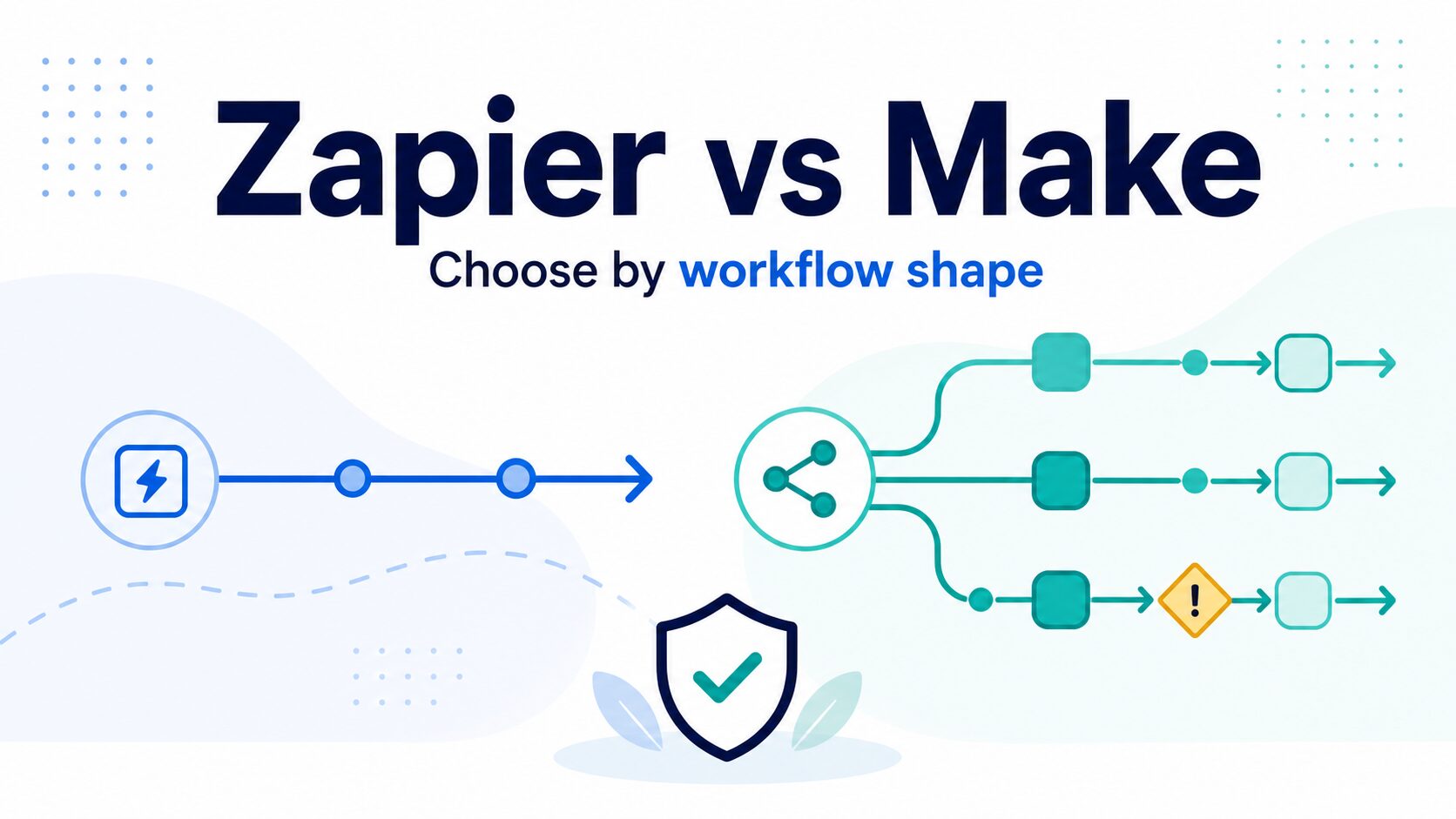
If you are choosing between Zapier and Make for AI workflows, the safest answer is not “which brand is better.” It is this: choose Zapier when you need the fastest path to a simple, reliable handoff across many apps. Choose Make when your workflow has branching logic, repeated data cleanup, or several paths that you want to see and debug on a visual canvas.
Quick verdict: Zapier for simple handoffs, Make for branching workflows
- Choose Zapier if your AI workflow is mostly linear: a form submission, email, meeting note, or CRM update triggers one or two follow-up actions.
- Choose Make if the workflow needs routers, filters, multiple branches, data transformation, or more detailed execution review.
- Prototype before paying if your workflow includes AI-generated text, file processing, private client data, or many repeat runs. Task and credit costs can change quickly.
Evidence status: This guide is based on official product, pricing, integration, security, and privacy sources checked on June 11, 2026. It is official-research-only, not a hands-on speed or reliability benchmark.
| Decision point | Zapier | Make | Practical takeaway |
|---|---|---|---|
| Best fit | Simple app-to-app automations, broad app coverage, fast setup. | Visual scenarios with branches, filters, routers, and detailed flow control. | Start with workflow shape, not feature count. |
| Free plan | Official pricing page lists 100 tasks per month and two-step Zaps. | Official pricing page lists up to 1,000 credits per month, routers and filters, and a 15-minute minimum interval. | The units are different: Zapier tasks and Make credits are not interchangeable. |
| Paid entry point | Professional starts at $19.99/month billed annually on the pricing page checked June 11, 2026. | Core starts at $12/month for 10k credits/month on the pricing page checked June 11, 2026. | Check your expected run volume before comparing monthly price alone. |
| Integrations | Zapier’s official app catalog states 9,000+ connections. | Make’s official integrations page states 3,000+ integration apps. | Check your exact apps and actions, not only the headline catalog number. |
| Debugging and maintenance | Paid plan details mention custom error notifications, Zap version control, and advanced Zap settings. | Pricing details mention real-time execution monitoring and execution log search on higher plans. | Choose the tool whose run history your future self can actually understand. |
Use the same test workflow in both tools
The fairest Zapier vs Make comparison is not a feature checklist. It is one small workflow built on paper first, then priced and reviewed in each tool.
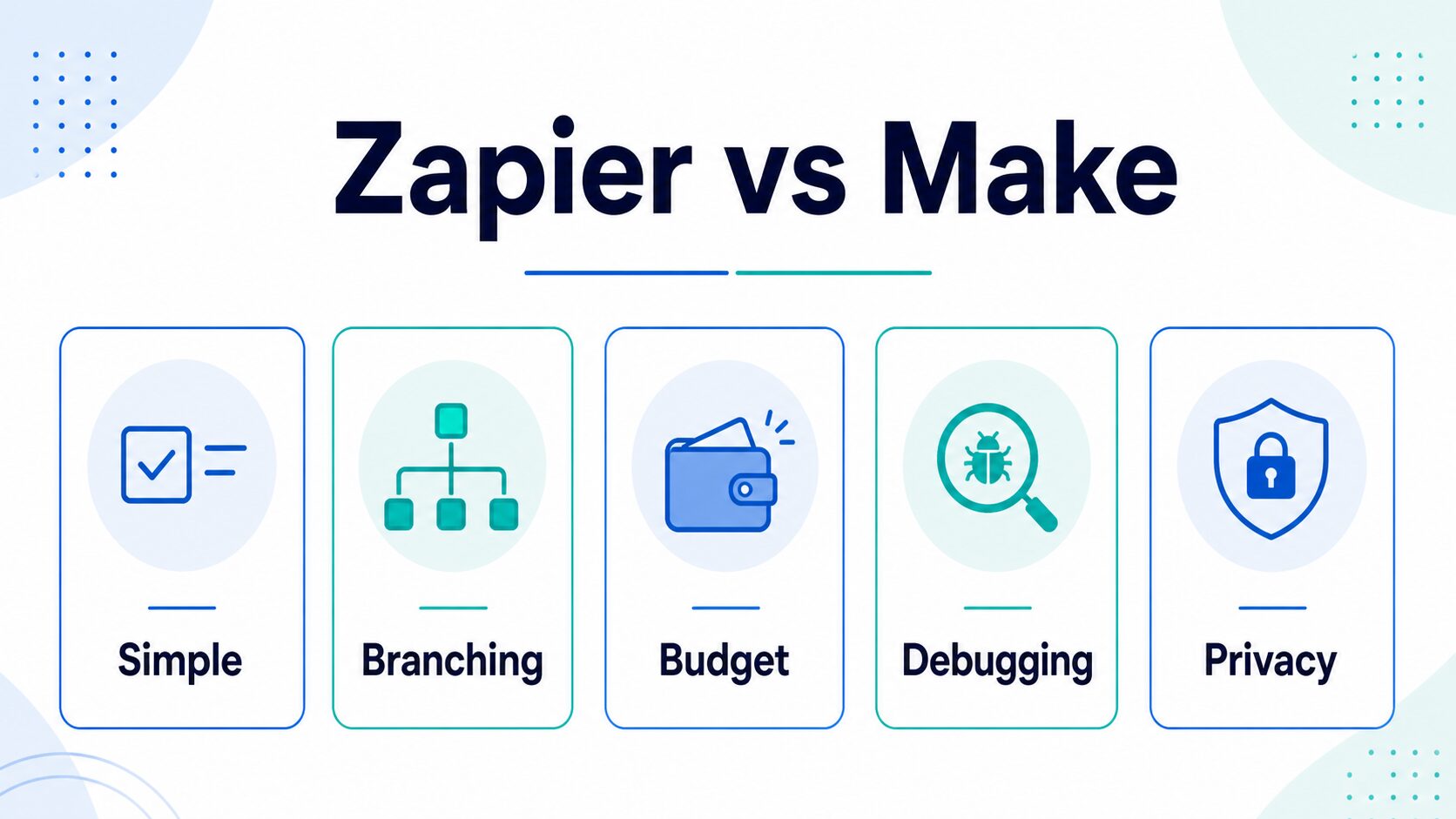
For an AI workflow, use a realistic example such as: “When a new client intake form arrives, summarize the request with an AI step, save the summary to a spreadsheet or CRM, and send a review message to Slack or email.” Then score each platform against the same criteria:
When Zapier is the better starting point
Zapier is usually the safer first choice when the workflow is straightforward and app coverage matters more than deep branching. Its official pricing page now frames Zapier around an AI orchestration platform with Zaps, Tables, Forms, and Zapier MCP. The same page lists the Free plan at 100 tasks per month and two-step Zaps, while the Professional plan adds multi-step Zaps, premium apps, webhooks, and other workflow controls.
For a solo operator, Zapier makes the most sense when you want quick, predictable automations such as:
- Send a new form response to a spreadsheet and a Slack channel.
- Move a meeting summary into a task manager after a transcript tool finishes processing.
- Add a lead to a CRM and send a templated follow-up reminder.
- Connect a simple weekly review workflow across calendar, notes, and task apps.
The main caution is cost visibility. Zapier pricing uses tasks, and multi-step automations can consume more tasks as they grow. Before upgrading, estimate how many successful actions your workflow will run in a normal month, then add room for retries, testing, and peak weeks.
When Make is the better starting point
Make is usually the better candidate when the workflow is not a straight line. Its official pricing page describes a visual workflow builder, routers and filters, and credits where each module action in a scenario counts as one credit. The Free plan lists up to 1,000 credits per month, and the Core plan starts at $12/month for 10k credits/month on the pricing page checked June 11, 2026.
Make is worth considering first when you need to see the whole workflow as a map:
- One form submission can become three different paths depending on urgency, customer type, or missing data.
- An AI summary needs cleanup, formatting, and routing before it lands in the final app.
- You want a more visual way to inspect modules, reruns, and error paths.
- You have already outgrown a simple automation and are reading Zapier alternatives for AI workflows.
The main caution is learning curve and billing interpretation. Credits are not the same as Zapier tasks, and complex scenarios can consume credits across several modules. A workflow that looks cheap in a headline plan can still become expensive if it runs often, branches heavily, or processes many records.
The Small-Business Three-Question Setup Test
A small business usually needs a dependable handoff before it needs an elaborate automation system. Test one real workflow in both tools, such as a form submission that creates a record, drafts a reply, and alerts the owner.
- Can this go live in one hour? If a linear workflow remains hard to understand, start with Zapier.
- Does the workflow branch? If different conditions, retries, transformations, or routes are central, test Make’s visual scenario first.
- Does sensitive data move? Map every app, AI model, storage step, and log before connecting live customer data.
Typical small-business candidates include lead routing, appointment follow-up, document intake, publishing handoffs, and internal alerts. Do not automate the final approval, sensitive reply, or exception path until the manual workflow is stable and an owner can see why a run failed.
Pricing: compare usage shape, not just the first paid plan
Zapier and Make both have free plans, but their pricing units measure different things. Zapier talks in tasks, while Make talks in credits. That means a simple monthly price comparison can mislead you.
Practical pricing check: Write down one complete workflow run and count each action, module, branch, and rerun. Then multiply by your expected monthly volume. Do this before you decide that one platform is cheaper.
For example, a simple “new form response -> AI summary -> Slack notification” workflow may stay easier to reason about in Zapier. A “new request -> classify with AI -> branch by priority -> update CRM -> create task -> notify different channels -> log errors” workflow may be easier to inspect in Make, but the credit count deserves a careful estimate.
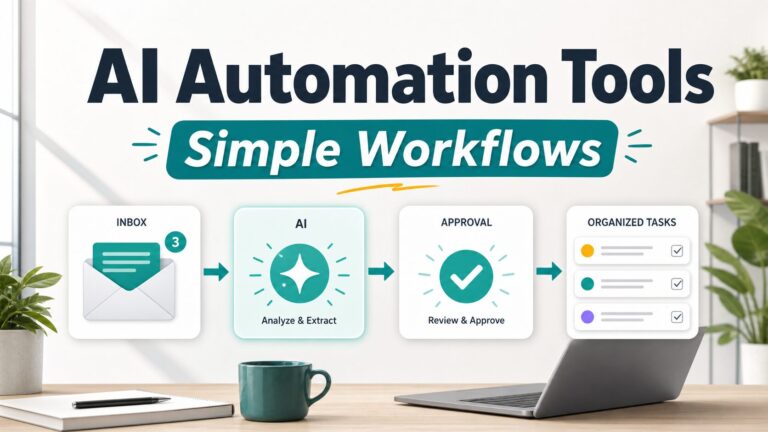
If you are still early, start with the article on best AI automation tools for simple workflows and keep the first automation narrow. Automating a messy process too early usually creates more maintenance work.
Privacy and security: review the whole data route
AI workflows can move sensitive data through more systems than readers realize. A form, email, transcript, document, or CRM record may pass from the source app to the automation platform, then to an AI service, then to the destination app. That route matters more than the Zapier vs Make brand debate.
Zapier’s official security help article says SOC 2 Type II and SOC 3 documentation is available through its Trust Center. Zapier’s data privacy overview says customer content flows through Zapier systems and that customers remain responsible for safeguarding content as they configure workflows and integrations.
Make’s official security page states that its infrastructure uses AWS EC2 private instances, TLS 1.2 and 1.3 for network communication, AES-256 full-disk encryption, and default log-data storage for 30 days. Make’s privacy notice also describes service delivery, improvement, security, compliance, and service-provider processing purposes.
For workplace AI automations, use this rule: do not route client secrets, student records, medical details, legal documents, financial records, or private employee data through an AI step unless your organization has reviewed the connected apps, contracts, retention settings, and permissions. The AI tool privacy checklist for professionals is the safer next read before connecting sensitive systems.
Common automation errors to plan for
Most bad automations fail in ordinary ways. They do not need a dramatic AI failure to create trouble.
- Missing fields: the AI step or destination app expects a value that the trigger did not provide.
- Duplicate runs: a test, retry, or edited record triggers the workflow again.
- Wrong branch: a filter or router condition sends a record to the wrong path.
- Usage spikes: one busy week consumes more tasks or credits than expected.
- Bad AI output: the automation treats an AI draft as final when it should have gone to human review.
If those risks sound serious for your process, make the first version review-first. Let the automation draft, summarize, classify, or notify, but keep a human approval step before external messages, invoices, client records, or irreversible changes.
FAQ
Is Zapier better than Make?
Zapier is better for many simple, linear automations where app coverage, setup speed, and predictable handoffs matter. Make is better for many branching, visual, data-heavy workflows. The right choice depends on the workflow you need to maintain.
Is Make cheaper than Zapier?
Make’s first paid plan listed a lower entry price than Zapier’s Professional plan on the official pricing pages checked June 11, 2026, but that does not automatically make Make cheaper for every workflow. Compare expected monthly tasks or credits after mapping the real workflow.
Which is better for AI workflows?
Zapier is a strong starting point for connecting AI steps to many common work apps quickly. Make is a strong starting point when the AI workflow needs branching, cleanup, and detailed scenario review. In either case, keep sensitive data out of AI steps unless your organization has reviewed the data route.
Should beginners choose Zapier or Make?
Beginners who need one simple automation should usually try Zapier first. Beginners who learn visually and already know they need branches, routers, or multi-step cleanup should also test Make before paying.
Final recommendation
For most solo operators building a first AI workflow, start with Zapier if the job is a simple handoff and you value speed. Start with Make if the workflow branches, cleans data, or needs a visual map you can debug later.
Before paying for either tool, write the same workflow on one page, count the likely task or credit usage, and decide where human review belongs. That small planning step is more valuable than chasing a universal winner.