Microsoft Copilot vs Gemini for Google Workspace: Which Fits Your Work Setup?
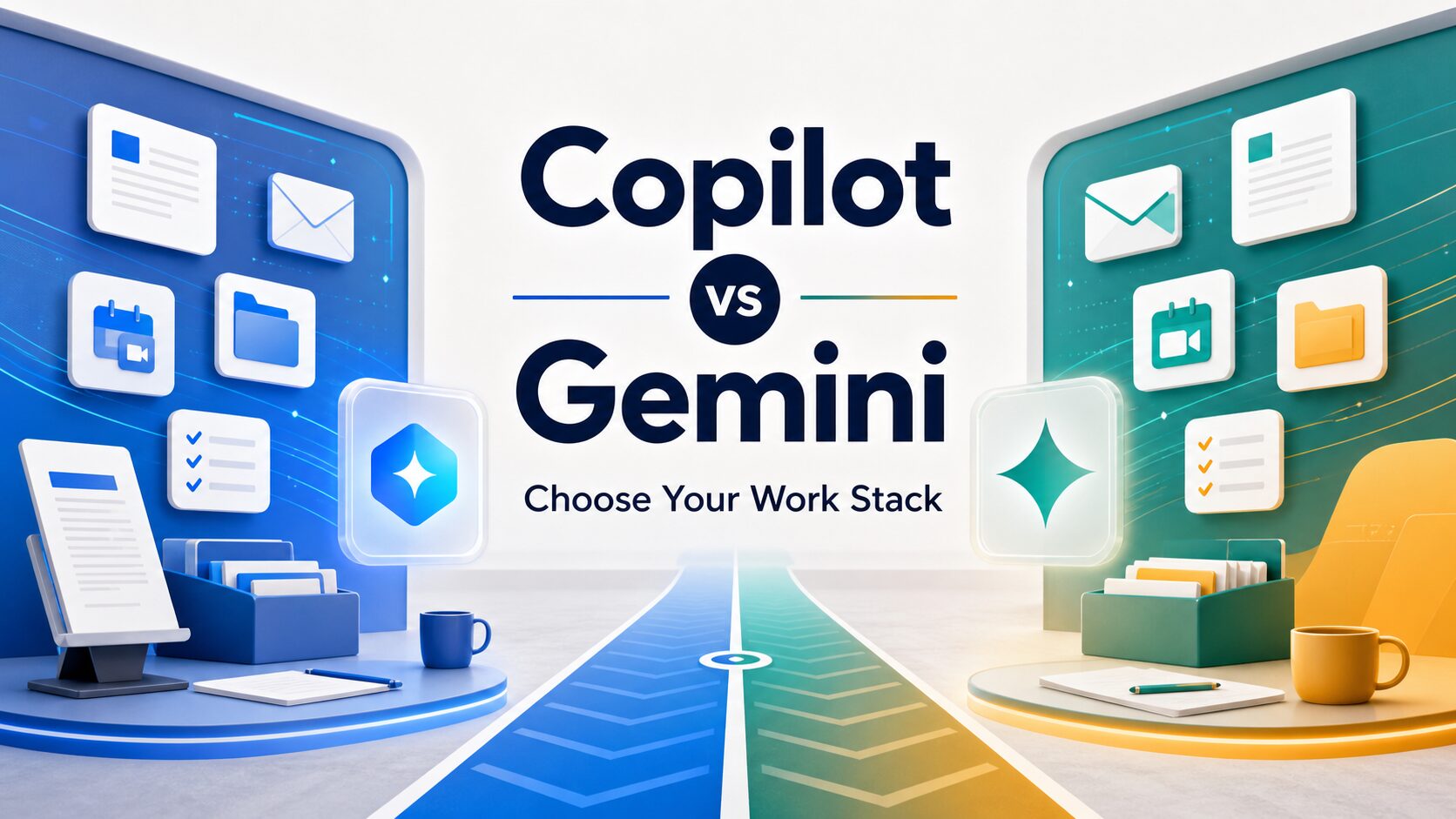
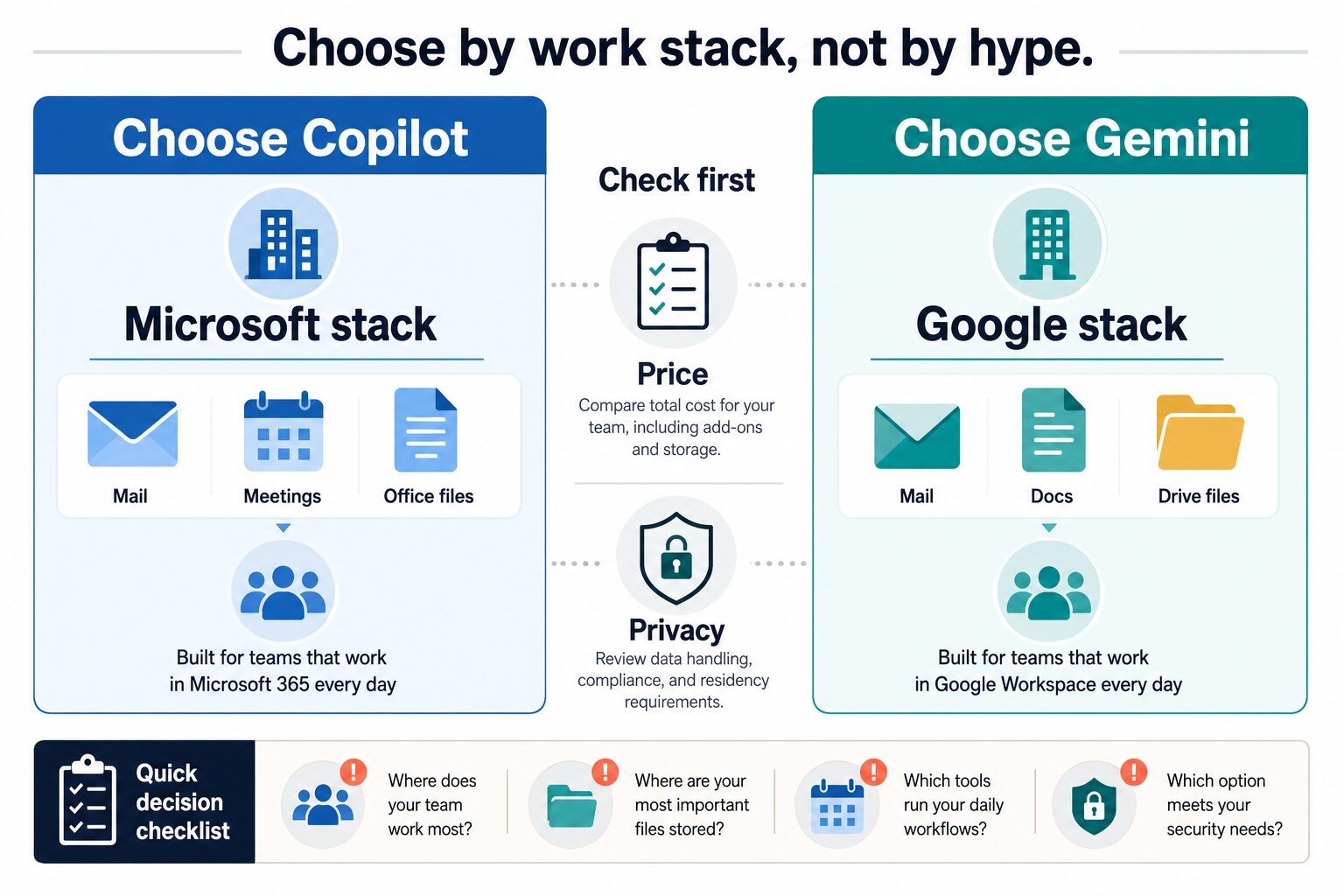
Choose Microsoft Copilot if your work already runs on Microsoft 365, Outlook, Teams, Word, Excel, SharePoint, and OneDrive. Choose Gemini for Google Workspace if your team already lives in Gmail, Docs, Drive, Meet, Chat, and Google admin controls. The better choice is usually the AI layer closest to where your team already writes, meets, stores files, and manages permissions.
Quick verdict: choose by work stack first
- Choose Microsoft Copilot first if your team is Outlook-first, uses Teams for meetings, edits Office files daily, and already has a qualifying Microsoft 365 setup.
- Choose Gemini for Google Workspace first if your team is Gmail-first, stores work in Drive, collaborates in Docs and Sheets, and manages users through Google Workspace.
- Pause before buying either if your team is split between both ecosystems, handles sensitive regulated data, or has not reviewed admin controls, retention, data access, and total per-user cost.
Evidence status: This comparison is based on official Microsoft and Google pricing, feature, privacy, and security sources checked on June 12, 2026. It is official-research-only, not a hands-on output-quality or productivity benchmark.
| Decision point | Microsoft Copilot | Gemini for Google Workspace | What to verify before paying |
|---|---|---|---|
| Best first fit | Teams that already work in Outlook, Teams, Word, Excel, PowerPoint, SharePoint, and OneDrive. | Teams that already work in Gmail, Docs, Sheets, Slides, Drive, Meet, and Chat. | Where your team’s real daily work happens, not which AI demo looked better. |
| Pricing shape | Microsoft’s official page showed Microsoft 365 Copilot Chat included for eligible Microsoft 365 subscription users. Microsoft 365 Copilot Business showed $18/user/month paid yearly, with a separate qualifying Microsoft 365 plan required and an up-to-300-user note. | Google Workspace annual business pricing showed Starter at $7/user/month, Standard at $14/user/month, and Plus at $22/user/month. Starter has limited Gemini coverage; Standard and above expose broader Workspace app coverage. | Base plan, add-ons, annual commitment, monthly price, discounts, country availability, and seat limits. |
| Email and meetings | Stronger first fit for Outlook and Teams-centered teams. Microsoft support documents drafting and summarizing email in Outlook. | Stronger first fit for Gmail and Meet-centered teams. Google lists Gemini support across Gmail and Meet depending on plan. | Whether the AI features you need are active in your account and approved by admins. |
| Files and collaboration | Fits Office files, SharePoint, OneDrive, and Microsoft Graph context when the tenant is already managed well. | Fits Docs, Sheets, Slides, Drive, and Google Workspace collaboration when Drive is the team’s system of record. | Overshared files, inherited permissions, shared drives/sites, and whether AI can surface content users should not casually rely on. |
| Privacy and admin review | Microsoft documents enterprise data protection, privacy, security, and compliance commitments for Microsoft 365 Copilot and Copilot Chat. | Google states Workspace data is not used to train or improve Gemini models or for ads targeting, and points admins to Workspace privacy/security controls. | Retention, audit, data regions, DLP, prompt/response logging, and whether your organization allows this use case. |
Choose Copilot if Microsoft 365 is already your work system
Microsoft Copilot is the cleaner first test when Outlook, Teams, Word, Excel, PowerPoint, SharePoint, and OneDrive are already where work happens. In that environment, the practical question is not “Can Gemini write good text?” It is whether your AI assistant can work near the email threads, meetings, files, permissions, and admin policies your organization already uses.
Microsoft’s official Copilot pricing page says Microsoft 365 Copilot Business includes access in apps such as Teams, Outlook, Word, PowerPoint, and Excel. It also says a separate qualifying Microsoft 365 plan is required. That matters because the visible Copilot price is not the entire budget. A small team should calculate the full stack: base Microsoft 365 plan, Copilot license, annual or monthly billing, and any admin/security add-ons already required for the business.
Skip or pause if: your team mainly uses Gmail and Drive, the base Microsoft 365 plan is not already in place, or you have not reviewed SharePoint/OneDrive permissions. Copilot can only be as clean as the tenant it is allowed to search and summarize.
Choose Gemini if Google Workspace is already your work system
Gemini for Google Workspace is the cleaner first test when Gmail, Docs, Sheets, Slides, Drive, Meet, and Chat are already the team’s daily workspace. Google says Workspace plans include access to the Gemini app, NotebookLM, and Gemini in Gmail, Docs, Meet, and more. Its pricing page also shows important plan differences: Starter includes Gemini in Gmail and Gemini app chat, while Standard adds broader Gemini support in Gmail, Docs, Meet, and more, plus expanded Gemini app access.
The practical advantage is low switching friction. If your team already drafts proposals in Docs, keeps shared files in Drive, and coordinates through Gmail and Meet, Gemini can be evaluated where the work already sits. The caution is availability. Google Workspace AI features can depend on plan, country, account type, admin settings, and rollout timing.
Skip or pause if: your team is Outlook-first, uses Office files as the system of record, or only has a Starter-level plan but expects full Gemini support across Docs, Drive, Meet, and Chat.
What if your team uses both Microsoft and Google?
Mixed-stack teams should avoid buying both AI suites just to see what happens. Start by naming the system of record for each workflow. Email may live in Outlook, documents may live in Google Drive, and meetings may be split between Teams and Meet. In that case, the “winner” may be different by workflow, and the first purchase should solve the highest-volume problem.
If the inbox is Outlook, evaluate Copilot first. If it is Gmail, evaluate Gemini first.
If files live in SharePoint or OneDrive, Copilot has the cleaner context. If files live in Drive, Gemini has the cleaner context.
If team meetings and follow-ups happen in Teams, start with Copilot. If Meet and Docs are the default, start with Gemini.
If security review is the blocker, start with the platform your admin already manages best.
Privacy and security checks before connecting workplace AI
Both Microsoft and Google publish enterprise privacy and security documentation, but that does not remove your responsibility to review how AI will touch your data. Workplace AI can summarize mail, draft replies, inspect files, search shared content, and surface context that users already have permission to access. That is useful, but it can expose messy permission habits.
- Review file permissions first: clean up overshared Drive, SharePoint, OneDrive, and shared mailbox access before broad AI rollout.
- Check retention and logging: confirm how prompts, responses, and generated content are retained and audited.
- Separate personal and work accounts: do not evaluate workplace AI with consumer accounts if the buying decision is for a company.
- Keep human review: do not let AI be the final authority on legal, HR, finance, client, academic, or security-sensitive messages.
- Verify admin controls: confirm who can turn features on, restrict apps, manage data access, and audit usage.
For a deeper checklist, use our AI tool privacy checklist for professionals before connecting either suite to sensitive work data.
Scenario-based recommendation
| Your setup | Best first test | Why | Caution |
|---|---|---|---|
| Outlook, Teams, Office files, SharePoint, and OneDrive | Microsoft Copilot | It works closest to the Microsoft 365 surfaces your team already uses. | Confirm the qualifying base plan and clean up file permissions first. |
| Gmail, Docs, Sheets, Drive, Meet, and Chat | Gemini for Google Workspace | It works closest to the Google Workspace surfaces your team already uses. | Confirm plan-level Gemini availability, especially if you are on Starter. |
| Solo professional using both ecosystems | Start with the inbox and file system you use daily | The first AI suite should reduce your most frequent friction, not duplicate tools. | Do not pay for two ecosystems unless each solves a distinct, recurring task. |
| Small business with no strong standard yet | Choose the workspace suite first, then the AI layer | The base productivity suite will shape email, files, calendars, and admin work more than the AI add-on alone. | Compare migration effort, storage, security controls, and team habits before AI features. |
| Privacy-sensitive or regulated team | Whichever platform your admin can govern better | Governance, permissions, retention, and auditability matter more than a general AI winner. | Run a limited pilot with approved data before broad rollout. |
How this compares with broader AI assistant choices
Copilot vs Gemini for Google Workspace is narrower than a general model comparison. If you are choosing among ChatGPT, Claude, and Gemini for broad individual work, read our ChatGPT vs Claude vs Gemini for work comparison. If your problem is mostly email, start with our guide to AI email assistants for Gmail and Outlook.
If you are building a lean team stack, this article fits alongside our guide to best AI productivity tools for solo operators and small teams and our guide to AI tools for small business owners.
Frequently asked questions
Is Microsoft Copilot better than Gemini for Google Workspace?
Microsoft Copilot is usually better for Microsoft 365-first teams. Gemini for Google Workspace is usually better for Google Workspace-first teams. The better choice depends on your actual email, meetings, files, and admin setup, not a universal model ranking.
Is Gemini included in Google Workspace?
Google’s official Workspace pricing and Gemini documentation show Gemini access across Workspace plans, but feature depth differs by plan. Starter includes Gemini in Gmail and Gemini app chat, while Standard and above expose broader Workspace app coverage such as Docs, Meet, Drive, Sheets, Slides, and Chat. Verify inside your admin console before buying.
How much does Microsoft 365 Copilot cost?
Microsoft’s official page checked on June 12, 2026 showed Microsoft 365 Copilot Chat included for eligible Microsoft 365 subscription users. Microsoft 365 Copilot Business showed $18/user/month paid yearly, with a separate qualifying Microsoft 365 plan required and an up-to-300-user note. Monthly commitment showed $25.20/user/month.
Can a small business use both Copilot and Gemini?
Yes, but most small teams should avoid paying for both until there is a clear reason. If the team uses Outlook and Office files, start with Copilot. If it uses Gmail and Drive, start with Gemini. Use both only when different departments or workflows genuinely depend on different ecosystems.
Which is safer for workplace data?
Both Microsoft and Google publish enterprise privacy and security documentation. The safer option is usually the one your organization can govern better: cleaner permissions, clearer retention, better admin controls, and approved usage rules. Do not treat either tool as safe by default for sensitive data without review.
Final recommendation
Start with your current work stack. If your team already runs on Microsoft 365, evaluate Microsoft Copilot first. If your team already runs on Google Workspace, evaluate Gemini first. If your team is mixed, choose the system of record for your highest-volume workflow before buying either AI layer.
For most professionals and small teams, the wrong move is not choosing Copilot or Gemini. The wrong move is buying an AI suite before checking base-plan cost, feature availability, admin controls, privacy terms, and where the team’s real work already happens.
Sources checked
- Microsoft: Microsoft 365 Copilot pricing, draft an email with Copilot in Outlook, summarize an email, Copilot privacy and security, and enterprise data protection.
- Google: Google Workspace pricing, Google Workspace with Gemini, AI tools for business, and Generative AI in Google Workspace Privacy Hub.