Wordtune Alternatives for Workplace Rewriting
The best Wordtune alternative for workplace rewriting depends on the job you need the tool to do. Grammarly is the strongest first check for everyday professional polish, QuillBot is useful for fast paraphrasing and summaries, ProWritingAid fits long documents and deeper style feedback, and LanguageTool is worth checking when multilingual grammar support matters. Keep Wordtune if one-click tone rewrites are still the main thing you need.
Quick Verdict
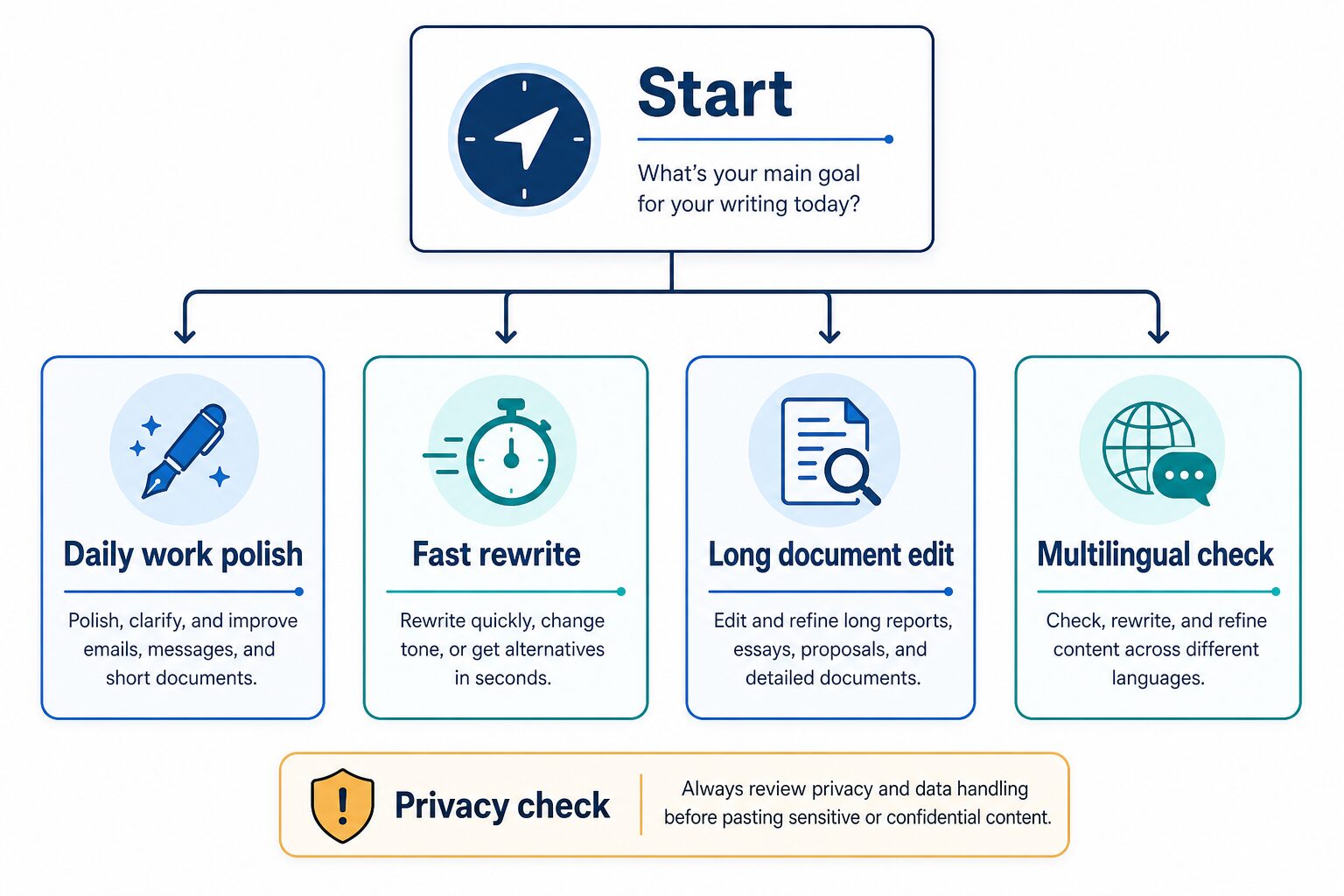
Try Grammarly first if your main problem is daily workplace writing: emails, reports, Slack messages, LinkedIn updates, and documents that need grammar, tone, and clarity help across many writing surfaces.
Try QuillBot first if you mostly want fast paraphrasing, summaries, and alternative wording for short text. It is closer to Wordtune’s rewrite habit than a full long-document editor.
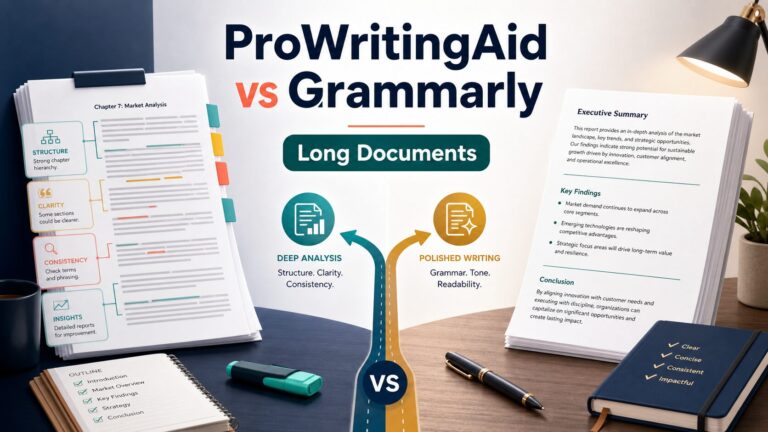
Try ProWritingAid first if your work includes longer reports, essays, proposals, manuscripts, or repeated document editing where deeper style reports matter more than quick sentence rewrites.
Try LanguageTool first if you write across English and other languages, or if you want a lighter multilingual grammar and style checker before committing to a heavier writing platform.
Evidence status: This article is based on official product, pricing, and privacy sources checked on June 30, 2026. It does not claim hands-on testing, output-quality testing, speed benchmarks, or workplace deployment results.
Why Look For A Wordtune Alternative?
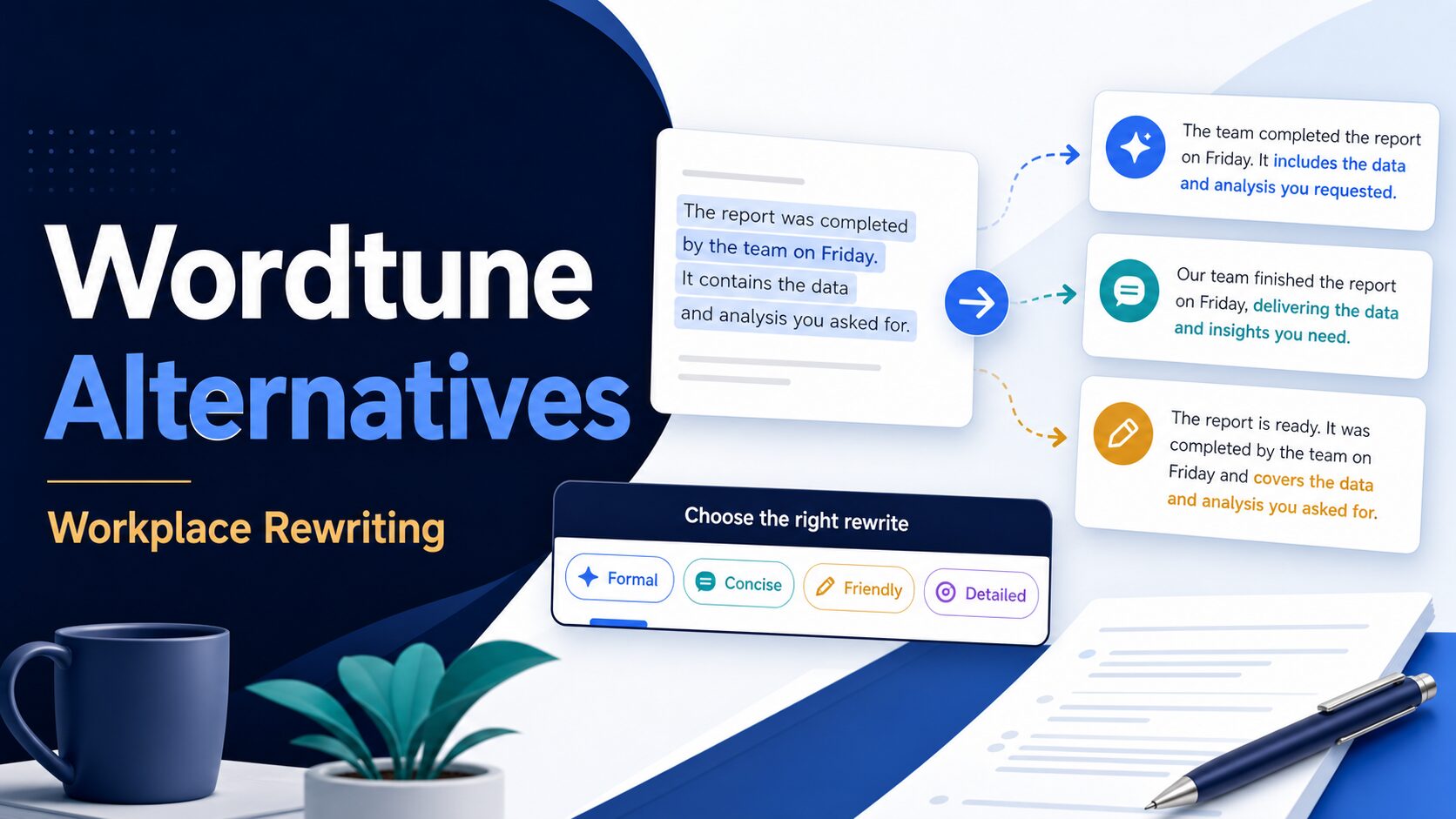
Wordtune is useful when you want quick rewrites, tone changes, shorter versions, longer versions, grammar help, or English phrasing support. The reason to look beyond it is not that Wordtune is wrong for everyone. The reason is that workplace writing has different jobs.
A manager rewriting a client email needs a different tool from a student editing a long essay. A non-native English professional polishing a report needs a different workflow from a content writer paraphrasing short social posts. A team handling customer records also has a privacy problem before it has a writing-tool problem.
Use Wordtune as the baseline: quick rewrite and tone control. Then compare alternatives by the work you actually do.
Wordtune Alternatives At A Glance
| Tool | Best workplace fit | Check before paying | Skip if |
|---|---|---|---|
| Grammarly | Daily professional polish across emails, docs, messages, and team writing. | Whether the current Free, Pro, or Enterprise plan has the rewrite, AI prompt, plagiarism, admin, and security controls you need. | You mostly need quick paraphrasing or multilingual checking rather than broad English writing support. |
| QuillBot | Fast paraphrasing, summaries, grammar help, and alternative wording. | Current free word limits, paraphrase modes, summary limits, plagiarism/AI detector access, and team features. | You need deep long-document style reports or workplace admin controls. |
| ProWritingAid | Long documents, reports, essays, proposals, manuscripts, and detailed style feedback. | Word-count limits, report limits, advanced style improvements, document storage, collaboration, and whether creative-writing features matter to you. | Your work is mostly short messages and you want the fastest one-click rewrite flow. |
| LanguageTool | Multilingual grammar, punctuation, style checking, paraphrasing, and team wording rules. | Supported languages, character limits, browser add-ons, team style guide, and the price shown for your region. | You need a dedicated English rewrite assistant or heavy long-document editing reports. |
| Keep Wordtune | One-click tone rewrites, shortening, expanding, and English rewrite suggestions. | Daily rewrite/suggestion limits, summary limits, and whether Advanced or Unlimited is needed for your usage. | You need stronger grammar checks, multilingual support, long-document analysis, or team controls. |
Use Grammarly For Everyday Workplace Polish
Grammarly is the first alternative to check when the problem is broad workplace writing quality. It is less about one isolated sentence and more about staying clear, correct, and professional wherever you write.
According to Grammarly’s official plans page, the Free plan covers core writing correctness and tone visibility, while Pro adds sentence rewriting, tone adjustment, English fluency support, plagiarism and AI-generated text detection, and more AI prompts. Enterprise adds organization-oriented controls such as roles, permissions, SSO, data loss prevention, and security options.
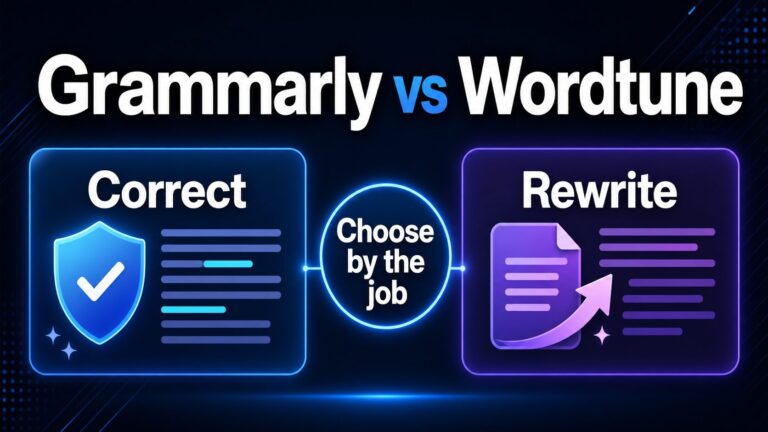
That makes Grammarly a strong fit for professionals who write across email, reports, proposals, resumes, LinkedIn, and internal messages. It is also the most natural next read if you are comparing Grammarly vs Wordtune for professional English writing.
Skip Grammarly for this job if you only need quick paraphrasing and do not want a broader writing assistant. Also check the current privacy and security pages before using it with client, employee, legal, financial, or confidential text.
Use QuillBot For Fast Rewriting And Summaries
QuillBot is the closest alternative when the habit you like in Wordtune is quick rewriting. Its official premium page emphasizes paraphrasing, grammar correction, summaries, AI detector access, plagiarism prevention, and team options. The free plan has limits, so it is best treated as a trial for your real writing pattern.
For workplace use, QuillBot fits short-to-medium text: rephrasing a sentence, finding a cleaner version of a paragraph, summarizing material, or trying a few phrasings before sending a message. It can be useful when you already know the meaning and just need alternative wording.
Skip QuillBot for this job if the work needs a deeper document review, team governance, or custom house style. It may help you rewrite quickly, but quick rewriting is not the same as deciding whether the rewritten message is appropriate for a sensitive workplace context.
Use ProWritingAid For Long Documents
ProWritingAid is the better Wordtune alternative when the text is long enough that sentence-by-sentence rewriting becomes inefficient. Its official pricing page highlights a free word-count limit, report limits, rephrases, Sparks, grammar and punctuation checks, document type settings, advanced style improvements, custom style guide, snippets, collaboration, and writing analysis reports in paid tiers.
For workplace rewriting, that points to a different use case: reports, long essays, proposals, manuals, grant-style drafts, and documents where structure and style matter across many pages. A quick paraphraser can make individual sentences smoother, but it may not help you find repeated wording, weak transitions, readability issues, or style drift across a long draft.
Skip ProWritingAid for this job if you mainly rewrite short messages and do not need document-level feedback. Its broader analysis can be more than you need for a five-line email.
Use LanguageTool For Multilingual Checking
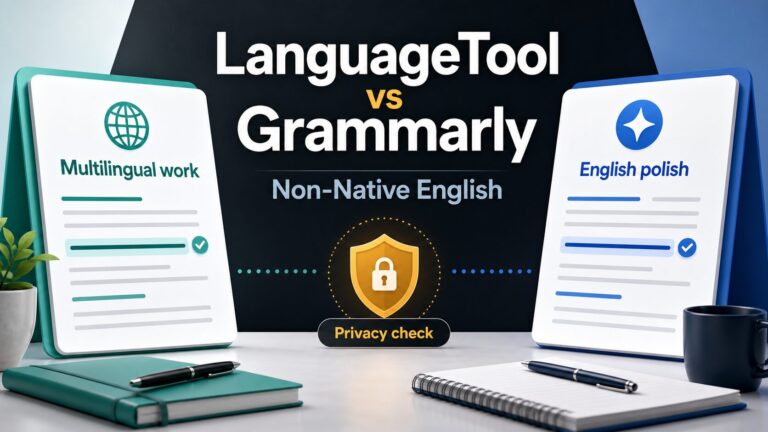
LanguageTool is worth checking when your writing crosses languages or when you want a lighter grammar/style checker instead of a heavier English-only writing platform. Its official premium page emphasizes enhanced grammar, punctuation, style checking, high character limits, paraphrasing, browser add-ons, and team style-guide features.
This matters for English-comfortable readers who also write in German, French, Spanish, Dutch, Polish, Portuguese, or other supported languages. If your workday moves between English and another language, the best Wordtune alternative may not be the tool with the flashiest rewrite button. It may be the tool that catches mistakes across more of your actual writing.
For a deeper two-tool comparison, read LanguageTool vs Grammarly for non-native English.
Skip LanguageTool for this job if you mainly want English tone rewriting, long-document reports, or advanced team administration.
When You Should Keep Wordtune
Do not switch just because a roundup says another tool is newer or broader. Keep Wordtune if your main workflow is highlighting text, choosing a rewrite, changing tone, shortening, expanding, and moving on. Wordtune’s official pages still match that job well.
The real question is whether your work has outgrown that workflow. If you are mostly editing long reports, choose a document editor. If you are mostly checking multilingual writing, choose a multilingual checker. If you are mostly polishing everyday English across many apps, compare broader writing assistants.
A Simple Workplace Rewrite Test
Before paying for any tool, test it on a low-risk version of the same task:
1. Short message
Rewrite a five-line email so it is clear, polite, and still keeps your meaning.
2. Long paragraph
Rewrite a dense report paragraph without changing facts, dates, names, or responsibilities.
3. Privacy check
Repeat the test with dummy text only. Do not paste confidential client, employee, school, medical, legal, or financial content.
If a tool changes the meaning, hides uncertainty, removes important context, or makes the message sound unlike you, do not upgrade yet. A good workplace rewrite tool should reduce editing friction without taking control of the message.
Privacy Checks Before You Paste Work Text
Writing assistants can process text that contains names, email addresses, customer details, contract language, school work, HR issues, sales notes, medical context, legal context, financial details, or unreleased company information. The tool choice is only one part of the decision.
Before pasting sensitive text, check the official privacy, security, and business-plan pages. Look for data retention, product-improvement use, AI training language, admin controls, SSO, DLP, deletion rights, and whether your employer or school allows the tool. If the answer is unclear, use dummy text or a sanitized version of the task.
The broader AWT AI tool privacy checklist for professionals is the safer next step before putting real workplace data into any writing assistant.
Where To Go Next
If you are still comparing grammar tools broadly, start with the best grammar checker for non-native English at work. If your choice is specifically Grammarly vs Wordtune, use the dedicated Grammarly vs Wordtune comparison.
If your real task is improving a professional email, use the workflow guide on how to rewrite professional emails with AI without sounding generic. If you are looking beyond Grammarly as well, read Grammarly alternatives for professional email.
Final Recommendation
Choose the Wordtune alternative by the work, not by the longest feature list. Grammarly is the practical first check for everyday workplace polish. QuillBot is the quick rewrite and paraphrase option. ProWritingAid is stronger for long documents. LanguageTool is the multilingual grammar and style option. Wordtune is still worth keeping when fast tone rewrites are exactly what you need.
Before upgrading, test the tool on low-risk text, compare the current official plan page, and check privacy terms. A writing assistant should help you express the right meaning more clearly, not replace your judgment.
Official Pages To Check
Pricing, free-plan limits, AI features, and privacy terms can change. Check the current official pages before paying or pasting sensitive work text.
FAQ
What is the best Wordtune alternative for work writing?
For most workplace writing, Grammarly is the first alternative to check because it covers daily grammar, tone, clarity, rewriting, and team-plan considerations. QuillBot is better when the main job is fast paraphrasing, ProWritingAid is better for long documents, and LanguageTool is better when multilingual checking matters.
Is Grammarly better than Wordtune?
Grammarly is usually broader for everyday professional writing. Wordtune can still be better if you mainly want quick tone rewrites, shortening, expanding, and alternative phrasing. The better choice depends on your writing task.
Is there a free Wordtune alternative?
Grammarly, QuillBot, ProWritingAid, and LanguageTool all have free or entry-level options shown on their official plan pages, but the limits differ. Check current word limits, rewrite limits, summary limits, and feature access before relying on a free plan for work.
Which Wordtune alternative is best for non-native English professionals?
Start with the tool that matches the writing surface. Grammarly is a strong everyday English polish option, LanguageTool helps when multilingual checking matters, and QuillBot or Wordtune can help when you need alternative phrasing. Avoid tools that erase your meaning just to sound more polished.
Sources
- Wordtune official homepage, checked June 30, 2026.
- Wordtune Rewrite, checked June 30, 2026.
- Wordtune pricing and plans, checked June 30, 2026.
- Wordtune privacy policy, checked June 30, 2026.
- Grammarly plans, checked June 30, 2026.
- Grammarly security, checked June 30, 2026.
- Grammarly privacy policy, checked June 30, 2026.
- QuillBot Premium, checked June 30, 2026.
- QuillBot privacy policy, checked June 30, 2026.
- ProWritingAid pricing, checked June 30, 2026.
- ProWritingAid features, checked June 30, 2026.
- ProWritingAid privacy policy, checked June 30, 2026.
- LanguageTool Premium, checked June 30, 2026.
- LanguageTool privacy policy, checked June 30, 2026.