Canva vs Ideogram for Blog Images
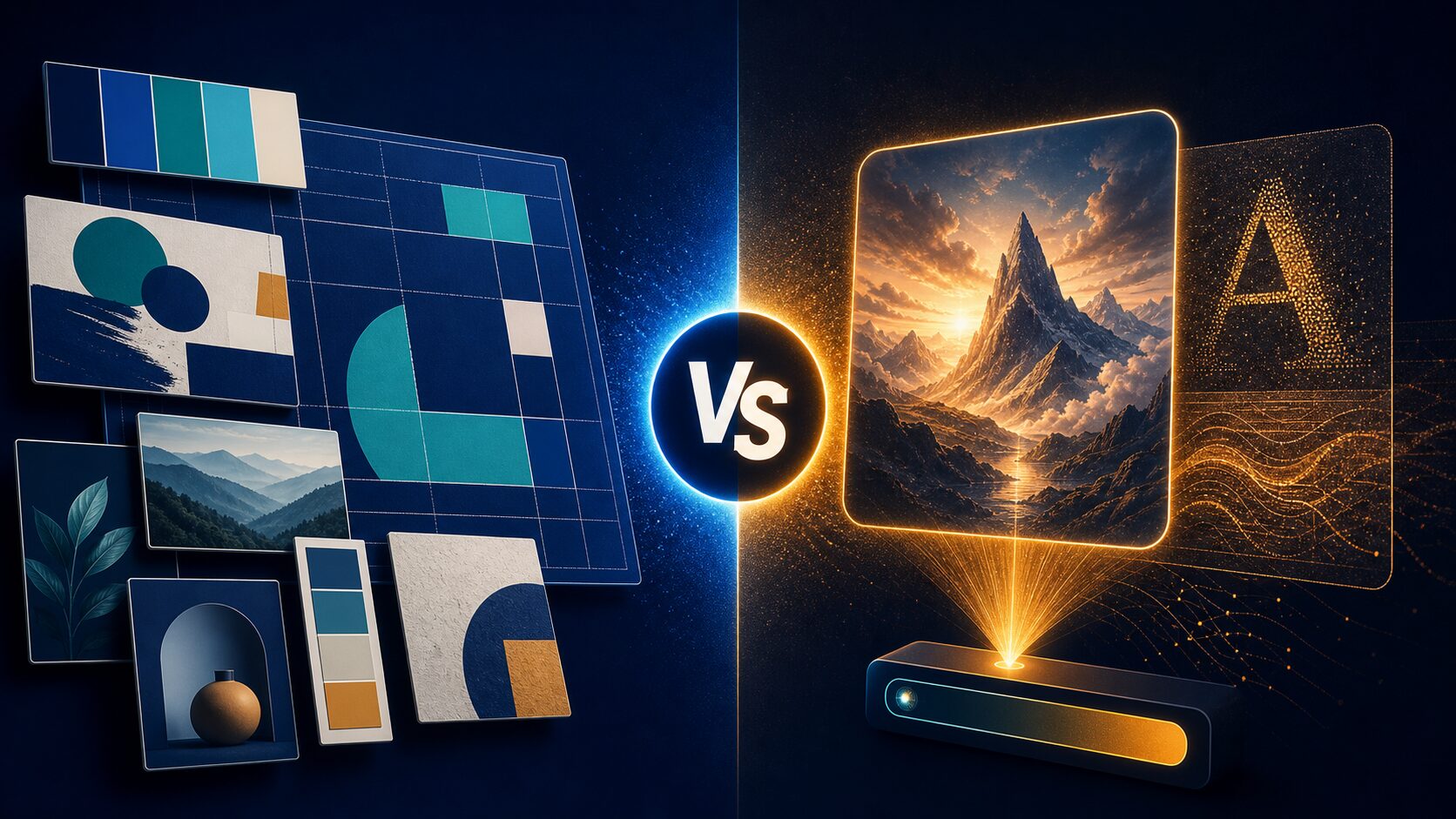
Choose Canva when a blog image must fit a reusable layout, brand system, or publishing routine. Start with Ideogram when the job begins with a distinct image concept and you want a generation-first workflow. The useful question is not which tool wins overall—it is what the image needs to do after the first prompt.
Quick verdict
Start with Canva if you need to turn one visual idea into a repeatable blog format: a featured-image composition, section graphic, social crop, or on-brand layout. Canva describes prompt-led design, image creation, editing, resizing, and style-related controls inside its editor.
Evaluate Ideogram first if the hardest part is generating the visual concept itself—especially when you want to explore image direction, text-in-image treatments, or an image-focused Canvas workflow. Its live plan page separates public free generation from paid private-generation options.
Pause before paying if you cannot describe the next three images you need to publish. Draft one reusable layout and one image brief first; that reveals whether the bottleneck is design assembly or image ideation.
Evidence limit: This is official research only, checked July 15, 2026. It is not a hands-on test of image quality, text accuracy, speed, support, SEO value, or commercial results.
Compare the production job before you compare features
A blog image can be a small design system or a single visual concept. A recurring featured-image format usually needs a stable composition, accessible title area, color treatment, crop, and relationship to the rest of the article. A one-off conceptual illustration may instead begin with a prompt, a reference direction, and several iterations.
That distinction matters more than a long feature list. Canva’s official AI page positions its tools inside the editor, with prompt-led design, image creation, editing, resizing, and brand-related controls. Ideogram’s documentation describes text rendering, style reference, Canvas, editing, and aspect-ratio options. Both have overlap; the decision is where your work starts and where it must end.
| Decision point | Canva | Ideogram | Check before you commit |
|---|---|---|---|
| Best first fit | A blog image that must live inside a reusable layout, visual system, or broader design routine. | An image brief that starts with a visual concept and needs focused generation or image-first iteration. | Write the next three images you must publish, not just the first one. |
| Documented workflow | Canva describes prompt-led design, image creation, editor-based changes, resizing, and style/brand-related controls. | Ideogram documents generation, text rendering, style reference, Canvas, editing, and multiple aspect ratios. | Use the official pages to confirm the exact feature and availability on your account. |
| Free and paid boundary | Canva offers a free starting path, while its AI terms say usage limits can change and may restrict access. | The current Free tier lists limited public generation and 10 slow credits per week; paid Plus and Pro plans list private generation and priority credits. | Confirm live limits, credits, billing cycle, taxes, renewal, and any private-output requirement at checkout. |
| Who should skip it first | Skip Canva as the first step if you do not yet have a layout task and only need to explore an image direction. | Skip Ideogram as the first step if the harder task is fitting an image into a repeatable blog composition and brand routine. | Run the rehearsal below if neither path describes the actual work. |
Use a three-part blog-image rehearsal
Do this before you compare plans. It reduces the chance of choosing a tool from a promotional gallery, a one-time discount, or a feature that does not matter to the publishing job.
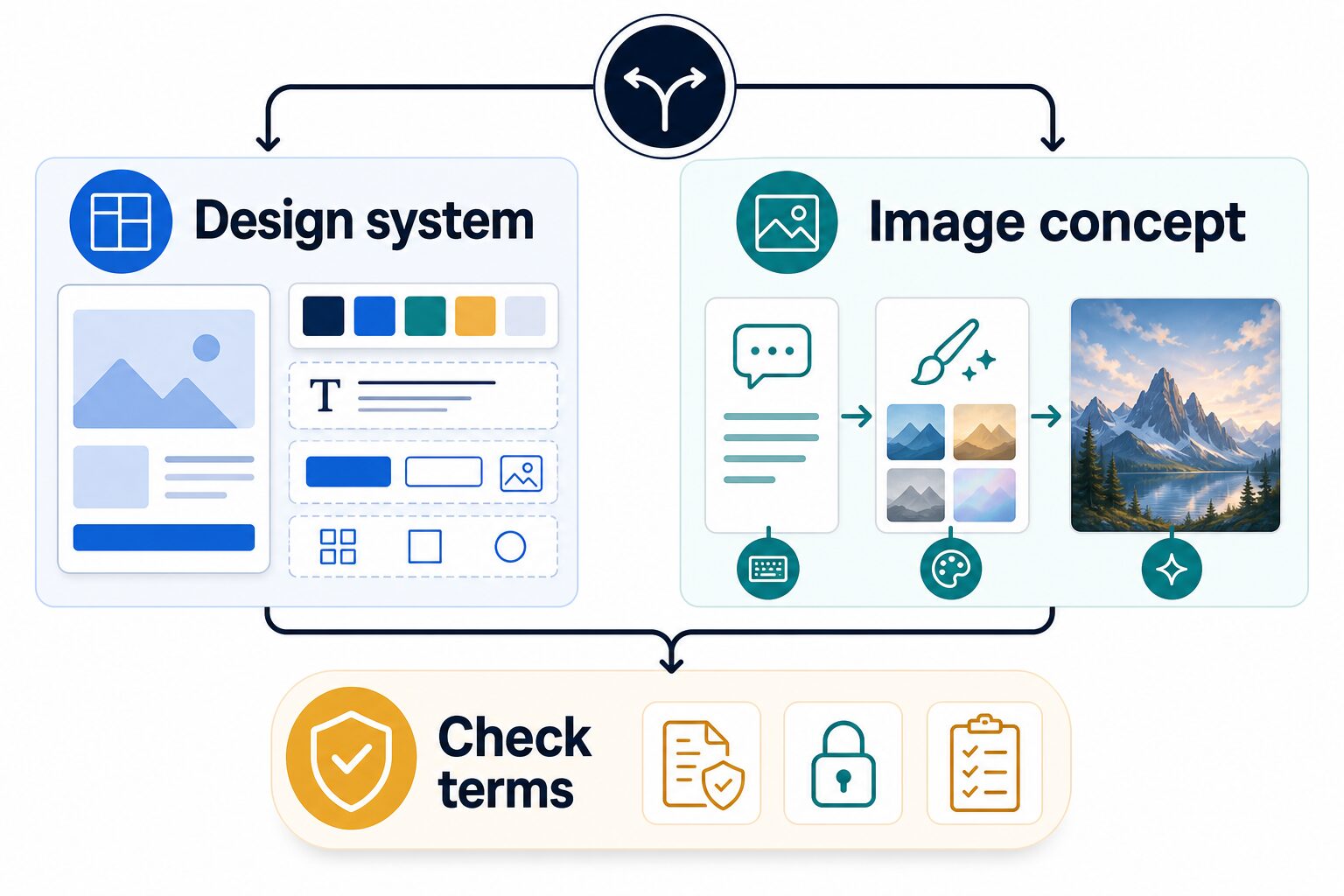
- Design system: sketch the featured-image frame, visual hierarchy, crop, and repeatable elements. If that composition is the hard part, start with the design-workspace path.
- Image concept: write one visual brief that describes subject, mood, setting, exclusions, and how the image supports the article. If exploration of that image is the hard part, start with the generation-first path.
- Check terms: inspect the live plan, public/private output setting, AI usage limit, content-license status, data policy, and rights review needed for the work. Do not use a comparison table as your contract.
Choose from a real weekly publishing scenario
Imagine that you publish one practical article each week. For every post, you need one featured image, one explanatory visual, and two smaller crops for distribution. The question is not whether an image generator can make something attractive once. It is whether the full sequence leaves you with a usable, accurate, and consistent set of assets.
Choose the Canva-first route when your repeatable work begins with the final composition. You may start by saving a featured-image frame, keeping a clear safe area for a headline, setting a color direction, and deciding which article category gets which visual treatment. Then a generated image becomes one element in a larger layout. This approach is especially practical when the same article idea must become a header image, social crop, summary card, and newsletter graphic without losing its visual relationship to the site.
Choose the Ideogram-first route when the recurring work begins with a different concept for each article. A post about a difficult decision may need a clear editorial metaphor; a guide may need a tailored scene or typographic direction; a comparison may need a visual that separates two approaches without imitating product interfaces. In that case, write the image brief first, explore the concept, and only then decide whether the selected output belongs in your article’s final layout.
Either route can be part of a two-tool workflow later. The point of a first choice is to remove one unnecessary handoff today. If you already maintain a reliable composition, do not switch tools only because a generator gallery looks more dramatic. If every post starts with an unformed visual idea, do not force it into a template before you have a usable concept. Save the brief, the final prompt or design decisions, the output source, and the license/terms check with the post so the next update is easier to review.
When Canva is the better first choice
Canva is the better first evaluation when the visual belongs to a larger publishing system. For example, a small business may need a blog header, a summary graphic, a social crop, and a simple update to a template that already has a recognizable structure. Canva’s AI page describes creating and refining work inside the editor, including image generation, background editing, resizing, and style-related controls. That makes it a sensible path when the image has to become a finished, reusable composition.
Best for: a creator who needs article images to fit the same visual structure repeatedly and wants to assemble or adjust the final layout in one workspace.
Skip it for now if: you have no real layout to maintain and the immediate problem is generating an original visual direction. A broad workspace can be useful, but it is not a substitute for a clear image brief.
Canva says its AI usage limits may change and that users are responsible for their inputs and outputs. It also says AI output may not be unique. Check the live product and license pages before using an asset in a published or client-facing project, especially when the design uses library content or a specific commercial use is planned.
When Ideogram is the better first choice
Ideogram is the better first evaluation when the image itself is the main decision. Its official materials describe text rendering, style reference, Canvas, editing, and a range of aspect ratios. That can make it a practical option to assess when a blog image begins as a visual concept—for example, a simple metaphor, a typographic editorial graphic, or a tailored illustration direction—before it needs to fit the final article layout.
Best for: a creator who already knows the article’s point and needs to explore the corresponding image concept, then decide whether the output earns a place in the final composition.
Skip it for now if: the real bottleneck is a repeatable layout, brand treatment, or multi-format publishing system. Generating an attractive image does not automatically solve the placement, accessibility, crop, or editorial-consistency work around it.
On Ideogram’s annual-billing view checked July 15, 2026, the Free tier listed limited public generation and 10 slow credits per week; Plus listed $15 per month and Pro listed $42 per month, with private generation on the paid plans. Treat those as dated planning facts, not a price promise. Confirm current credits, privacy setting, billing, taxes, renewal, and output visibility before subscribing.
Rights, privacy, and publishing checks still belong to you
Neither a polished output nor a commercial-use statement replaces review. Canva’s current AI terms say users are responsible for their inputs and outputs, and its content license distinguishes content categories. Ideogram’s terms say user output may not be unique, while its privacy policy describes collection of prompts and uploaded images and notes that private-content options can depend on subscription and settings.
A safer publishing rule
Where to go next
If the choice is mainly about Canva, read our Canva AI review for blog and social content. If you are comparing broader design workspaces, see the Canva versus Adobe Express comparison. For the larger publishing workflow, use our guide to the best AI tools for content repurposing.
Final recommendation
Choose Canva when your first need is a reusable blog-image system: layout, resizing, consistent treatment, and a finished composition. Start with Ideogram when the first need is the visual concept itself and you want to explore image-led generation before assembling the final page. If you cannot name the next three images or explain the data and rights path, do the short rehearsal before paying for either. That is more useful than a universal winner.
Frequently asked questions
Can I use the free tiers for blog images?
Both services provide a free starting path, but the actual limits and output settings matter. Ideogram’s live page lists limited public generation on Free, while Canva’s terms say AI usage limits can change. Check the active plan before using a free tier for a recurring publication workflow.
Which tool is better for text inside a blog image?
Ideogram documents text rendering and a Canvas Text Tool, while Canva provides a broader editor workflow. This article does not test text accuracy. Use a short real brief, inspect every generated word, and do not publish unreadable or incorrect text.
Can I assume an AI-generated image is cleared for commercial use?
No. Review the current terms, content-license status, output, third-party rights, and your project requirements. Neither tool’s materials replace a rights or legal review for a particular use.
What should I avoid uploading?
Avoid sensitive, confidential, or rights-restricted material unless the applicable terms, permissions, and your organization’s rules allow it. Review connected tools and visibility settings as well as the generator itself.