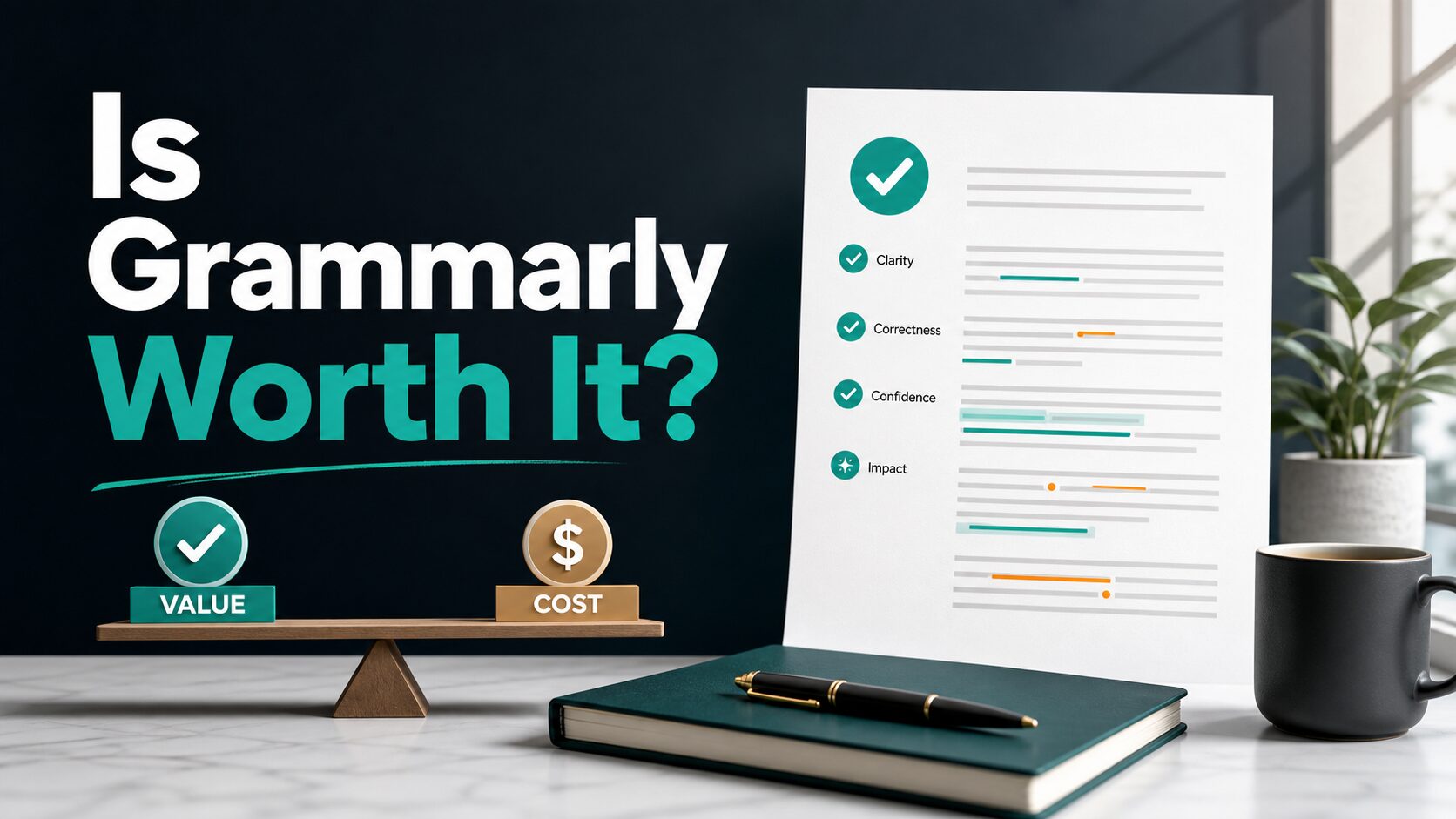
Is Grammarly Worth It for Non-Native English Professionals?
Grammarly can be worth it for non-native English professionals, but the paid plan is not the first step for everyone. If you mainly need spelling, grammar, and tone awareness in everyday emails, Grammarly Free is a good starting point. Grammarly Pro becomes worth checking only when full-sentence rewrites, fluency suggestions, higher AI prompt limits, plagiarism or AI-text checks, or team controls solve a daily work problem.
Quick Verdict
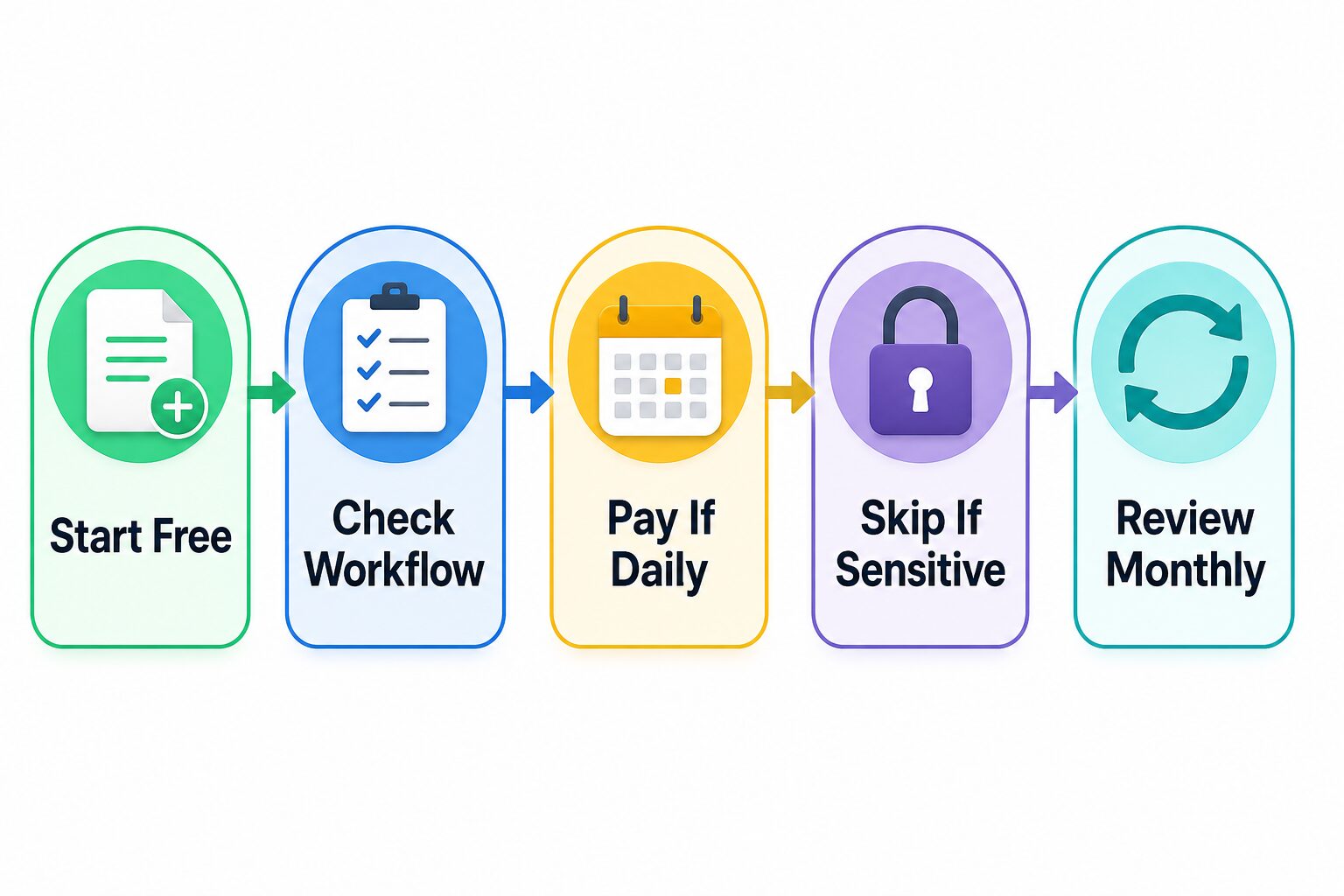
Start with Grammarly Free for two weeks before paying. If it catches enough real mistakes in your emails, reports, LinkedIn posts, or resume bullets, keep using it. If you keep wanting clearer full-sentence rewrites or fluency suggestions in daily work, compare Grammarly Pro against your actual editing time and privacy requirements.
Worth trying free
You write in English often and want correctness, tone visibility, and fewer obvious mistakes across common writing surfaces.
Worth checking Pro
You write professionally every day and need sentence rewrites, fluency help, higher AI prompt limits, or plagiarism/AI-text checks.
Skip or delay
You write rarely, need long-form drafting from scratch, or cannot paste workplace/client data into an unapproved cloud tool.
Evidence limit: This review is official-research-only. Grammarly product, support, pricing, and privacy/security pages were checked on June 7, 2026; no hands-on output-quality test is claimed.
Who This Review Is For
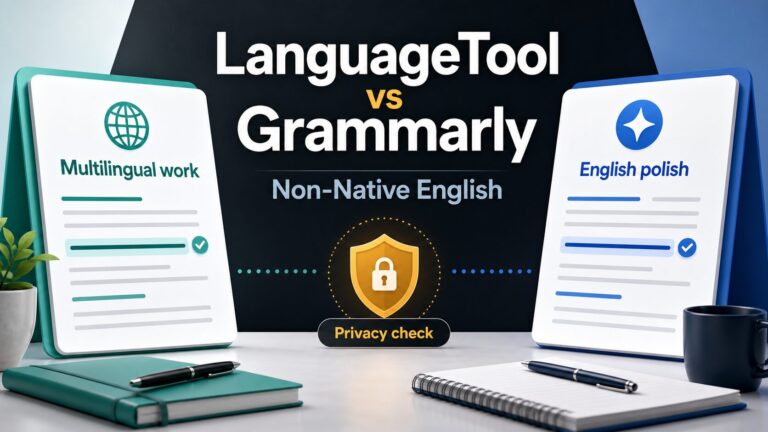
This article is for professionals who already communicate in English at work but still worry about small mistakes, stiff phrasing, unclear tone, or too much editing friction. That includes non-native English professionals writing emails, status updates, reports, resumes, LinkedIn copy, client notes, or internal documents.
The goal is not to hide your background or make every sentence sound identical. The better goal is clearer professional English that keeps your meaning intact.
How Grammarly Helps Non-Native English Professionals
Grammarly is strongest as an editing layer after you already have text. Official support pages describe writing suggestions across correctness, clarity, engagement, and delivery, with product offerings for browsers, desktop apps, the Grammarly Editor, and mobile devices. Grammarly also supports English variants such as American, British, Canadian, Australian, and Indian English, which matters if your workplace has a preferred style.
For non-native English professionals, the practical value is usually in three places:
- Correctness: catching grammar, spelling, punctuation, and common wording problems before a message goes out.
- Tone awareness: seeing whether a message may read too casual, too stiff, or unclear for a workplace situation.
- Rewrite support: using paid rewrite and fluency features when you need cleaner sentence-level alternatives.
That does not mean you should accept every suggestion. A writing assistant can change emphasis, remove nuance, or make your text sound more generic if you approve changes blindly.
Free vs Pro: What the Official Plans Say
Grammarly’s official plans page lists a Free plan at $0/month. As of June 7, 2026, the Free plan includes writing without mistakes, seeing your writing tone, and 100 AI prompts per month. That is enough for many occasional writers who mainly want a grammar and tone safety net.
Grammarly Pro adds full-sentence rewrites, tone adjustment, English fluency help, unlimited personalized suggestions, plagiarism and AI-generated text detection, and 2,000 AI prompts per member per month according to the official plans page.
| Plan | Official price checked June 7, 2026 | Best fit | Who should avoid paying yet |
|---|---|---|---|
| Free | $0/month on the official plans page. | Occasional work messages, grammar checks, spelling, tone awareness, and limited AI prompt use. | Readers who need deeper rewrite help, higher AI prompt limits, or plagiarism/AI-text checks every week. |
| Pro | Support page lists $30 USD/member/month, $60 USD/member/three months, or $144 USD/member/year. | Daily professional English, sentence rewrites, fluency support, higher AI prompt limits, and document checks. | Readers who write rarely or cannot use Grammarly on workplace text because of policy or privacy limits. |
| Enterprise | Contact sales. | Larger organizations that need centralized controls, security review, and team-level deployment. | Individuals who only need basic personal writing support. |
Pricing, trial labels, regional currency, and plan names can change. Open the official pricing page in your own account and country before buying.
When Grammarly Free Is Enough
Stay on the free plan if you write short professional messages, only need a final grammar check, or still want to learn whether Grammarly fits your workflow. For example, Grammarly Free can be enough for polishing a short email, checking a LinkedIn paragraph, or catching spelling and punctuation issues before sending a report summary.
Free is also enough if you already use a broader AI assistant for drafting and only need Grammarly as the final checking layer. For broader options, see our guide to best free AI writing tools.
When Grammarly Pro May Be Worth It
Use a threshold, not a feeling. Grammarly Pro is worth checking when a daily editing problem is specific enough to name: sentence rewrites, fluency suggestions, higher AI prompt limits, plagiarism checks, AI-text checks, or team/workplace requirements.
For a non-native English professional, Pro may be worth it if you write in English every workday and spend a lot of time making sentences clearer or more natural. It may also be useful if your job involves public-facing copy, client messages, formal reports, resumes, or LinkedIn updates where small wording issues can create friction.
Pro is less compelling if you only need a few corrections per week, if you mostly need first drafts from bullet points, or if your writing must go through a human reviewer anyway.
Where Grammarly Is Not the Best Fit
Grammarly is not a complete writing workflow. If your real problem is planning an argument, drafting from raw notes, summarizing source documents, or translating ideas across languages, a general assistant or a dedicated translation/writing workflow may fit better.
Use our AI writing tools for work guide if you need broader drafting options, and our Grammarly vs Wordtune comparison if your main need is sentence rewriting rather than grammar checking.
Privacy and Workplace Data Cautions
Grammarly publishes official privacy and security information, including a Trust Center and support pages describing security practices, encryption, certifications, data hosting, and product improvement controls. Those pages are useful, but they do not replace your workplace, school, or client policy.
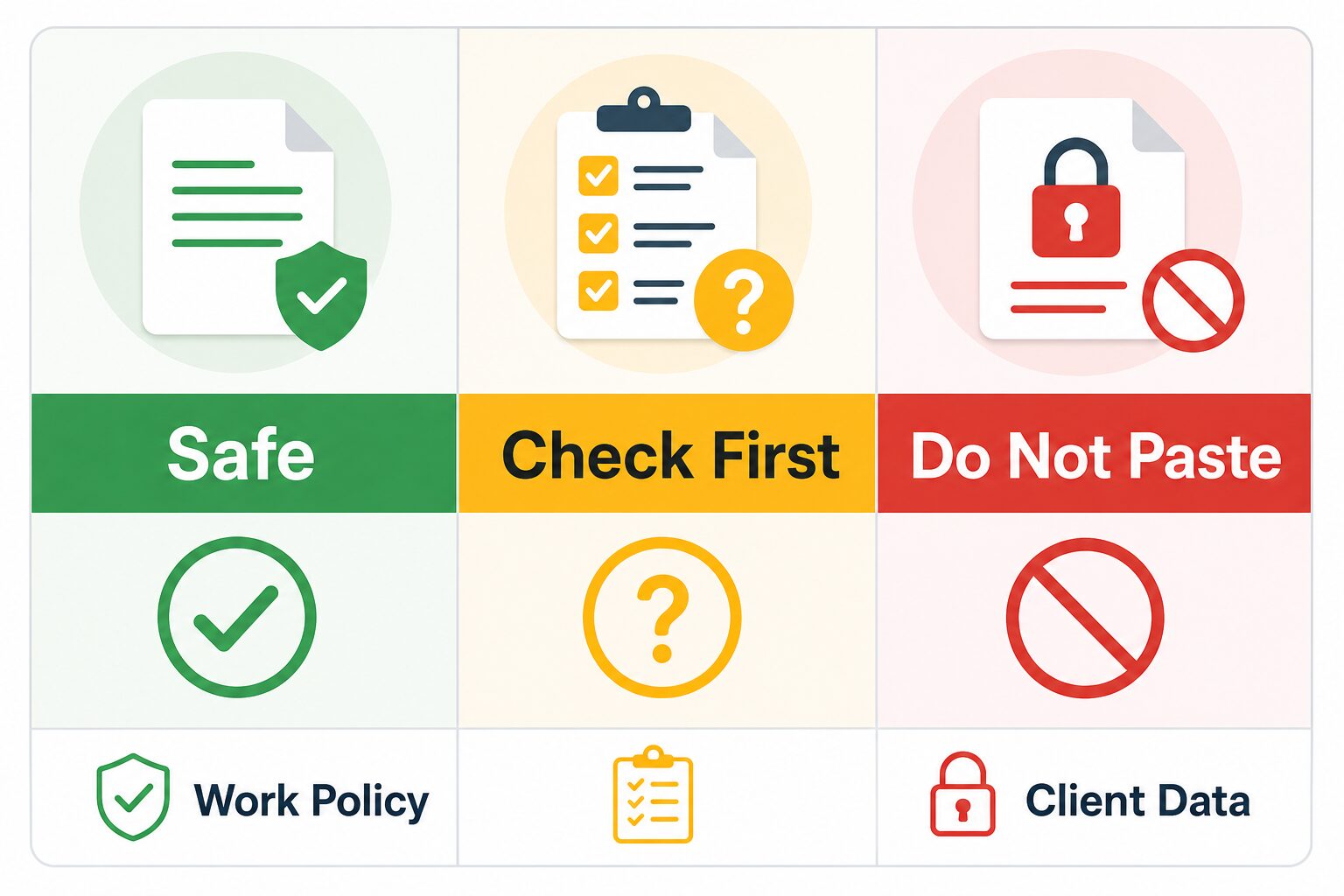
Do not paste confidential client data, passwords, legal notes, medical information, financial information, private student work, unpublished internal strategy, or regulated data into any writing assistant unless your organization has approved that tool and account setup. If you need a broader checklist, read our AI tool privacy checklist for professionals.
A Practical Two-Week Trial Plan
- Use Grammarly Free first. Try it on normal emails, reports, and public profile text for two weeks.
- Track only real saves. Count moments where a suggestion prevented a mistake, clarified tone, or reduced editing time.
- Ignore weak suggestions. Do not accept changes that alter your meaning or make the message sound generic.
- Check sensitive text rules. Confirm what your workplace allows before using any cloud writing assistant on private material.
- Upgrade only for repeated friction. If the same Pro-only features would help several times per week, then compare the plan cost against the time saved.
Alternatives and Complements
Grammarly does not need to be your only writing tool. Many professionals use a small stack:
- Grammarly: grammar, spelling, tone, clarity, and sentence-level support.
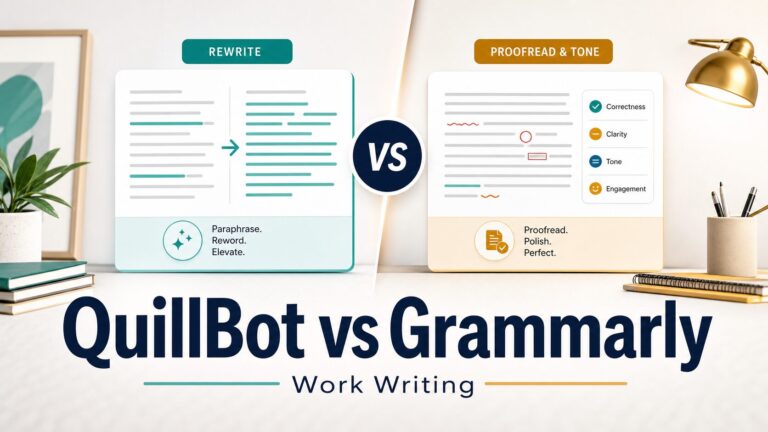
- Wordtune or QuillBot: focused sentence rewrites and paraphrasing.
- ChatGPT, Claude, or Gemini: drafting, brainstorming, outlining, and larger rewrites.
- Human reviewer: high-stakes documents, sensitive tone, legal/medical/financial text, and final judgment.
For non-native English professionals, the strongest setup is often not one tool. It is a correction layer, a drafting layer, and your own final review.
FAQ
Is Grammarly good for non-native English professionals?
Yes, it can be useful for grammar, spelling, tone awareness, and clarity checks. It is most useful when you already have a draft and want cleaner professional English. It is less useful as your only tool for long-form drafting or sensitive workplace documents.
Is Grammarly Pro worth it for non-native English speakers?
Grammarly Pro may be worth checking if you write in English daily and repeatedly need sentence rewrites, fluency suggestions, higher AI prompt limits, plagiarism checks, or AI-text checks. If you write only occasionally, start with the free plan.
Can Grammarly make my writing sound too generic?
It can if you accept every suggestion without judgment. Use suggestions as options, not commands. Keep phrasing that accurately reflects your meaning, role, and relationship with the reader.
Is Grammarly safe for work documents?
Not automatically. Grammarly publishes security and privacy information, but your workplace policy matters. Do not paste confidential or regulated information unless the tool and account setup are approved for that use.
Does this article include affiliate links?
No. This version links to official Grammarly pages and related AI Work Toolkit guides only.
Final Recommendation
For most non-native English professionals, Grammarly is worth trying before paying. Start with Free, use it on real work writing, and pay only if Pro-only features solve a repeated daily problem. If you cannot name the specific feature that would justify the subscription, keep the free plan and build a broader writing workflow first.
If your main question is whether Grammarly is better than a rewrite-focused tool, read Grammarly vs Wordtune. If you want a broader non-native English setup, read The Practical AI Tool Stack for Non-Native English Professionals.