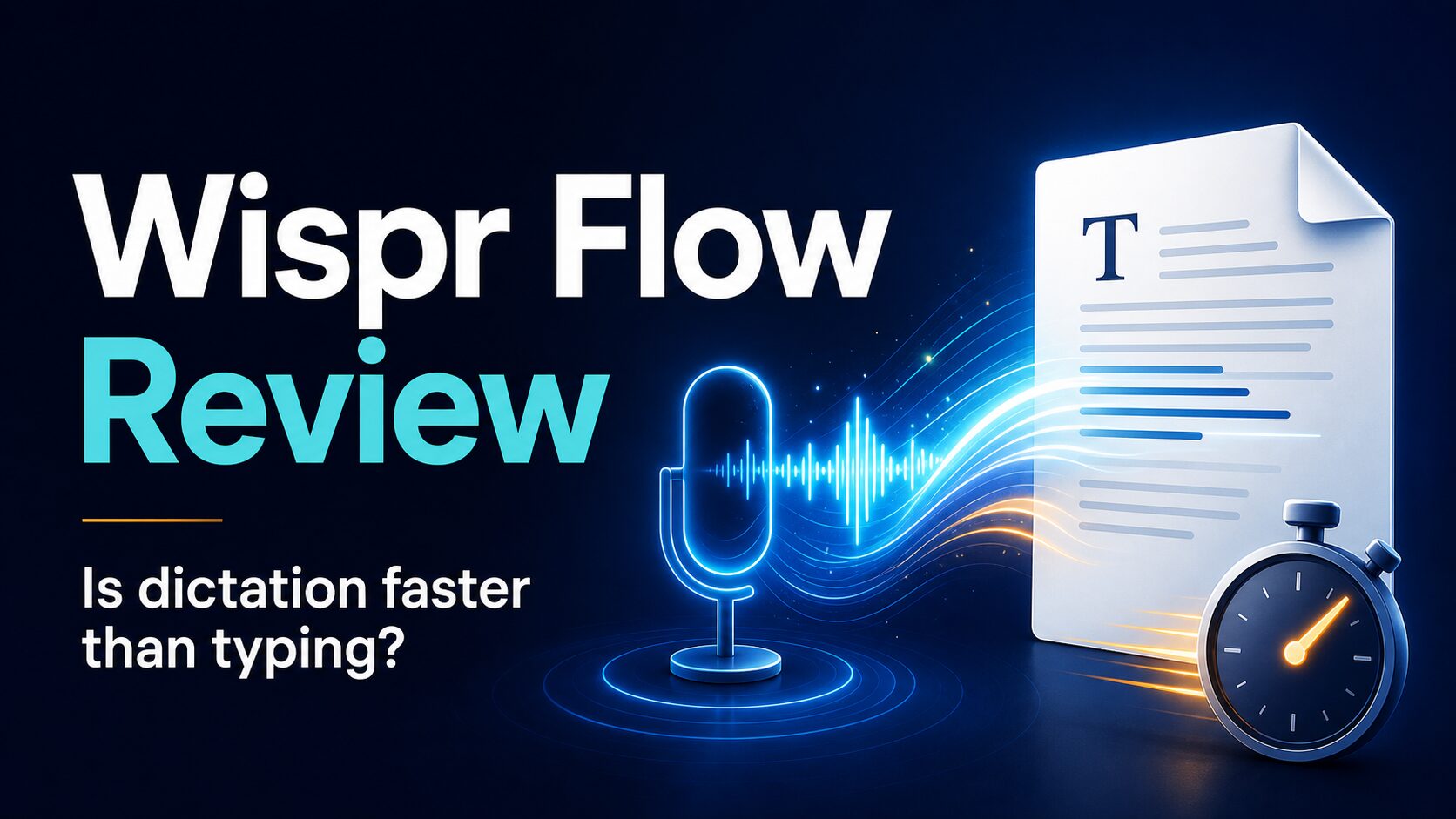
Wispr Flow Review: Is Voice Dictation Faster Than Typing?
Wispr Flow is worth trying if you already think faster by speaking than by typing and you want a dictation tool that can clean up rough speech into usable text across apps. It is less compelling if you only dictate occasionally, need offline/local processing, or cannot send workplace audio and text through a cloud service.
Quick verdict: try the free Basic plan first. Pay for Pro only if you regularly dictate emails, notes, AI prompts, reports, or messages and the weekly word limit becomes a real bottleneck. Skip Wispr Flow if your work involves sensitive client, medical, legal, financial, or confidential company information unless your organization approves the privacy setup.
This Wispr Flow review is based on official Wispr Flow product, pricing, help, privacy, and terms pages checked on June 16, 2026. I did not run a hands-on speed or accuracy test, so the evidence label is official-research-only.
Who Wispr Flow Is Best For
Wispr Flow is built for people who write in many text fields during the day: email, Slack, documents, notes, prompts, support replies, and quick thoughts. The strongest fit is not “anyone who hates typing.” It is the person who can speak a messy first draft, review the output, and make a final edit faster than starting from a blank page.
| Reader situation | Wispr Flow fit | Why | What to verify first |
|---|---|---|---|
| Writer or knowledge worker drafting across many apps | Strong fit | Official docs say Flow works in text fields and can insert dictated text into other apps after permissions are granted. | Whether dictation plus editing is faster than your normal writing routine. |
| Non-native English professional writing work messages | Good fit to test | Voice-first drafting can help preserve your intended meaning before you polish tone and clarity. | Whether the output keeps your meaning and does not over-smooth your voice. |
| Occasional dictation user | Start free or skip | The Basic plan may be enough if you only dictate light notes or short messages. | Whether you hit the weekly word limit. |
| Workplace or client-data user | Check policy first | Official materials describe cloud processing, Privacy Mode, and enterprise controls, but that does not automatically make it approved for every workplace. | Your employer’s AI/data policy, Privacy Mode, retention terms, and allowed data types. |
| Offline-only or locked-down device user | Poor fit | Official data pages describe server-side and third-party provider processing; this is not positioned as a fully local offline dictation tool. | Whether built-in OS dictation or an approved local tool is safer. |
What Wispr Flow Does
Wispr Flow is an AI dictation app. Its official help center describes the core workflow this way: press a hotkey, speak naturally, and Flow turns speech into text in the app or field where your cursor is active. It can also run voice commands such as making text more professional, summarizing, or reshaping selected text.
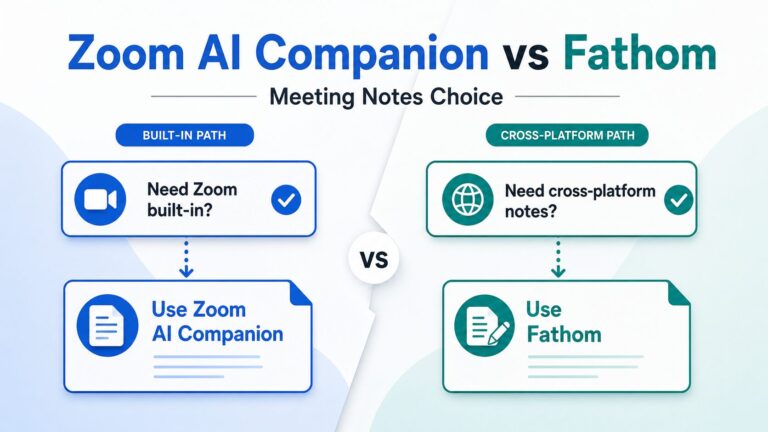
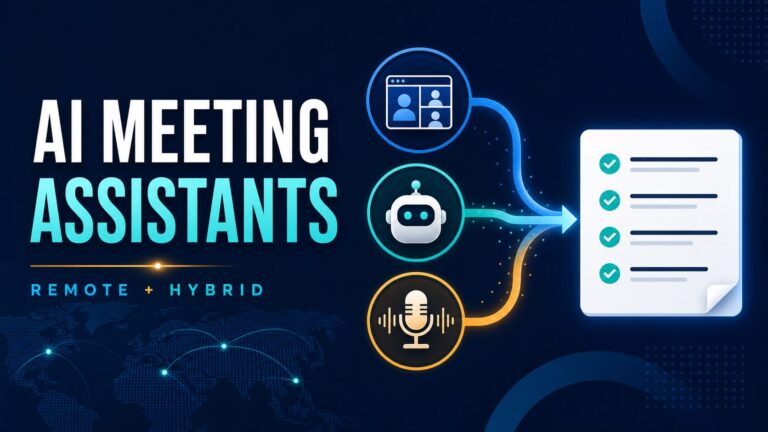
The useful distinction is that Wispr Flow is not just a recorder and not mainly a meeting-notes app. It is closer to a voice-first writing layer that sits on top of the apps where you already write. If you need full meeting recording, speaker notes, and action item extraction, compare it with AI meeting assistant and transcription tools instead.
Practical rule: use Wispr Flow when the next step is “turn my spoken thought into editable text.” Use a meeting assistant when the next step is “capture and summarize a conversation I am not manually dictating.”
Pricing And Free Plan: What To Check Before Paying
Wispr Flow’s official pricing page lists a Basic plan, a Pro plan, and an Enterprise plan. Pricing was checked on June 16, 2026. The page also says new users can start with 14 days of Flow Pro for free with no credit card required.
| Plan | Official price / limit checked | Best for | Main caution |
|---|---|---|---|
| Basic | Free. Official pricing lists 2,000 words/week on Mac or Windows, 1,000 words/week on iPhone, and unlimited Android words as a limited-time note. | Trying dictation without committing to a subscription. | Weekly word limits may be tight if you dictate real work every day. |
| Pro | Official pricing lists $15/user/mo monthly or $12/user/mo billed annually. | Frequent dictation across desktop and mobile, Command Mode, and unlimited words. | Only worth it if dictation replaces enough typing to justify another subscription. |
| Enterprise | Contact sales. | Teams that need security controls, SSO/SAML, enterprise support, and enforced privacy settings. | Requires procurement and policy review; do not assume individual settings match enterprise controls. |
My recommendation is to treat the free trial and Basic plan as a workflow test, not a product tour. Try three real but safe writing tasks: a short email, a rough project note, and a prompt or outline. If you still prefer typing after those tasks, Pro probably will not fix the underlying fit problem.
Privacy And Workplace Data: The Part To Slow Down On
Dictation tools feel personal because you are speaking into them, but the practical privacy question is broader: what audio, transcript, active-app context, and generated text can leave your device, and under which settings?
Wispr Flow’s official privacy page says Privacy Mode ensures zero dictation data is stored on its servers when enabled. Its data controls page says audio and transcripts are encrypted in transit and at rest, and says Flow uses a combination of open-source models and proprietary LLM providers, including OpenAI, under zero-data-retention agreements. The terms also say users control whether their content can be used to train Wispr’s AI models through a setting in the service.
Before using it for work: open Settings and review Privacy Mode, data and privacy controls, active-app context settings, and your organization’s AI policy. Do not dictate client secrets, unreleased financials, medical details, legal material, passwords, or private student/customer data unless the tool is explicitly approved for that use.
If your organization has a strict AI policy, the safer path may be to use Wispr Flow only for low-risk drafts, personal notes, or generic writing, then keep confidential editing inside approved systems. For more structured risk checks, use the AI meeting assistant privacy checklist and adapt the same questions to dictation.
Where Wispr Flow Looks Strong
Based on official documentation, Wispr Flow’s strongest pitch is workflow coverage. It is available for Mac, Windows, iOS, and Android, and the setup guide says it can help you start dictating in any app after installation and permissions. The “What is Flow?” help doc also describes vocabulary adaptation, real-time transcription, and AI commands for reshaping text.
- Cross-app writing: useful if your day is split across email, chat, docs, notes, and browser-based tools.
- Rough first drafts: useful if you think out loud and can edit faster than you can compose from scratch.
- Vocabulary support: official dictionary docs say you can teach Flow names, acronyms, products, and technical terms.
- Command Mode: official docs say paid or trial users can transform selected text by voice on Mac and Windows.
- Smart Formatting: official docs say it handles grammar, punctuation, capitalization, and disfluency cleanup, while not trying to correct every misheard word.
Where Wispr Flow May Frustrate You
The main risk is not that dictation is useless. The risk is paying for speed you cannot actually use. If you have to rework every sentence, constantly correct names, or stop to check whether a workplace policy allows cloud dictation, your real speed may be lower than the product pitch suggests.
- It still needs editing. Smart Formatting can help, but official docs say it does not attempt to correct misheard words.
- Permissions matter. Desktop setup requires microphone and accessibility permissions so Flow can insert text into apps.
- Device support has limits. Official requirements exclude iPad, Linux, Chromebooks, virtual machines, and remote desktop environments.
- Privacy settings are not optional for sensitive work. You need to understand Privacy Mode, context awareness, data retention, and workplace approval before dictating confidential information.
- Meeting notes are a different category. If you need call recording, speaker separation, and action items, start with AI transcription and meeting note tools.
Decision Guide: Try, Pay, Or Skip?
| Decision | Choose this if… | Next step |
|---|---|---|
| Try Basic or the free Pro trial | You write daily, speak ideas naturally, and want a faster first draft in email, notes, prompts, or documents. | Test three safe tasks and compare total time including edits. |
| Pay for Pro | You hit the free word limit, use dictation across platforms, and Command Mode or unlimited words would remove real friction. | Check the current monthly vs annual price and cancel path before subscribing. |
| Use a broader AI writing stack | Your main issue is polishing tone, rewriting emails, or choosing writing tools, not turning speech into text. | Start with AI writing tools for work or the email rewriting workflow. |
| Skip Wispr Flow for now | You need offline dictation, cannot grant microphone/accessibility permissions, or cannot use cloud AI for workplace text. | Use approved OS dictation, company-approved tools, or a local workflow instead. |
Wispr Flow Alternatives To Consider
If Wispr Flow is not the right category, the next choice depends on the job:
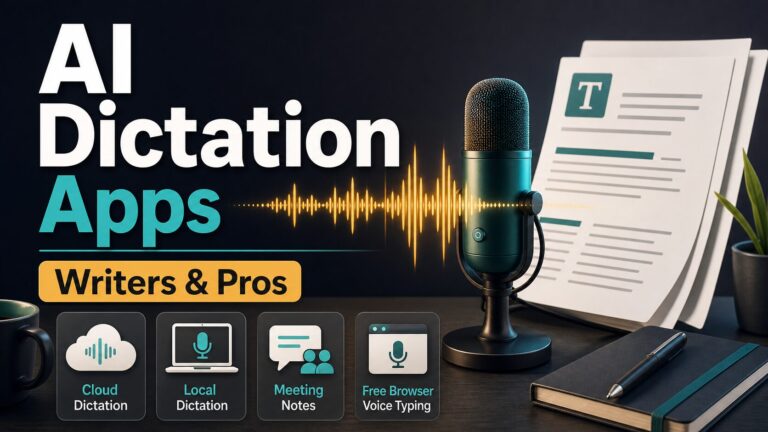
- For dictation comparisons: read the best AI dictation apps guide.
- For email-heavy work: compare AI email assistants for Gmail and Outlook.
- For rewriting work emails: see whether Wordtune or a lighter workflow fits better.
- For meetings: use a meeting assistant or transcription tool rather than manually dictating notes after the call.
FAQ
Is Wispr Flow faster than typing?
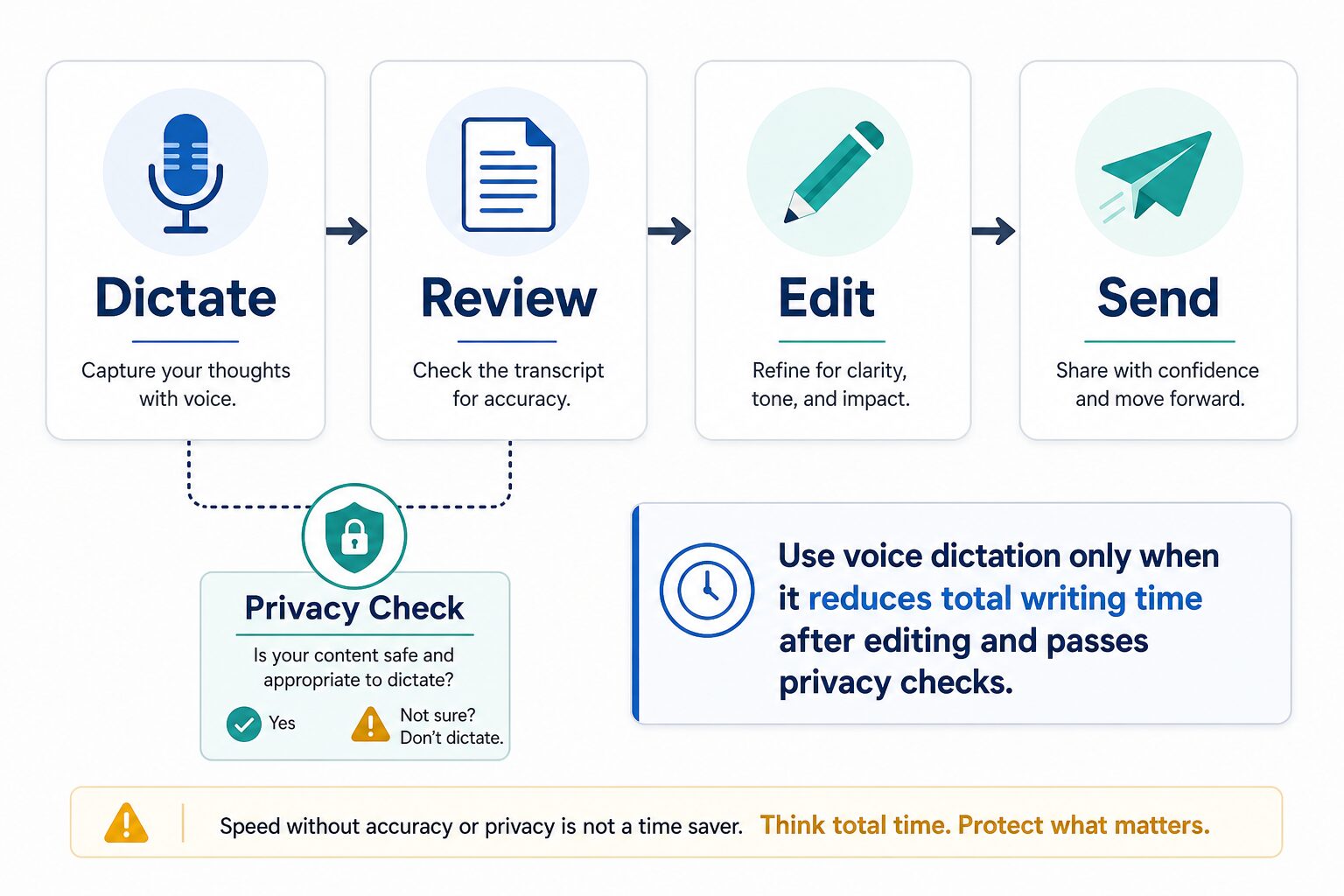
Wispr Flow’s official materials position voice dictation as faster than typing, but this article did not run an independent speed test. The practical answer is to measure your total workflow time: speaking, reviewing, correcting, and sending. If edits are light, dictation can feel much faster. If edits are heavy, the advantage shrinks.
Is Wispr Flow free?
Wispr Flow has a Basic plan listed as free. On June 16, 2026, the official pricing page listed weekly Basic limits and a 14-day Flow Pro trial with no credit card required. Check the live pricing page before relying on those limits because plan details can change.
Does Wispr Flow work offline?
Do not treat Wispr Flow as a fully offline dictation tool. Official data and privacy pages describe server-side processing and third-party model providers. If offline or local-only processing is required, choose a different approved tool.
Is Wispr Flow safe for confidential work?
It may be acceptable for some teams after policy review, especially with the right privacy controls, but do not assume approval. Review Privacy Mode, data controls, enterprise terms, and your organization’s policy before using it with confidential material.
Should non-native English professionals use Wispr Flow?
It can be useful if speaking helps you express the meaning first, then you edit for clear professional English. The goal should not be to hide your voice or sound artificially generic. The goal is to reduce drafting friction while keeping your intended meaning intact.
Final Recommendation
Wispr Flow is a serious option if you write often and are comfortable drafting by voice. Start with the free option, test it on safe real work, and pay only if it clearly reduces your total writing time after editing. If your real problem is email tone, meeting notes, or choosing a wider AI writing setup, use a more targeted tool path instead.