NotebookLM vs ChatPDF: Which Is Better for Long PDFs?
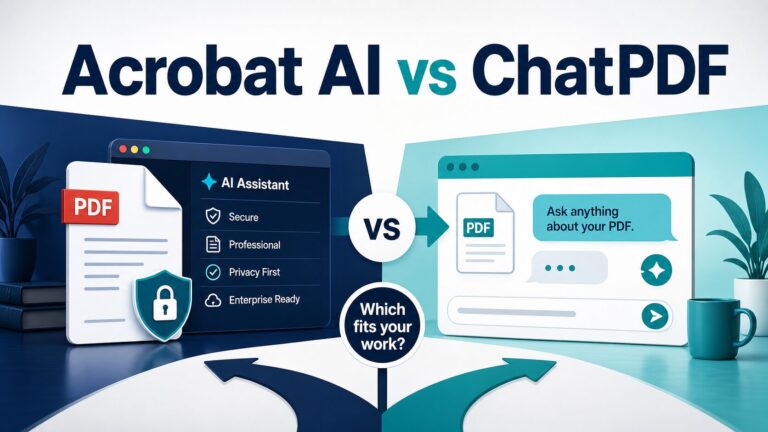
If you are choosing between NotebookLM and ChatPDF for long PDFs, start with what you are uploading, not with the brand name. Choose ChatPDF when the job is quick PDF chat: one file, a narrow question, and page references you can check. Choose NotebookLM when the file belongs in a research workspace with several sources, notes, Google files, study outputs, citations, and reusable project context.
This article was refreshed on July 7, 2026 from current official Google NotebookLM, ChatPDF, and Wondershare PDFelement sources. AI Work Toolkit did not run hands-on output-quality tests for this rewrite, so the recommendation is based on official limits, product positioning, privacy notes, source behavior, and practical workflow fit. Before uploading important documents, verify the current plan terms in the account you will actually use.
Quick Verdict: ChatPDF For A Single File, NotebookLM For A Research Workspace
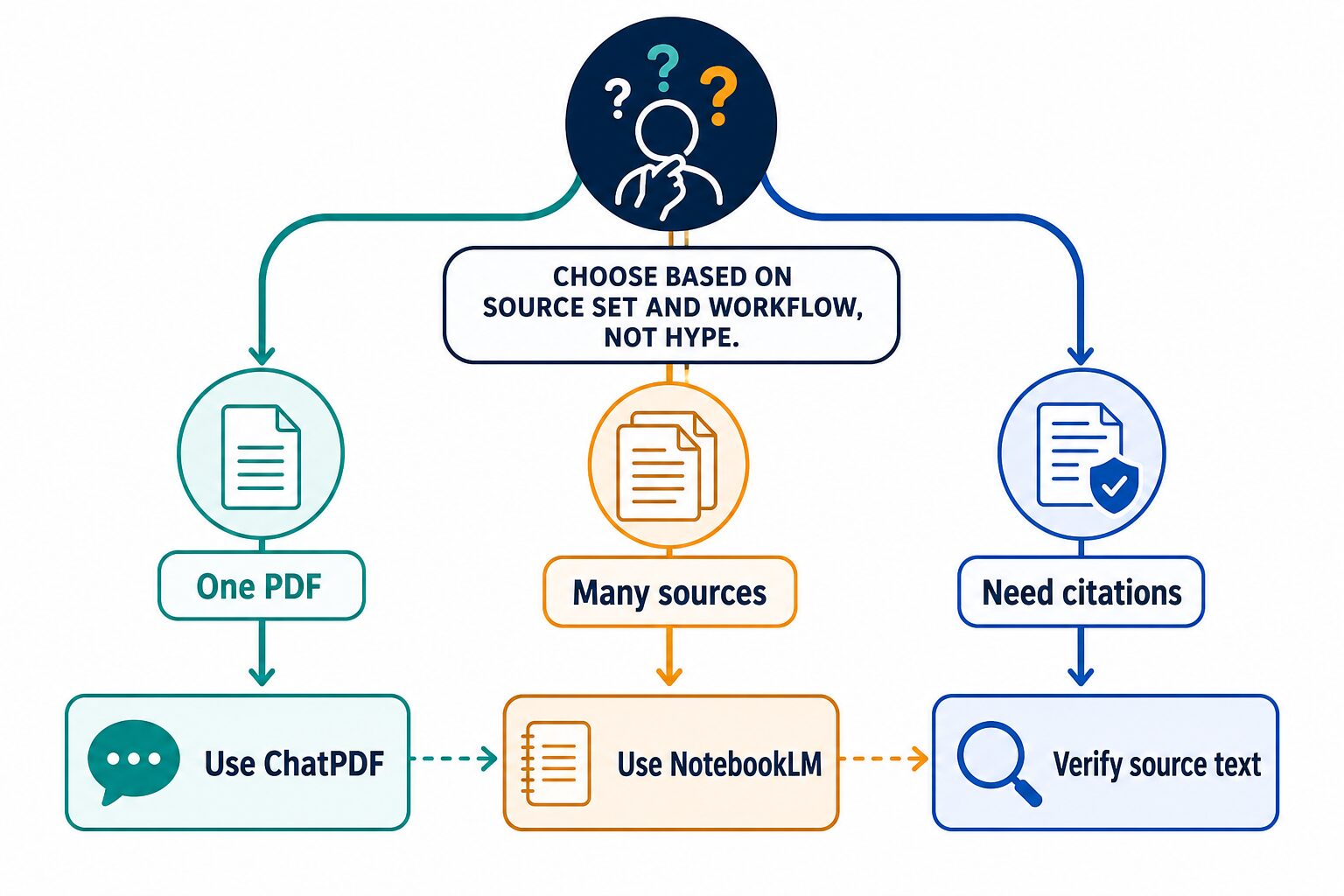
The practical answer is not that one tool is always better. ChatPDF is easier when the task is “help me understand this document now.” NotebookLM is stronger when the task is “help me keep a source-grounded workspace I will return to.” That distinction matters more than a generic feature checklist.
Best first try: if your file is a single report, article, manual, or policy document, start with ChatPDF. If your task involves several sources, course materials, a literature review, or a work research folder, start with NotebookLM. If the blocker is OCR, redaction, page cleanup, signatures, or conversion, use a PDF editor first and then bring the cleaned document into an AI reading workflow.
The Five-Minute Upload Decision Test
Before you upload a long PDF, run this quick test. It prevents the common mistake of choosing a tool because it can accept the file instead of choosing the workflow that fits the reading task.
If the fourth step fails, do not keep asking broader questions. Narrow the prompt, split the source set, or read the relevant pages manually. Long-PDF tools are useful when they point you to the right passages faster; they are risky when they make an unverified summary feel finished.
NotebookLM vs ChatPDF Comparison Table
| Decision point | NotebookLM | ChatPDF |
|---|---|---|
| Best fit | Multi-source notebooks, source-grounded research, study guides, briefing docs, reports, mind maps, flashcards, quizzes, and reusable project libraries. | Focused document chat, quick PDF summaries, page-referenced answers, folders, and straightforward Q&A with one document or a small document set. |
| Source types | Google Help lists PDFs, websites, public YouTube videos, audio files, Google Docs, Google Slides, Drive files, pasted text, Markdown, CSV, PowerPoint, ePub, images, and more. | ChatPDF’s official PDF AI page says it accepts PDFs plus other file types such as Word and PowerPoint, with document chat, folders, and multi-file chats. |
| Long-document limits | Google Help lists standard-use limits such as 100 notebooks per user, 50 sources per notebook, 50 chats per day, and 3 Audio Overviews per day. It also states that higher tiers raise limits and that usage limits are subject to change. | ChatPDF’s public site says the free plan lets users analyze 2 documents daily and that ChatPDF Plus provides unlimited document analysis and extra features. Its API docs separately state a 2,000-page or 32MB API file limit. |
| Citations and references | Google describes NotebookLM chat as grounded in user sources with inline citations. Treat citations as a route back to source text, not as final proof. | ChatPDF says answers include references to the original PDF. Use page references to inspect the passage before quoting or relying on it. |
| Pricing and upgrades | Google Help lists standard limits and higher NotebookLM limits through Google AI Plus, Pro, Ultra, Google Cloud, or qualifying Workspace plans. Usage limits are labeled subject to change. | ChatPDF says ChatPDF Plus provides unlimited document analysis and more advanced features. This rewrite does not quote a paid price because the official public crawl did not expose a stable price. |
| Skip if | You only need to ask a few questions about one PDF and do not want to organize a notebook. | You need multi-source synthesis, Drive/Docs integration, study outputs, or a reusable source-grounded research workspace. |
| Common wrong choice | Using NotebookLM before you have selected the sources, then treating the notebook as a search engine. | Using ChatPDF for a project that really needs several PDFs, notes, slides, and source comparisons in one place. |
When NotebookLM Is The Better Choice
NotebookLM is the better choice when the PDF is part of a broader source set. Google describes NotebookLM as an AI-powered research assistant for refining and organizing ideas, uploading or discovering sources, and chatting with a notebook using grounded information from those sources.
That makes it a better fit for tasks such as comparing several papers, combining lecture slides with readings, reviewing policy documents with notes, or building a reusable work research folder. The tool is not just a PDF reader; it is a notebook around selected sources.
Use NotebookLM first when you need to:
- Compare multiple PDFs, notes, web pages, slides, or Google Drive files.
- Keep a project or class notebook instead of treating each PDF as a separate chat.
- Create study guides, briefing docs, reports, FAQs, timelines, flashcards, quizzes, mind maps, slide decks, or similar source-based outputs.
- Ask questions that require context from several sources.
- Work in a Google account, Workspace, Workspace for Education, or Drive-centered environment.
NotebookLM is also the better fit when the risk is not just file length but source organization. For example, a graduate student comparing five articles needs more than a summary of one PDF. A policy analyst reviewing a public report, meeting notes, and background documents needs a source set. A manager turning several public sources into a briefing needs a workspace where questions, citations, and notes stay connected.
Use NotebookLM only after source selection. It is strongest when you already know which PDFs, notes, slides, links, or Drive files belong in the notebook. If you are still finding sources, start with search, library databases, or a research-discovery workflow first.
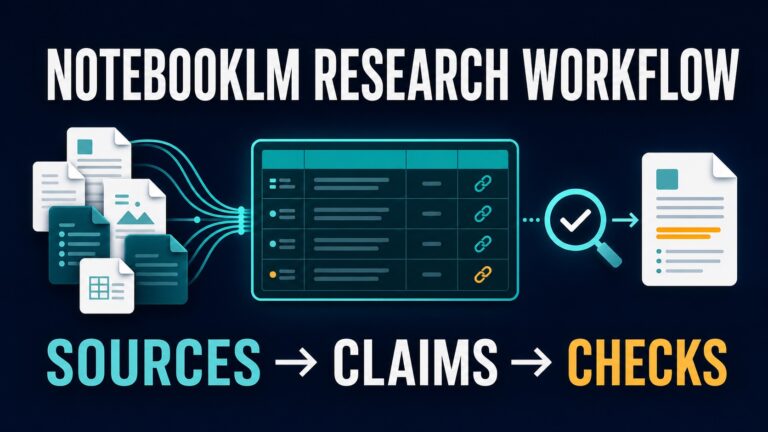
For broader academic workflows, compare this page with our guides to AI research tools for graduate students, AI literature review tools, and a more detailed NotebookLM research summary workflow.
When ChatPDF Is The Better Choice
ChatPDF is the better choice when the job is narrower: you have a document, you want to ask questions, and you want references back to the file. Its official product pages emphasize chatting with PDFs, extracting key insights, using page references, limited free use, and premium access for heavier document analysis.
This simplicity matters. If you are reading one public report, one academic paper, one product manual, one training document, or one contract you are allowed to upload, ChatPDF is easier to explain to a new user. You do not need to design a full research notebook before you start.
Use ChatPDF first when you need to:
- Ask focused questions about one PDF.
- Get an initial summary before deciding which sections to read carefully.
- Jump from an answer to a referenced page in the document.
- Try document chat without setting up a larger source library.
- Use a simple PDF-centered workflow for public or low-risk files.
ChatPDF is not automatically the better tool for every PDF. If the real job is comparing ten sources, building course notes, or connecting PDFs with slides, transcripts, and web pages, NotebookLM fits the workflow better. For a wider category view, read our guide to AI PDF summarizers.
Long PDFs: Check Words, File Size, Source Count, And Reading Goal
“Long PDF” is too vague to choose a tool by itself. A long document can be hard because it has too many words, too many pages, a large file size, poor OCR, tables, appendices, scanned images, or a mix of relevant and irrelevant sections.
For NotebookLM, Google Help lists standard-use limits such as 100 notebooks per user, 50 sources per notebook, 50 chats per day, and 3 Audio Overviews per day, with higher limits available through paid or enterprise routes. Google marks usage limits as subject to change, so treat them as a current planning checkpoint, not a permanent promise.
For ChatPDF, the official public site says the free plan lets users analyze 2 documents every day and that ChatPDF Plus provides unlimited document analysis and more advanced features. Its API documentation separately states that API PDFs are limited to 2,000 pages or 32MB per file. Do not assume the API limit, free product limit, and paid-plan behavior are identical. Check the active plan before using either tool for a critical document workflow.
Long-document rule: when a file is important, ask narrower questions. Start with purpose, methods, findings, limitations, definitions, and page references. Then open the source text before you quote, cite, summarize, or act on the answer.
Citation Behavior: Helpful, But Not Final Proof
Both tools can help you navigate back to source material, but that does not make the answer automatically correct. Google says NotebookLM chat is grounded in your sources with inline citations, while ChatPDF’s API docs describe optional page references such as page-number markers when reference sources are requested.
Use those references as a map. For academic, workplace, legal, financial, medical, HR, or client-sensitive work, open the referenced passage and check the exact wording. If the tool summarizes a limitation, method, definition, or recommendation, verify whether that statement appears in the source and whether the surrounding context changes the meaning.
A Safer Workflow For Long PDF Answers
For long PDFs, the safest workflow is not “upload, ask one broad question, copy the answer.” Use a narrow sequence that keeps the source visible.
- Ask for the document’s purpose, scope, and section map.
- Ask one narrow question tied to a section, page range, method, definition, or claim.
- Open the cited page or source passage before saving the answer.
- Write your own note with the page number, your interpretation, and any uncertainty.
- Only then ask for a summary, comparison, study guide, briefing note, or next-step checklist.
This is where NotebookLM and ChatPDF differ in practice. ChatPDF can be enough for steps 1 to 3 on one file. NotebookLM is better when steps 4 and 5 need to connect several sources and become a reusable study or work notebook.
Privacy, Uploads, And Source Verification
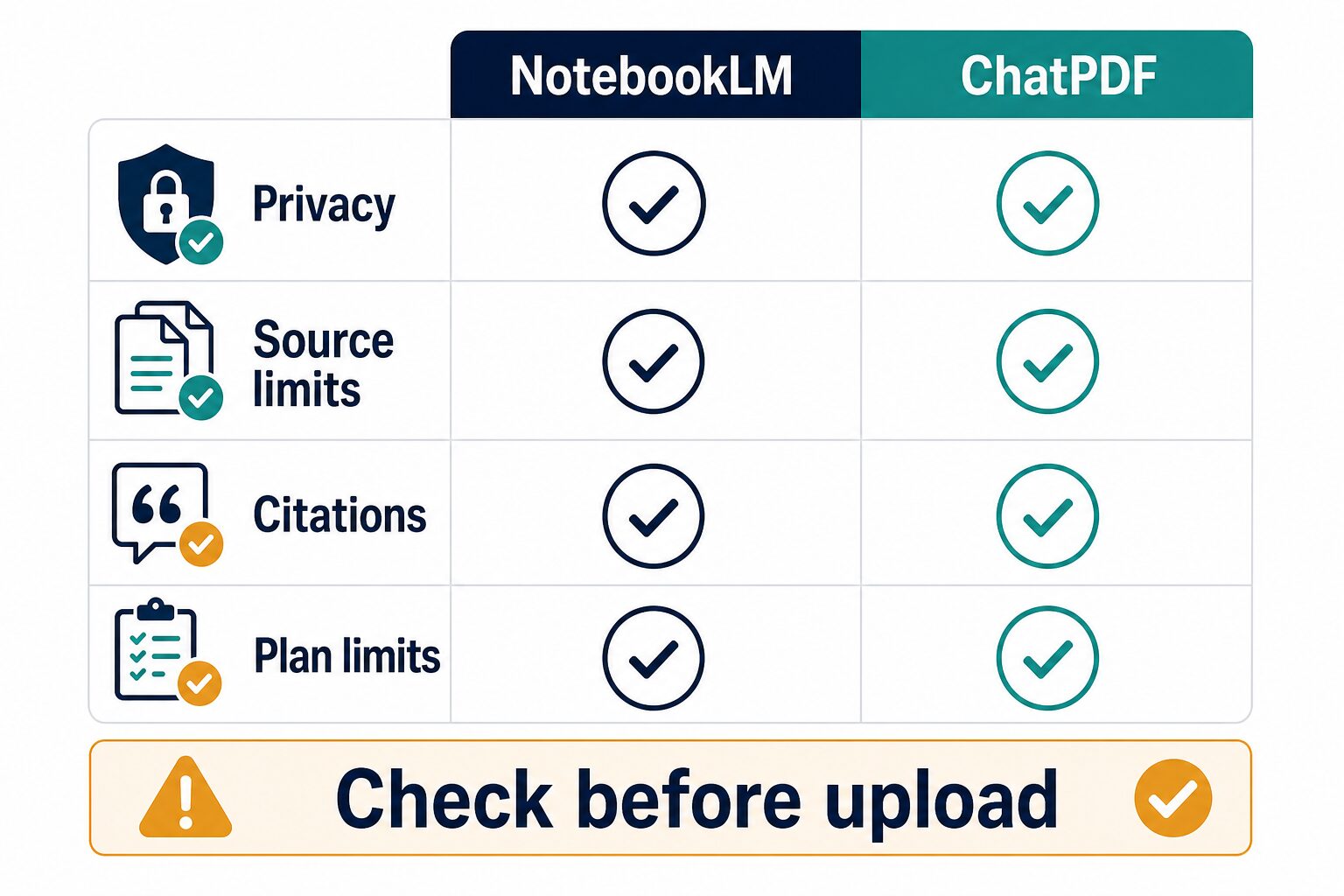
Do the privacy check before the upload, not after the summary looks useful. Google’s NotebookLM privacy help says files you add, outputs you generate, and chat history are used to build your knowledge base and assist with research tasks, and that NotebookLM content is not used directly to train foundational AI models unless you provide feedback. Google also describes additional Workspace, Education, and Cloud handling. ChatPDF’s official product page says users can delete files and chats and have control over their data.
Those statements are useful, but they do not override your school, employer, client, contract, or regulatory rules. Before uploading a long PDF, check:
Do not use either tool as the final authority for academic claims, legal interpretation, medical advice, financial decisions, HR decisions, regulated work, or client-sensitive analysis. Use the answer to navigate the source faster, then verify the source yourself.
Best Workflow For Students
Students should choose based on the assignment. If the task is to understand one paper, one chapter, or one report, ChatPDF can be the simpler first step. Ask for the thesis, method, definitions, key findings, limitations, and sections worth reading closely. Then open the referenced pages and write your own notes.
If the assignment involves comparing several readings, preparing for an exam, building a study guide, or organizing a semester of materials, NotebookLM is usually a better fit. Its notebook structure is closer to how students collect sources across a course or research project.
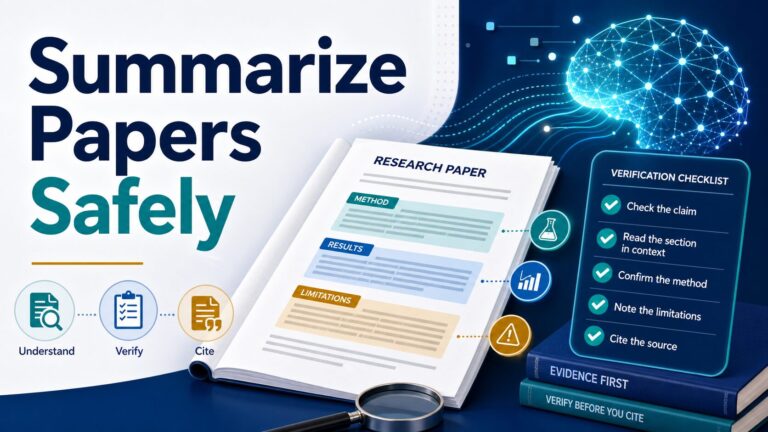
Academic integrity still comes first. Do not submit AI summaries as your own analysis. Keep your own reading notes, page references, source decisions, and search history. If your course or institution has an AI policy, follow that before using any PDF tool. For a safer summarization method, use the verification workflow in how to summarize a research paper with AI without losing accuracy.
Best Workflow For Professionals
Professionals should start with data sensitivity. If the PDF contains confidential client work, internal legal documents, HR records, financial data, product strategy, private research, or regulated information, do not upload it until the tool and account type are approved by your organization.
For public or low-risk documents, ChatPDF is useful for navigating one report, manual, filing, or knowledge document. NotebookLM is more useful when the PDF is part of a broader work system: a market research folder, public-policy review, product research notebook, or project knowledge base.
The professional mistake is asking a broad question such as “What should we do?” and treating the answer as analysis. A safer workflow asks for exact sections, cited passages, assumptions, contradictions, missing information, and definitions. The human reader still makes the judgment. Before uploading work data, run the checks in our AI tool privacy checklist.
Where Wondershare Fits In This PDF Workflow
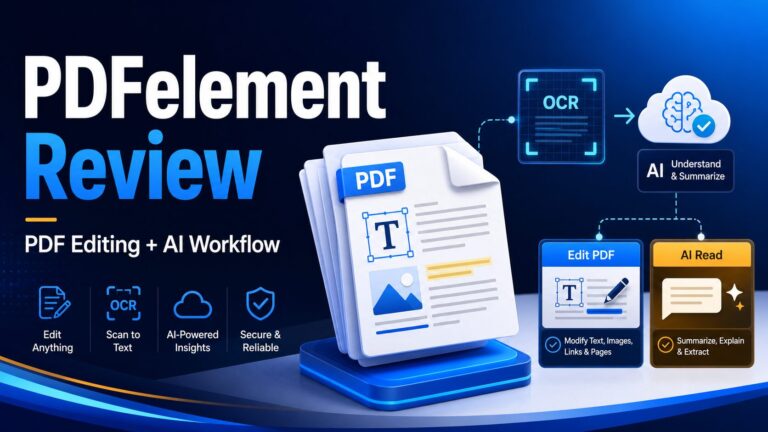
NotebookLM and ChatPDF help you understand documents. They are not replacements for PDF editing, OCR cleanup, page management, conversion, redaction, signatures, or form workflows. If your bottleneck is changing the PDF itself before analysis, a PDF editor is a separate category.
FAQ
Is NotebookLM better than ChatPDF?
NotebookLM is better for multi-source notebooks, study outputs, source-grounded synthesis, and Google Drive or Workspace-centered research. ChatPDF is better for direct PDF chat when the task is focused on one document or a small document set.
Is ChatPDF free?
ChatPDF’s official site says the free plan lets users analyze 2 documents every day and that ChatPDF Plus provides unlimited document analysis plus more advanced features. Verify the current paid price inside ChatPDF before subscribing.
Is NotebookLM free?
Google Help says users can sign up free of charge with a Gmail account, with higher limits and premium features available through Google AI Plans, Google Cloud, or qualifying Workspace plans. Limits are subject to change.
Can either tool replace reading the original PDF?
No. Use the AI answer to find the right passage faster, then read the source text. Inline citations and page references are navigation aids; they are not a substitute for checking the original passage.
Which tool is better for a literature review?
NotebookLM is usually a better fit after you already have a selected source set. For finding and screening academic sources more broadly, use dedicated research workflows and compare our guides to AI research tools and AI literature review tools.
Final Recommendation
Choose ChatPDF if your immediate job is to understand one long PDF quickly. Choose NotebookLM if your real job is to organize, compare, and synthesize several sources over time. In both cases, check current plan limits, avoid sensitive uploads unless your organization approves the tool, and verify every important answer against the source text. If you are still building your AI document workflow, start with the AI Work Toolkit Start Here page and then choose the PDF tool that fits the document job.
Official sources checked for this rewrite: Google NotebookLM overview, NotebookLM FAQ and source limits, NotebookLM source support, NotebookLM upgrade limits, NotebookLM privacy and terms, ChatPDF product page, ChatPDF PDF AI page, ChatPDF API docs, and Wondershare PDFelement overview. Last refreshed: July 7, 2026.