6 Best AI Research Tools for Graduate Students (Choose by Task)
AI research tools for graduate students
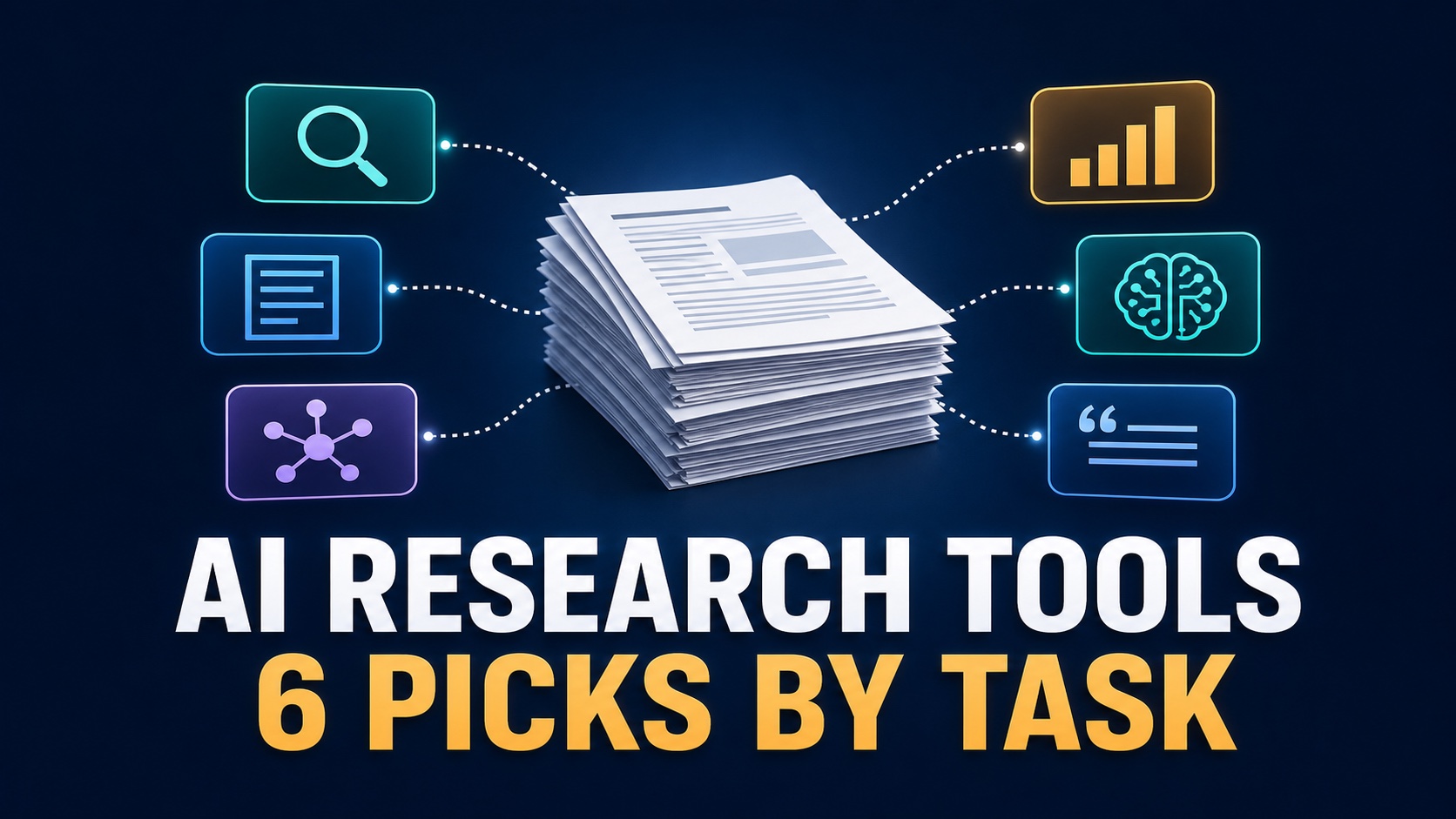
Most graduate students do not need one all-purpose AI research assistant. They need the right tool for the next task: finding papers, testing an evidence claim, reading a source set, understanding a difficult PDF, checking current public information, or drafting from notes they already verified.
Quick answer: start with Elicit for paper discovery, Consensus for evidence questions, NotebookLM for your own source set, SciSpace for difficult papers, Perplexity for current web context, and ChatGPT after the evidence trail is under control.
Quick Verdict: Pick the Tool by Your Next Research Task
Do not choose by brand first. If you ask one chatbot to discover sources, summarize them, create citations, and write the argument in one pass, you lose the evidence trail exactly where graduate work needs it most.
How We Chose These AI Research Tools
This is an official-information-only comparison, not a paid hands-on benchmark. The editorial order is based on workflow fit, not claimed output quality. Each tool had to serve a distinct graduate-research job and make its source or plan boundaries visible enough to evaluate.
Source traceability: can you open the underlying paper or public source and locate the supporting passage?
Task fit: does the tool solve discovery, evidence review, reading, current-context research, or drafting rather than pretending to do every stage equally well?
Reuse: can you move checked sources, notes, tables, or citations into the rest of your workflow?
Data fit: does the account type and institution policy allow the material you plan to upload?
Paid trigger: is there a repeated weekly limit that justifies paying, rather than one impressive answer?
AI Research Tools for Graduate Students Compared
Features, plan names, discounts, limits, and regional availability can change. The table uses official pages checked July 13, 2026; verify the live plan and your institution’s policy before paying or uploading restricted material.
| Tool | Use it first for | Current official-plan signal | Skip or verify first |
|---|---|---|---|
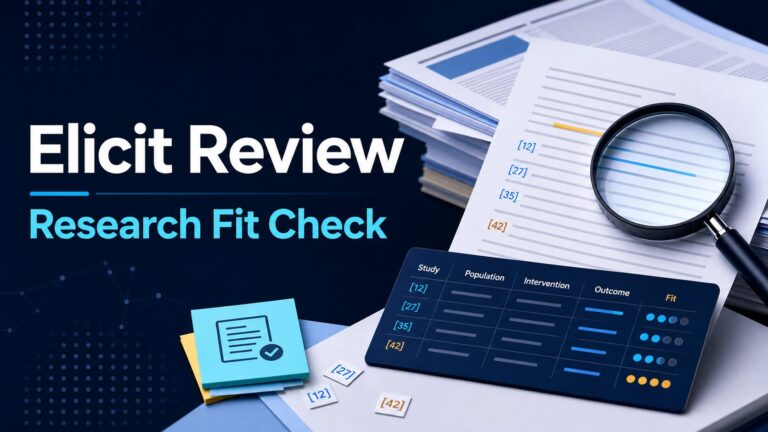
| Elicit | Paper discovery, abstract screening, research tables, reports, and systematic-review preparation. | Basic is listed as free; paid routes add exports and more capacity for research-agent, report, and review workflows. | Do not treat an automated report as a completed literature review. Read methods and limitations. |
| Consensus | Claim-shaped evidence questions and finding papers to inspect. | The help center lists Free, Pro, Deep, and team routes; the student/faculty discount page currently lists 40% off after verification. | An AI synthesis is not a citable source. Check study design, sample, outcome, disagreement, and limitations. |
| NotebookLM | Questions and notes grounded in PDFs, reports, slides, URLs, and other sources you selected. | Base limits include 100 notebooks, 50 sources per notebook, 500,000 words per source, 50 daily chat queries, and 200MB local uploads. | Check account type, sharing, institution policy, and data rules before uploading unpublished or restricted work. |
| SciSpace | Chatting with a paper, understanding dense passages, literature-review support, and extracting information. | The official page lists Chat with PDF, Literature Review, AI Writer, citation tools, and data extraction; paid-plan terms include a 24-hour refund window. | Use explanations to return to the paper, not as replacement evidence. Confirm privacy and export needs. |
| Perplexity | Current public-web research, official pages, policy updates, product documentation, and source trails. | Official help describes standard search, Pro Search, Research, file analysis, and expanded Pro access. | Do not use it as your only scholarly database. Open and evaluate every important source. |
| ChatGPT | Research-question planning, method explanation, code help, outlines, and revision from verified notes. | The pricing page lists Free, Go, Plus, Pro, Business, and Enterprise, with plan-dependent uploads, analysis, deep research, projects, and controls. | Do not ask it to invent a bibliography or write a claim you cannot trace to a source you checked. |
1. Elicit: Best for Finding and Screening Papers
Elicit is the most natural first tool when the real problem is not writing—it is finding a relevant paper set. Its official pricing and product pages describe paper search, Research Agent and reports, research tables, Zotero import, exports, alerts, and systematic-review workflows.
The useful graduate-student move is to define screening criteria before searching: population, method, outcome, date range, and assignment scope. That keeps a large result set from becoming a random reading list.
Use first when: you need candidate papers or an evidence table.
Skip when: you already have a curated folder and mainly need to question or understand those sources.
Pay only when: exports, larger reports, systematic-review capacity, collaboration, alerts, or API access solve the same weekly bottleneck more than once.
2. Consensus: Best for Evidence Questions
Consensus fits questions such as “Does research support this intervention?” or “What do studies say about this relationship?” The official help center lists paper searches, Pro messages, Deep reviews, and Study Snapshots across its plan routes.
Its strength is turning a claim into papers worth opening. Its risk is giving a clean answer to a messy evidence base. A useful synthesis should make you inspect disagreement, study design, sample, outcome definition, and limitations—not skip them.
Use first when: the question is evidence-shaped and you need study leads.
Skip when: you need a long-term workspace for your own PDF library.
Pay only when: you repeatedly need deeper reviews beyond the free allowance. Verify eligibility and live student-discount terms.
3. NotebookLM: Best for Your Own Source Set
NotebookLM belongs after source selection. Google says it answers from the sources provided and may decline when information is not in them. That boundary is useful: it helps separate “what my packet says” from “what the public web says.”
Use it for seminar readings, thesis source folders, public reports, lecture notes, or a defensible source pack. It can help compare documents and locate relevant passages, but it is not a substitute for a citation manager or for reading the source itself.
Use first when: you already have the materials that should control the answer.
Skip when: you still need to discover the literature.
Before uploading: confirm whether the account is personal, school, Workspace, Education, or Cloud-managed and follow the institution’s AI, sharing, and retention rules.
4. SciSpace: Best for Understanding Difficult Papers
SciSpace is useful when the source is already in front of you but a method, equation, table, or unfamiliar term is slowing the read. Its official pages list Chat with PDF, Literature Review, AI Writer, citation tools, and data extraction.
The right workflow is explanation, then return. Ask for a plain-language explanation, reopen the original passage, and decide what the paper actually supports. Do not cite the simplified explanation.
Use first when: understanding the paper is the bottleneck.
Skip when: you do not yet know which papers belong in the review.
Before paying: check current pricing, credit rules, cancellation, the refund term, upload privacy, and export options.
5. Perplexity: Best for Current Public-Web Context
Perplexity is most useful beside scholarly search, not instead of it. Use it to find current institutional pages, policy changes, product documentation, public datasets, regulations, or recent context that may not belong in a journal database.
Official help describes standard search, Pro Search, Research, and file-analysis capabilities. The source trail is the starting point: open the primary or official source, check its date, and confirm whether it actually supports the answer.
Use first when: the missing evidence is current, public, and outside journal literature.
Skip when: the assignment requires peer-reviewed sources and you have not searched the relevant academic databases.
Before uploading: review file, connector, sharing, and retention rules for the exact personal or enterprise plan.
6. ChatGPT: Best for Planning and Drafting After Verification
ChatGPT can help break a broad research question into subquestions, explain a method, write or debug analysis code, organize an outline, and revise English from notes. In a defensible research workflow, however, it usually comes after discovery and source checking.
Its current pricing page lists several individual and organization plans with different access to uploads, analysis, deep research, projects, and controls. Those capabilities do not make an answer a source. Use the original paper, official page, or dataset as the evidence.
Use first when: the evidence is already checked and the task is reasoning, code, structure, explanation, or wording.
Skip when: you want a chatbot to be the authority for papers you have not opened.
Before relying on it: check disclosure rules, plan-specific data controls, and whether the account may receive the material.
The Source-Control Loop: Search, Open, Verify, Write
The safest AI research workflow has a deliberate handoff at every stage. A source does not become evidence because an AI tool found or summarized it.
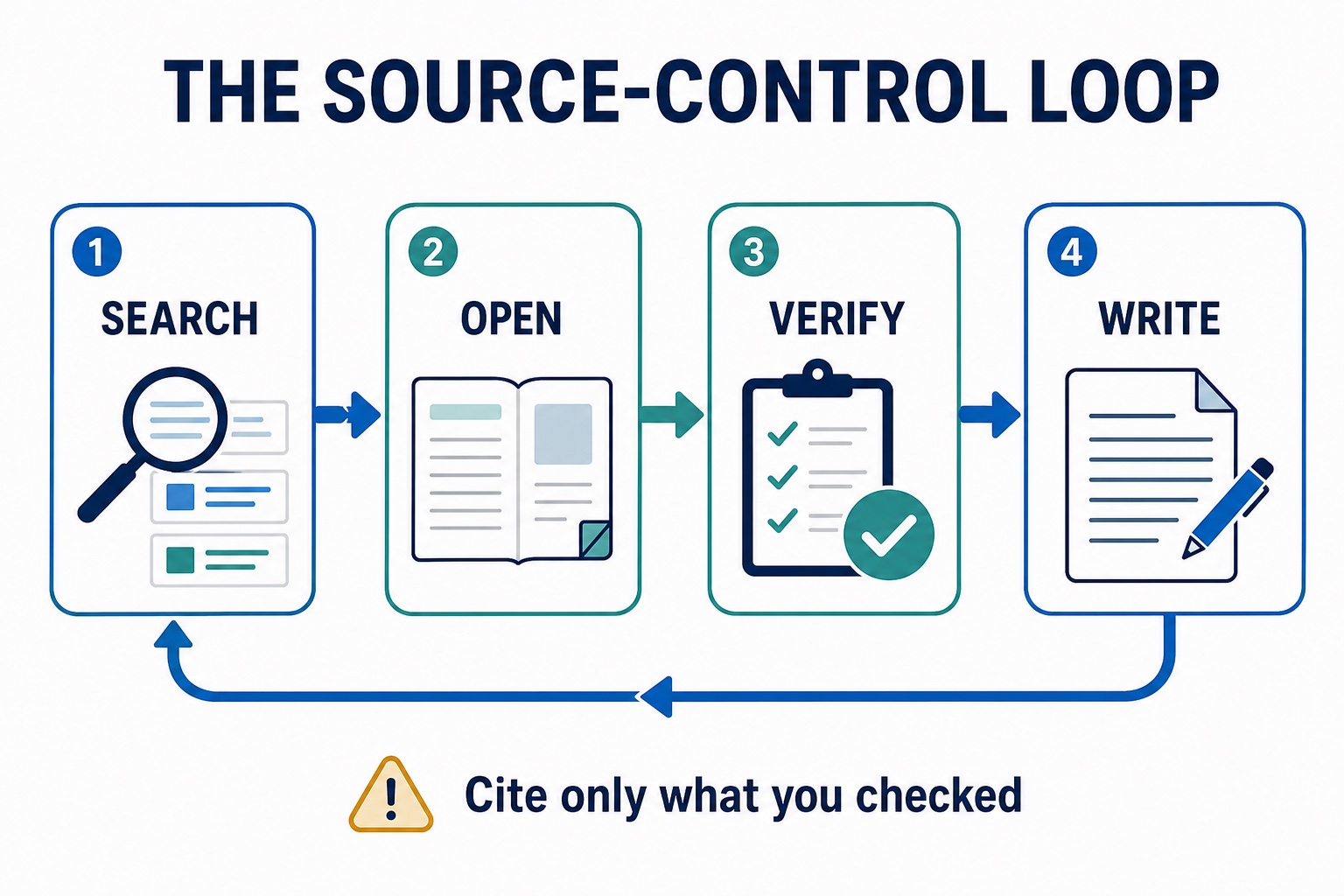
- Search: collect candidate papers and public sources with a specialist tool, academic database, library search, or official-site search.
- Open: confirm the title, authors, date, venue, DOI or stable URL, and whether the full source is accessible.
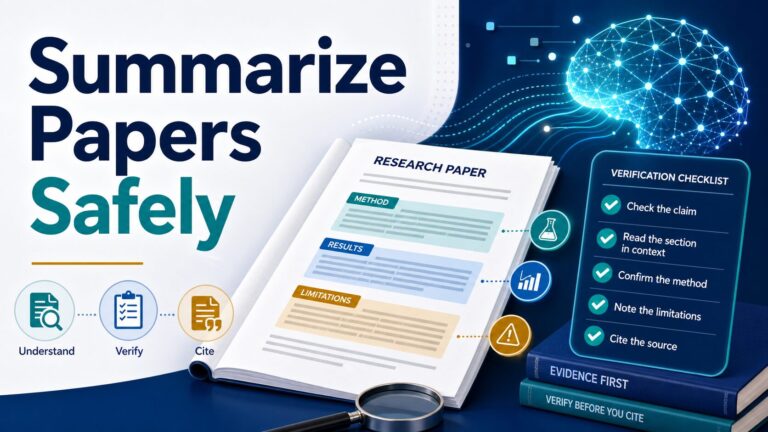
- Verify: inspect the method, sample, outcome, limitations, and exact passage behind the claim.
- Write: draft from your verified note and cite the original source, not the AI answer that pointed to it.
A 30-Minute Trial Before You Pay
Use the same small source pack to test any research assistant: one research question, two public papers, and one official report. This is a workflow check you can run yourself; it is not a claim that one tool is more accurate than another.
Minute 0–8 — Discover: find one additional relevant paper and explain why it fits the question.
Minute 8–16 — Trace: open every source behind one answer and locate the supporting passage.
Minute 16–24 — Reuse: save the checked source and note in the format your real workflow needs.
Minute 24–30 — Audit: score four yes/no gates: source opened, passage found, claim fit confirmed, upload allowed.
Upgrade rule: pay only when the same limit interrupts a real weekly workflow twice. One polished answer is not enough evidence to subscribe.
Privacy and Academic-Integrity Checks
Do not upload unpublished manuscripts, grant drafts, participant or interview data, IRB-covered material, student records, confidential lab notes, private client or workplace documents, medical or legal records, or anything covered by a nondisclosure agreement unless the institution explicitly permits that tool and account type.
Start with public papers and reports. Then check the tool’s current privacy documentation, sharing controls, retention behavior, admin settings, and your university’s AI-use and disclosure rules before moving to real research materials.
Academic-integrity rule: if you cannot explain how the source supports the claim, or your program would not allow the workflow, the AI-assisted text is not ready to submit.
Recommended Starter Stack
Start with two tools, not six: choose one discovery tool and one source-grounded reading tool. Add a general assistant only after your evidence trail is working.
- Discovery: Elicit for paper search, or Consensus for claim-shaped evidence questions.
- Reading: NotebookLM for a selected source set, or SciSpace for difficult individual papers.
- Current context: Perplexity when the research question needs public-web sources outside journal literature.
- Planning and writing: ChatGPT after claims, passages, and disclosure requirements are verified.
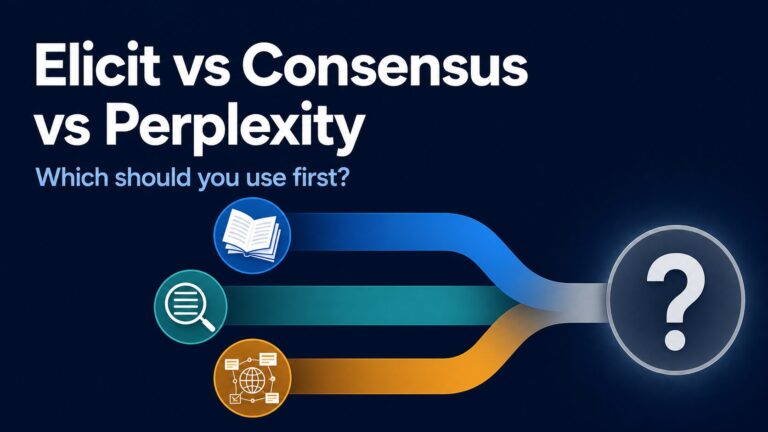
For PDF-heavy work, compare the best AI PDF summarizers. For a full literature-review process, see the graduate-student literature review guide. For a narrower decision, use the Elicit vs Consensus vs Perplexity comparison. If you already use NotebookLM, follow the five-step NotebookLM research workflow.
If the job changes from research to OCR, editing, or PDF conversion, that is a separate tool decision. Compare the PDFelement workflow review instead of forcing a research assistant to edit documents.
FAQ
What is the best AI research tool for graduate students?
Elicit is the best first stop for paper discovery; Consensus fits evidence questions; NotebookLM fits an existing source set; SciSpace helps with difficult papers; Perplexity fits current web context; and ChatGPT is most useful after sources are verified.
Which free AI research tool should I try first?
Start with the free route that matches your task. Elicit lists a free Basic plan, Consensus has a free tier, NotebookLM publishes base limits, and ChatGPT has a Free plan. Test with public sources before paying.
Can AI write my literature review?
AI can help search, organize, explain, and outline. You still need to select the sources, read the methods and limitations, compare the evidence, write an argument you understand, and follow your institution’s disclosure rules.
How do I avoid fake citations?
Open the source, confirm the bibliographic details, locate the exact supporting passage, and save the citation yourself. If the source cannot be opened or the passage does not match the claim, treat it as a lead, not evidence.
Should I pay for an AI research assistant?
Pay only after a free plan or university-provided account hits the same useful limit twice in a real weekly workflow. Check student discounts, institutional access, cancellation terms, data rules, and export needs first.
Official Sources Checked
Building a research stack from scratch? Use the AI Work Toolkit Start Here guide, then add one tool only when a defined research bottleneck appears.