7 Best AI Literature Review Tools for Grad Students (2026)
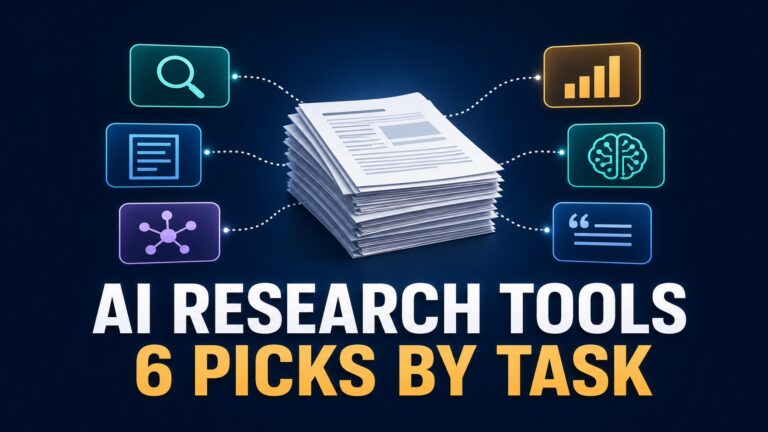
The best AI literature review tool depends on the job blocking you right now. Elicit is the strongest starting point for structured paper discovery, Consensus is useful for a focused evidence question, ResearchRabbit maps related work, Scite adds citation context, SciSpace and Scholarcy help with paper reading, and NotebookLM works best after you choose the source set.
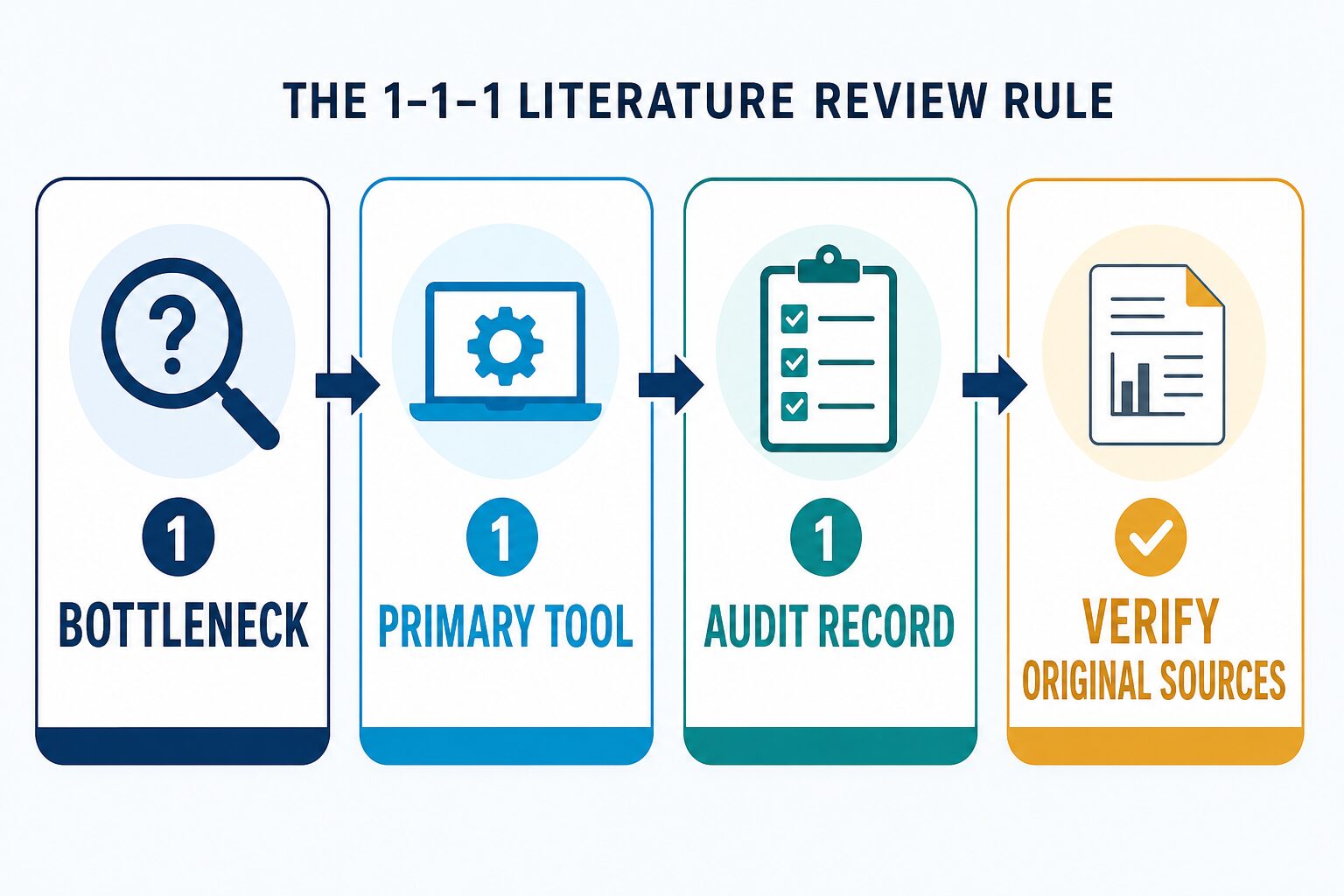
Do not subscribe to all seven. Use the 1–1–1 rule: name one bottleneck, choose one primary tool, and keep one audit record outside that tool. Then verify every citation-critical claim in the original paper and follow your department’s AI policy.
Evidence status: this July 15, 2026 comparison uses official product, pricing, help, and policy pages. AI Work Toolkit did not run a fresh hands-on accuracy or completeness test for this rewrite. Product output, speed, hallucination rate, and advisor acceptance are not ranked.
Affiliate disclosure: this article links to official pages for all seven literature-review tools. A separate Wondershare link near the end is an affiliate link for PDF preparation and editing; it does not affect the literature-review recommendations.
Quick Verdict: The Best Tool For Each Job
Also worth choosing for a narrower need: Scite for citation context, SciSpace for multi-paper review and dense PDF work, and Scholarcy for structured paper summaries and a literature matrix.
How We Evaluated These Tools
This is an official-information-only comparison. The rankings are by workflow fit, not by an invented universal score. We checked five questions:
- What research job does the tool actually solve? Discovery, evidence questions, citation mapping, reading, citation context, or source-grounded notes are different jobs.
- Can the reader inspect original sources? A polished answer is not useful if the evidence trail is hidden.
- Can the work leave an audit record? Graduate work needs databases, search strings, screening decisions, and verification notes.
- Are current plan limits understandable? We use dated official pages and flag account-specific or dynamic pricing.
- Where can the tool fail the method? Every recommendation includes a skip condition or human-check requirement.
AI Literature Review Tools Compared
| Tool | Best for | Official plan note checked July 15, 2026 | Main limitation | Testing status |
|---|---|---|---|---|
| Elicit | Structured discovery, extraction tables, reports, and systematic-review-style workflows. | Basic is free. The official page lists search across more than 138 million papers, summaries, paper chat, source viewing, and Zotero import; paid plans add exports and larger review capacity. | It is not an exhaustive substitute for required databases or a human screening protocol. | Official information only. |
| Consensus | Focused evidence questions and paper-backed starting answers. | Free includes unlimited paper searches, 15 Pro messages, 3 Deep reviews, and 10 Study Snapshots per month. Pro is listed at $15 monthly or $120 annually. | A concise synthesis can hide study-design, population, and outcome differences. | Official information only. |
| SciSpace | Literature search, Deep Review, multi-paper analysis, and dense PDF reading. | Official pages describe literature-review and PDF-analysis workflows. Public pricing and credit displays can vary by page and account, so verify the current checkout view. | Vendor benchmarks are not independent evidence of completeness or accuracy. | Official information only. |
| Scholarcy | Structured summaries, flashcards, notes, exports, and a literature matrix. | A free article summarizer is available. Scholarcy Plus adds unlimited summarization, saved flashcards, collections, bulk export, matrix features, and bibliographies; paid price fields may render dynamically. | It supports reading and organization, not paper discovery or final authorship. | Official information only. |
| ResearchRabbit | Related-paper discovery, citation maps, collections, and reference-manager handoff. | Free includes unlimited searches across 310+ million articles, unlimited library and collections, collaboration, and up to 50 seed articles. RR+ expands seed and project limits. | A map shows relationships, not study quality or inclusion eligibility. | Official information only. |
| Scite | Checking how later papers support, contrast, or mention a cited work. | Official pages describe Smart Citations, search, discovery, and assistant features. Current paid pricing can depend on the account view, so check the official plan page before purchase. | Citation classifications need interpretation and are not automatic quality scores. | Official information only. |
| NotebookLM | Questions, notes, reports, tables, and comparisons from a source set you selected. | Standard access lists 100 notebooks, 50 sources per notebook, up to 500,000 words or 200MB per source, 50 chats per day, and 3 audio generations per day. | It organizes and explains supplied sources; it does not prove that your source set is complete. | Official information only. |
1. Elicit: Best Starting Point For Structured Discovery
Elicit is the best first tool when your problem is turning a research question into a candidate-paper set. Its official pricing page describes broad paper search, summaries across papers, chat with papers, source viewing, Zotero import, reports, extraction columns, exports on paid plans, and a dedicated systematic-review workflow at higher levels.
Choose Elicit if: you need structured search and extraction before close reading. Skip it if: your program requires a database-specific, librarian-approved, or PRISMA-style search that you are not prepared to run separately.
2. Consensus: Best For A Focused Evidence Question
Consensus works best when your question is narrow enough to inspect the cited papers. Its current help center lists free paper search plus limited Pro messages, Deep reviews, and Study Snapshots. A July 8 product update also added more methodology, publisher, and human-or-animal filters.
Choose Consensus if: you want a cited starting answer and can check study design, population, outcome, date, and full text. Skip it if: you need deduplication, exhaustive retrieval, or a final screening protocol.
3. SciSpace: Best For Multi-Paper Review And Dense PDFs
SciSpace combines literature search, Deep Review, and PDF-focused analysis. That can be useful when the bottleneck is moving between a broad paper set and close reading. Treat its public benchmark claims as vendor claims, not as an independent head-to-head result.
Choose SciSpace if: you want one interface for paper discovery and explanation. Skip it if: you need stable public pricing, an institution-approved workflow, or a search record that you have not verified can be exported.
4. Scholarcy: Best For Structured Reading Notes
Scholarcy is a reading and organization tool. Its official pages describe article summaries, flashcards, notes, highlights, collections, bulk export, literature-matrix creation, and bibliography support. Scholarcy also states that it is not a writing tool and cannot write the literature review for you.
Choose Scholarcy if: individual papers are slowing down your reading and you want consistent notes. Skip it if: your main problem is discovering papers, mapping citations, or evaluating citation context.
5. ResearchRabbit: Best For Citation Mapping
ResearchRabbit is useful after you have trustworthy seed papers. The free tier includes unlimited searches, libraries, collections, collaboration, and up to 50 seed articles. Its current help center also documents importing collections from Zotero and exporting collections for other reference managers.
Choose ResearchRabbit if: you keep missing adjacent authors or related work. Skip it if: you need an AI synthesis, PDF explanation, or an automatic quality judgment.
6. Scite: Best For Citation Context
Scite adds a different question: how have later papers cited this work? Its Smart Citations are designed to show whether a citation supports, contrasts with, or simply mentions the cited paper. That context can help you identify disputes or follow-up work before you repeat a claim.
Choose Scite if: a key paper or claim deserves a citation-context check. Skip it if: you want a single label to decide study quality. Read the citing passage and the underlying studies.
7. NotebookLM: Best For A Source Set You Already Chose
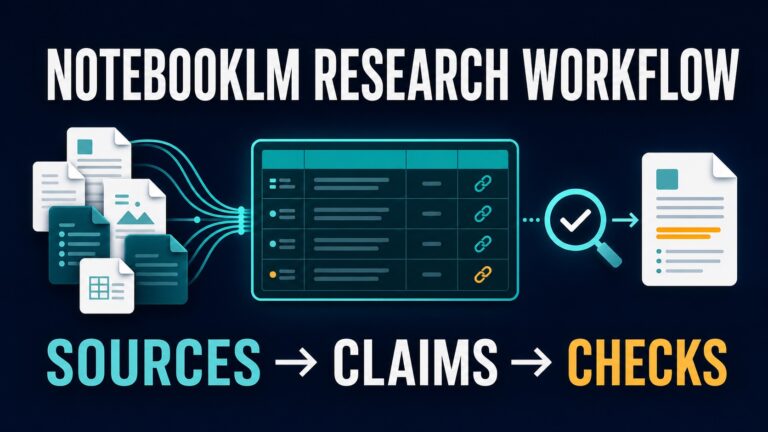
NotebookLM belongs after discovery and screening. Google documents source-grounded chat plus reports, tables, notes, and other outputs from uploaded materials. Standard limits currently include 50 sources per notebook, while qualifying Workspace, Education, and paid account types can have different limits and data protections.
Choose NotebookLM if: your source set is selected and you want to compare methods, findings, limitations, and themes. Skip it if: you still need to discover the field or prove that your source set is complete. Our NotebookLM vs Elicit comparison explains that boundary in more detail.
The 45-Minute Audit-Trail Test
Before paying, run this fictional but realistic graduate-workflow test with one small research question. The goal is not to finish the review. The goal is to see whether the tool improves the process without hiding how the evidence was found.
- Minutes 0–5: define the question. Write the population, topic, method, date range, and exclusion rules in a separate document.
- Minutes 5–15: create a baseline. Run one required database, library search, or Google Scholar search and save the query and date.
- Minutes 15–30: use one AI tool. Ask it to solve only the selected bottleneck. Export or copy the search, paper list, table, map, or notes.
- Minutes 30–40: verify three records. Open the original papers and check title, authors, method, sample, result, limitation, and citation context.
- Minutes 40–45: make the keep-or-skip decision. Keep the tool only if it saved useful work and left a record you could explain to an advisor.
Fail the tool if: you cannot reconstruct the search, inspect the original papers, explain why papers were included, or identify where the AI interpretation could be wrong. A clean answer is not a defensible review method.
Three Small Stacks That Make Sense
- Starting a broad thesis chapter: required databases + Elicit for structured discovery + ResearchRabbit for adjacent work + a reference manager for the durable record.
- Answering a narrow evidence question: Consensus for the first cited view + Scite for citation context + original papers for the final judgment.
- Working from an advisor-selected reading pack: Scholarcy or SciSpace for paper-level reading + NotebookLM for cross-source notes + your own synthesis memo.
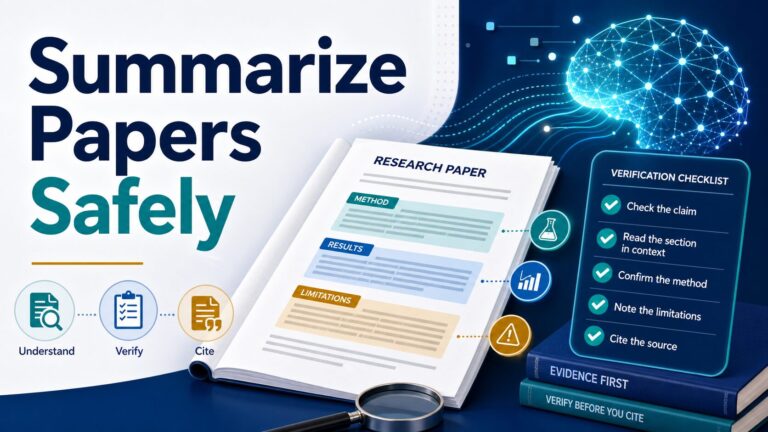
For the broader category, compare our guide to AI research tools for graduate students. If accurate summarization is the next bottleneck, use the evidence-first workflow in how to summarize a research paper with AI.
Privacy And Academic-Integrity Checks
- Check institution policy first. Reading support, search, summarization, and AI-written prose may have different rules.
- Do not upload restricted material casually. Protect unpublished manuscripts, participant data, clinical material, reviewer files, confidential datasets, supervisor notes, and copyrighted PDFs.
- Check the account type. Consumer, education, Workspace, team, and enterprise plans can have different data handling and retention terms.
- Keep the audit trail outside the tool. Save databases, search strings, dates, screening decisions, and verification notes in a document or reference manager you control.
- Keep authorship human. Use AI to find, read, compare, and organize. Build the final argument and source synthesis yourself.
Use our AI tool privacy checklist before uploading sensitive files. If your source set is already selected, the NotebookLM research-summary workflow gives you a practical next step.
FAQ
What is the best AI tool for a graduate literature review?
Elicit is the best general starting point for structured paper discovery. Choose Consensus for a focused evidence question, ResearchRabbit for citation mapping, Scite for citation context, and NotebookLM when you already selected the sources.
What is the best free AI literature review tool?
There is no universal free winner. Elicit offers a free Basic plan, Consensus offers free paper search with monthly limits on advanced features, ResearchRabbit’s free tier supports broad mapping and collections, and NotebookLM offers standard limits for source-grounded work. Pick the free tool that matches the current bottleneck.
Can AI write my literature review?
Do not use AI as the final author. It can help discover papers, explain difficult sections, organize notes, and surface citation context. Your search strategy, inclusion decisions, argument, synthesis, citations, and policy compliance remain your responsibility.
Do I still need Google Scholar, library databases, or a citation manager?
Yes. AI tools can add a useful second view, but required databases and reference managers provide coverage, export, deduplication, and reproducibility that a chat or summary interface may not preserve.
Should I pay for more than one tool?
Usually not at first. Run the 45-minute audit-trail test with one tool. Add a second only when it solves a different documented bottleneck and does not duplicate work you already have.
Final Recommendation
Start with one bottleneck. Use Elicit for structured discovery, Consensus for a focused evidence question, ResearchRabbit for related-work mapping, Scite for citation context, SciSpace or Scholarcy for paper reading, and NotebookLM for a source set you already selected.
Whichever tool you choose, keep the search trail outside it and verify original sources. The best AI literature review tool is not the one that writes the smoothest answer. It is the one that improves a specific stage without making your method harder to defend.