Elicit Review: Is It Useful for Academic Research?
Elicit is useful for academic research when your real bottleneck is finding papers, screening studies, and turning evidence into a table you can inspect. It is not a replacement for reading the original paper, checking the method, or deciding whether a source actually supports your claim.
Quick verdict: try Elicit if you need a structured first pass across a research question: paper discovery, literature-review screening, evidence extraction, source-backed reports, and systematic-review preparation. Skip it if you mainly need a citation manager, a single-PDF reading tool, a writing polisher, or an institution-approved space for confidential material.
The safest starting point is public, low-risk literature. Use Elicit to build a shortlist and expose source-backed evidence, then verify the paper, method, limitation, and citation details yourself before writing.
This review is based on official Elicit product, pricing, systematic-review, privacy, terms, authorized-user, security, trust-center, and Research Agent update pages checked on July 3, 2026. I did not run a hands-on accuracy benchmark. Treat this as an official-source workflow fit review, not a claim that AI Work Toolkit tested Elicit’s output quality.
Who Elicit Is Best For
Elicit fits readers who already have a research question and need to move from “there are too many papers” to “these are the sources I should inspect.” That makes it more useful for literature reviews, evidence maps, proposal preparation, and early-stage research scoping than for generic academic writing.
| Reader situation | Elicit fit | Why | What to verify |
|---|---|---|---|
| Graduate student starting a literature review | Good fit | Elicit can help search papers, screen abstracts, and organize evidence before deep reading. | Whether the paper set covers your field, whether required databases are missing, and whether each extracted claim matches the original paper. |
| Researcher preparing a systematic review | Potentially useful | Elicit’s official pages now emphasize source gathering, screening, extraction, synthesis, PRISMA-auditable decisions, and workflow scale. | Your protocol, database coverage, inclusion criteria, duplicate handling, audit trail, dual-review rules, and institutional standards. |
| Student reading one assigned PDF | Sometimes overbuilt | A source-grounded PDF reader may be simpler if you already know the paper and only need careful notes. | Use the paper itself as the source of truth before writing or citing. |
| Researcher comparing NotebookLM and Elicit | Task-dependent | Elicit is stronger for finding and screening literature; NotebookLM-style workflows are often better for studying your own source pack. | Whether you need literature discovery or source-notebook synthesis. For the detailed comparison, use NotebookLM vs Elicit for literature reviews. |
| Researcher with unpublished, private, or regulated material | Check policy first | A useful research assistant is not automatically approved for confidential documents or protected data. | Institution policy, privacy terms, data-processing terms, retention, deletion, account controls, and whether the document can be uploaded at all. |
What Elicit Does Now
Elicit positions itself as AI for scientific research, with workflows for search, research reports, systematic literature reviews, libraries, and alerts. The product is strongest when you need a structured view of a research question across many sources, not when you want one polished answer with no verification trail.
The important July 2026 change is that Elicit’s Research Agent is no longer just a paper-search helper. Elicit says the agent can work with broader research materials such as spreadsheets, images, posters, and custom scientific files, and that usage is moving toward a monthly pool shared across Research Agent, Reports, and Systematic Literature Reviews.
For most academic readers, that makes the plan decision more important. Do not choose a tier only because a feature sounds advanced. Choose it only if the workflow you need is actually unlocked: source search, reports, systematic-review screening, table columns, custom extraction, alerts, exports, collaboration, API access, or enterprise controls.
The 10-Minute Fit Test
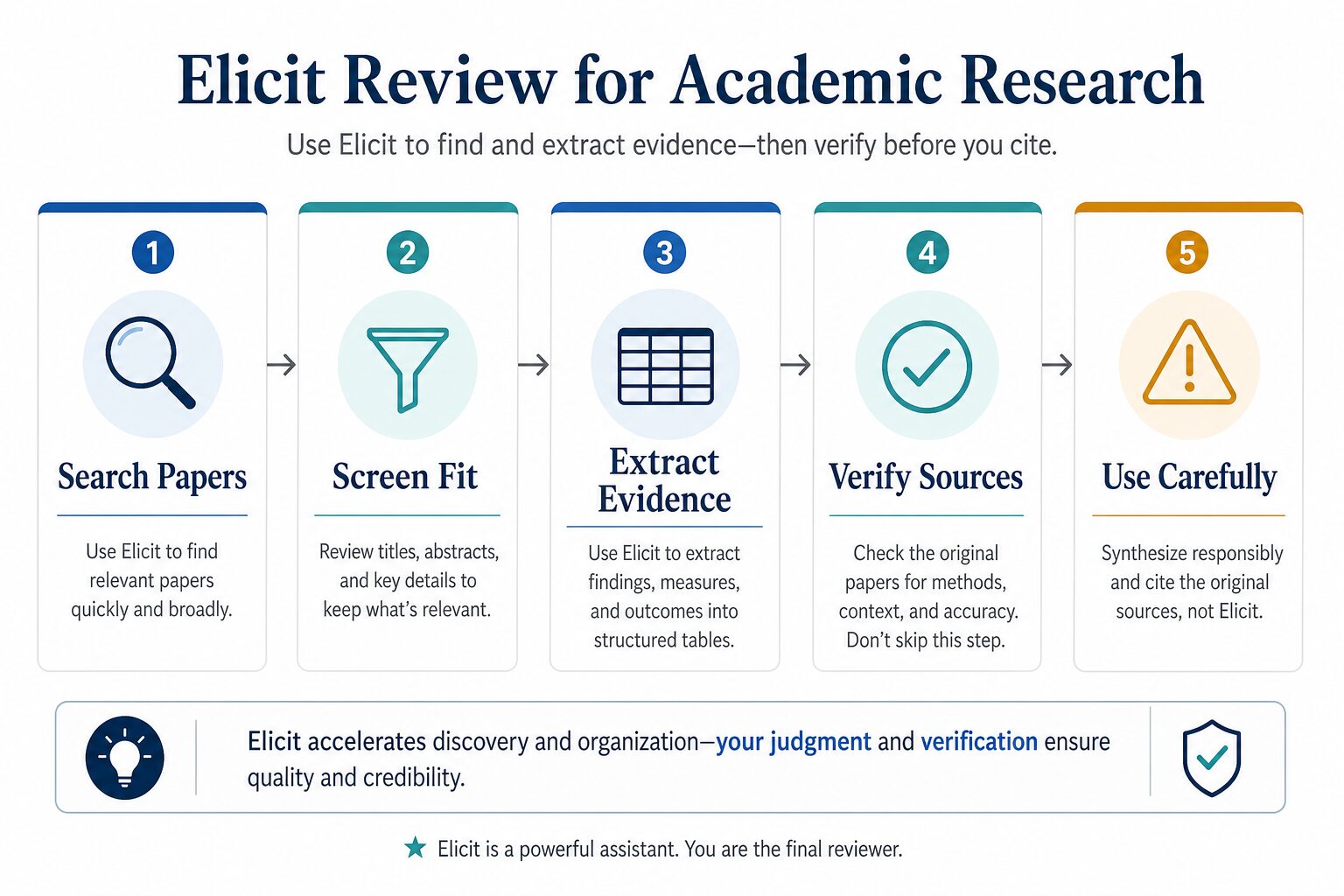
Before paying, run a small fit test with public literature. The goal is not to prove Elicit is perfect. The goal is to see whether it reduces the messy part of your research process without hiding uncertainty.
- Write one precise research question. Include population, field, method, intervention, outcome, or document type where relevant.
- Search in Elicit. Look for a useful paper set, not only papers that support the answer you expected.
- Build a short evidence table. Track sample, method, measure, outcome, limitation, source quote, and citation metadata.
- Open three original papers. Check whether the extracted claims match the abstract, method, results, and limitations.
- Search one required database separately. Use Google Scholar, PubMed, Scopus, your library, or a field database when your assignment or protocol depends on it.
- Decide what Elicit actually saved. If it mainly saved search and screening time, it may be worth using. If it created verification work without better coverage, keep it as an occasional helper.
Good use case: “Find studies about remote peer feedback and English academic writing anxiety, extract sample/method/outcome details, and help me decide which papers to read first.”
Risky use case: “Write my literature review and citations from these summaries.”
Pricing And Plan Cautions
Elicit’s pricing page checked on July 3, 2026 listed Basic as free and showed paid Plus, Pro, Scale, and Enterprise options across billing views. The page describes Basic as limited for Research Agent and Research Reports, while paid plans increase usage and unlock more systematic-review, table, report, alert, extraction, collaboration, API, and team-control capacity.
The same official pricing page also exposes billing toggles and plan-specific limits, so do not rely on an old review for exact subscription math. Check the live Elicit pricing page before subscribing, and remember that Elicit’s terms say paid subscription fees may exclude taxes and regulatory fees.
Upgrade caution: pay only if the paid plan unlocks the research job you actually have. A student doing occasional public-source discovery is not the same as a team screening thousands of studies for a formal review, and a team should confirm export, audit, collaboration, data-processing, and institutional requirements before relying on any plan.
Privacy, Security, And What Not To Upload
Elicit publishes privacy and terms pages, authorized-user terms, a trust center, and a SOC 2 Type II announcement. Those are useful review points, especially for teams that need security documentation. They are not a blanket reason to upload every academic document into a personal account.
Before uploading documents, check whether your material is public, licensed for your use, and allowed by your school, employer, lab, journal, funder, client, or review protocol. Do not upload unpublished manuscripts, peer-review files, grant drafts, participant data, interview transcripts, student records, medical or legal material, confidential client files, or IRB-covered material unless your institution explicitly approves Elicit and your account type.
If you are working inside a university or company, ask for the approved account, retention policy, data-processing terms, security review path, and whether user materials can be processed through AI models to generate outputs. If you cannot answer where the document is stored, who can access it, how it is processed, and whether you can delete it, use public papers only. For a broader checklist, use the AI tool privacy checklist before uploading work data.
Elicit vs Adjacent Research Tools
Elicit should sit next to databases, library search, PDF tools, reference managers, source-notebook tools, and writing tools rather than replacing all of them.
| Tool category | Use it for | When Elicit may be better | When another tool may be better |
|---|---|---|---|
| Academic databases and library search | Authoritative search, field-specific coverage, controlled vocabulary, and institutional access. | You need a faster first pass across a research question, source-backed reports, and a structured table for screening. | You need exhaustive search strategy documentation, database-specific filters, or institution-required database coverage. |
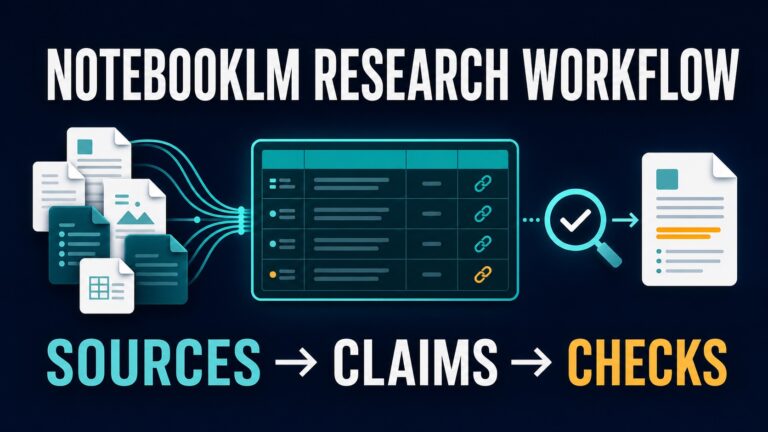
| NotebookLM or source-notebook tools | Studying and synthesizing a known set of sources you already selected. | You still need to find, screen, and compare papers before building the source pack. | You already have the right sources and need grounded notes, summaries, and cross-source questions. |
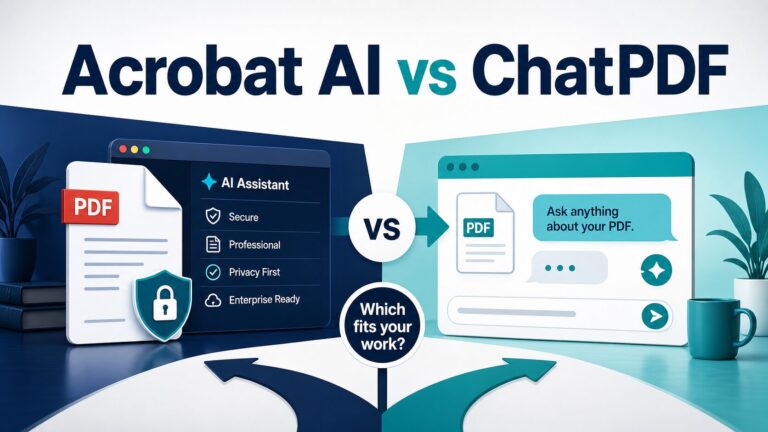
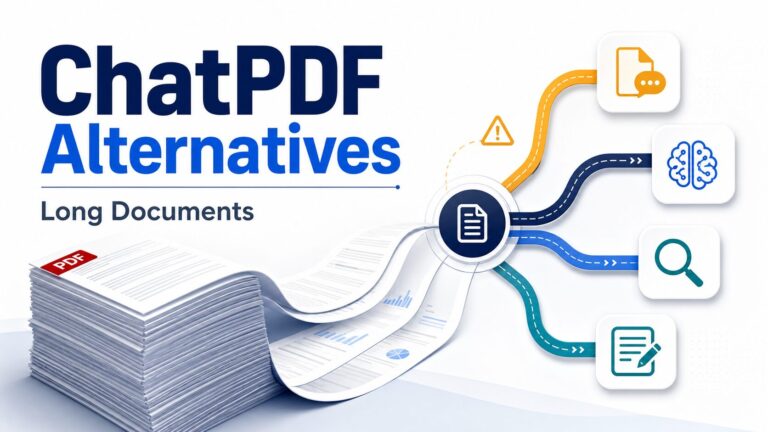
| PDF summarizers | Reading and questioning one known paper or document. | You need to find and compare papers before choosing which PDFs deserve deep reading. | You already have the PDFs and need a source-grounded reading assistant. |
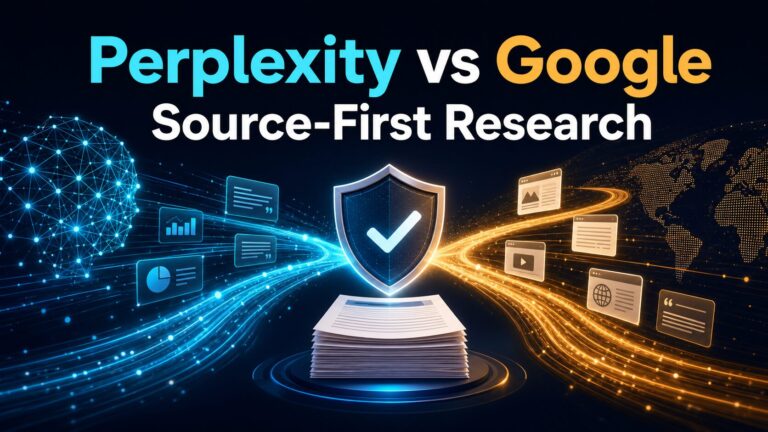
| Consensus / Perplexity-style answer tools | Fast answers with cited sources or broader web context. | You want structured paper screening, extraction, and source-backed reports across many studies. | You need a quick public-source answer or current non-academic context. |
| Reference managers | Saving citations, PDFs, metadata, folders, and bibliographies. | You are still deciding which papers belong in the review. | You need citation management, deduplication, library organization, or formatted bibliographies. |
| Writing assistants | Clarifying verified notes and improving structure. | You need evidence extraction before writing. | Your research is already verified and the bottleneck is expression, flow, or plain English. |
If you are still comparing categories, start with Best AI Research Tools for Graduate Students. If the decision is specifically Elicit versus answer tools, read Elicit vs Consensus vs Perplexity. If you are choosing between an Elicit-style literature search workflow and a source-notebook workflow, read NotebookLM vs Elicit for literature reviews.
Limitations To Keep In Mind
The biggest limitation is not that Elicit is “bad.” It is that research quality depends on search coverage, inclusion criteria, extraction accuracy, method judgment, privacy permission, and source verification. An AI tool can accelerate those steps, but it cannot take responsibility for them.
- Coverage can be incomplete. Check whether your field requires specific databases, journals, languages, or search strings.
- Extraction can still need review. Verify methods, sample sizes, outcomes, source quotes, and limitations in the paper.
- Systematic reviews require protocol discipline. Do not let convenience replace documented inclusion/exclusion rules.
- Privacy depends on context. Public papers are different from unpublished manuscripts, participant data, or confidential internal work.
- AI citations are not your citation trail. Use the original paper, database record, DOI, and journal metadata when you cite.
- Pricing and usage limits can change. Elicit is moving toward shared monthly usage across workflows, so confirm the current plan before depending on a limit.
Final Recommendation
Elicit is worth trying if you regularly search, screen, and compare academic papers. It is especially useful when your problem is “I need to understand the evidence landscape” rather than “I need a prettier paragraph.”
Start with public, low-risk papers. Build a shortlist. Extract a table. Then read and verify the original papers before you cite. If that workflow saves you time, check the live pricing page, taxes or fees at checkout, and your institution’s data policy before upgrading.
FAQ
Is Elicit good for literature reviews?
Yes, Elicit can be useful for literature-review discovery, screening, and evidence extraction. For formal systematic reviews, still document your protocol, search strategy, inclusion criteria, exclusions, and manual verification process.
Can Elicit replace Google Scholar, PubMed, Scopus, or library databases?
No. Use Elicit as a research workflow assistant, not a full replacement for field-specific databases or institutional search tools. If your assignment, thesis, grant, or review protocol requires a specific database, use that database too.
Is Elicit free?
Elicit’s pricing page listed Basic as a free tier when checked on July 3, 2026, along with paid tiers. Check the live pricing page for current limits, billing, taxes or fees, and which features are included before relying on any free-plan assumption.
Can I cite Elicit’s summary?
Usually, you should cite the original paper, not the AI-generated summary. If your institution requires disclosure of AI use, follow that rule separately.
What should I not upload to Elicit?
Do not upload unpublished manuscripts, peer-review files, participant data, student records, medical or legal material, confidential client documents, or IRB-covered material unless your institution explicitly approves Elicit and your account type for that use.
What are the best alternatives to Elicit?
It depends on the task. NotebookLM-style source notebooks can be better after you already have the right papers, Consensus and Perplexity-style tools can be better for quick cited answers or broader context, PDF tools can be better for one-document reading, and reference managers are better for citation libraries.