ChatPDF Alternatives for Long Documents
Compare ChatPDF alternatives for long documents by workload, price checks, privacy cautions, and practical use-case fit.
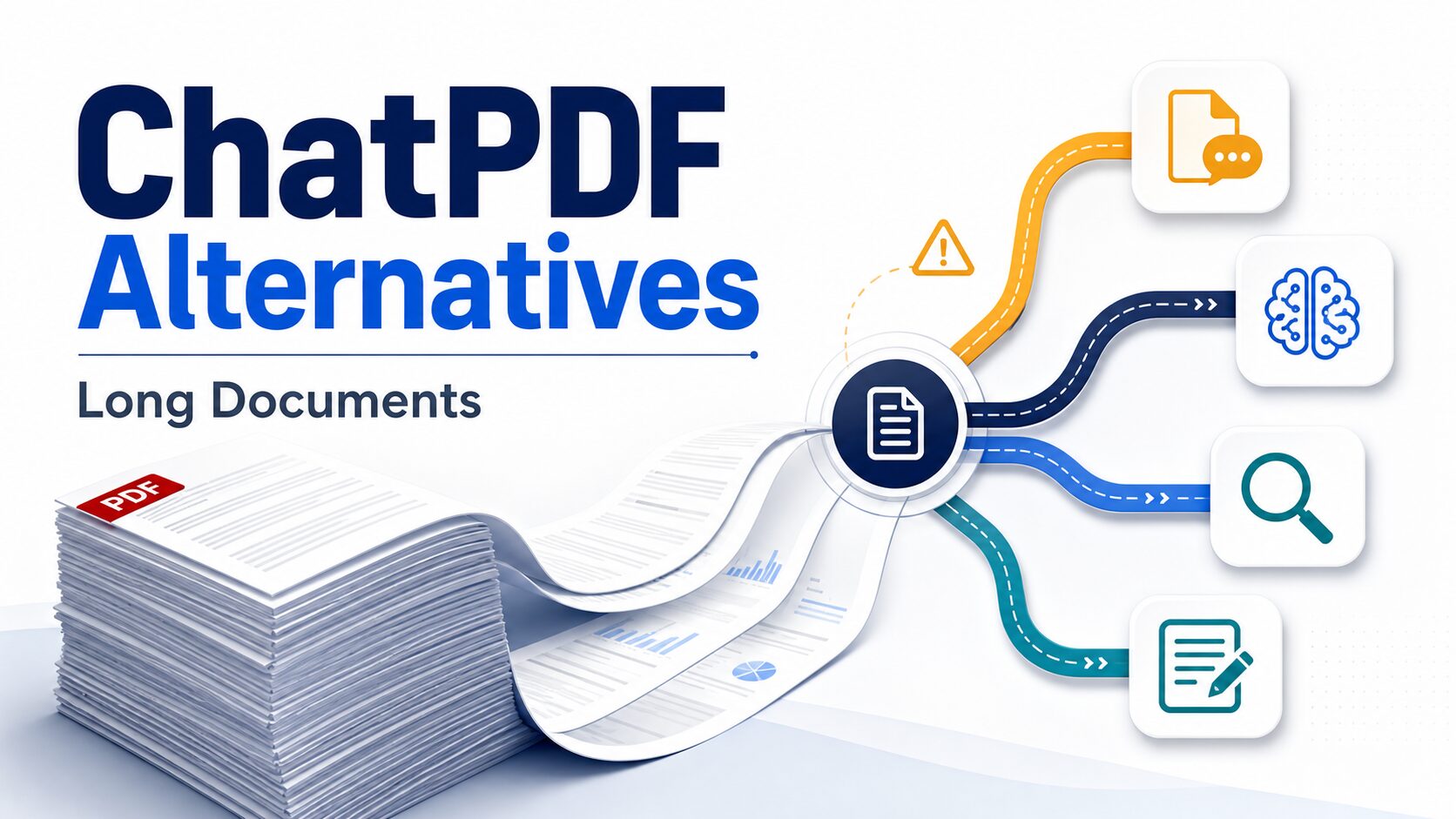
If ChatPDF feels too small for your long-document workflow, do not start by hunting for the longest list of alternatives. Start by naming the job: one long PDF, many sources, cited academic research, full PDF editing, or sensitive documents that should not be uploaded yet. The best ChatPDF alternative depends on that workload.
Quick verdict: choose by document workload
- Stay with ChatPDF when you need fast, simple Q&A with a small number of PDFs and want a low-friction starting point.
- Try NotebookLM first when your problem is many sources, long source limits, source-grounded synthesis, and reusable notebooks.
- Try Adobe Acrobat AI Assistant when PDF editing, organizing, comparing, exporting, or an Acrobat workflow matters as much as chat.
- Try SciSpace first when the document work is academic: papers, literature search, citations, and research workflows.
- Try AskYourPDF when you want broad document chat with mobile access, Chrome, Zotero, or ChatGPT/GPT integration paths.
- Pause before uploading if the PDF includes client, workplace, student, patient, legal, unpublished, or proprietary information.
Pricing, free-plan, feature, and privacy claims below are based on official pages checked on July 5, 2026. This is an official-research-only guide. I did not run a fresh hands-on accuracy benchmark for these tools in this article.
Why switch from ChatPDF for long documents?
ChatPDF is still a reasonable first stop for quick PDF questions. Its official page says the free plan lets users analyze two documents every day, and the service can work with PDFs plus Word, PowerPoint, Markdown, and text files. That is useful when the job is simple: upload a document, ask a few questions, and check cited parts of the source.
The trouble starts when “long document” really means a bigger workflow. A graduate student may need to compare 30 papers. A knowledge worker may need to connect a report, a transcript, a slide deck, and a policy document. A business owner may need to edit the PDF afterward. A researcher may need citation-backed discovery, not just a summary of one uploaded file.
That is why this article does not rank tools as a universal winner. It separates five real paths: simple PDF chat, many-source research notebooks, Acrobat-centered PDF work, academic paper research, and broad document chat with integrations.
Best ChatPDF alternatives for long documents compared
| Tool | Best fit | Free / pricing caveat | Privacy or policy caution | Skip if | Evidence status |
|---|---|---|---|---|---|
| ChatPDF | Fast single-document or small-batch document Q&A. | Official FAQ says the free plan allows 2 documents per day; Plus exists for heavier use. Verify checkout price before paying. | Official FAQ says files are encrypted in transfer and storage and can be deleted. Still check policy before uploading sensitive material. | You need many-source synthesis, full PDF editing, or a structured research workflow. | Official research only. |
| NotebookLM | Many-source notebooks, source-grounded summaries, and long research packets. | Official FAQ lists 100 notebooks, 50 sources per notebook, 500,000 words per source, and 200MB local upload limit for sources. Verify paid plan limits on NotebookLM plans. | Official FAQ says data is not shared by NotebookLM. Still review Google terms and workplace rules before uploading confidential sources. | You only need one quick PDF answer or need PDF editing/export features inside the same tool. | Official research only. |
| Adobe Acrobat AI Assistant | PDF chat plus Acrobat editing, organizing, comparing, exporting, and document workflow. | Adobe page listed Acrobat Reader free, Acrobat Pro at US$19.99/mo, and Acrobat Studio at US$24.99/mo, annual billed monthly, when checked. Confirm current plan details before buying. | Adobe says Acrobat AI Assistant content is not used to train Adobe’s AI models and answers are cited back to source documents. | You do not need Acrobat features and only want a lightweight PDF chat tool. | Official research only. |
| SciSpace | Academic papers, literature review, paper discovery, and citation-backed research workflows. | Official pages show a research assistant and Chat PDF workflow with pricing tiers. Verify current credits and plan limits before paying. | Use the same caution as any research AI tool: do not upload unpublished or regulated material until your institution allows it. | Your documents are business PDFs, contracts, or manuals rather than academic papers and research questions. | Official research only. |
| AskYourPDF | Broad document chat with mobile access, Chrome extension, Zotero plugin, and GPT integration paths. | Official pages say users can start for free. Verify current paid-plan limits and document caps on the pricing page. | Official privacy policy says AI products use third-party AI service providers including Anthropic and OpenAI; review this before sensitive uploads. | You need a tightly structured academic evidence workflow or Acrobat-native PDF editing. | Official research only. |
Which tool should you try first?
Choose ChatPDF when the job is simple PDF chat
Use ChatPDF when you want a fast, lightweight way to ask questions about a document and you do not need a larger research system. The official site says no account is required to try core features, and the free plan gives a limited daily starting point. That makes it useful for first-pass reading, quick summaries, and finding parts of a document you want to inspect manually.
Do not treat ChatPDF as a complete research workflow just because it can answer questions. If you need to compare many sources, keep persistent notes, build literature-review tables, or manage sensitive files under a workplace policy, move to a tool built for that larger job.
Choose NotebookLM when many sources matter
NotebookLM is the strongest first alternative when the pain is not one PDF but a set of sources. Google’s official FAQ lists 100 notebooks, up to 50 sources each, 500,000 words per source, and a 200MB local-upload limit for sources. That makes it a practical candidate for long reading packets, course material, reports, and multi-source research.
For a deeper head-to-head, read NotebookLM vs ChatPDF for long PDFs. The short version is this: ChatPDF is simpler for quick document chat; NotebookLM is usually more useful when you need a reusable notebook built around multiple sources.
Choose Adobe Acrobat AI Assistant when PDF workflow matters
Adobe is the better fit when the PDF itself is part of your work product. If you already need Acrobat for editing, organizing, commenting, exporting, comparing, redacting, or team document workflows, Acrobat AI Assistant may be more practical than using a separate PDF chat site.
The official Adobe page listed Acrobat Reader as free, Acrobat Pro at US$19.99/mo, and Acrobat Studio at US$24.99/mo when checked, with annual billing shown monthly. Adobe also says AI Assistant responses are cited back to source documents and that content is not used to train Adobe’s AI models. Verify current plan details because Adobe packaging can change.
Choose SciSpace when papers and citations are the real job
SciSpace is the better first trial when the workload is academic. Its official pages position it as an AI research assistant for papers, literature review, and citation-backed work. That is a different need from “summarize this PDF.” You may be trying to find papers, understand methods, compare claims, and trace answers back to sources.
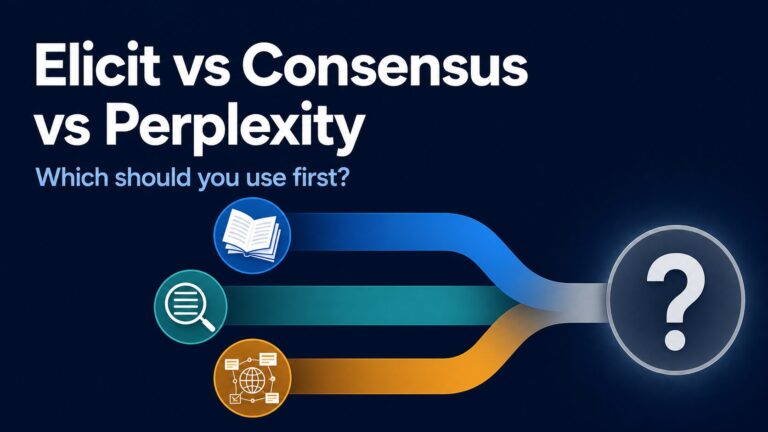
If your next step is a literature review, use SciSpace alongside our AI literature review tools for graduate students guide and the Elicit vs Consensus comparison. Those articles help separate PDF chat from paper discovery and evidence-table work.
Choose AskYourPDF when you want broad document chat and integrations
AskYourPDF fits readers who want a document-chat tool that appears across multiple access points. Its official pages describe mobile access, a Chrome extension, Zotero plugin, and GPT integration paths. That can be useful if your workflow moves between browser reading, reference management, and quick document questions.
Its privacy policy deserves a careful read before sensitive use. The policy says AI products use third-party AI service providers, including Anthropic and OpenAI, to enable the service. That is not automatically a reason to avoid the tool, but it is a reason to check your workplace, university, or client rules before uploading private files.
Privacy checklist before uploading long documents
Use this five-question pause rule
- Is the document confidential? Client files, internal strategy, contracts, medical, legal, student, HR, and financial documents need extra review.
- Is the document unpublished? Draft papers, grant material, lab notes, and proprietary research may have rules beyond normal public PDFs.
- Does your organization allow this tool? A tool can have good security claims and still be prohibited by your workplace or school.
- Can you delete the document later? Check file retention, deletion controls, and account settings before upload.
- Can you verify answers against the source? Prefer tools that point back to source passages, then inspect the source manually.
For a fuller version, use the AI tool privacy checklist before uploading work data. The safest workflow is to remove sensitive details, use public/sample material when possible, and treat AI answers as a navigation aid rather than a final authority.
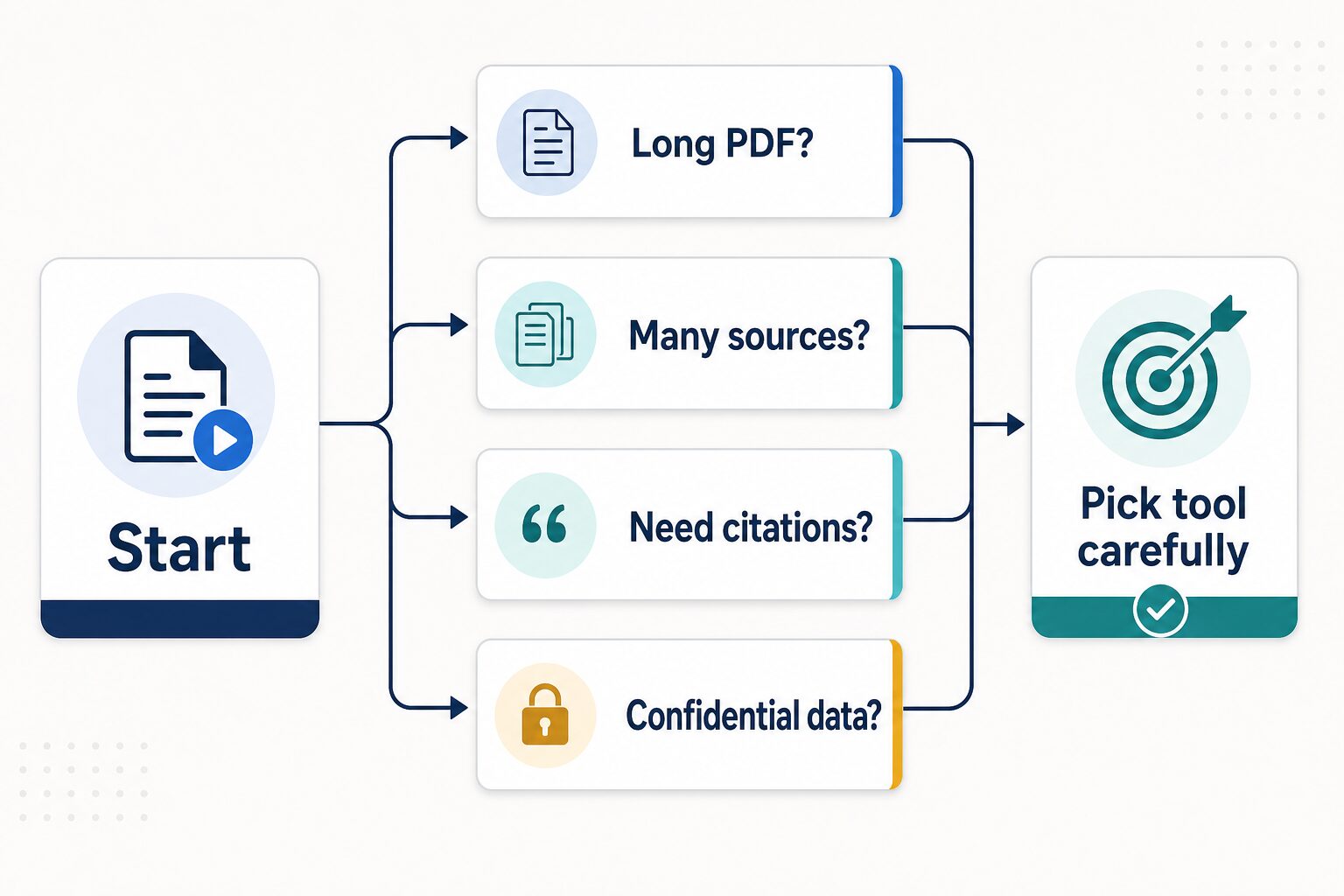
How to choose: a practical decision path
If you are comparing ChatPDF alternatives today, use this order:
- Name the workload. One PDF, many sources, academic papers, PDF editing, or broad document chat.
- Check source limits. Look at file size, word/page limits, daily query limits, source count, and account requirements.
- Check answer traceability. Long-document work needs citations, highlighted source passages, or at least a clear way to verify where the answer came from.
- Check data policy. Open privacy/security pages before uploading anything that is not public or low-risk.
- Try a low-risk sample first. Use a public PDF, a harmless report, or a short excerpt before trusting a tool with real work.
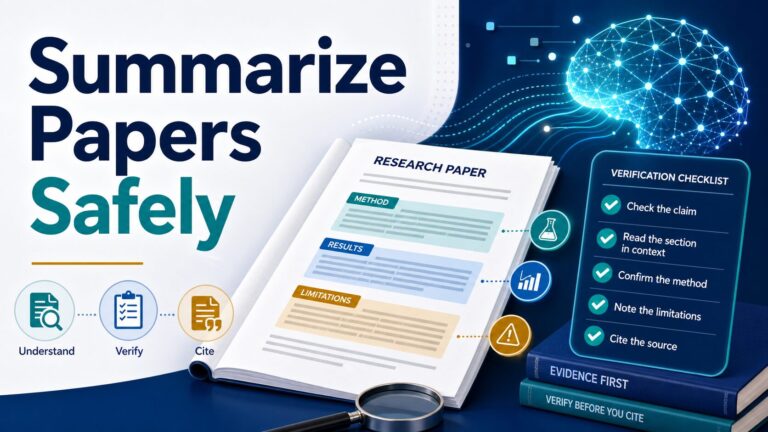
For students and researchers, the useful next step is often our safe 5-step workflow for summarizing research papers with AI. For general PDF tasks, start with the AI PDF summarizer guide.
FAQ
What is the best ChatPDF alternative for long PDFs?
NotebookLM is the best first alternative when you have many sources or very long source material, because its official FAQ lists generous source and upload limits. Adobe Acrobat AI Assistant is better if you need Acrobat’s PDF workflow. SciSpace is better if the documents are academic papers and citation-backed research matters most.
Is NotebookLM better than ChatPDF?
It depends on the task. NotebookLM is usually better for many-source notebooks and long research packets. ChatPDF is simpler when you only want quick questions about a PDF. For the detailed comparison, read NotebookLM vs ChatPDF: Which Is Better for Long PDFs?
Which ChatPDF alternative is best for academic papers?
SciSpace, NotebookLM, Elicit, and Consensus can all appear in academic research workflows, but they solve different problems. SciSpace is closer to paper-focused research assistance, NotebookLM is useful for source notebooks, Elicit is useful for structured evidence tables, and Consensus is useful for focused evidence questions.
Can I upload confidential PDFs to these tools?
Do not upload confidential PDFs until you have checked the tool’s official privacy/security terms and your organization or institution rules. Public marketing claims are not enough for client, patient, student, legal, unpublished, financial, or proprietary documents.
Final recommendation
For most readers looking for ChatPDF alternatives for long documents, start with NotebookLM if the problem is many sources, Adobe Acrobat AI Assistant if the problem is full PDF workflow, SciSpace if the problem is academic research, and AskYourPDF if the problem is broad document chat with integrations. Keep ChatPDF in the mix for fast, simple PDF Q&A.
The safest first move is not a subscription. It is a low-risk trial with a public or non-sensitive document, followed by an official pricing and privacy check before you upload anything important.
Official sources checked
Checked on July 5, 2026: ChatPDF, NotebookLM, NotebookLM FAQ, NotebookLM plans, Adobe Acrobat AI Assistant, Adobe AI PDF chat, SciSpace, SciSpace Chat PDF, SciSpace pricing, AskYourPDF, AskYourPDF pricing, and AskYourPDF privacy.