Fathom vs Fireflies: Which Meeting Note Tool Fits Client Calls?
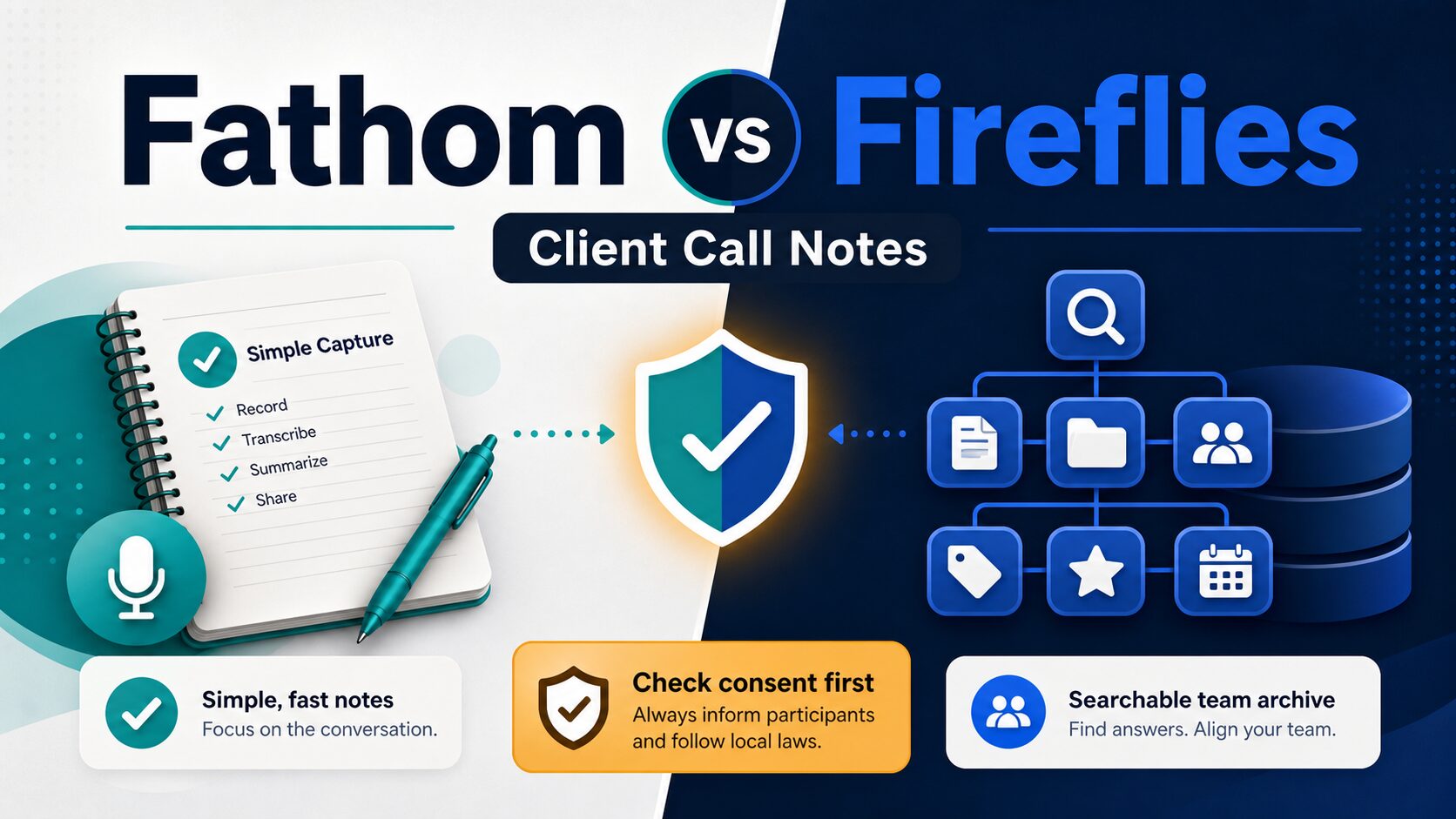
If you are comparing Fathom vs Fireflies for client calls, the important question is not which AI meeting assistant has the longest feature list. The better choice depends on whether you need simple personal capture, a searchable team archive, or a consent-first workflow for sensitive conversations.
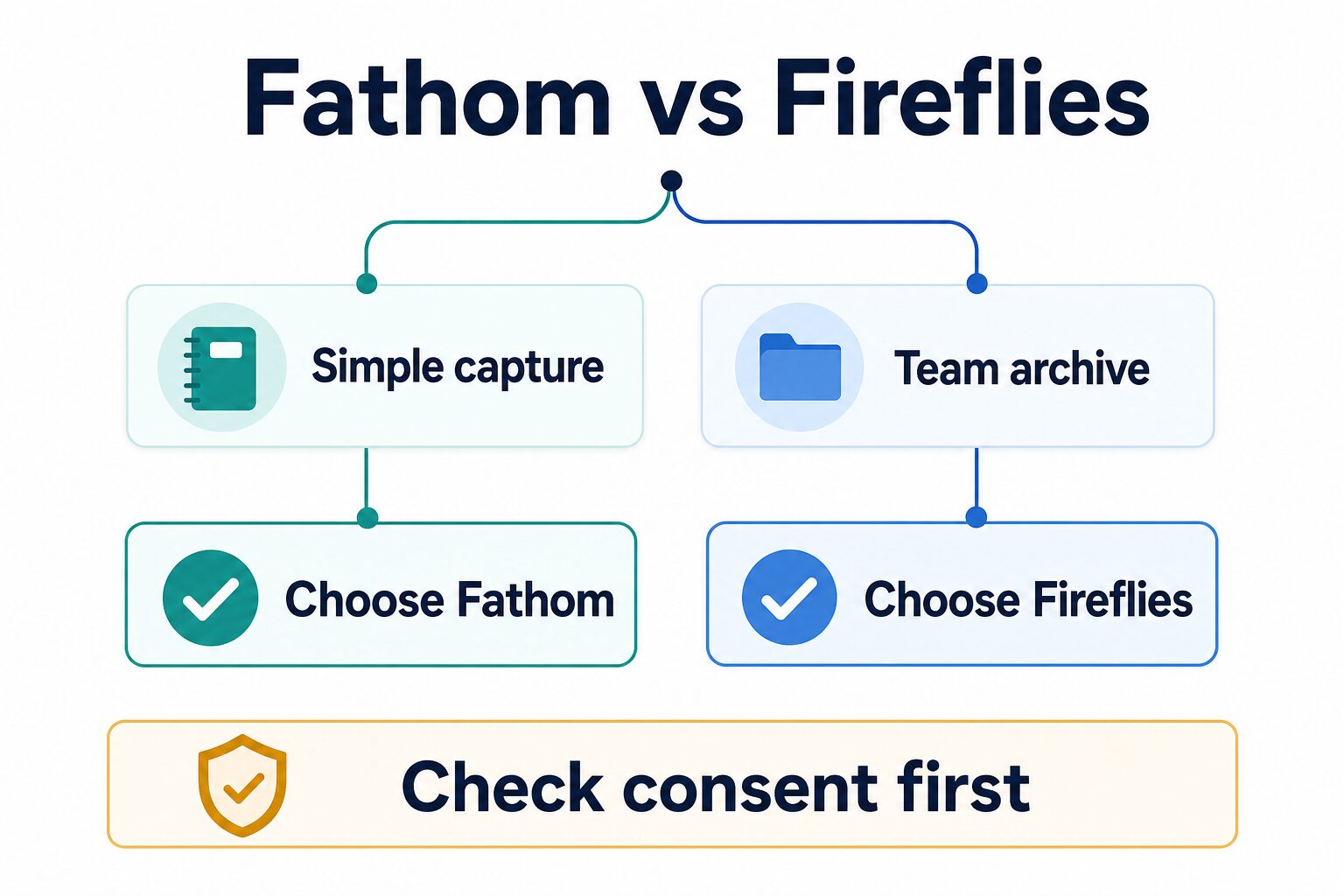
Quick verdict: Choose Fathom if you want a lighter way to record, summarize, and follow up on client calls from your own meetings. Choose Fireflies.ai if your team needs a larger shared meeting archive, search, integrations, and conversation intelligence across many calls. For legal, medical, HR, procurement, or high-confidentiality client work, check consent, data handling, retention, and admin controls before using either tool.
This is an official-research-only comparison checked on June 16, 2026. It does not claim first-hand transcript accuracy, summary quality, speed, or client-call testing. The links below go to official product pages or related AI Work Toolkit guides, not monetized meeting-assistant redirects.
Fathom vs Fireflies at a glance
| Decision point | Fathom | Fireflies.ai | Reader-first takeaway |
|---|---|---|---|
| Best fit | Simple meeting capture, summaries, follow-up, and individual or small-team note workflows. | Searchable meeting archive, team knowledge reuse, integrations, and broader meeting intelligence workflows. | Pick by workflow depth, not by feature count. |
| Free-plan check | Official pages show a free individual starting point; Fathom’s help center describes unlimited recordings, transcriptions, and storage for the free plan, with some advanced AI features limited. | Official pricing shows a free tier, but Fireflies separates transcription, storage, and upload limits. | Both can be tried before paying, but heavy users should read the plan-limit details. |
| Paid-plan check | Official pricing lists paid team plans. Check the live pricing page before signup because team packaging and advanced features can change. | Official pricing lists Pro, Business, and Enterprise tiers. Check monthly versus annual billing, storage, and team controls. | Do not compare only the headline monthly price; compare limits and admin needs. |
| Client-call risk | Good fit when the call owner wants a lighter capture and follow-up workflow, assuming consent and policy checks are clear. | Good fit when the team wants shared memory, CRM/workflow follow-up, and searchable history across accounts. | The more sensitive the call, the more important consent, retention, and access controls become. |
| Privacy and security | Official security and privacy pages describe safeguards, access controls, and data handling. Review plan-specific controls for sensitive use. | Official security and privacy pages describe data ownership, encryption, compliance posture, and admin/security controls. Review plan-specific details. | Neither tool should be treated as automatically approved for regulated or confidential calls. |
Choose Fathom for simpler client-call capture
Fathom is the cleaner starting point if you mostly want to capture your own meetings, generate notes, and turn calls into follow-up without building a large shared meeting database.
The official Fathom pricing page shows a free starting point and paid team plans. Fathom’s help center also describes the free plan as including unlimited recordings, transcriptions, and storage for individual use, while some advanced AI summary features may require a paid plan. Because plan packaging changes, check the live page before you rely on a specific limit.
Fathom fits best when:
- You own the client call and need clean notes for follow-up.
- You want a lower-friction personal workflow before asking a team to adopt a shared archive.
- You care more about getting from meeting to action items than building a searchable database of every call.
- You can explain recording clearly and follow your local consent rules.
Skip or delay Fathom if: your organization needs centralized admin review, a broad archive across many teams, strict retention controls, or a policy review before any third-party recorder joins a client call.
Choose Fireflies for team memory and integrations
Fireflies.ai is the stronger fit when meeting notes are not just for one person. If your team wants to search across calls, connect notes to sales or project workflows, and build a reusable account history, Fireflies deserves a closer look.
The official Fireflies pricing page shows Free, Pro, Business, and Enterprise tiers. Fireflies also has a separate help page for transcription credits, storage, and rate limits, which matters because a plan can sound generous on transcription while still having storage or upload constraints. Read both pages before assuming the free plan or a lower paid tier will fit your meeting volume.
Fireflies fits best when:
- Multiple people need to search and reuse meeting records.
- Your workflow depends on integrations, CRM notes, project updates, or handoffs.
- You want a central meeting memory rather than personal call notes only.
- Your admin and privacy review supports a shared meeting archive.
Skip or delay Fireflies if: you only need occasional notes, you do not want another bot in client calls, or your team has not decided who can access, retain, export, or delete meeting data.
Consent matters more on client calls
Meeting assistants can create a trust problem even when the software works well. Before using either tool on client calls, decide how participants will be informed, what the recording will be used for, who can access it, and how long it will be kept.
Fathom publishes help material about recording consent controls, and Fireflies publishes security and privacy documentation. Those pages are useful starting points, but they do not replace your own legal, client, or workplace rules. Consent laws and expectations vary by location and relationship.
Client-call rule of thumb: If a call includes legal advice, health information, HR issues, student data, financial details, procurement terms, or confidential strategy, do not invite an AI meeting assistant until the client and your organization have approved the recording workflow.
For a broader checklist, use the AI meeting assistant privacy checklist before recording sensitive calls.
Pricing: what to check before upgrading
Do not decide from the headline plan name alone. For both tools, check the current official pricing page and then confirm the limits that affect your real meeting volume.
- Recording and transcription limits: How many meetings or minutes can you process each month?
- Storage: Are old meetings retained, limited, or removed after a threshold?
- Uploads: Can you upload old recordings, and are there separate rate limits?
- Team access: Who can view, search, share, or delete meeting records?
- Admin and security controls: Which controls are included on the plan you are buying?
If you are a solo consultant, Fathom’s free individual starting point may be enough to test the workflow. If you manage account teams or recurring client programs, Fireflies’ archive and integration model may justify a paid plan sooner. In both cases, test with low-risk meetings first.
Client-call scenarios: which one sounds like you?
A consultant who runs five discovery calls a week usually has a different problem from a customer-success team that reviews dozens of account calls. The first person needs clear notes, next steps, and a transcript they can reference while writing a recap email. The second group needs repeatable access, search, folders or topics, and a way to share useful call context without asking one person to remember every conversation.
That is why Fathom is easier to recommend as the first experiment for a solo or small-team client-call workflow. It gives the meeting owner a direct path from recording to notes and follow-up. If the meeting owner is also the person writing the recap, a lighter tool can be better than a heavier archive.
Fireflies becomes more compelling when the value of a meeting note is not finished after the recap email. If sales, onboarding, account management, or delivery teams need to search past calls, find objections, review handoffs, or connect meeting notes to other systems, the archive model matters more. In that case, the question is less “which app writes a nicer summary?” and more “which system helps the team reuse call knowledge without creating a privacy problem?”
For either tool, start with a low-risk internal call or a call where recording is clearly expected. Do not use a client call as the first experiment unless participants understand the recording workflow and your organization has already approved the data handling.
How to choose in one minute
If neither tool is an obvious fit, start with the broader AI meeting assistant comparison, review Otter vs Fireflies, or use the workflow guide on how to turn meeting transcripts into action items.
Official source links
Use these official pages for the final signup decision:
Evidence limit: This comparison is based on official product, pricing, help, privacy, and security pages checked on June 16, 2026. It does not rank transcript accuracy or summary quality from hands-on tests.