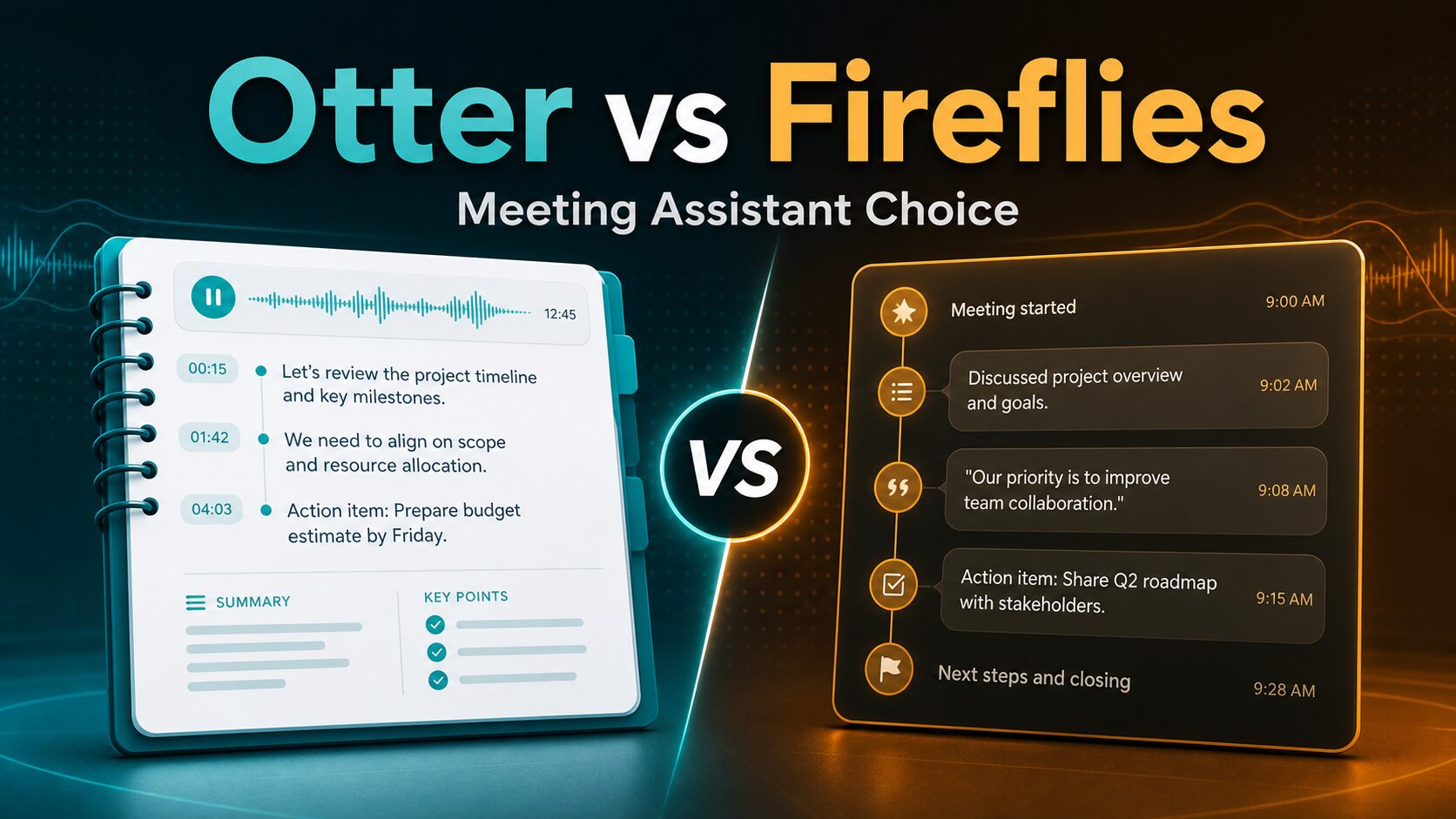
Otter vs Fireflies: Which AI Meeting Assistant Is Better?
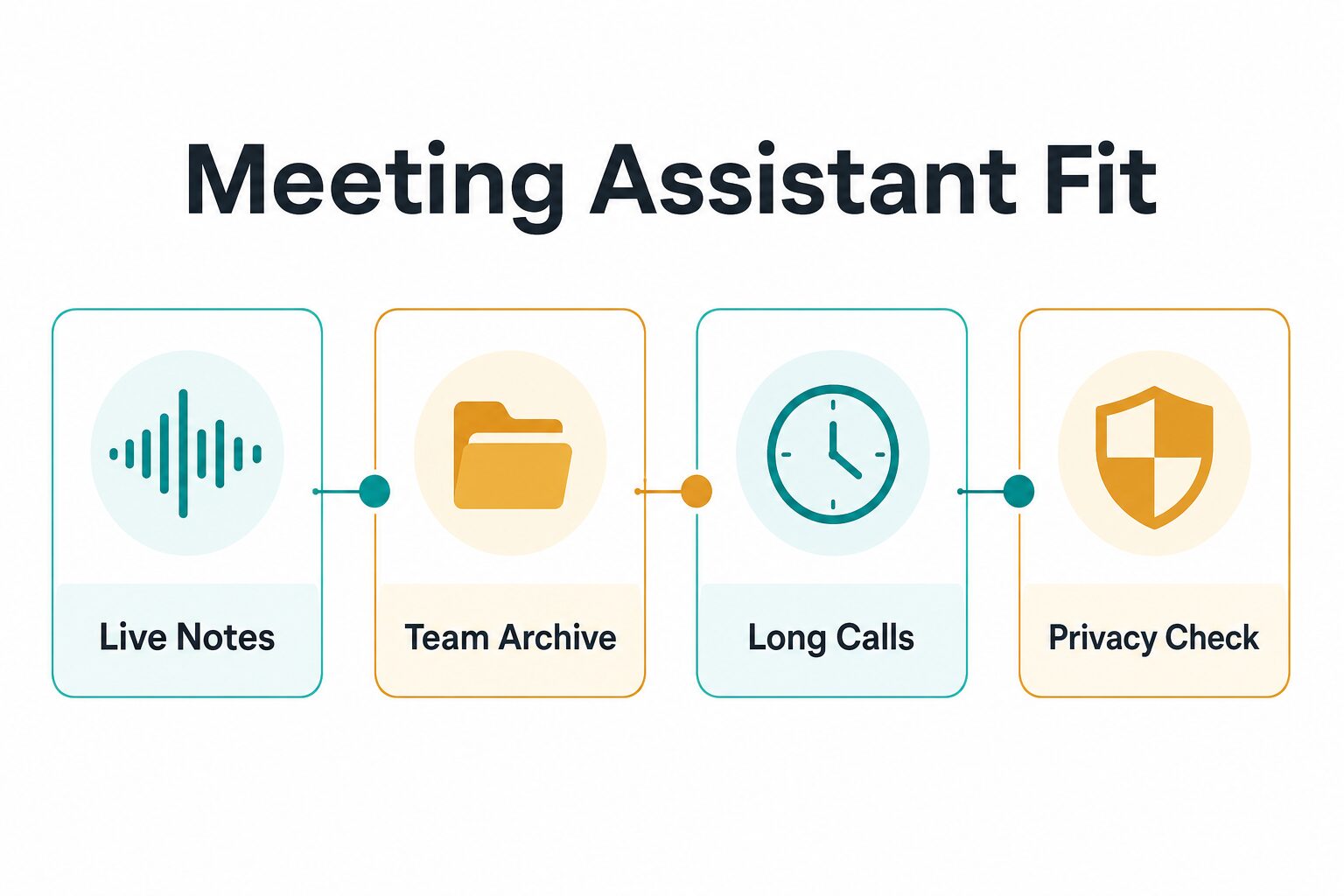
If you are comparing Otter vs Fireflies, the practical question is not which AI meeting assistant has the longer feature page. The better choice depends on how your team actually works: live notes during calls, a searchable meeting archive, long recordings, integrations, and privacy review before a bot joins a sensitive meeting.
Quick verdict: Based on official information checked on June 8, 2026, start with Otter.ai if you want straightforward live meeting notes, shorter solo/team usage, and a lower annual Pro entry price. Start with Fireflies.ai if your priority is a larger team archive, many integrations, multilingual meeting workflows, or longer storage needs. This is an official-research-only comparison, so it does not claim first-hand transcript accuracy, summary quality, or speed testing.
This article uses official product, pricing, help, privacy, and security pages. It does not use monetized meeting-assistant links. The links below go to official pages or related AI Work Toolkit guides.
Otter vs Fireflies at a glance
| Decision point | Otter.ai | Fireflies.ai | Reader-first takeaway |
|---|---|---|---|
| Best fit | Live meeting notes, transcripts, summaries, and straightforward meeting capture. | Meeting archive, summaries, integrations, team workflows, and broader language coverage. | Pick by workflow first, not by headline feature count. |
| Free plan check | Official pricing page showed Basic Free with 300 monthly transcription minutes. | Official pricing page showed Free; the help center says free plans use transcription credits and storage limits apply. | Free plans are useful for testing, but check minutes, credits, storage, and meeting length before relying on either. |
| Starting paid price checked | Pro showed $16/user/month monthly or $8/user/month annual on the official pricing page. | Pro showed $18 monthly or $10 annual on the official pricing page. | Otter has the lower annual Pro entry price in the checked pages, but volume and storage may matter more. |
| Team tier checked | Business showed $24/user/month monthly promo and $19/user/month annual. | Business showed $29 monthly or $19 annual. | Annual team pricing looked close, so compare limits and admin features, not only price. |
| Limits to verify | Pricing table showed monthly transcription limits by plan, max transcription time per conversation, file imports, conversation history, and AI Chat query limits. | Help page separates transcription credits, storage, upload rate limits, and overage terms. | Heavy meeting users should read the full plan table before upgrading. |
| Privacy and security | Privacy policy describes audio recordings, transcripts, meeting screenshots, calendar data, connected platforms, safeguards, and AI improvement uses. | Security page says users own their data and Fireflies does not train on it by default; it also lists compliance and encryption claims. | For sensitive work, verify consent, data retention, admin controls, and plan-specific security terms before recording. |
Choose Otter if live notes and simple meeting capture matter most
Otter.ai is the more direct starting point if your main problem is capturing live meeting notes, transcripts, summaries, and follow-up context without building a larger meeting intelligence system first.
As of the official pricing page checked on June 8, 2026, Otter showed Basic Free, Pro, Business, and Enterprise. Basic Free showed 300 monthly transcription minutes. Pro showed 1,200 monthly transcription minutes and $16/user/month monthly or $8/user/month annual. Business showed a higher monthly limit structure, Business/Enterprise unlimited meeting and recording transcription monthly limit, and $24/user/month monthly promo or $19/user/month annual.
Use Otter if: you want a familiar meeting transcript workflow, your meetings are not extremely long, you value live notes, and the checked Pro or Business limits fit your expected volume.
Skip or delay Otter if: your team needs a very broad app-integration layer, more multilingual workflows, or a privacy review that rules out cloud meeting assistants for certain calls.
Choose Fireflies if archive, integrations, or multilingual work matter more
Fireflies.ai is worth checking first if your team wants a searchable meeting archive, broad integrations, post-meeting workflows, and more flexibility around languages or team operations.
As of the official pricing page checked on June 8, 2026, Fireflies showed Free, Pro, Business, and Enterprise. Pro showed $18 monthly or $10/seat/month billed annually. Business showed $29 monthly or $19/seat/month billed annually. Enterprise showed $39/seat/month billed annually.
Fireflies also publishes a separate help page for transcription credits, storage, and rate limits. That page says paid plans get unlimited transcription, while storage and upload rate limits are separate. It lists Free storage at 800 minutes, Pro storage at 8,000 minutes, and Business/Enterprise storage as unlimited team-wide.
Use Fireflies if: your team cares more about archive, search, integrations, storage, and team workflows than the simplest live-note setup.
Skip or delay Fireflies if: you only need occasional meeting notes, you do not want another meeting bot in calls, or your compliance review is not done.
Privacy and consent should decide sensitive meetings
Meeting assistants are not ordinary note apps. They can process voices, transcripts, calendar data, meeting invite details, shared screen context, and follow-up metadata. That makes the privacy review part of the product decision, not an afterthought.
The Otter privacy policy says users may provide audio recordings, transcripts, text, images, videos, automatic meeting screenshots, calendar data, and connected platform data. It also describes use of recordings and transcriptions to provide and improve services, plus safeguards and cross-border processing language.
The Fireflies security page says users own their data and that Fireflies does not train on it by default. It also describes private storage options, SOC 2 Type II, GDPR, HIPAA/BAA positioning, and encryption. Read the current plan details because some security controls can be plan-specific.
Practical privacy rule: before recording client calls, HR interviews, student meetings, medical/legal/financial discussions, or confidential strategy meetings, confirm participant consent, admin controls, retention settings, data-use terms, and whether your organization allows AI notetakers. Use the broader AI tool privacy checklist if you need a step-by-step review.
Which tool should a small remote team try first?
If your team is small and you only need a meeting transcript plus quick notes, start with Otter’s free plan or Pro plan and confirm the current monthly transcription and conversation-length limits. That is the lighter path if live notes are more important than a large archive.
If your team already runs notes into several tools, handles recurring client calls, or needs more storage and meeting routing, start with Fireflies and read both the pricing page and the credits/storage help page before paying.
If you are still exploring the category, read the broader AI meeting assistant comparison, the Otter alternatives guide, and the transcription software guide before committing a team workflow.
Run A Three-Meeting Team Pilot
Do not choose from a feature checklist alone. Test the same decision in the meetings your team actually runs.
- Recurring internal meeting: check live note usefulness, speaker cleanup, action-item ownership, and whether anyone has to repair the record.
- External or client meeting: test the consent script, guest experience, access controls, and how the recording is shared or withheld.
- Retrieval test one week later: ask a teammate who missed the call to find one decision, its context, and the source moment.
Choose Otter if
- Live notes during the meeting are the main job.
- The team wants a simpler capture workflow.
- The current plan limits fit the actual meeting volume.
Skip Otter if the real bottleneck is a searchable team archive, a deeper integration path, or a multilingual workflow that another shortlisted tool handles better.
Choose Fireflies if
- Meeting memory must be searched and reused across the team.
- Integrations and post-meeting workflows are the main value.
- The team accepts the extra configuration and governance work.
Skip Fireflies if the archive will not be maintained, the integrations are not needed, or meeting sensitivity makes broad capture the wrong default.
Evidence boundary: this comparison is based on official product research, not a controlled transcription-accuracy benchmark. Use your pilot to judge accuracy, speaker labeling, summary quality, and reliability with your accents, rooms, and meeting types.
FAQ
Is Otter better than Fireflies?
Otter is the better first check if you want straightforward live notes, transcripts, and a lower annual Pro entry price based on the official pages checked on June 8, 2026. Fireflies is the better first check if team archive, integrations, storage, and broader language workflows matter more.
Is Fireflies cheaper than Otter?
Not in the simple annual Pro comparison checked here. Otter Pro showed $8/user/month billed annually, while Fireflies Pro showed $10/seat/month billed annually. But monthly prices, Business tiers, storage, credits, and upload limits can change the real cost, so compare current official plan tables before buying.
Can I use either tool for confidential meetings?
Do not assume yes. Read the official privacy, security, retention, consent, and admin-control terms first. For highly sensitive meetings, your safest default may be no AI notetaker until your organization approves the workflow.
Did AI Work Toolkit test transcription accuracy?
No. This article is official-research-only. It does not rank Otter or Fireflies by transcript accuracy, summary quality, speaker labeling, speed, or reliability.
Final recommendation
Choose Otter if your priority is simple live meeting notes and the checked free or Pro limits fit your call volume. Choose Fireflies if your priority is a richer team archive, integrations, storage, and longer-term meeting workflows. For any sensitive work, make the privacy review the first decision gate, then compare the current official pricing pages.