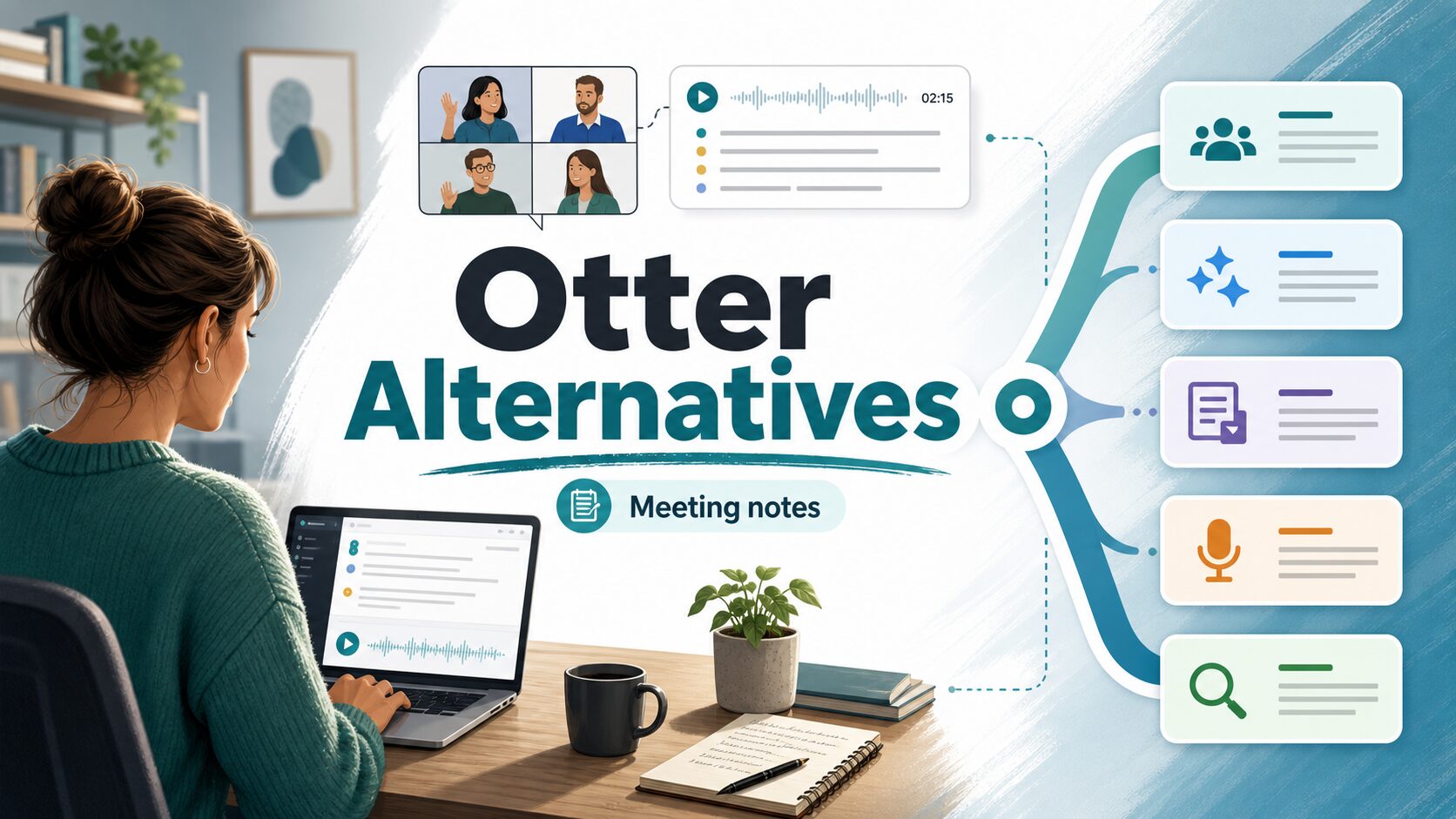
Otter Alternatives: Best AI Transcription and Meeting Note Tools
If Otter no longer fits your meetings, the safest replacement is not the tool with the longest feature list. It is the tool whose capture style, free-plan limits, privacy controls, and follow-up workflow match the conversations you actually need to document.
Quick Verdict
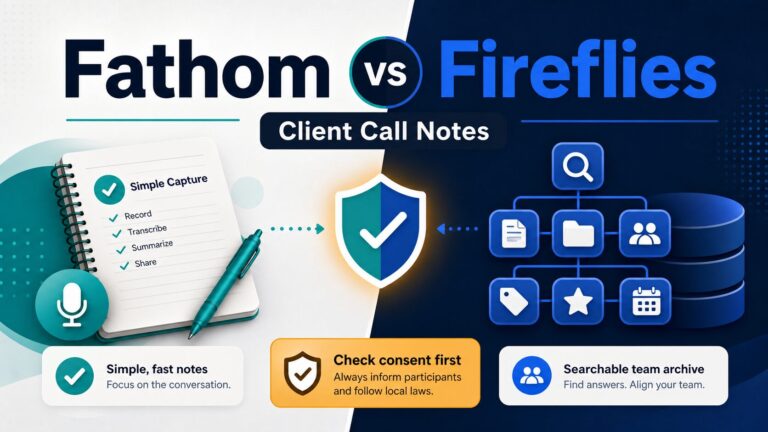
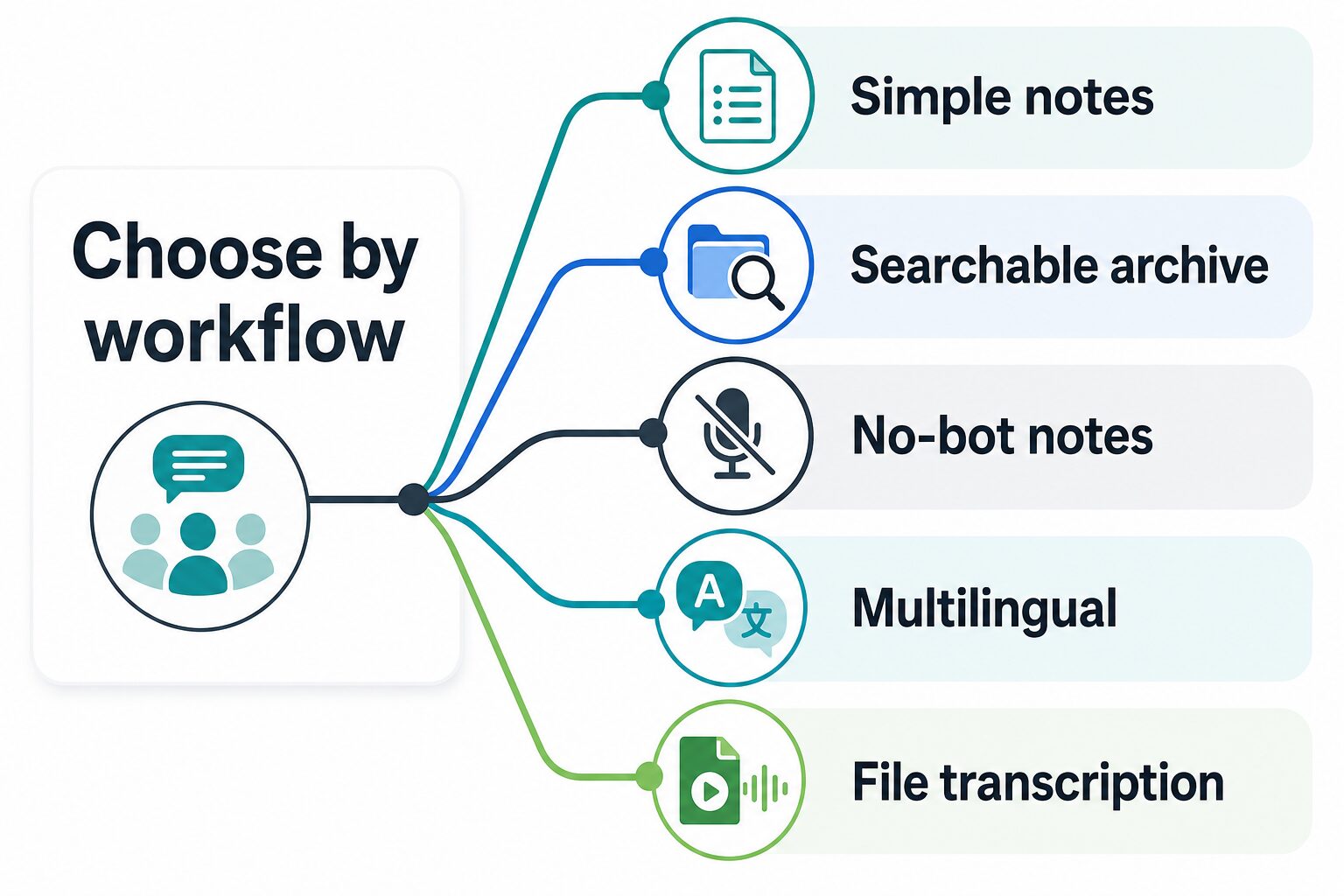
Start with Fathom if you want the lowest-friction meeting notes and a free starting point. Choose Fireflies.ai if your team needs searchable meeting history, integrations, and admin-oriented controls. Choose Granola if a visible meeting bot would create friction and you prefer a no-bot personal note workflow. Use tl;dv when recordings, clips, and async sharing matter, Notta when multilingual transcription and flexible capture matter, and Sonix when the real job is uploaded audio/video transcription, subtitles, translation, or transcript editing.
Evidence limit: This guide was refreshed from official product, pricing, help-center, and security pages on June 19, 2026. It does not claim hands-on accuracy testing, speed testing, or output-quality ranking.
Fast choice: If you only need occasional meeting notes, test a free plan with low-sensitivity calls first. If you record client, student, legal, medical, HR, financial, or confidential workplace conversations, check consent, retention, training, deletion, sharing, export, and admin controls before uploading anything sensitive.
Why Switch From Otter?
Otter can still be a reasonable default if you like its live transcription, meeting workflows, AI chat, mobile apps, and familiar Zoom/Meet/Teams flow. The reason to switch is usually more specific:
- You want a different free-plan limit or pricing model.
- You need better fit for Zoom, Google Meet, Teams, Webex, or file uploads.
- You do not want a visible meeting bot joining every call.
- You need multilingual transcription, translation, subtitles, or content-production exports.
- You want stronger team controls, CRM handoff, or searchable meeting history.
- Your workplace has stricter privacy, retention, consent, or AI-training rules than the plan you currently use supports.
How To Choose
Use the meeting workflow first, then price. A low monthly price is not useful if the free plan only covers tiny meetings, if old recordings become hard to access, or if the tool records in a way your team cannot approve.
- Decide what you are capturing. Live meetings, phone calls, in-person notes, uploaded audio/video files, webinars, and podcasts have different tool needs.
- Check the recording style. Some tools send a bot to meetings. Others capture system audio or focus on uploaded files.
- Check limits before upgrading. Look at monthly minutes, per-recording caps, AI-summary quotas, storage/history limits, file uploads, export access, and team seats.
- Check privacy before adding real work data. Look for official security pages, data processing terms, retention settings, consent notices, SSO, audit logs, and whether model-training opt-out is available.
- Choose the lowest-risk trial. Test the free plan with low-sensitivity meetings before using any tool for client calls or regulated work.
Three-Meeting Switch Test
Before you move a team off Otter, run a small switch test instead of judging from a feature table alone. Use one low-risk internal meeting, one recurring team meeting, and one upload-only file. After each test, check whether the transcript was easy to find, the summary produced usable follow-ups, the sharing controls were obvious, and the plan limits matched the real meeting length. If a tool fails one of those basic workflow checks, it is probably the wrong alternative even if its pricing page looks attractive.
Tool Comparison
| Tool | Best fit | Official free/entry point checked | Who should skip it |
|---|---|---|---|
| Fathom | Simple meeting notes for people who want an easy Otter replacement. | Official page shows Free, Premium, Team, and Business plans; Premium was listed at $16/user/month annually and Team at $15/user/month annually with a 2-user minimum. | Teams that need complex CRM, retention, or procurement controls should compare Team and Business limits carefully. |
| Fireflies.ai | Searchable meeting archive, integrations, team workflows, and AI assistant features. | Free plan lists unlimited transcription and AI summaries with 400 minutes of storage/team; Pro was listed from $10/seat/month billed annually. | People who dislike visible meeting bots or do not need a searchable team archive may find it heavier than necessary. |
| Granola | No-bot personal meeting notes that combine your notes with a transcript. | Basic $0; Business $14/user/month; Enterprise $35/user/month on the official pricing page. | Teams that need conventional bot attendance, org-wide rollout, or formal meeting attendance records should verify controls first. |
| tl;dv | Meeting recordings, transcripts, clips, and sharing for distributed teams. | Help center says the free plan includes unlimited recordings and transcripts, but storage, AI-note, upload, clip, download, and simultaneous-recording limits apply. | Users who need complete AI notes, downloads, simultaneous meetings, and older storage on the free plan. |
| Notta | Multilingual transcription, web meetings, file uploads, and mobile/web workflows. | Free plan: 120 minutes/month and 3-minute max per conversation; Pro from $8.17/month billed annually. | People whose normal meetings exceed the free plan’s short per-conversation cap. |
| Sonix | Audio/video file transcription, subtitles, translation, and transcript editing. | 30 free trial minutes; pay as you go at $10/hour; subscriptions from $25/month. | People who mainly want an automatic live meeting assistant to join calendar calls. |
Best Otter Alternatives By Use Case
Fathom: best first stop for simple meeting notes
Fathom is the cleanest starting point if your main question is, “What can I try instead of Otter without building a big operations system?” Its official pricing page shows a free plan with unlimited recordings and transcriptions, plus a choice of bot-free or bot capture type with the bot-free option marked as beta.
On the official pricing page checked for this rewrite, individual Premium was listed at $16 per user per month when billed annually, Team at $15 per user per month when billed annually with a two-user minimum, and Business at $25 per user per month when billed annually. Choose Fathom when you want a straightforward meeting-notes workflow. Skip or compare more carefully if you need advanced CRM handoff, custom retention, procurement controls, or documented enterprise requirements before inviting a notetaker into real calls.
Fireflies.ai: best for searchable meeting history and integrations
Fireflies.ai is stronger when your meeting notes need to become a searchable work system. The official pricing page lists transcription across Zoom, Google Meet, Microsoft Teams, and other web-conferencing apps, plus meeting search, uploads, an AI assistant, integrations, and team-oriented controls.
On the official pricing page checked for this rewrite, Fireflies listed a free plan with unlimited transcription, unlimited AI summaries, and 400 minutes of storage per team. Paid annual plans were listed from $10 per seat per month for Pro and $19 per seat per month for Business. Enterprise features included SSO/SCIM, audit logs, HIPAA compliance, private storage, custom data retention, and a transcript-plus-summary-only mode. Its security page also lists GDPR, SOC 2 Type II, and HIPAA compliance.
Choose Fireflies if you care about integrations, searchable history, and follow-up workflows. Skip it if you want the lightest possible personal note app or if your organization dislikes meeting bots in sensitive calls.
Granola: best no-bot option for personal meeting notes
Granola takes a different approach. Its official homepage says it transcribes your computer’s audio directly with no meeting bots joining the call. That makes it especially interesting when a visible notetaker bot feels awkward, when you handle many one-on-one calls, or when you want rough notes cleaned up after the meeting.
The official pricing page checked for this article listed Basic at $0, Business at $14 per user per month, and Enterprise at $35 per user per month. The same page also highlights model-training opt-out, while Granola’s security page says its practices meet SOC 2 Type 2 standards and that a DPA is available for GDPR needs.
Choose Granola when your note workflow starts with your own rough notes and you want AI to organize them. Skip it if your team needs a conventional meeting bot, a detailed attendance trail, or a procurement-approved enterprise setup before trying anything.
tl;dv: best for shareable recordings and clips
tl;dv fits teams that need to record meetings, share moments, create clips, and connect meeting knowledge to sales or productivity workflows. Its help center says the free plan includes unlimited recordings and transcripts, but the limits matter: free recordings are stored for three months, only the first 10 meetings get full automatic AI notes, later meetings get AI notes for the first 10 minutes, and some limits are lifetime rather than monthly.
The same help center notes that paid plans unlock features such as unlimited AI summaries for single meetings, analytics, integrations, and access to older storage, with paid access described as starting from $18/month. Verify the live pricing page before purchase because plan pages and help-center pages can change at different times.
Choose tl;dv if your team reuses meeting recordings and clips. Skip it if your free-plan needs include downloads, simultaneous meetings, long-term storage, and complete AI notes for every meeting.
Notta: best for multilingual transcription and flexible capture
Notta is worth checking when your meetings span languages, web meetings, mobile recording, and uploaded files. The official pricing page lists Zoom, Microsoft Teams, Google Meet, and Webex transcription, Chrome extension support, speaker identification, file uploads, and mobile/web access.
Its free plan was listed as 120 transcription minutes per month, up to 3 minutes per conversation, 50 file uploads per month, and 10 AI summaries per month. The Pro plan was listed at $8.17 per month billed annually, with 1,800 transcription minutes per month and up to 5 hours per recording. Notta’s security page lists SOC 2 Type II and ISO 27001.
Choose Notta if multilingual and cross-platform transcription matter more than having the broadest meeting-assistant archive. Skip it if the free plan’s 3-minute conversation cap is too small for your normal meetings.
Sonix: best when the job is file transcription, subtitles, or transcript editing
Sonix is not the most Otter-like choice for live meeting bots. It is stronger when your real job is uploading audio or video, editing transcripts, translating content, creating captions, or collaborating around media files.
The official pricing page checked for this rewrite listed a 30-minute free trial, pay-as-you-go transcription at $10/hour, and subscriptions from $25/month for Core. The same page lists transcript editing, exports, subtitles, integrations, team/admin features, and security controls such as SSL and at-rest encryption, two-factor authentication, SOC 2 Type II report, and PII redaction in the plan comparison. Sonix’s security page also emphasizes SOC 2 Type II certification, AES-256 encryption, HIPAA-oriented controls, and no AI training on customer data.
Choose Sonix if your workflow starts with files rather than live meetings. Skip it if you mainly want a calendar-based meeting assistant to join calls automatically.
When A Remote Team Should Stay With Otter
An alternative is not automatically an upgrade. Keep Otter when the team already retrieves the right meetings reliably, the checked plan fits call volume, and the main job is live notes rather than building a deeper meeting archive.
- Stay when switching would split the archive across two systems without fixing a clear retrieval problem.
- Stay when participants already understand the recording and consent workflow.
- Switch when integrations, multilingual capture, no-bot notes, file transcription, or searchable team memory repeatedly block real work.
Use one remote-team rollout gate
Before changing the whole team, run the three-meeting switch test with one internal meeting, one external or client meeting, and one retrieval task a week later. The replacement should improve all three without weakening consent, access control, or the ability to find the source recording. If it only produces a nicer summary, the migration cost is probably not justified.
Privacy Notes
Meeting transcription tools are high-risk because they capture spoken work context, not just a prompt you choose to paste. Before using any tool for real work, check these items:
- Consent: Does everyone on the call know recording or transcription is happening?
- Retention: Can you set deletion periods or remove recordings/transcripts when a project ends?
- Training: Can your workspace opt out of model training or restrict data use?
- Access: Who can view transcripts, recordings, summaries, and shared links?
- Admin controls: Are SSO, audit logs, user roles, sharing controls, and data exports available on the plan you would actually buy?
- Regulated data: Do not record medical, legal, financial, HR, student, or client-confidential conversations unless your organization approves the tool and plan.
If you need a broader checklist, read our AI tool privacy checklist for professionals before you run sensitive calls through any meeting assistant.
Which Alternative Should You Try First?
Here is the practical path:
- Try Fathom first if you want a low-friction meeting notetaker and your meetings are not highly sensitive.
- Try Fireflies.ai first if your team needs integrations, searchable history, and a meeting knowledge base.
- Try Granola first if you want no-bot meeting notes and you already take rough notes during calls.
- Try tl;dv first if your team shares call recordings, clips, or async updates.
- Try Notta first if multilingual transcription or cross-platform recording is central.
- Try Sonix first if you mostly upload audio/video files and need transcripts, subtitles, or translations.
For a broader category view, compare this article with our best AI meeting assistants for remote workers. If you need a direct two-tool decision, read our Otter vs Fireflies comparison. If you are building a broader productivity setup, see the practical AI tool stack for non-native English professionals.
FAQ
What is the best free Otter alternative?
There is no single best free option for everyone. Fathom is a good first check for simple meeting notes. Fireflies.ai, Granola, tl;dv, Notta, and Sonix also have free or trial entry points, but their limits differ by storage, minutes, summaries, uploads, history, and whether limits renew.
Is Fireflies better than Otter?
Fireflies may be better if you want searchable meeting history, integrations, and team workflows. Otter may still be enough if you like its existing meeting transcription and AI chat workflow. This article does not claim hands-on accuracy testing between the two.
What is the best Otter alternative without a meeting bot?
Granola is the clearest option in this list for no-bot notes because its official site says it transcribes computer audio directly without a meeting bot joining the call. You should still check participant-notice, consent, retention, and workplace policy.
Which tool is best for multilingual transcription?
Notta and Sonix are the two strongest official-research candidates in this article for multilingual or translation-heavy workflows. Notta fits meetings and live capture better; Sonix fits uploaded audio/video, subtitles, and transcript editing better.
Can I use these tools for client calls?
Only if your client, employer, and applicable law or policy allow recording/transcription, and only after you confirm the tool’s security, retention, sharing, and data-use terms. For sensitive client calls, do not rely on a free plan without reviewing the controls available on that exact plan.
Final Recommendation
Pick by workflow, not by hype. If you want simple meeting notes, compare Fathom and Otter first. If meetings need to become a searchable team archive, compare Fireflies.ai and tl;dv. If you want no-bot personal notes, start with Granola. If language support or file transcription matters, compare Notta and Sonix. In every case, run the three-meeting switch test with low-sensitivity material first and verify current official pricing, privacy, consent, and retention terms before paying.
Official Sources Checked
Official pages refreshed June 19, 2026. Pricing, feature, privacy, and security claims can change; verify the linked pages before purchase or workplace rollout.