How To Turn Meeting Transcripts Into Action Items With AI
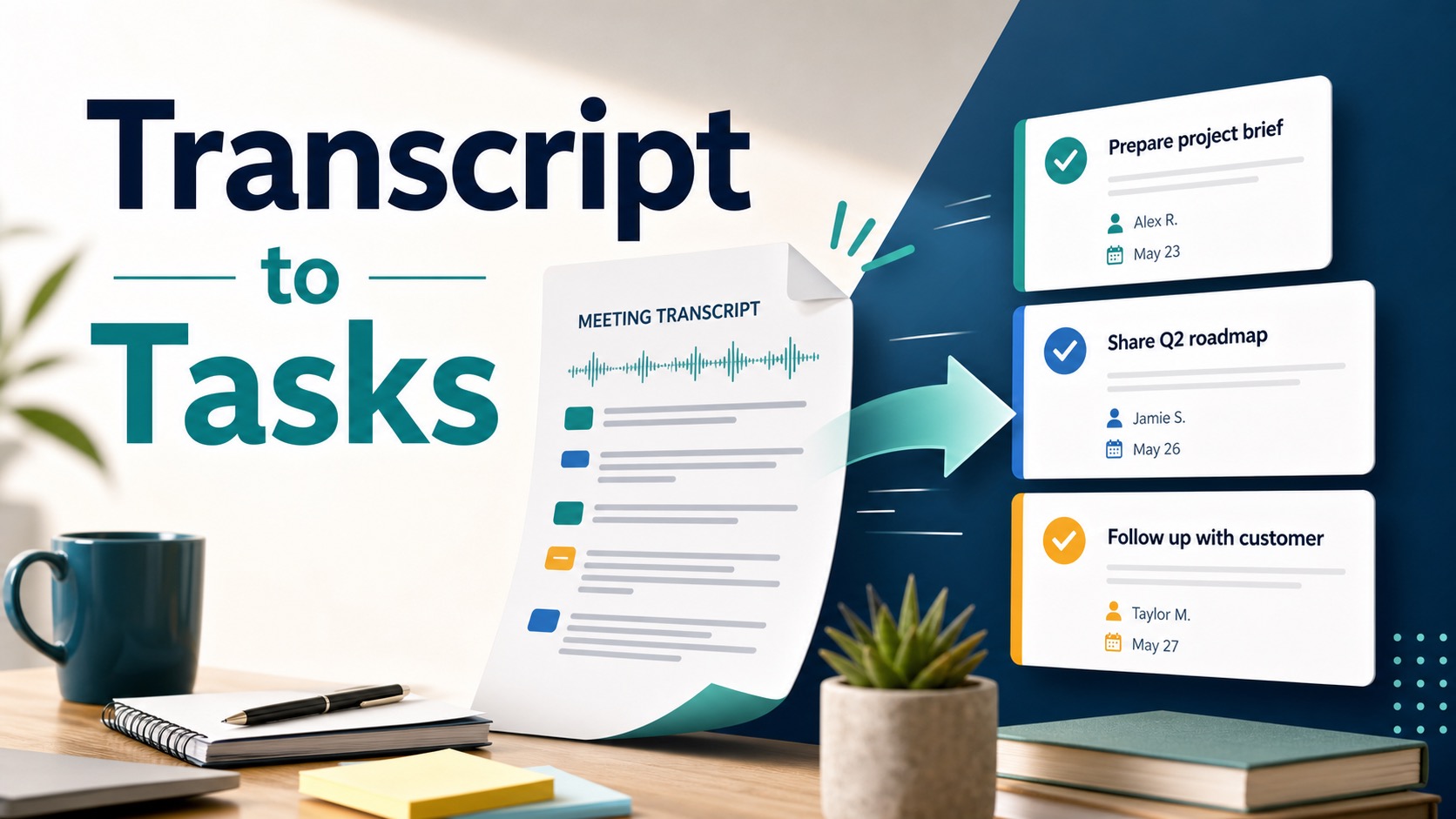
A meeting transcript is not an action plan. It is raw evidence. To turn meeting transcripts into action items with AI, use AI to draft candidate tasks, then make a human review pass for owner, due date, evidence, priority, and privacy before anything reaches your task system.
Quick Verdict
The safest workflow is simple: clean the transcript, ask AI for candidate action items, require a supporting quote for each item, confirm the owner and due date, then move only approved tasks into Asana, Trello, Notion, Jira, Todoist, Slack, or your team’s normal task tool.
Evidence limit: This guide is official-research-only. Official product pages, pricing pages, help docs, privacy pages, and security pages were checked on June 5, 2026. It does not claim hands-on accuracy testing, speed testing, or task-extraction quality rankings.
Fast rule: Never let AI invent an owner, deadline, or commitment. If the transcript does not support the task, mark it as needs confirmation instead of sending it to the team.
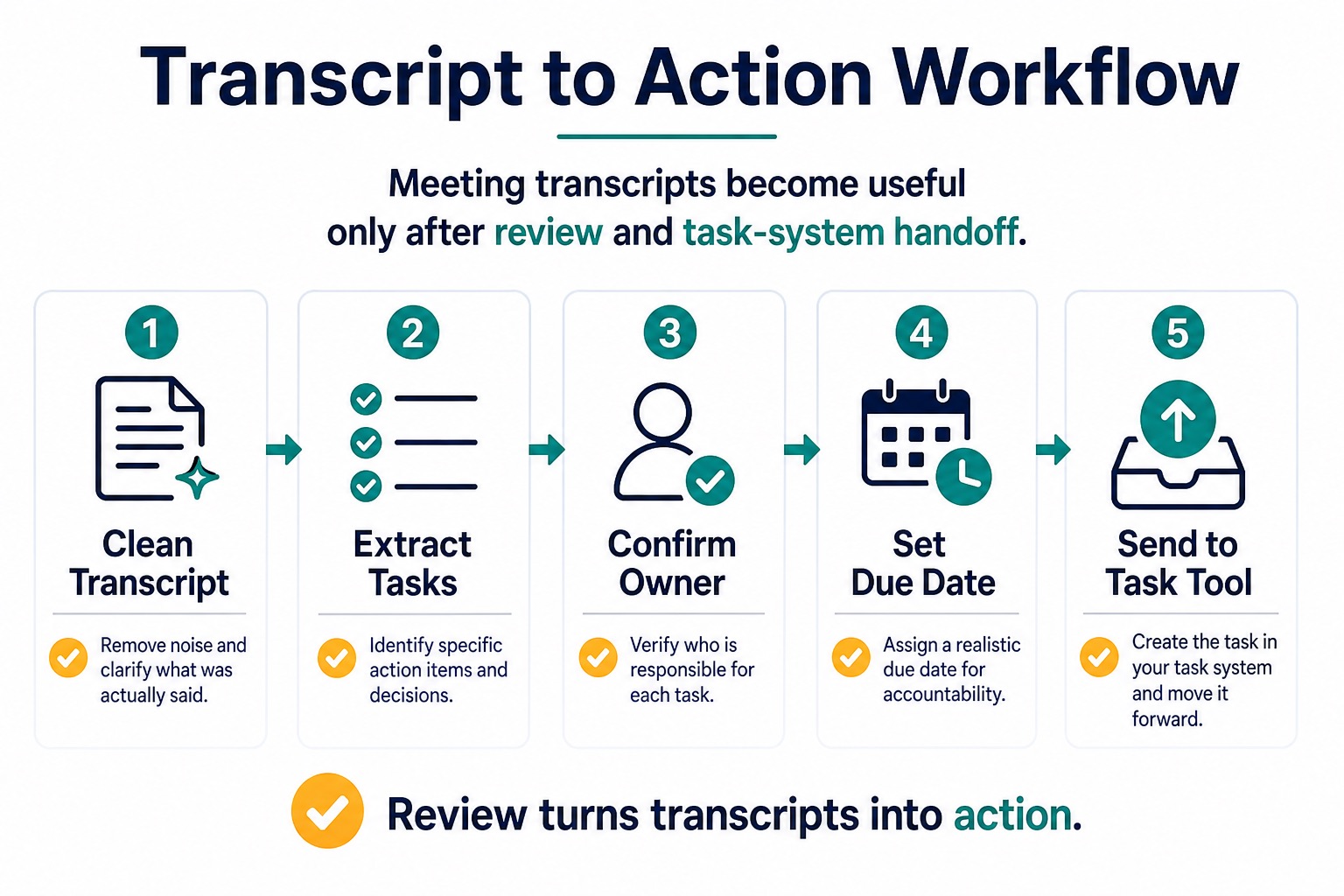
The Five-Step Transcript To Action Workflow
- Clean the transcript. Remove obvious boilerplate, duplicate captions, attendee joins/leaves, and unrelated side chatter. Keep enough context to verify what was actually said.
- Extract candidate tasks. Ask AI to find commitments, decisions, blockers, follow-ups, questions, and open loops. Treat the first answer as a draft.
- Confirm the owner. A good action item names one responsible person or team. If the transcript only says “we should,” leave the owner blank and ask for confirmation.
- Set or confirm the due date. Use a real date only when the transcript supports it. Otherwise use “needs due date” instead of guessing.
- Send approved tasks to your system. After review, move the task into the tool where your team already works. Do not create parallel task lists that nobody checks.
A Practical AI Prompt For Action Items
Paste only a low-risk transcript or sanitized excerpt. Then use a structured prompt that makes uncertainty visible:
Turn this meeting transcript into action items.

For each item, return:
- Task title
- Owner, only if clearly stated
- Due date, only if clearly stated
- Supporting quote from the transcript
- Context needed to do the task
- Status: confirmed, needs owner, needs due date, or needs clarification

Do not invent owners, dates, decisions, or commitments.
If the transcript is unclear, mark the item as needs clarification.
After AI returns the table, read every item against the transcript. Delete items that are only discussion topics. Merge duplicates. Rewrite vague items into task language only when the transcript supports the rewrite.
What Counts As A Real Action Item?
| Transcript clue | Action-item decision | Review note |
|---|---|---|
| “Alex will send the revised brief by Friday.” | Confirmed task | Owner and date are both explicit. |
| “We need to check legal before launch.” | Needs owner | Create a question, not an assigned task. |
| “Maybe we should update the roadmap later.” | Not a task yet | Discussion, not commitment. |
| “Can someone follow up with customer support?” | Needs clarification | Ask who owns it and what outcome is needed. |
Pick The Right AI Layer
You do not always need a new meeting app. The right tool layer depends on where your transcript starts and where tasks must end up.
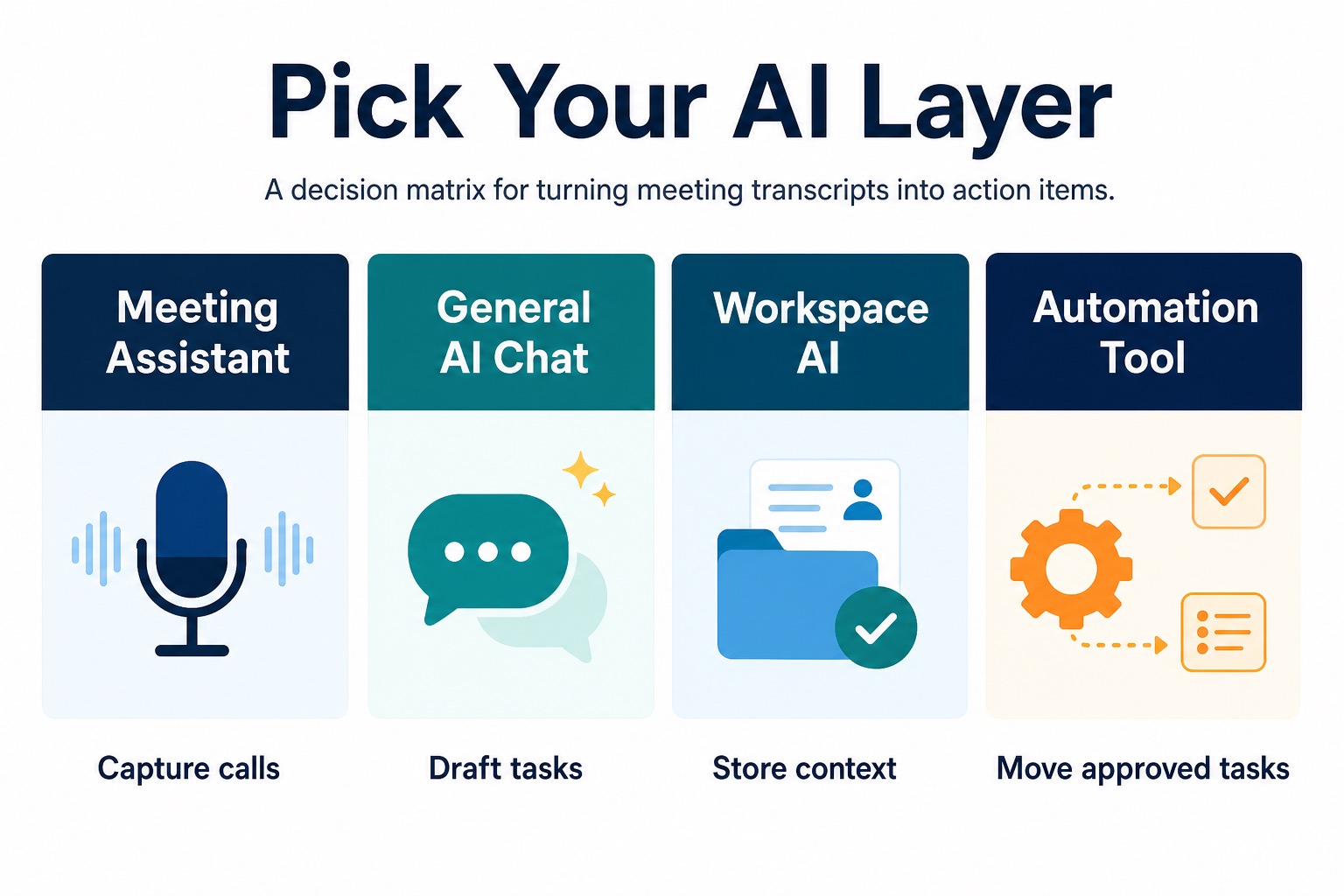
| Tool layer | Use it when | Official-research notes | Who should skip it |
|---|---|---|---|
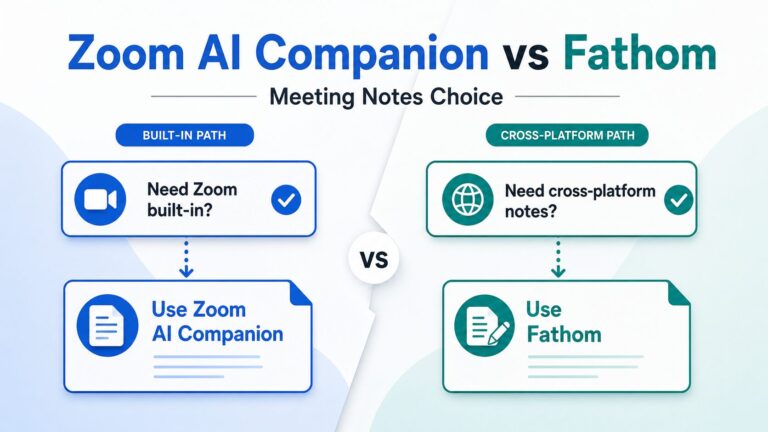
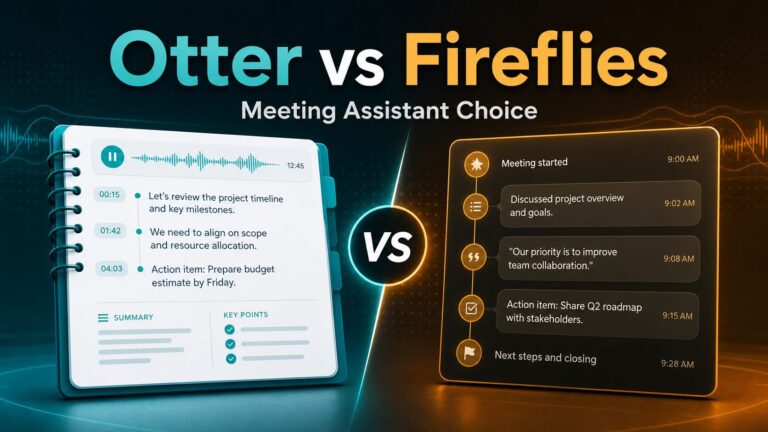
| Meeting assistant | You want the tool to record, transcribe, summarize, and surface action items after calls. | Fireflies and Fathom official pages describe AI meeting notes, transcripts, summaries, action items, and integrations. | Teams that cannot allow bots, recording, or cloud transcript storage without approval. |
| General AI chat | You already have a transcript and need a structured task draft. | ChatGPT and Claude can be used for text reasoning, but data-use settings and workspace plan controls must be checked before workplace transcripts are pasted. | Anyone handling sensitive or regulated transcripts without an approved business plan and policy. |
| Workspace AI | Your team wants meeting notes, action items, and transcript context inside a workspace. | Notion docs describe AI Meeting Notes content, including summary, notes, and transcript blocks. | People whose team does not already work in that workspace. |
| Automation tool | You need reviewed action items moved into a project, database, chat, or notification workflow. | Zapier official pages describe meeting documentation automation and pricing by task volume. | Teams that have not defined the review step. Automation makes bad tasks spread faster. |
Tool Notes From Official Sources
Fireflies.ai: useful when meetings need searchable follow-up
Fireflies is a meeting-assistant layer. Its official pages describe real-time notes, live transcription, action items, AskFred, uploads, meeting search, integrations, and task-related features. The pricing page checked for this guide lists a Free plan with unlimited transcription, limited AI summaries, and 800 minutes of storage per seat. Paid plan limits, storage, AI summaries, SSO, HIPAA-related controls, private storage, and custom retention vary by plan, so check the current pricing and security pages before using it with workplace data.
Fathom: useful when meeting summaries need action-item follow-up
Fathom’s official site describes AI summaries, action items, searchable meeting history, and syncing notes or action items to tools such as Slack, Salesforce, HubSpot, Notion, and Asana. Its help docs describe an auto-generate action items setting. Its privacy policy says meeting content can include audio, video, transcripts, speaker identification, attendee names, and related meeting information, so it is not a casual place to send sensitive calls without consent and policy review.
ChatGPT or Claude: useful for drafting tasks from a sanitized transcript
General AI chat tools are useful when you already have a transcript and need structure. They are not a task system by themselves. Use them for candidate extraction, then move reviewed items elsewhere. For workplace transcripts, check OpenAI’s business data pages or Anthropic’s plan and privacy pages before use. Avoid pasting client, HR, legal, medical, student, financial, or confidential transcript text into a consumer workspace unless your organization has approved it.
Notion AI: useful when the meeting record should live near project context
Notion’s official AI pages and developer docs describe AI Meeting Notes, including summaries, notes, and transcript content. This layer makes sense if your team already plans work in Notion and wants meeting output stored near projects, docs, and tasks. It is less useful if your real source of truth is Jira, Asana, Linear, Trello, or another task tracker.
Zapier: useful after the human review gate
Zapier is the automation layer. Its official meeting automation pages describe workflows for summarizing, logging, and sharing meeting recordings, summaries, and action items. Its pricing page checked for this guide listed 100 tasks per month on Free and Professional from $19.99/month billed annually. Use automation after task review, not before, because unreviewed AI output can create noisy or wrong tasks across multiple systems.
Privacy Checks Before You Paste A Transcript
Meeting transcripts can contain more sensitive information than a normal written prompt. They may include names, client details, health information, legal topics, student records, hiring conversations, sales objections, private strategy, or financial data. Before using AI, check:
- Consent: Did participants agree to recording, transcription, and AI processing?
- Policy: Does your workplace, school, client contract, or industry rule allow this tool?
- Data use: Does the plan use customer content for model training, and can that be controlled?
- Retention: Can you delete recordings, transcripts, summaries, and generated tasks?
- Sharing: Are links, summaries, and task exports private by default?
- Integrations: Will action items be sent to third-party tools, chats, or CRMs?
For a broader review, use the AI tool privacy checklist for professionals before turning real meeting content into AI prompts or automations.
Common Mistakes To Avoid
- Sending every AI item to a task tool: Candidate tasks need review before they become obligations.
- Inventing owners: If nobody clearly took the work, mark it as needs owner.
- Inventing deadlines: “Soon” and “next step” are not dates.
- Keeping weak task titles: “Follow up” is too vague. “Send revised Q2 roadmap to Jamie for review” is better when supported by the transcript.
- Ignoring dependencies: Some action items are blocked by approval, files, budget, or customer response.
- Automating sensitive content: A transcript-to-task Zap can spread private meeting details into tools that were never approved for that data.
FAQ
Can AI automatically extract action items from meeting transcripts?
Yes, many tools can draft action items from transcripts, and official Fireflies, Fathom, Notion, and Zapier pages describe action-item or meeting-automation workflows. Treat the output as a draft. Review owner, date, supporting quote, and task wording before assigning work.
What should I ask AI to include in each action item?
Ask for task title, owner, due date, supporting quote, context, and status. The status field should make uncertainty visible: confirmed, needs owner, needs due date, or needs clarification.
Should I use a meeting assistant or ChatGPT?
Use a meeting assistant when you need capture, recording, transcription, and meeting-specific summaries. Use ChatGPT or Claude when you already have a low-risk transcript and only need a structured task draft. Use an automation tool only after review.
Can I paste client or HR meeting transcripts into AI?
Not by default. Check consent, workplace policy, contract terms, vendor privacy documentation, retention controls, sharing settings, and whether your plan is approved for that kind of data.
What is the easiest first test?
Use a short, non-sensitive sample transcript. Ask AI to produce tasks with supporting quotes and uncertainty labels. If the output cannot survive a manual review, do not connect it to automation yet.
Final Recommendation
Start with one low-risk transcript and one review checklist. Use AI to find candidate action items, but let a human confirm the owner, due date, supporting quote, and destination tool. Once that process works, you can decide whether a meeting assistant, workspace AI, or automation tool is worth adding.
If your team already uses meeting assistants, read the best AI meeting assistants for remote workers guide. If you are comparing transcription tools before you get to action items, read the best transcription software guide and the Otter alternatives guide.
Official Sources Checked
- Fireflies pricing, real-time meeting notes, and security
- Fathom product page, pricing, action-item settings help, and privacy policy
- OpenAI business data privacy and OpenAI API data controls
- Anthropic Claude plan guide and Anthropic Privacy Center
- Notion AI, Notion AI Meeting Notes release, and Notion developer docs for AI meeting notes
- Zapier pricing and meeting documentation automation