Consensus Review: When Is It Better Than ChatGPT?
Consensus is better than ChatGPT when your first job is finding, screening, and organizing academic papers. ChatGPT is better when the source trail is already checked and you need help explaining, outlining, or rewriting it.
Quick verdict: start with Consensus when the question depends on source-grounded paper search, study screening, Deep review, or evidence synthesis. Use ChatGPT later for flexible writing help after you have verified the papers yourself.
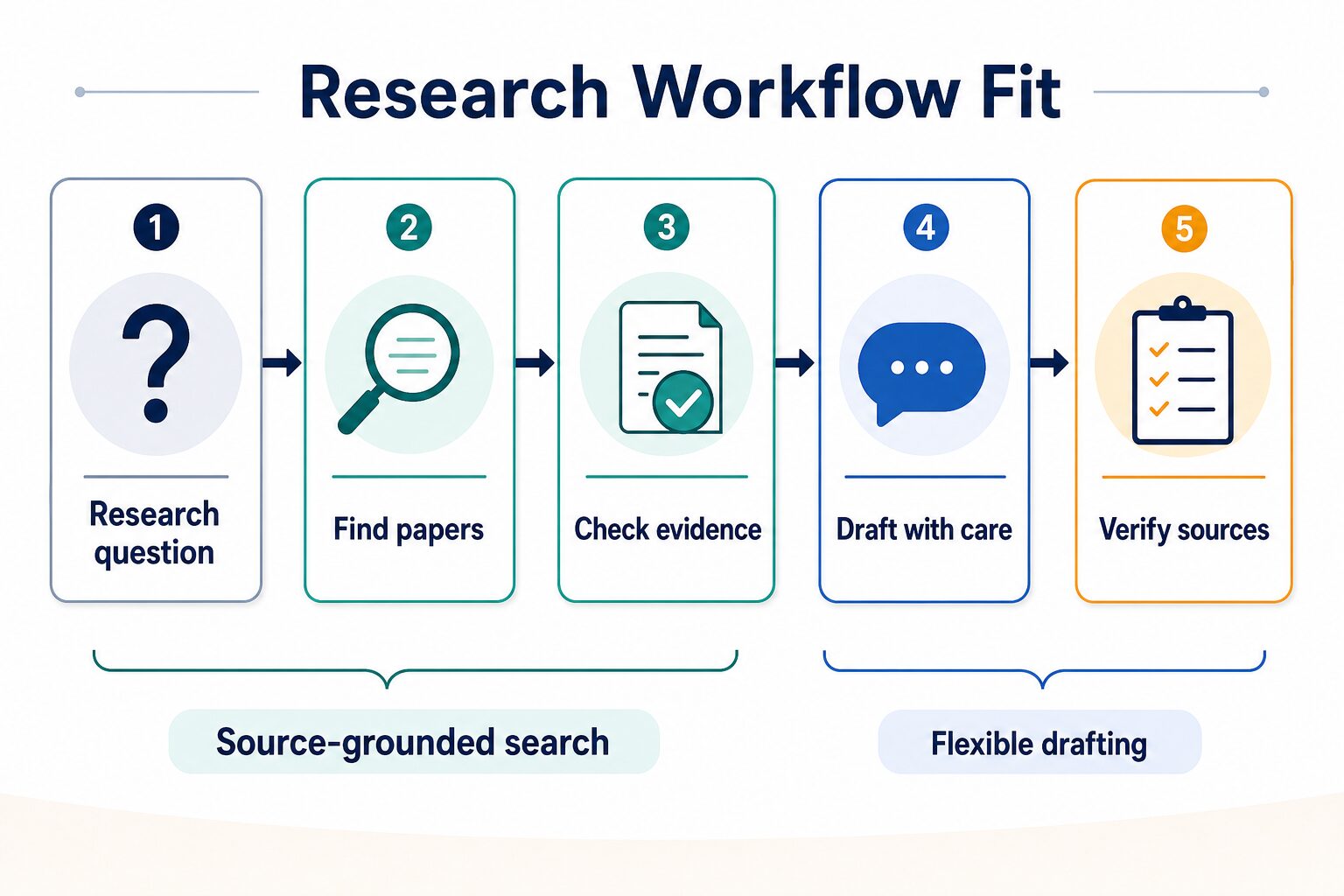
If you are choosing one tool for a research project, choose by bottleneck: discovery and screening point to Consensus; drafting from checked notes points to ChatGPT.
This review was refreshed on July 4, 2026 using official Consensus and OpenAI sources. It is not a hands-on accuracy benchmark, so output quality, citation quality, and speed are not treated as tested claims.
2026 update: Consensus now reads less like a simple academic search engine and more like a research workspace. Official documentation now highlights Research Agent, Pro messages, Deep review, My Library, collection sharing, expanded uploads, full-text access when available, and ways to bring Consensus into tools such as ChatGPT and Claude.
That makes the decision sharper: use Consensus when the work depends on finding and comparing papers. Use ChatGPT when the work depends on explaining or drafting from evidence you have already checked.
Who Should Use Consensus First?
Use Consensus first when the work starts with the literature, not with a blank document. Consensus says it searches over 220 million peer-reviewed research papers and grounds responses in papers rather than general model knowledge. That makes it a stronger starting point for evidence questions than a general chatbot.
Use ChatGPT first only when your source trail is already known. For example, if you have read the papers and need a cleaner outline, a plain-English explanation, a comparison matrix, or a draft email to a supervisor, ChatGPT can be useful. It should not be the place where you trust unsupported citations.
Practical rule: if your next action is “find the right papers,” use a research search tool. If your next action is “turn verified notes into clear language,” use a writing assistant.
Best For / Skip If
| Reader situation | Consensus fit | Why | What to verify before relying on it |
|---|---|---|---|
| Graduate student starting a literature review | Strong fit | Consensus is built around academic search, paper screening, Pro messages, Deep review, and research synthesis. | Whether the shortlisted papers match your question, methods, population, and institution rules. |
| Professional checking an evidence-backed claim | Strong fit | It can move you from a broad question to papers worth reading. | Study quality, publication date, field relevance, and whether the claim is overstated. |
| Student with one assigned PDF | Mixed fit | A PDF reader or your own close reading may be simpler if discovery is already done. | Whether you need literature search, paper chat, or just careful source annotation. |
| Writer drafting a report from verified notes | Limited fit | Consensus is not mainly a style editor or general writing assistant. | Use ChatGPT or another writing tool only after your evidence trail is checked. |
| Team handling confidential or unpublished work | Policy-first fit | Research uploads, shared collections, expanded document support, and AI summaries can create data-use questions. | Privacy terms, security docs, institutional policy, and whether uploads can be shared. |
What Consensus Does Now
Consensus is best understood as an evidence workflow, not a chatbot replacement. Its help documentation describes a search process that combines semantic search and keyword search, then re-ranks results using research quality signals such as recency, citation count, and journal reputation.
For a reader, the useful pieces are:
- Paper Search: browse relevant papers without asking for an AI-written answer.
- Pro messages: analyze up to 20 papers and review source-backed synthesis.
- Deep review: run a more comprehensive review for complex questions and custom outputs.
- Research Agent: plan multi-step searches, apply academic filters, trace citations, use DOI or author lookup, compare studies, and return citation-backed answers.
- My Library: organize saved or uploaded papers, search within collections, share collections, and export citations or bibliography material.
- Paper-level tools: use features such as Ask Paper, Study Snapshot, Table View, Citation Graph, and Consensus Meter when they fit the question.
Deep review deserves a separate caution. Consensus says Deep can break a question into sub-questions, run multiple targeted searches, review many papers, and synthesize a structured review. That is useful for exploration, but it does not remove the need to open the cited papers and decide whether each study really belongs in your argument.
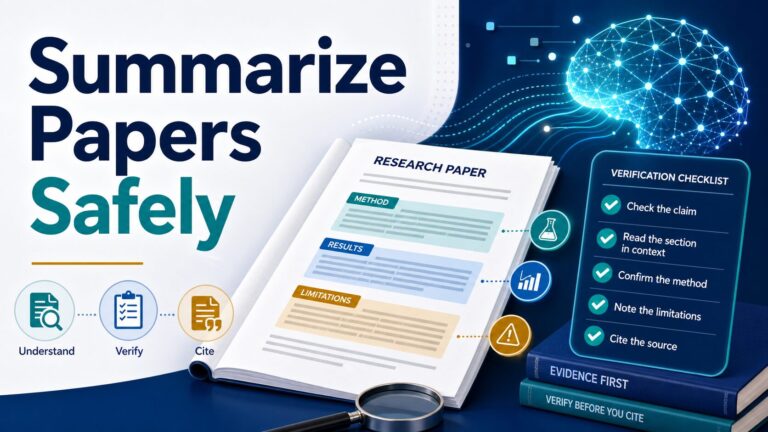
The important limitation is the same as before: the original paper remains the source of truth. Before you cite a study, open it. Check the authors, year, method, sample, result, limitation, and whether the paper actually supports your sentence.
Consensus vs ChatGPT: The Real Decision
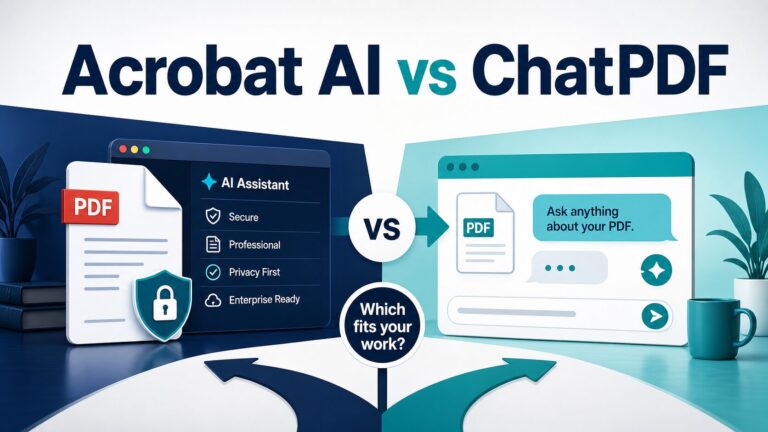
The wrong question is “Which AI is smarter?” The better question is “Which tool should own this stage of the research workflow?” Consensus is narrower and source-oriented. ChatGPT is broader and more flexible. For research work, that boundary is useful.
| Task | Better starting point | Reason | Safe workflow |
|---|---|---|---|
| Finding papers on a research question | Consensus | The task depends on source-grounded academic search. | Search, shortlist papers, read the originals, then save citations separately. |
| Checking whether a claim has academic support | Consensus | You need source context rather than a fluent general answer. | Compare several papers and verify the claim against each source. |
| Planning a literature review section | Consensus first, ChatGPT second | Discovery and synthesis should come before prose structure. | Build a paper table or Deep review, then use ChatGPT only to organize verified notes. |
| Explaining a method in plain English | ChatGPT | A flexible assistant is useful once the source material is known. | Paste only allowed excerpts and compare the explanation with the original paper. |
| Drafting a final literature review | Neither tool alone | The final argument, citations, and source interpretation are your responsibility. | Use your reading notes, citation manager, advisor guidance, and institution policy as the final gate. |
A 25-Minute Trial Before You Pay
Before upgrading, run one realistic research question through this small test. It is more useful than browsing feature lists because it tells you whether Consensus fixes your actual bottleneck.
- Pick one question: use a real thesis, memo, clinical, policy, or technical question that needs papers.
- Run Paper Search first: check whether the first results are relevant enough to read without relying on a summary.
- Add constraints: filter or phrase the query by population, intervention, study type, year, sample size, or outcome.
- Run Pro or Deep only if needed: use it when you need synthesis, not when a simple paper list is enough.
- Open three papers: check whether the summaries match the abstracts, methods, and limitations.
- Build one evidence table: capture paper, population, method, finding, limitation, and “can I cite this?”
- Try ChatGPT only at the end: ask it to turn your verified table into an outline, not to invent the evidence.
If Consensus gives you a better paper shortlist and cleaner evidence table within that trial, a paid plan may be worth considering. If you still need to redo every search in Google Scholar, PubMed, Elicit, or your library database, do not upgrade yet.
Pricing And Plan Cautions
Check the live Consensus pricing page before deciding. The pricing page currently separates individual plans from team and enterprise options, and Consensus documentation describes Pro and Deep tiers for heavier research workflows. Plan names, limits, credits, discounts, and billing terms can change.
Use these checks before paying:
- Search mode: do you need paper browsing, Pro analysis, Deep Search, or a multi-step Research Agent workflow?
- Monthly volume: how many serious literature searches will you run each month?
- Usage limits: official Deep review documentation says Free, Pro, and Deep subscribers have different monthly Deep review limits, so check your profile before assuming capacity.
- Library workflow: do you need saved collections, uploads, Zotero import, citation exports, or collaboration?
- Full-text and upload needs: will your work involve full-text paper analysis or private research documents?
- Billing risk: compare monthly vs annual pricing, cancellation timing, student options, and team procurement rules.
For occasional curiosity searches, start with the lowest-risk option available on the official pricing page. For a thesis, dissertation, systematic review, grant scan, or professional evidence review, the paid decision should depend on whether the tool saves real screening time without weakening your verification process.
Privacy, Security, And Academic Integrity Checks
Consensus added broader upload and collection-sharing capabilities in June 2026, including private uploads unless a user chooses to share a collection. That makes the privacy check more important, not less important. Review the official privacy policy, terms, and security documentation before uploading unpublished or sensitive work.
Do not upload sensitive material by default. If a paper, protocol, dissertation draft, client report, patient-related note, grant draft, or private research file is not yours to share, get permission before placing it into any AI tool.
For ChatGPT, check which account type you are using. OpenAI says consumer services may use content to improve model performance depending on settings, while business offerings such as API, ChatGPT Business, ChatGPT Enterprise, ChatGPT Edu, and similar workspaces are handled differently unless a customer opts in. If your employer or university has a policy, follow that policy before the tool’s convenience.
Pros And Cons
| Pros | Cautions |
|---|---|
| Better fit than a general chatbot when the task starts with academic-paper discovery. | Not a substitute for reading the original papers or checking methods. |
| Uses a research database and source-grounded search workflow rather than a free-form chat answer. | Search coverage, ranking, summaries, and synthesis still need human review. |
| Useful for literature-review screening, evidence tables, saved collections, citation exports, and paper-level follow-up. | Plan limits, Deep review access, upload rules, sharing settings, and collaboration features should be checked live. |
| More research-specific than ChatGPT for evidence-first questions. | Less flexible than ChatGPT for general writing, brainstorming, and rewriting. |
Best Alternatives To Consider
Consensus is not the only research tool worth considering. If your workflow is literature-review screening and extraction, compare it with Elicit. If your workflow is broad web research, Perplexity may feel faster. If your workflow is long PDF reading, a PDF-focused tool may be better. If your workflow is writing, explaining, or rewriting already checked material, ChatGPT, Claude, or Gemini may be more useful.
- Read our Elicit review if your main problem is literature-review screening and evidence extraction.
- Use the Elicit vs Consensus comparison if your real decision is extraction workflow versus source-grounded academic search.
- Use the Elicit vs Consensus vs Perplexity comparison when you want a broader research-tool decision.
- Read NotebookLM vs Elicit for literature reviews if your source set is already collected and you are deciding how to work through it.
- Read how to summarize academic papers with AI if your real risk is losing nuance.
- Use the AI research tools guide if you are building a full graduate-student workflow.
- Use the AI tool privacy checklist before uploading private or unpublished research material.
Final Verdict
Consensus is worth trying when your research work starts with source-grounded academic search. It is especially relevant when you need to find papers, compare evidence, screen a topic, or decide what deserves full reading.
ChatGPT is still valuable, but it belongs later in the workflow for research tasks. Use it to explain, outline, rewrite, and organize after your source trail is checked. If you ask ChatGPT to replace paper discovery, you increase the risk of fluent but weakly sourced answers.
FAQ
Is Consensus better than ChatGPT?
Consensus is better for source-grounded academic paper search, literature screening, and evidence synthesis. ChatGPT is better for flexible explanation, brainstorming, outlining, and rewriting after you already have verified source material.
Can Consensus write my literature review?
It can support parts of the literature-review workflow, especially discovery, screening, Deep review, and evidence organization. You still need to read the original papers, verify citations, follow your institution’s rules, and write the final argument responsibly.
Is Consensus free?
Check the live Consensus pricing page before relying on any plan detail. Free access, plan names, search limits, Deep Search access, and billing terms can change.
Can I cite Consensus?
Usually you should cite the original paper, not the AI tool that helped you find or summarize it. If your institution requires AI-use disclosure, follow that policy separately.
Should I use Consensus for private research material?
Only after checking the official privacy, terms, security documentation, and your institution or employer policy. Do not upload confidential, unpublished, client-owned, patient-related, or regulated material unless you have permission.
Official Sources Checked
- Consensus official homepage
- Consensus pricing page
- Consensus help: how Consensus works
- Consensus help: search and best practices
- Consensus help: Research Agent
- Consensus help: Deep review
- Consensus product changelog
- Consensus privacy policy
- Consensus terms of service
- ChatGPT plans
- OpenAI data usage for consumer services FAQ
- OpenAI enterprise privacy page