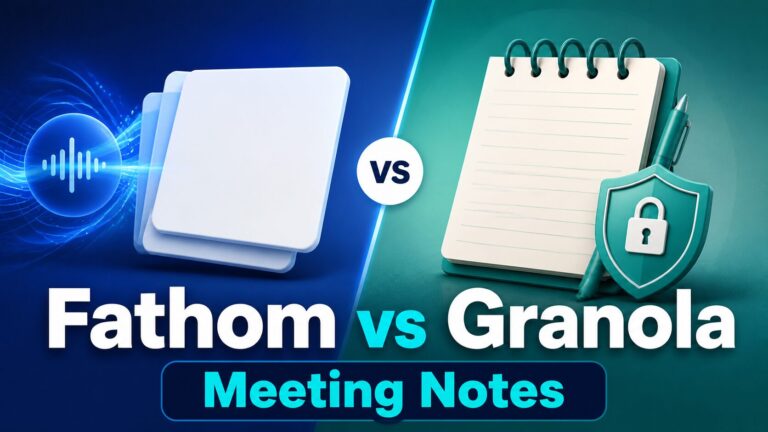
Fathom Review: Free AI Meeting Notes for Zoom and Google Meet
Fathom is one of the easiest AI meeting note tools to consider if you want free recordings, transcripts, summaries, and searchable call notes before paying for a team workflow.
The short version: Fathom is a strong first stop for individual Zoom, Google Meet, and Microsoft Teams users who want AI meeting notes without building a complicated stack. The paid plans matter when you need advanced summaries, generated action items, a conversational meeting assistant, team collaboration, CRM sync, SSO, or retention controls.
Evidence limit: This Fathom review is based on official Fathom product, pricing, help-center, privacy, consent, and trust-center sources checked on June 17, 2026. I did not run a hands-on product test for this article, so I avoid claims about transcript accuracy, summary quality, setup speed, or real meeting performance.
Quick verdict: Fathom is best when free meeting notes are enough
Use Fathom first if you are an individual remote worker, founder, consultant, salesperson, recruiter, or manager who wants a low-friction way to capture meeting notes and review summaries after calls.
Do not treat the free plan as a full team governance system. If you record client calls, sensitive interviews, legal or HR discussions, healthcare conversations, financial planning meetings, or student meetings, check consent, privacy, retention, and workplace policy before using any meeting assistant.
Who Fathom is best for
Good fit
- Individuals who want free meeting recordings, transcripts, and summaries.
- Remote workers who use Zoom, Google Meet, or Microsoft Teams regularly.
- Consultants who need a reviewable call record before writing follow-up notes.
- Teams that may upgrade later after proving the workflow is useful.
Use caution
- Client calls where recording consent is unclear.
- Teams that need admin controls, retention policies, SSO, or CRM field sync from day one.
- Meetings involving confidential, regulated, legal, medical, HR, financial, or student data.
- Users who need verified output quality before relying on summaries.
What Fathom does
Fathom describes itself as an AI notetaker for meetings. Its official site emphasizes meeting capture, instant AI summaries, clips, playlists, search across calls, and a choice between bot-based and bot-free capture, with bot-free marked as beta on the pricing page.
Fathom’s help center says it supports Zoom, Google Meet, and Microsoft Teams. Its Google Meet help says Fathom looks for Google Meet links on the user’s calendar and adds those meetings to the desktop app drawer. Its Microsoft Teams help says it looks for scheduled Teams meetings on the authenticated Microsoft calendar. Its Zoom app guide says the desktop app works whether you are the host or not and works with free and paid Zoom accounts.
That makes Fathom appealing if your meeting work is spread across several platforms. Still, the practical question is not only whether Fathom can join or capture a meeting. The more important question is whether you have permission to use it, whether the meeting content is appropriate for AI notes, and whether the free plan covers the workflow you actually need.
Fathom fit check
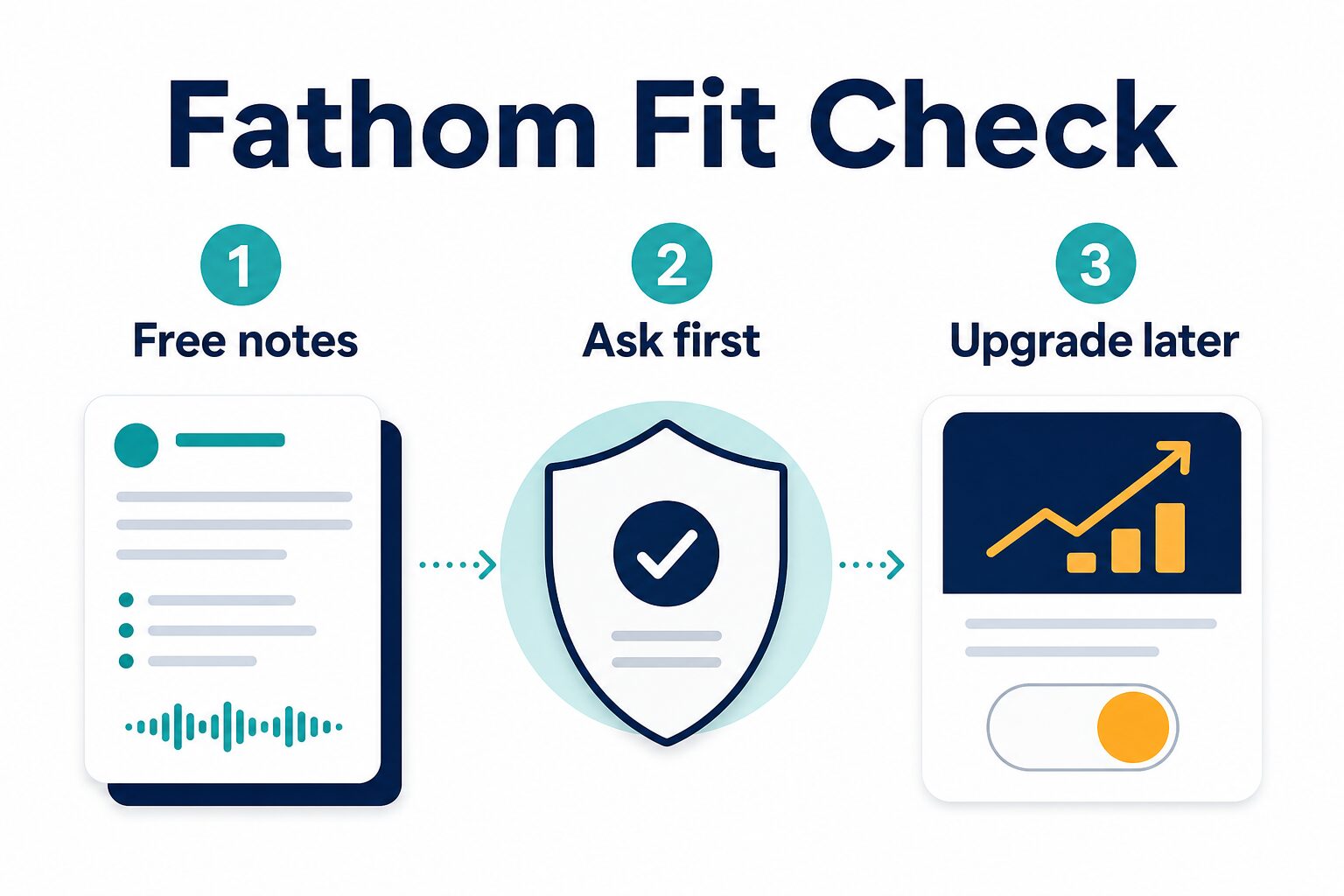
For most individuals, Fathom should be evaluated in this order: try the free notes workflow, ask before recording or transcribing, then upgrade only if the paid features solve a real workflow problem.
Fathom pricing and free plan
Pricing checked from Fathom’s official pricing and help pages on June 17, 2026. Always confirm the live pricing page before signup because plan packaging can change.
| Plan | Official price shown | What it includes or unlocks | Who should consider it |
|---|---|---|---|
| Free | $0 for individuals | Official pricing lists unlimited recordings and transcriptions, bot or bot-free capture type, instant AI call summaries, clips, playlists, and search across calls. | Individuals who want to try AI meeting notes without paying first. |
| Premium | $20 per user monthly, or $16 per user monthly annually | Official pricing lists advanced call summaries, AI-generated action items, a conversational meeting assistant, and custom meeting bot features. | Individuals who already use Fathom often and want more AI assistance after meetings. |
| Team | $19 per user monthly, or $15 per user monthly annually, with a 2-user minimum | Official pricing lists shared-call search, playlists of highlights, collaboration through comments and folders, keyword alerts, custom vocabulary, and SSO. | Small teams that need shared meeting knowledge and collaboration controls. |
| Business | $34 per user monthly, or $25 per user monthly annually, with a 2-user minimum | Official pricing lists CRM field sync, deal views, coaching metrics, AI scorecards, custom data retention policies, and professional services options. | Sales or client-facing teams that need CRM and governance features beyond personal note taking. |
Two free-plan details deserve extra attention. First, Fathom’s help center says the free individual version remains available if you do not upgrade after the free preview. Second, its Account-Wide Ask Fathom help article says usage limits begin July 1, 2026, with the Free plan able to search only the last two weeks of calls while Premium has unlimited meeting-history access for that feature.
For most solo users, the free plan is the right starting point. Upgrade only after you know which paid feature removes a real bottleneck: action items, richer summaries, a conversational assistant, shared team knowledge, CRM sync, retention controls, or governance.
Consent and privacy checks before using Fathom
Fathom’s consent help says it is generally best practice to obtain consent before recording a call and recommends legal guidance for the jurisdictions where you operate. Fathom’s privacy policy also warns that some states or countries require all parties to consent before recording a video or audio meeting.
This matters even if the software makes capture easy. For a normal internal meeting, your company may already have a policy. For a client call, interview, sales call, class meeting, or sensitive review, you should assume that consent and data handling need explicit attention.
Before a routine work call
- Check whether recording or transcription is allowed by your employer.
- Tell attendees that you plan to use AI meeting notes.
- Review the summary before sending it as a source of truth.
Before a client or sensitive call
- Confirm consent rules for every relevant location.
- Check contracts, NDAs, and vendor policies.
- Avoid relying on AI summaries for legal, medical, financial, HR, or regulated decisions without review.
Fathom’s Trust Center lists SOC 2 Type II, HIPAA, GDPR, and CCPA compliance. Those are useful trust signals, but they do not automatically mean every meeting is appropriate for capture. Treat compliance pages as part of your review, not a substitute for internal approval.
For a broader checklist, read AI Work Toolkit’s AI meeting assistant privacy checklist.
Where Fathom is likely to feel useful
Fathom is especially attractive when the meeting itself is not the problem; the follow-up is. If you spend time checking what was agreed, pulling action items from notes, writing recap emails, or searching old calls, Fathom’s free plan gives you a low-cost way to see whether AI notes reduce that friction.
It can also help if you are already using several meeting platforms. A tool that supports Zoom, Google Meet, and Microsoft Teams is easier to standardize than a tool that only works in one environment.
For client-facing work, the useful pattern is: get consent, capture the meeting, review the notes yourself, then send a human-checked recap. Do not forward AI-generated summaries blindly. The value is faster recall and cleaner follow-up, not replacing professional judgment.
Where Fathom may not be the right first choice
Skip or delay Fathom if your organization has not approved AI transcription tools, if you cannot get consent, or if your meetings involve sensitive records that require a specific vendor review. Also consider alternatives if your main need is a large searchable team archive, conversation intelligence, or a workflow designed around a particular CRM.
If you are comparing Fathom against Fireflies for client-call workflows, read the AI Work Toolkit Fathom vs Fireflies comparison. If you are still choosing a category, start with the broader AI meeting assistant comparison.
Practical setup checklist
- Start with a low-risk meeting. Use Fathom first on an internal or personal workflow where the consent and sensitivity issues are clear.
- Check the official pricing page. Confirm current plan packaging, especially Premium, Team, Business, and account-wide assistant limits.
- Review consent settings. Read Fathom’s recording consent help before using it with clients or external attendees.
- Decide how summaries will be reviewed. Make a rule that AI notes are checked before being sent as follow-up or used for decisions.
- Upgrade only for a named bottleneck. Do not pay just because the tool is useful; pay when a paid feature solves a real workflow constraint.
Final recommendation
Fathom is worth trying if your first goal is free AI meeting notes for Zoom, Google Meet, or Microsoft Teams. Its individual free plan is unusually generous on the official pricing page, and the upgrade path is clear enough: pay when you need advanced AI assistance, team collaboration, CRM sync, or governance controls.
The main caution is not the price. It is consent and data handling. If your calls involve clients, regulated work, or sensitive information, check the official consent, privacy, and trust resources before making Fathom part of your workflow.