ProWritingAid vs Grammarly for Long Documents
Grammar & Rewriting
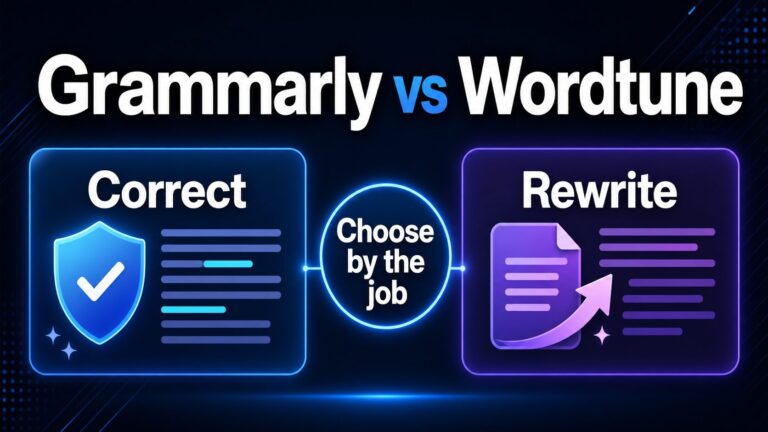
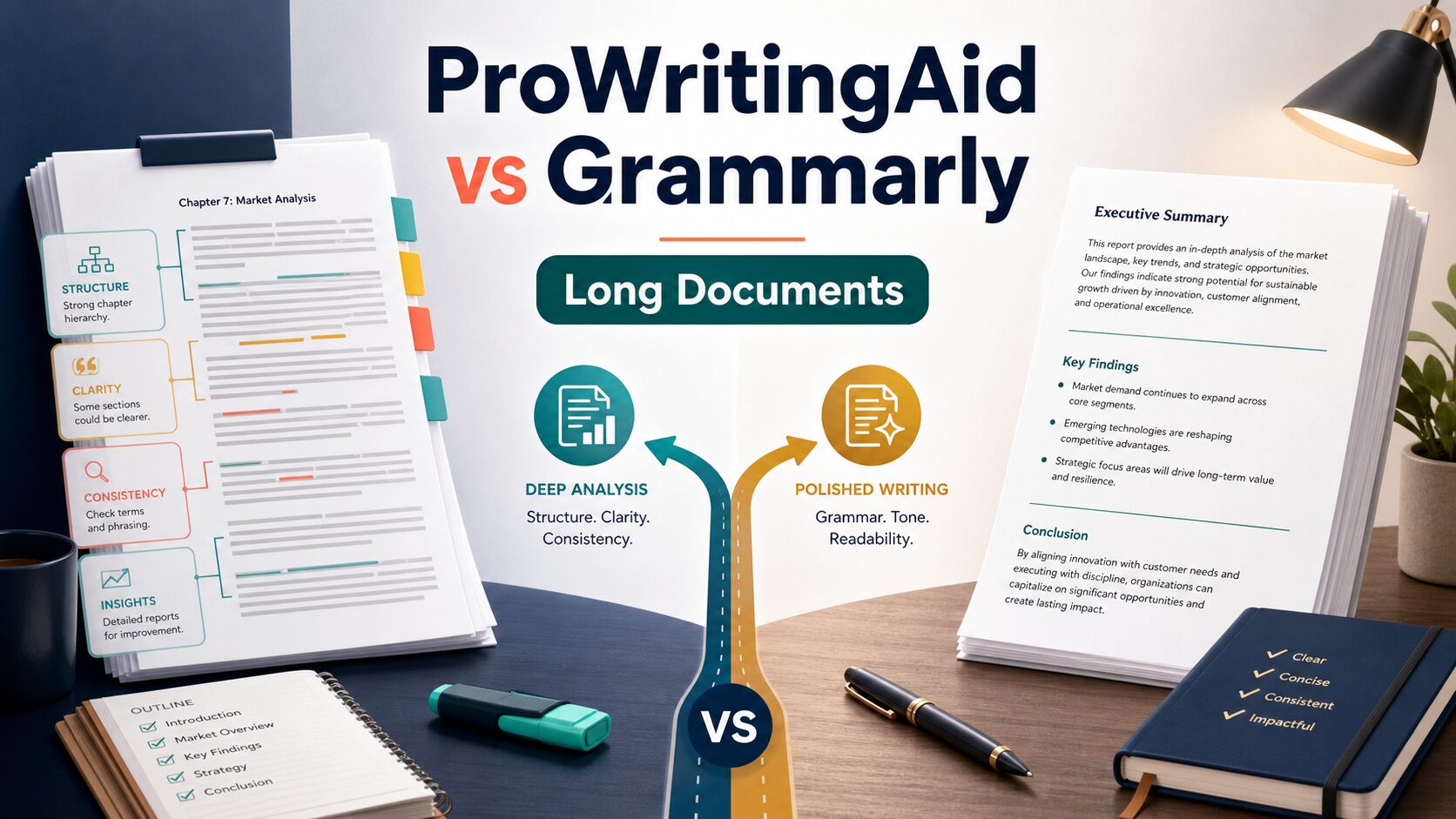
If you are comparing ProWritingAid vs Grammarly for long documents, start with the document stage. ProWritingAid is the better first stop when a long draft needs deep review for structure, style, repeated phrasing, and consistency. Grammarly is the better first stop when the draft is mostly shaped and you need final grammar, tone, clarity, and cross-app polish before sharing it.
Quick Answer: Choose by Document Stage
Choose ProWritingAid first for manuscripts, long reports, thesis chapters, and multi-section drafts where you want detailed writing reports and repeated passes over style, consistency, readability, and structure.
Choose Grammarly first for final review across email, documents, browsers, and workplace apps when the main job is grammar, spelling, punctuation, tone, clarity, and send-ready polish.
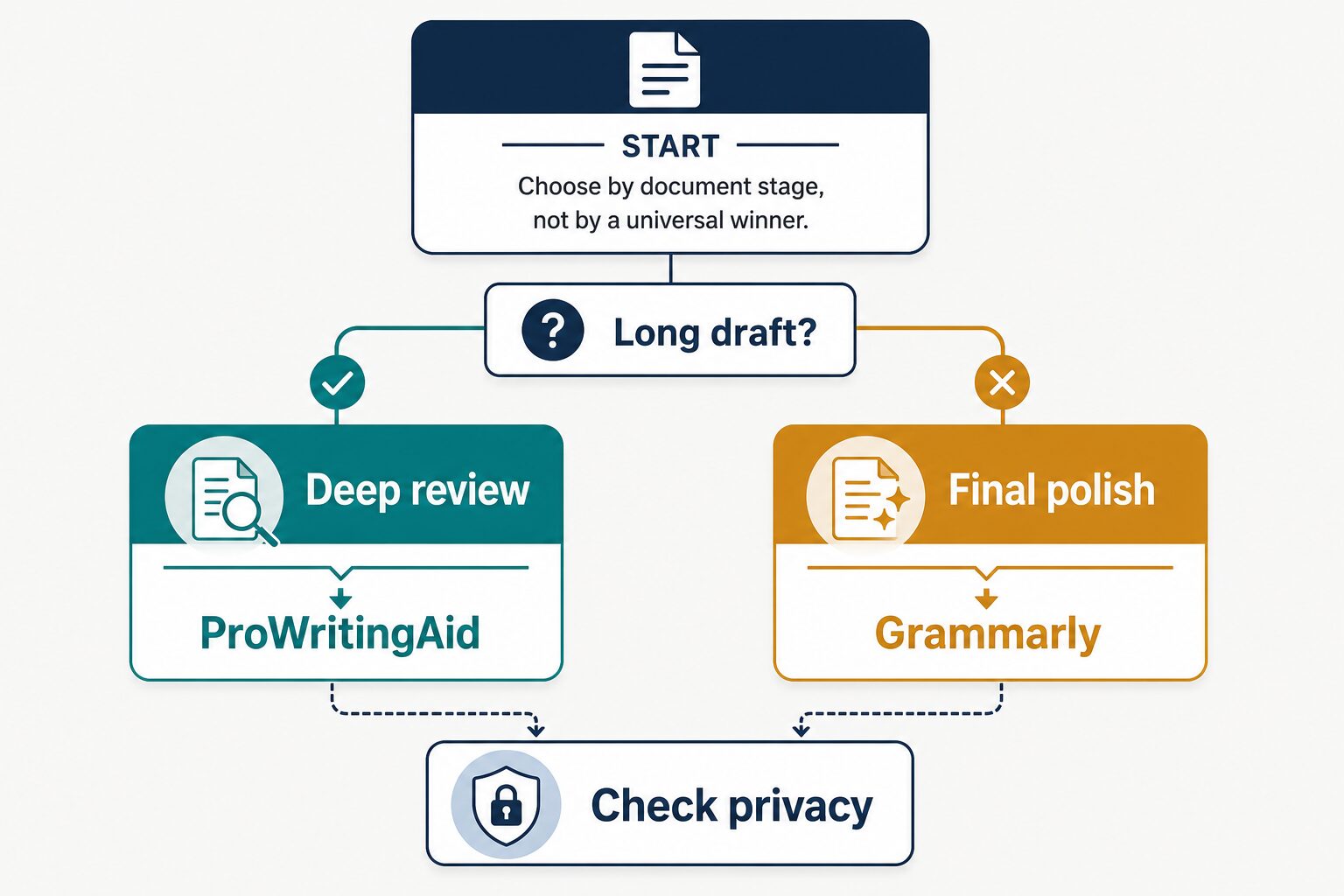
Use both in sequence for important long documents: deep review first, final polish second, then one manual pass to confirm the text still says what you mean.
How This Comparison Was Evaluated
This article is based on official product, pricing, privacy, and security pages checked on June 26, 2026. I did not run a hands-on output-quality benchmark for this article, so I am not claiming that one tool writes better sentences than the other.
The recommendation is based on workflow fit for long documents: what each tool says it supports, what its pricing page currently lists, and what a writer or professional needs at each editing stage.
| Decision Point | ProWritingAid | Grammarly |
|---|---|---|
| Best first use | Deep review of long drafts, including style, consistency, readability, repeated phrasing, and writing reports. | Final grammar, spelling, punctuation, tone, clarity, and cross-app polish before sharing. |
| Better fit for | Books, long articles, reports, thesis chapters, and documents where the structure still needs work. | Emails, proposals, reports, shared documents, and workplace writing that is close to finished. |
| Free-plan note | Official pricing page lists a Free plan with a 500-word count limit and daily report, rephrase, and Sparks limits. | Official plans page lists a Free plan at $0/month. |
| Paid-plan note | Premium is shown at $10/month billed yearly, $120/year; Premium Pro at $12/month billed yearly, $144/year. | Pro is shown at $12 USD; Enterprise requires contacting sales. |
| Privacy and team controls | Check current official terms before uploading sensitive material. The pricing page makes privacy/security claims, but this article does not rely on a clean privacy-policy readback. | Official security and privacy pages list enterprise security references and AI-training controls; still check your account settings and workplace policy. |
| Skip if | You only need a fast final grammar pass on a document that is already organized. | You need detailed long-form reports before final proofreading. |
| Evidence status | Official-source-only; no hands-on output-quality benchmark claimed. | Official-source-only; no hands-on output-quality benchmark claimed. |
Use ProWritingAid When the Long Draft Still Needs Deep Review
ProWritingAid is the better starting point when the document itself is still being shaped. Long documents usually need more than a final typo pass. They need consistency checks, repeated-word cleanup, readability review, structure feedback, and a way to notice patterns across many pages.
That is where ProWritingAid’s official positioning is strongest. Its pricing page lists unlimited word count on paid plans and references 25+ writing analysis reports. Its feature navigation and writing-report page emphasize report-heavy editing rather than only inline corrections.
For a long report, use ProWritingAid first when your question is: “Is this document clear, consistent, and well structured enough to polish?” Do not accept every suggestion automatically. A long document often carries nuance, uncertainty, and field-specific language that a writing assistant may not understand.
Good ProWritingAid use cases
- Reviewing a manuscript or chapter before line editing.
- Finding repeated phrasing across a long report.
- Checking consistency and readability before final proofreading.
- Improving a thesis section or article draft without changing the core argument.
When to skip ProWritingAid first
Skip ProWritingAid as your first tool if the document is already organized and you mainly need grammar, punctuation, tone, and clarity cleanup before sending. In that situation, a final-polish workflow is faster.
Use Grammarly When the Long Document Is Ready for Final Polish
Grammarly is the better first choice when the document is close to done and the remaining risk is surface quality: grammar slips, punctuation, tone, clarity, or awkward wording in a shared professional draft.
Grammarly’s official desktop page says it works across apps, word processors, websites, and browsers, including Word, Pages, email clients, desktop applications, and web browsers. That cross-app workflow matters when a long document is part of a broader work process, such as a proposal, report, email thread, and shared document.
Grammarly’s plans page lists Free, Pro, and Enterprise options. It also lists Enterprise-grade privacy and security features in the comparison table, while the security page lists SOC 2 Type 2 and ISO references. If you are choosing for a team or workplace, those controls may matter more than a single-document feature list.
Good Grammarly use cases
- Final proofreading before sending a long report to a manager or client.
- Checking tone and clarity in executive summaries and proposals.
- Reviewing document sections across browser, desktop, and word-processor workflows.
- Using team or enterprise controls where your organization requires them.
When to skip Grammarly first
Skip Grammarly as your first tool if the document still needs deep structural editing. A polished sentence inside a weak section is still a weak section. Fix the document shape first, then polish.
Use Both in Sequence for High-Stakes Long Documents
For important long documents, the practical answer is often not either-or. Use the tools in order:
- Deep review: check structure, consistency, repeated phrasing, readability, and long-document patterns.
- Manual revision: decide which suggestions preserve your meaning and which ones flatten your voice.
- Final polish: review grammar, spelling, punctuation, tone, and clarity before sharing.
- Privacy check: confirm you are allowed to upload the document before using either tool on sensitive text.
This sequence is especially useful for writers, graduate students, researchers, and professionals who need the document to remain accurate, not merely smoother.
Privacy and Workplace Data: Check Before You Upload
Long documents are more likely to contain sensitive information than short emails. Before pasting a report, manuscript, client memo, research interview, student record, contract, medical note, or financial analysis into any writing assistant, check the official policy and your workplace or school rules.
Grammarly’s privacy policy says the company does not sell or monetize user content and describes available controls for whether user content trains AI models. Its desktop page also says users can turn Grammarly off in a particular app or program. Those are useful controls, but you still need to check your own settings and policy requirements.
For ProWritingAid, this article uses the live pricing and writing-report pages for pricing and feature claims. Because the privacy-policy URL checked during this run did not return a clean policy page, do not treat this article as a ProWritingAid privacy guarantee. Check ProWritingAid’s current official terms before uploading sensitive material.
Decision Checklist
- Document still messy? Start with ProWritingAid for deep review.
- Document mostly done? Start with Grammarly for final polish.
- High-stakes document? Use deep review, manual revision, then final polish.
- Sensitive content? Check privacy terms and workplace or school policy before uploading.
- Unsure whether to pay? Use the free plan first, then verify current official pricing before upgrading.
How This Fits With Other AI Work Toolkit Guides
If you want a broader grammar-tool view, start with the best grammar checker for non-native English professionals. If your main task is everyday AI writing rather than document editing, compare the broader AI writing tools for work.
If the long document starts as a PDF, paper, or research source, use the AI PDF summarizer guide before editing your own draft. If your current decision is QuillBot vs Grammarly for shorter work writing, read the QuillBot vs Grammarly comparison.
FAQ
Is ProWritingAid better than Grammarly for long documents?
ProWritingAid is usually the better first stop when the long document still needs deep review, writing reports, consistency checks, and structural attention. Grammarly is usually better for final polish once the draft is already shaped.
Is Grammarly better for work documents?
Grammarly can be a better fit for workplace polish because it works across many writing surfaces and has team/security controls on higher tiers. For a long internal report, though, you may still want a deeper draft review before the final Grammarly pass.
Can I use the free plans for long documents?
You can use the free plans to understand each workflow, but long documents may run into limits. ProWritingAid’s free plan lists a 500-word count limit. Grammarly lists a free plan, but some advanced features are on paid tiers. Check the current official pricing pages before upgrading.
Which tool should students use?
Students should choose by task. Use ProWritingAid when a long paper needs structure, clarity, and consistency review. Use Grammarly when the paper is nearly final and needs grammar and tone cleanup. Always follow school rules for AI and writing-assistant use.
Should I upload confidential documents to either tool?
Not until you check the current official privacy terms, your account controls, and your workplace or school policy. For sensitive documents, consider removing names, client details, unpublished research, and regulated information before using any writing assistant.
Official Sources Checked
Final Recommendation
Choose ProWritingAid first when the long document still needs deep review. Choose Grammarly first when the document is mostly ready and needs final polish. For serious reports, academic work, books, or client-facing documents, the strongest workflow is often ProWritingAid-style deep review, manual revision, Grammarly-style final polish, and a final human read before sharing.