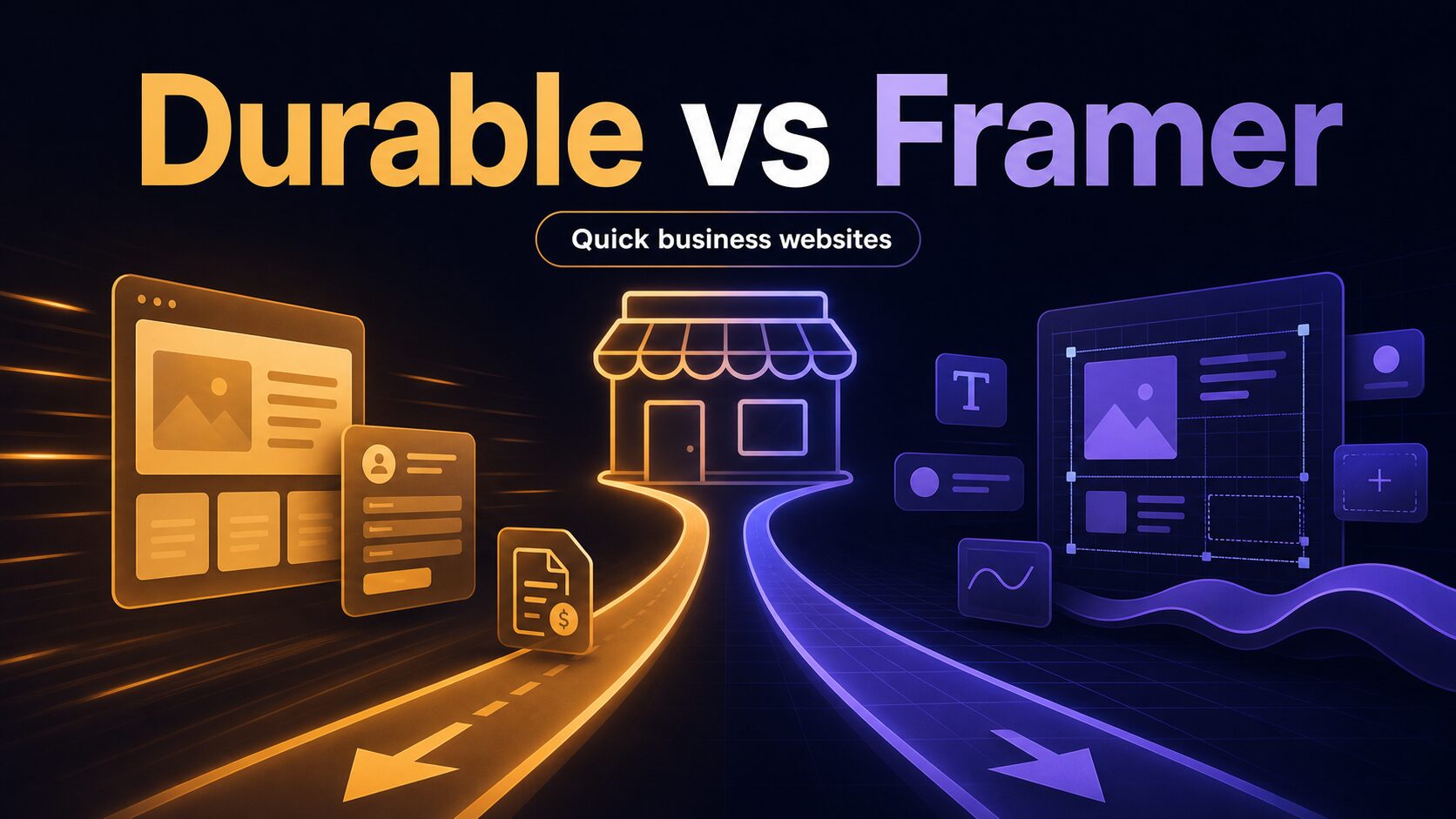
Durable vs Framer for Quick Business Websites
Durable vs Framer: choose a business-site start or design control for your next launch.
Quick verdict
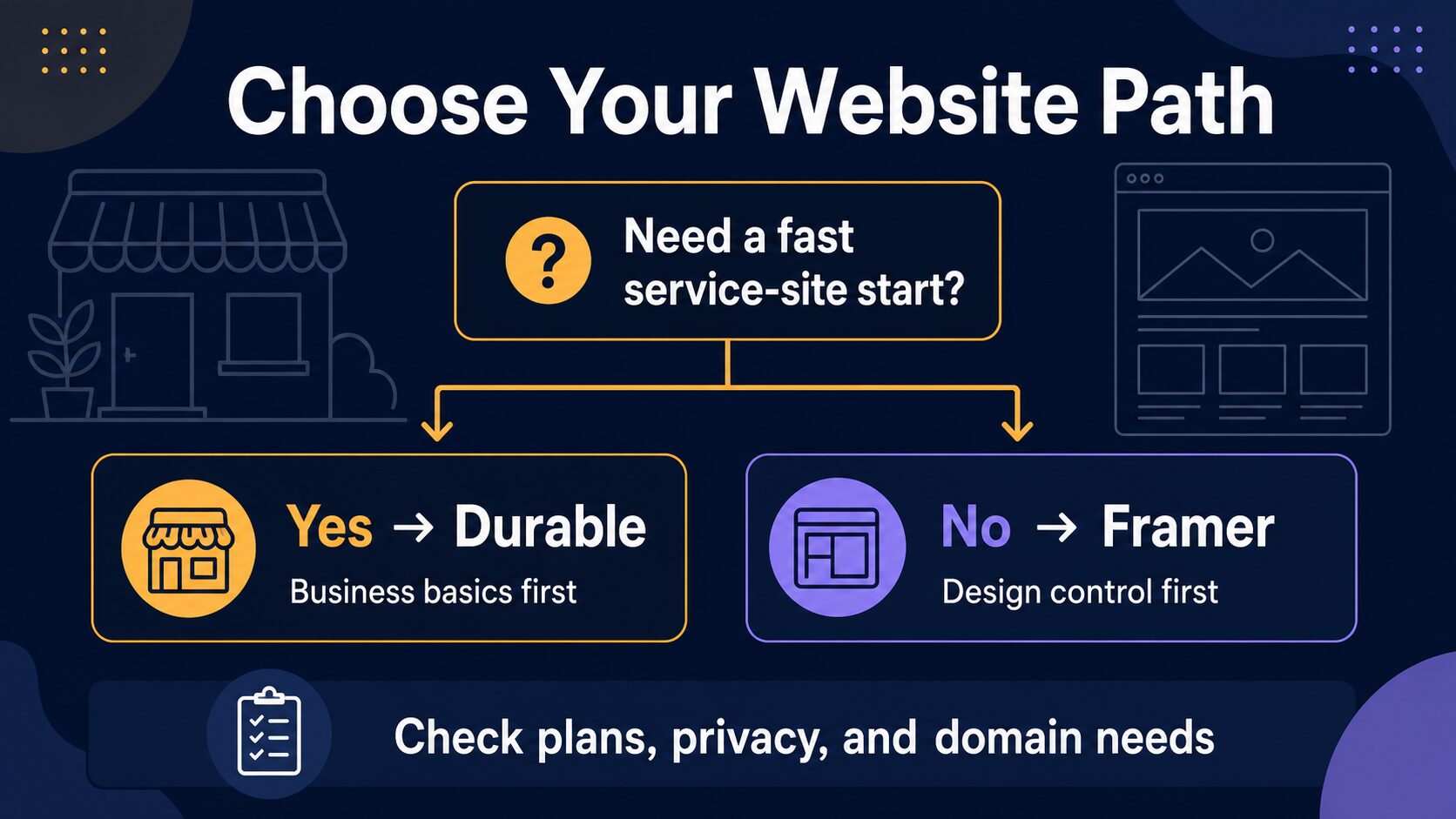
Start with Durable when your immediate job is getting a small service business online with a simple site and the surrounding business basics in one place. Start with Framer when the first deliverable is a brand-sensitive landing page, portfolio, or marketing site where visual control is the work.
Do not choose either from a feature list alone. First name the page you will publish, the visitor action it needs, and the next four updates you will need to make. That maintenance test is more useful than a generic winner.
Evidence boundary: This is an editorial comparison based on official product, plan, billing, and privacy materials checked July 14, 2026. It is not a hands-on test of speed, design quality, SEO results, uptime, support, conversion, or migration effort.
Choose the first website job, not the longest feature list
A quick business website can mean two very different things. A local service operator may need a clear services page, a contact route, and a way to keep an offer current. A creator may need a small site where the layout itself carries the message. Both can be “quick,” but the first maintenance task will expose a different kind of tool fit.
Durable positions its product as an AI website builder for a business site alongside tools such as hosting, customer management, invoicing, and marketing. Framer positions its product around a visual website-building workflow, with plans that make readers check domains, CMS capacity, pages, collaboration, and usage. Those are useful starting facts, not proof that either option will be better for every business.
The safer decision is to choose the workflow that makes your next real page and next real update easier to own. If you need a presentable service site before you need a design system, Durable is the simpler path to evaluate. If the site must express a distinct visual point of view and you are ready to work in a design canvas, evaluate Framer first.
| Decision point | Durable | Framer | What to verify before paying |
|---|---|---|---|
| Best first evaluation | A small service-business site where getting a page, contact route, and business basics in place is the immediate job. | A landing page, portfolio, or compact marketing site where deliberate layout and visual iteration are central. | Write the first visitor action and the first page you must publish. |
| Working model | Durable’s official materials describe an AI-generated business site and a broader small-business toolset. | Framer’s official materials describe a visual site-building environment with plan limits around publishing and collaboration. | Model one real update rather than judging a blank template. |
| Free and paid path | Durable presents a free-start path on its live pricing page; confirm the current domain, feature, and billing terms at checkout. | Framer says its Free plan is useful for exploration and that connecting a custom domain requires a paid plan. | Check the live plan, billing cycle, tax, domain, roles, usage, and add-ons in your region. |
| Lead-data responsibility | Review the current privacy policy plus the data path for forms, booking, email, analytics, and payments you connect. | Review the current privacy statement plus the data path for forms, analytics, integrations, and workspace access. | Confirm your privacy notice, consent approach, staff access, and connected services before collecting personal data. |
Use the First Four Updates test before you compare every feature
This is not a benchmark. It is a realistic rehearsal for the person who will own the site after launch. Take one current offer and imagine doing the first four pieces of maintenance without a designer or developer on standby.
- Publish one accurate services page. Include what you offer, who it is for, one proof point you can stand behind, and one clear next action. If this is hard to draft, switching platforms will not solve the message problem.
- Change an offer after a real customer conversation. Replace a headline, price inquiry prompt, availability note, or call to action. Notice whether the change feels like editing a page you own or starting a mini project.
- Add one proof item. Create a short case study, portfolio sample, testimonial with permission, or FAQ. If you expect many of these, write down the fields you would repeat.
- Review the lead route. Send a test inquiry only with information you are allowed to use. Then identify who receives it, where it is stored, and which connected services see it.
If these updates are mainly about publishing a straightforward local-business site and keeping the essentials together, Durable is the more natural first path to investigate. If they are mainly about the composition, hierarchy, and differentiated visual story of the site, Framer deserves the first evaluation. If neither path makes the test feel manageable, pause before paying and reduce the launch to one honest page.
When Durable is the better first path
Durable is a practical first option when a small business needs to get a basic web presence moving and values an all-in-one business-site approach over a highly customized visual system. Its official comparison materials describe an AI-generated website plus hosting and small-business functions such as customer management, invoicing, and marketing tools. That makes it relevant to a service operator whose first question is, “How do I get a simple, useful site and lead path live?”
Best for: a solo service business with a defined offer, a small number of pages, and a near-term need for a clear online presence rather than a design-heavy brand experience.
Skip it for now if: the site itself is the product demonstration—a design portfolio, a visually distinctive launch page, or a brand story where the arrangement of every section needs close control. In that situation, an all-in-one starting point can be the wrong constraint even if it gets you to a draft quickly.
Durable’s live plan and checkout terms are the only safe source for what is included today. Before choosing a tier, confirm the current domain arrangement, publishing limits, billing term, renewal terms, and the exact business tools that fit your first month. A plan label is not a substitute for that check.
When Framer is the better first path
Framer is the better first option when the site must be intentionally designed, not simply assembled. Its official plan guidance describes Free as a way to explore Framer, and says a custom domain requires a paid plan. Its paid-plan guidance distinguishes small-site and growing-team needs through items such as CMS capacity, pages, collaboration, usage, and staged publishing options.
Best for: a solo creator or business owner who can name a visually led landing page, portfolio, campaign page, or compact marketing site as the next deliverable and is willing to invest attention in layout decisions.
Skip it for now if: you have not settled the message, the offer, or the first visitor action. Framer can give you more control over a page, but it cannot decide what the page should promise. Start with a concise page brief; then decide whether that extra control will be used.
Framer’s current pricing page says its Free plan is for non-commercial use and that a custom domain requires a paid plan. It also notes that plans, editor seats, usage, and billing cycle can affect what you pay. Verify the live plan, limits, add-ons, local tax, and renewal terms immediately before checkout rather than copying a price from a comparison article.
Do not call the free plan a launch plan until you check the domain
“Free” can mean a useful learning environment, a temporary share link, or a published site with platform branding and limits. It does not automatically mean a business-ready launch. For Framer, the official FAQ explicitly says a custom domain requires a paid plan. For Durable, use its current pricing page and checkout flow to confirm the free-start terms, domain arrangement, and feature limits that apply to your location and plan.
Use this small purchase check before you turn a trial into a public business site:
- Is a custom domain required for the first customer-facing page?
- Does the selected plan include the number of pages, CMS items, collaborators, or business functions you will need in the first quarter?
- Are monthly and annual billing options different, and what renews automatically?
- Will an editor seat, usage allowance, add-on, or local tax change the amount at checkout?
- Can you export or retain the page content, domain settings, and important customer data if the workflow no longer fits?
This list deliberately avoids a permanent price comparison. Price cards, plan names, free allowances, and regional billing can change. The durable decision is to confirm the live total and the first required limits for your real launch, not to optimize around an old “starting at” number.
Privacy, forms, and AI-input checks for a small business site
Choosing a builder does not complete the privacy work. A website may collect names, email addresses, booking requests, addresses, analytics identifiers, payment information, or sensitive context submitted in a message. The platform privacy statement is one source in that review; your own notice, consent approach, access settings, and connected services are part of the decision too.
A safer launch rule
Do not place private client records, health, legal, financial, student, workplace, or other restricted information into generated drafts, prompts, or test forms unless your agreement and organization allow it. Before publishing a lead form, trace where the data goes, who can access it, how long it is retained, and what each connected email, calendar, analytics, CRM, or payment service receives.
Durable publishes a privacy policy, and Framer publishes a privacy statement. Read the current version that applies to your account and region. Neither document replaces legal, contractual, or sector-specific advice for your business. The practical point is to catch a data-flow problem before a new form starts collecting real inquiries.
Where to go next
If you still need a wider shortlist, compare our best AI website builders for solo businesses. Once you have selected a path, use the AI website builder checklist before you publish. If ownership, plugin freedom, or a different control model matters more than a hosted builder, compare WordPress versus AI website builders for small teams.
Final recommendation
Choose Durable first when you need a small service-business site and an all-in-one starting point is more valuable than deep design control. Choose Framer first when a distinctive marketing page or portfolio is the immediate job and visual authorship is worth the extra attention. In either case, run the First Four Updates test, check the current plan and domain terms, and trace the lead-data path before you collect real customer information.
Frequently asked questions
Is Durable or Framer easier for a first business site?
It depends on the first job. Durable is the more natural option to evaluate for an all-in-one service-site start. Framer is the more natural option to evaluate for a visually led page. Neither conclusion is a measured usability claim; use the same one-page rehearsal for your own offer.
Can I use Framer free with a custom domain?
Framer’s pricing FAQ says a custom domain requires a paid plan. Check the current plan page before launching because plan limits and billing terms can change.
Which platform is cheaper?
A displayed monthly number is not enough to answer safely. Compare the live required plan, custom-domain arrangement, billing cycle, tax, editor seats, usage, and any add-on you need for the first quarter.
Can I collect leads without a privacy review?
No. Review your current platform terms, privacy notice, consent process, connected services, and who can access submissions before a live form receives customer information.