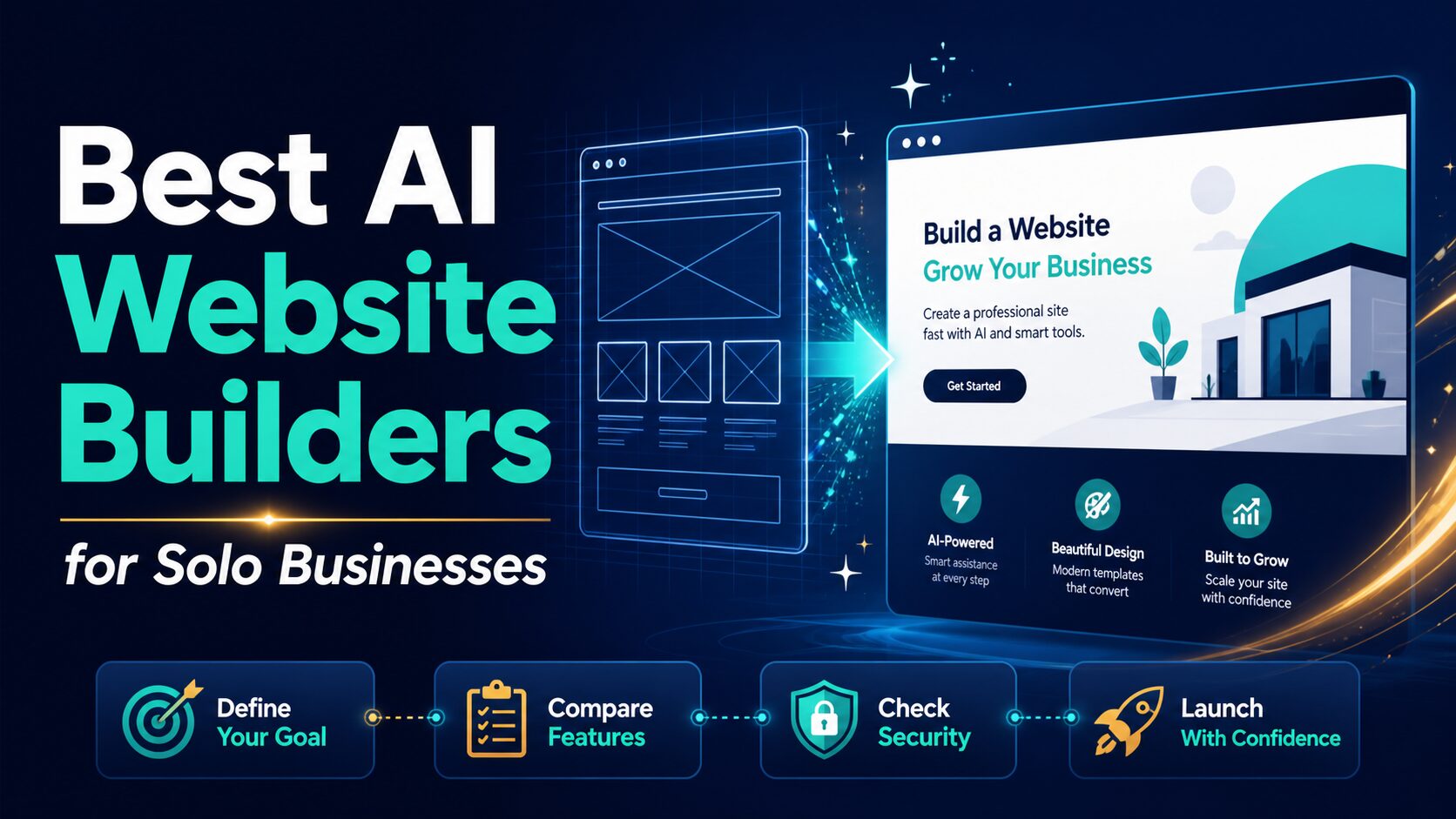
Best AI Website Builders for Solo Businesses
The best AI website builder for a solo business is not the one with the most impressive first draft. It is the one that can handle the first real business job after the demo: connect a domain, collect leads, take bookings or payments, edit SEO fields, keep mobile pages readable, protect private business data, and avoid a plan upgrade you did not expect.
If you are choosing this week, start with the site job, not the tool name. A consultant who needs bookings, a creator who needs a portfolio, a local service business that needs calls, a small seller that needs checkout, and a founder who needs a design-led landing page should not all pick the same platform.
Quick verdict: choose by the job, cost, and control you need
- Start with Wix if you want the broadest all-in-one small-business path: AI setup, editor control, domains, SEO, bookings, payments, ecommerce, marketing, and analytics.
- Start with Squarespace if trust depends on a polished portfolio, service site, appointment path, creative business page, or client-facing brand presentation.
- Start with Durable if you need a basic service-business site live quickly and care more about bookings, leads, CRM, and speed than custom design depth.
- Start with Hostinger Website Builder if bundled hosting, domain offers, ecommerce, email/marketing tools, and promotional pricing matter, but check renewal and term length before you pay.
- Start with Framer if the site is a design-led landing page, product page, startup page, portfolio, or CMS-backed marketing site and visual control matters most.
- Start with WordPress.com if the site will become a content, SEO, newsletter, resource, or long-term publishing asset and you want a broader WordPress path.
Evidence note: This comparison uses official product, pricing, privacy, and security sources refreshed on July 8, 2026. It is not a hands-on benchmark of generated site quality, support speed, uptime, conversion rate, or SEO performance.
If your broader problem is choosing an AI stack for writing, admin, and marketing, start with our guide to AI tools for small business owners. If you already know the next purchase is a website platform, use this page to make the shortlist, then run the stricter AI website builder checklist for solo businesses before paying.
How we selected these AI website builders
For a solo business, an AI website builder has to do more than make a nice hero section. The tool should help with the first build, but it also needs to support the ordinary work that follows: editing pages, connecting a domain, collecting leads, booking calls, selling products, setting SEO metadata, reviewing analytics, protecting visitor data, and controlling renewal cost.
The comparison below uses five criteria:
- Launch fit: can a solo operator get from idea to a realistic draft without hiring a designer or developer?
- Business fit: does it support the actual job: services, bookings, ecommerce, portfolio, blog, landing page, or content site?
- Plan clarity: can you verify custom domain, branding removal, ecommerce, storage, seats, AI limits, transaction fees, renewal pricing, and billing term before you commit?
- Control after AI: can the owner keep editing, improving, redirecting, and expanding the site after the AI-generated draft?
- Data caution: can you build with public or placeholder information first, then add sensitive business details only after the account terms fit?
| Builder | Best fit | Official pricing or trial check | Use it when | Pause before paying if… |
|---|---|---|---|---|
| Wix | Broad small-business AI site creation with business tools. | Wix says you can start building with AI for free; paid plans unlock custom domains, payments, ecommerce, storage, collaborators, and other launch features. | You want AI setup plus editor control, templates, business apps, SEO tools, hosting, domains, booking, or ecommerce. | The required plan for payments, bookings, ecommerce, storage, collaborators, apps, taxes, or renewal price is unclear. |
| Squarespace | Polished service, portfolio, creator, and professional business sites. | Squarespace starts sites with a 14-day free trial and no free plan; check annual/monthly price, ecommerce, services features, and transaction fees. | You care about visual polish, client-facing pages, scheduling, services, invoices, portfolios, stores, or content memberships. | Scheduling, invoicing, memberships, ecommerce, email marketing, or transaction-fee needs push you into a higher plan or add-on. |
| Durable | Fast service-business launch with AI site generation and business basics. | Durable lists Free, Launch, and Grow paths; verify current monthly/annual pricing, custom domain rules, booking/payment needs, and AI-agent limits. | You need a simple site, booking/payment path, invoices, and AI agents without spending weeks on design. | You need mature ecommerce depth, extensive HTML customization, complex brand design, or a portable CMS/content system. |
| Hostinger Website Builder | Low-cost bundled website builder, hosting, domain, ecommerce, and AI tools. | Hostinger shows paid bundled website-builder plans, promotional multi-year pricing, renewal rates, free-domain language, and a 30-day money-back guarantee. | You want hosting, domain, SSL, templates, AI copy/images/blog/product tools, and ecommerce in one lower-cost package. | The low monthly price depends on a long upfront term, or mailbox, storage, ecommerce, refund, and renewal details do not fit. |
| Framer | Design-led landing pages, startup sites, portfolios, and modern CMS pages. | Framer lists Free, Basic, Pro, and Enterprise paths; paid plans vary by CMS collections, bandwidth, pages, credits, redirects, staging, and add-ons. | You want fast visual control, AI-powered design tools, built-in SEO, CMS, staging, rollback, localization, or collaboration. | Appointment booking, invoicing, ecommerce, service operations, or low-maintenance business tooling must be built deeply into the first platform. |
| WordPress.com | Content sites, blogs, long-term publishing, and a path toward WordPress flexibility. | WordPress.com says the AI website builder is free to try; paid plans unlock custom domains, ad removal, and broader WordPress.com features. | You want a website that can grow into content, SEO, newsletters, plugins, themes, and a broader WordPress ecosystem. | You need plugins, commerce, custom themes, advanced SEO/control, or migration flexibility but have not checked the required plan. |
Hosted builder vs WordPress: decide this fork early
The most important choice is not Wix versus Squarespace versus Durable. It is whether you want a hosted all-in-one builder or a WordPress-centered publishing path.
Hosted builders are usually better when the business needs a clean site, a booking or contact path, a few service pages, simple ecommerce, and low maintenance. WordPress.com is usually better when the site is expected to become a content machine: articles, resource pages, SEO experiments, newsletters, plugin-driven features, and a larger editorial workflow. If that fork is the real decision, compare this guide with WordPress vs AI website builders for small teams before you commit.
The best AI website builders for solo businesses
1. Wix: best first check for most solo business websites
Wix is the safest first check for many solo businesses because it combines AI site creation with a mature website-builder ecosystem. Its official AI website builder page describes a prompt-to-site workflow, the Aria AI agent, manual editing, generated pages and sections, hosting, security, SEO tools, and business tools.
The reason Wix fits solo operators is breadth. A consultant, coach, local service provider, simple ecommerce seller, event host, blogger, or portfolio owner can start with a guided site and then add capabilities such as booking, ecommerce, SEO, marketing, analytics, and domain setup. Wix also says users can start building with AI for free, while a Premium plan is needed for custom domains, payments, and additional features.
Check before paying: current plan price, domain voucher terms, ecommerce/payment needs, storage, collaborator limits, app costs, taxes, renewal, and whether the AI-generated copy accurately describes your business.
2. Squarespace: best for polished service and portfolio sites
Squarespace is a strong fit when the site needs to look polished without feeling like a technical project. Its official pages emphasize Blueprint AI, Design Intelligence, AI-generated draft content and visuals, websites, templates, ecommerce, services, invoicing, scheduling, analytics, marketing tools, and business categories such as creative services, professional services, education, beauty, fitness, health, home services, events, nonprofits, and personal sites.
That makes Squarespace a practical option for consultants, designers, coaches, photographers, instructors, service businesses, and creators who care about visual consistency. It is less about tinkering with a stack and more about getting a presentable business home online.
Check before paying: current annual/monthly price, 14-day trial terms, ecommerce or services features, scheduling/invoicing needs, transaction fees, email marketing or membership costs, and whether AI-generated content needs legal or professional review.
3. Durable: best for a fast service-business launch
Durable is more focused than the giant all-in-one builders. Its official AI website builder and pricing pages position it around fast site creation, service-business presence, bookings, payments, invoicing, CRM, AI agents, secure hosting, and no-code editing.
Durable is worth checking if the reader’s problem is not “I want a perfect brand system.” It is “I need a credible website this week so people can understand what I do, book me, contact me, or pay me.” The official pricing page lists a Free path and Launch/Grow tiers, with website analytics, SSL/secure hosting, mobile site support, DNS, SEO features, AI-generated pages, AI agents, CRM, bookings, and usage limits split by tier.
Skip it if: ecommerce depth, custom HTML control, advanced CMS needs, or a highly crafted design portfolio matters more than launch speed.
4. Hostinger Website Builder: best for low-cost bundled hosting and AI tools
Hostinger Website Builder is a strong budget-conscious option because it bundles website building, hosting, domain-related offers, SSL, templates, ecommerce, email/marketing tools, and AI tools. Its official page describes AI or template-based site creation, a drag-and-drop editor, AI writing and design, ecommerce features, built-in SEO and marketing, analytics integrations, and 24/7 support.
The pricing angle is useful but needs careful reading. Hostinger’s current website-builder page shows paid bundled plans, promotional multi-year pricing, renewal prices, free-domain language on eligible plans, and a 30-day money-back guarantee. For a solo business, this is attractive only if the term length, renewal price, storage, email, ecommerce, support, and refund expectations fit.
Check before paying: promotional term, renewal price, number of websites, storage, mailbox limits, ecommerce features, money-back terms, and whether a long billing commitment makes sense for a business that may pivot.
5. Framer: best for design-led landing pages and startup-style sites
Framer is different from the classic small-business builders. It is a better fit when the site is design-led: a startup landing page, product launch page, portfolio, agency site, marketing page, or modern CMS-driven site. Framer’s official AI page describes agents for page generation, design, CMS management, code, review, and improvements; its pricing page lists Free, Basic, Pro, Enterprise, credits, bandwidth, CMS collections, built-in SEO, staging, branching previews, editor seats, and Enterprise security options.
Framer’s official pricing page showed Basic and Pro paths with monthly pricing, CMS and bandwidth limits, credits, custom-domain support on paid plans, and add-ons. The Free path is useful for exploration, but a serious public business site should verify custom domain, CMS, bandwidth, collaboration, localization, editor seats, redirects, and add-on needs before choosing.
Skip it if: your first priority is appointment booking, invoicing, broad ecommerce, or a low-friction local-service website with all business tools already packaged.
6. WordPress.com: best for content growth and long-term flexibility
WordPress.com belongs in this comparison because many solo businesses eventually become content businesses: blogs, guides, newsletters, resource pages, search-focused posts, landing pages, and product/service pages. Its AI website builder can help create a site faster, while the broader WordPress ecosystem gives more room to grow.
The tradeoff is complexity. WordPress.com can be simple at the start, but the moment you care about themes, plugins, commerce, SEO, integrations, or custom behavior, plan details matter. WordPress.com says the AI website builder is free to try with no credit card required, while paid plans unlock custom domains, ad removal, and broader WordPress.com features. Business and Commerce-style needs should be checked carefully before assuming a lower plan is enough.
If content is a major part of your plan, also compare AI tools for bloggers and AI SEO writing tools for small content sites before building the site architecture.
Choose By Audience Without Opening Six Different Comparisons
The builder list stays mostly the same across small agencies, local businesses, freelancers, course creators, consultants, and coaches. What changes is the job the site must complete. Use this matrix to choose the test, then use the main comparison above for platform tradeoffs.
| Audience | Start by testing | Proof the site must provide | Skip or escalate when |
|---|---|---|---|
| Small agency | Wix for broad client delivery; Framer for design-led work | Client handoff, reusable process, and clear ownership | Every client requires a different platform or custom stack |
| Local business | Wix for the broadest path; Squarespace for presentation; Durable for a simple fast draft | Calls, bookings, directions, trust, and easy owner updates | The business needs complex inventory, regulated intake, or custom operations |
| Freelancer | Squarespace for portfolio trust; Wix for business tools; Framer when design is the proof | Work samples, one clear service, and low-friction contact | Maintaining the site takes time away from client delivery |
| Course creator | Wix or Squarespace for the marketing site | Offer clarity, checkout path, email capture, and terms | Learner accounts, progress, community, or course delivery require a dedicated platform |
| Consultant | Squarespace or Framer for authority; Wix when booking and follow-up matter | Proof, a narrow offer, booking, and a credible next step | The site collects sensitive client material without an approved intake path |
| Coach | Wix for booking and intake; Squarespace for brand-led trust | Audience fit, boundaries, proof, scheduling, and privacy | Health, financial, or other sensitive records would enter generic forms |
Use one handoff test for every audience
Build one page, submit one real inquiry, edit the content as the future owner would, check the paid-plan gate, and identify what must be rebuilt if you leave. The best builder is the one that completes that loop with acceptable cost and control—not the one that generates the most impressive first draft.
How to choose without getting distracted by the AI demo
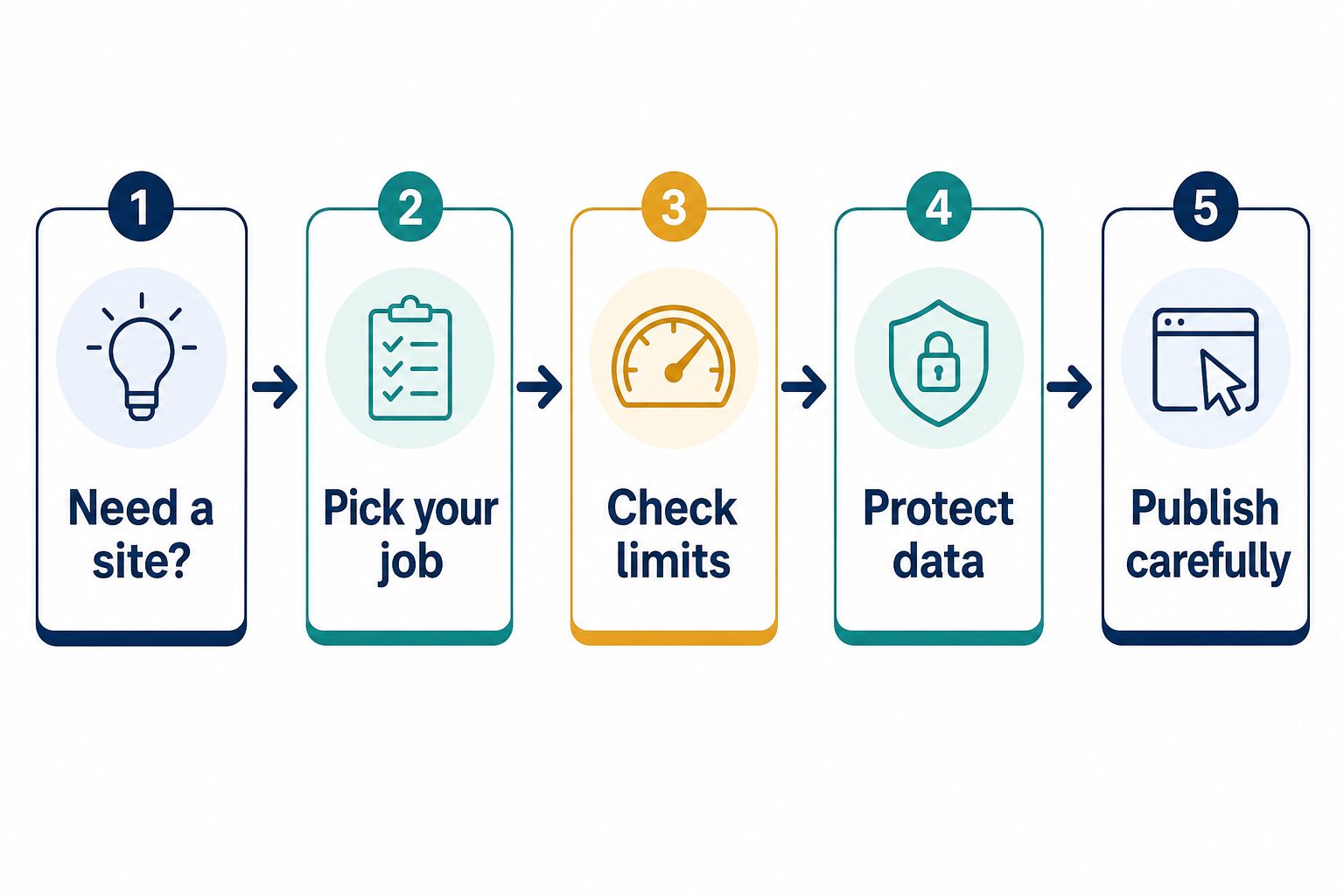
AI site demos are good at making the first ten minutes feel magical. The decision gets real after that. Before paying, answer these questions in order.
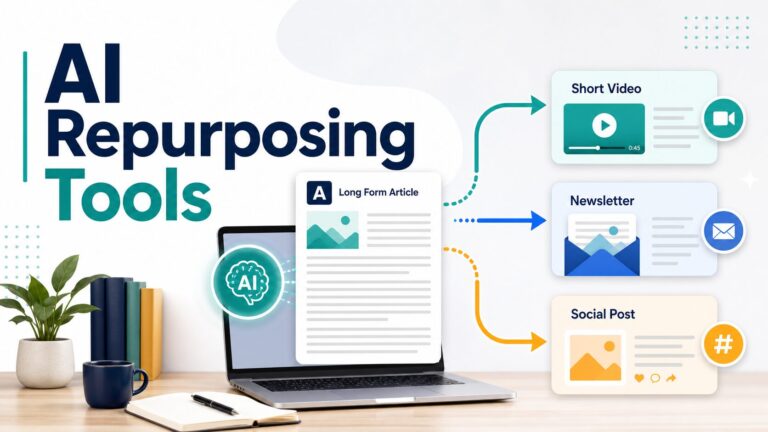
For publishing beyond the website itself, our guide to AI content repurposing tools can help once the site is live. For the pre-launch decision, keep the stricter website-builder checklist open next to each vendor pricing page.
A 20-minute test workflow before you pay
Use this workflow before you commit to a paid plan or paste sensitive material into any builder. It is designed to expose the gap between an attractive AI draft and a working solo-business website.
- Write a public-safe prompt: describe the business category, audience, services, location type, and tone without private client names, revenue details, legal claims, or unpublished strategy.
- Generate one realistic draft: ask for the homepage, one service page, one about section, one contact path, one FAQ, and one conversion action. Do not judge only the hero section.
- Find the exact paid plan gate: identify the plan needed for the domain, branding removal, forms, booking, ecommerce, analytics, AI usage, editor seats, storage, and support.
- Rewrite the risky copy yourself: review claims about results, pricing, credentials, availability, guarantees, testimonials, regulated services, and privacy-sensitive language.
- Preview the boring launch details: check mobile layout, privacy policy path, contact form behavior, SEO title/meta fields, image rights, redirects, analytics, and how easy it is to update later.
If the tool fails this small test, do not solve it by buying a larger plan immediately. First compare the failure to the actual job: a booking-site problem may point to Wix, Squarespace, or Durable; a design-control problem may point to Framer; a content-growth problem may point to WordPress.com.
Privacy and business-data cautions
Do not paste sensitive business material into an AI website builder just because the draft page asks for details. A good prompt can describe the business without exposing client names, private pricing, internal strategy, customer lists, employee data, legal terms, unpublished product plans, or regulated information.
Use placeholder examples first. Replace them with approved public copy later. If your website includes testimonials, case studies, photos, staff names, client logos, claims about certifications, pricing promises, or health/finance/legal language, review those manually before publishing.
For a broader checklist, use our AI tool privacy checklist before uploading real business data.
FAQ
What is the best AI website builder for small business?
For many small businesses, Wix is the broadest first check because it combines AI site creation with templates, business tools, hosting, domains, SEO, bookings, payments, and ecommerce options. Squarespace is stronger when visual polish and service-business presentation matter. Durable is best to check for very fast service-business launch. Hostinger is useful for bundled hosting and cost-sensitive AI tools. Framer fits design-led landing pages. WordPress.com fits content-heavy growth.
Can I build an AI website for free?
Several builders let you start for free, start a trial, or use a money-back window, but a real business site usually needs a paid plan for a custom domain, branding removal, ecommerce, payments, booking, advanced AI limits, storage, analytics, or other launch features. Check the official pricing page and checkout terms before spending serious time on a draft.
Is an AI-generated website good enough to publish immediately?
Usually not without review. Treat the first draft as a starting point. Check accuracy, service claims, contact details, pricing, legal language, privacy-sensitive information, image rights, mobile layout, SEO titles, forms, analytics, and payment or booking settings before publishing.
What should I test in the first AI-generated draft?
Test the boring parts first: whether the home page explains the offer clearly, whether the contact or booking path works, whether the mobile layout is readable, whether the SEO title and meta description can be edited, whether redirects and analytics exist, and whether the plan you would need matches the price and commitment you are willing to pay.
Should I use WordPress.com or an AI website builder like Wix?
Use Wix or Squarespace if you want a guided all-in-one builder and do not want to manage a broader CMS mindset. Consider WordPress.com if content, blogging, plugins, themes, SEO growth, newsletters, or long-term publishing flexibility are more important than the simplest first build. If you are still unsure, read WordPress vs AI website builders before migration and content ownership become expensive to fix.
Which AI website builder is best for ecommerce?
Start by checking Wix, Squarespace, Hostinger Website Builder, and WordPress.com Commerce paths. Durable can support some ecommerce-style launches, but its own FAQ says it is not designed specifically for ecommerce businesses. Verify product limits, payment methods, transaction fees, tax/shipping tools, and renewal price before choosing.
Final recommendation
If you are a solo business owner, pick the builder by the job your website must do next month, not by the most impressive AI demo. Start with Wix for the broadest small-business path, Squarespace for polished service and portfolio sites, Durable for fast service launches, Hostinger for bundled hosting and cost-sensitive builds, Framer for design-led landing pages, and WordPress.com for content-heavy growth.
Before paying, build one low-risk draft, check the official plan limits, remove private data from prompts, review the AI copy line by line, and confirm the site can still serve your business after the first draft is no longer new.