Squarespace vs Framer for Portfolio Sites
Compare Squarespace vs Framer for Portfolio Sites with pricing checks, privacy cautions, and clear guidance on who should use or skip each tool.
Squarespace is the safer starting point when you want a portfolio that stays easy to update with an all-in-one website workflow. Framer is the better fit when the portfolio itself needs more custom composition and you are willing to spend more time shaping the design. Before paying for either, build one real project page and test how it looks on a phone.
Quick verdict
Choose Squarespace if you want a guided path for a portfolio, a blog, or services without starting from a blank canvas. Choose Framer if your work depends on a more bespoke visual system and you expect to refine layout, components, and breakpoints. Neither choice is a universal winner: the useful question is how you will update the site after launch.
Evidence boundary: This comparison uses current official product, pricing, and privacy documentation. It is not a hands-on speed, support, migration, or design-quality test.
How this portfolio comparison is judged
A portfolio site is not just a homepage. It is a repeatable process for adding work, explaining a case study, receiving an inquiry, and keeping the site current. That is why this comparison focuses on four practical questions: how structured the publishing workflow is, how much layout control you need, what you must verify before a paid plan, and how you will handle visitor or client data.
Both companies publish comparison material that emphasizes their own strengths. Those pages are useful for checking available features, but the recommendation below is editorial fit guidance rather than a vendor claim.
| Decision point | Squarespace | Framer | What to do |
|---|---|---|---|
| Best starting workflow | A structured, all-in-one site path with portfolio templates and a guided setup. | A more design-led canvas for portfolios that need a custom visual system. | Pick the workflow you will still enjoy using when new work arrives. |
| Try-before-pay option | Squarespace says every site begins with a 14-day trial; it does not offer a free-forever site plan. | Framer lists a Free plan; its pricing page says a custom domain requires a paid plan. | Make one project card and one case-study page before comparing paid plans. |
| Portfolio content | Useful when you want a portfolio alongside pages, blogging, services, or commerce in one product. | Useful when each project page needs more custom composition or reusable design components. | List the pages you will add in the next six months, not only the homepage. |
| Privacy check | Review your own cookies, forms, analytics, connected services, and privacy notice obligations. | Review the current privacy statement and the data you choose to place in published content or forms. | Do not upload client files, intake details, or sensitive work until the live configuration is reviewed. |
Choose Squarespace for structured portfolio updates
Squarespace is the more practical route for a solo creator who wants a portfolio to operate like a small business site. Its official help center documents a portfolio setup path, and its pricing page describes a 14-day trial rather than a permanent free plan. That combination makes it sensible when your main goal is to choose a starting design, organize work into a repeatable structure, and publish without treating each page as a custom composition exercise.
Best for: photographers, consultants, writers, and service providers who need a portfolio plus a simple contact path, blog, service pages, or commerce-adjacent features.
Skip it if: the portfolio needs unusually precise interactions, frequent experimental art direction, or a design system that would make a template-led workflow feel like ongoing friction.
Do not treat a plan price as the whole cost. Check the live pricing page for billing cycle, current promotions, renewal terms, domain needs, transaction-related features, and the exact capability you need before checkout.
Choose Framer for custom composition
Framer is the clearer option when the visual structure of the portfolio is part of the work you are showing. Its official pricing page offers a Free plan for trying the product, while a custom domain needs a paid plan. Framer’s current plan guidance positions Basic as a fit for personal sites that need a custom domain, which is a useful starting point rather than a guarantee that the plan will fit every portfolio.
Best for: designers, creative studios, and independent makers who want more freedom to shape layouts, components, and responsive compositions.
Skip it if: you mainly want to add a project, update a bio, and publish without making design decisions each time. In that case, the extra control can become an unnecessary maintenance job.
At checkout, verify the current plan, billing cycle, domain requirement, bandwidth or CMS limits, editor needs, and any AI-credit or add-on terms on Framer’s live plan page. Those details can change.
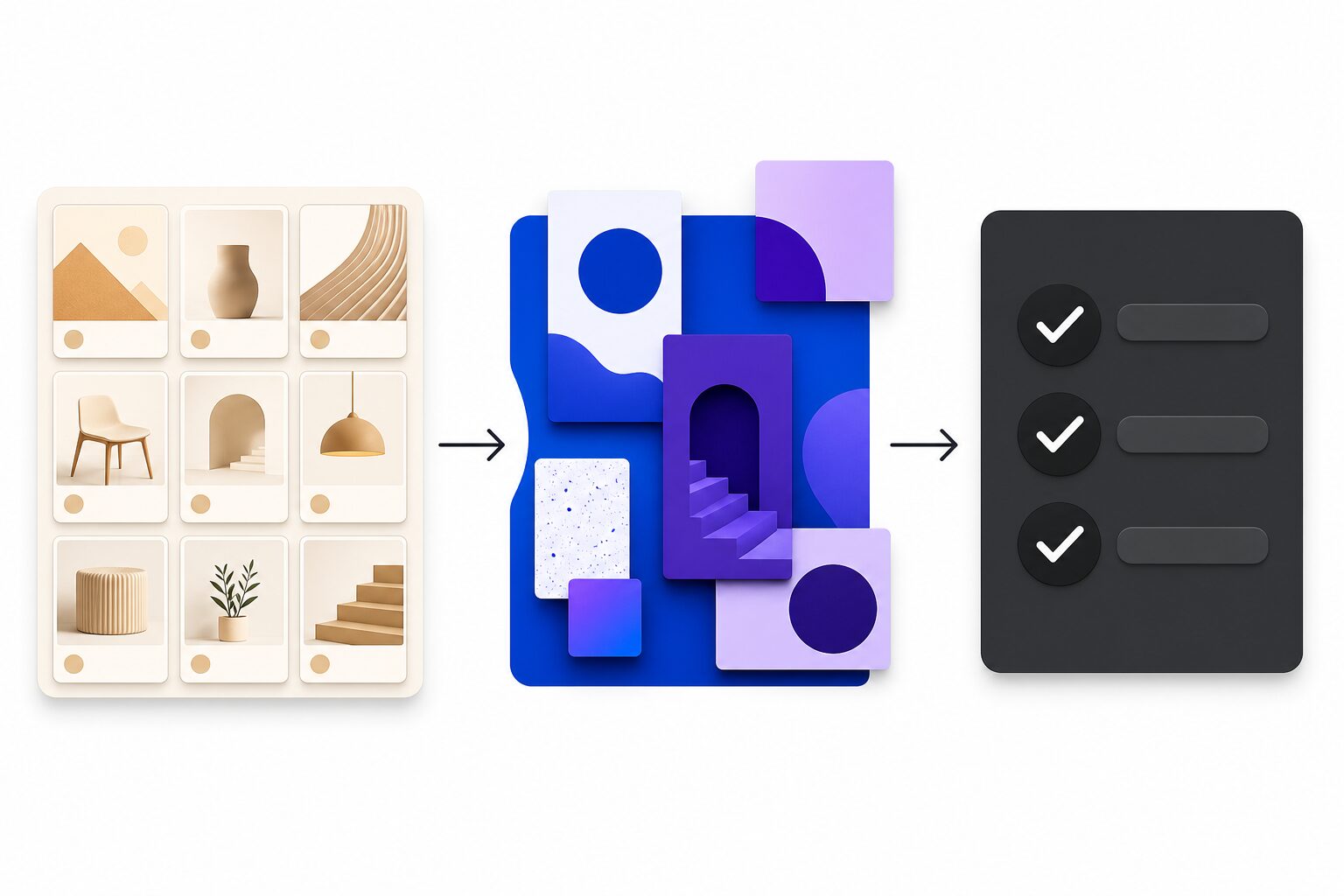
Three portfolio scenarios that make the choice clearer
Scenario 1: You update your work in batches
If you publish a few case studies each quarter and want the process to feel predictable, Squarespace is usually the less demanding choice. The practical advantage is not that it guarantees a better portfolio; it is that a structured site workflow can reduce the number of layout decisions between “new project” and “published page.” Use the trial to confirm that your preferred project layout, navigation, and contact route are all possible without workarounds.
Scenario 2: Each project needs a different visual story
If the portfolio is itself proof of your design thinking, Framer may be worth the extra attention. This is especially true when a case study needs an intentionally different composition, a reusable set of visual components, or carefully tuned responsive behavior. The tradeoff is maintenance: do not choose more control merely because it looks impressive in a demo. Choose it when the control helps the work communicate more clearly.
Scenario 3: You need a site that may become more than a portfolio
A portfolio often grows into a service site, a blog, a resource library, or a small shop. Squarespace can be the more coherent path when those standard business-site needs are likely to arrive soon. If the bigger question is long-term software ownership, plugin flexibility, or custom hosting decisions, pause the comparison and consider the WordPress versus AI website builder decision instead.
Do a cost-and-exit check, not just a price check
Plan pages change, so the safest comparison is a small worksheet rather than a copied dollar amount. For each tool, write down the billing cycle you would choose, whether a custom domain is included or separate, the next plan limit that could affect you, and the cost of any editor, localization, commerce, analytics, scheduling, or form add-on you genuinely need. Then write down how you would export or preserve the project text, images, domains, and contact records if you change platforms later.
This exercise prevents a common portfolio mistake: choosing a platform based only on a beautiful first screen, then discovering that a domain, collaborator, content collection, feature limit, or connected service changes the real commitment. It also makes the choice easier to revisit when your portfolio grows.
Run the Portfolio Launch Test before committing
A template preview is not enough to tell you whether a website builder fits. Use the same small test in the trial or free workspace so the choice is based on your actual update path.
- Create one project card. Add a title, a short result, an image you have permission to use, and a clear link to the full project.
- Build one case-study page. Add the problem, your role, selected evidence, and a next step. If this feels difficult, it will feel harder after launch.
- Check a phone-sized view. Confirm headings, image crops, links, and contact actions still make sense without assuming a desktop visitor.
- Test the inquiry route. Send a non-sensitive test inquiry and make sure the confirmation, notification, and follow-up path are understandable.
- Write down the next update. If you cannot explain how you will add the next project in a few steps, do not upgrade yet.
For a broader pre-publish review, use this website builder checklist. If you are deciding among more than these two products, compare the best AI website builders for solo businesses first.
Privacy and client-data checks
A portfolio can include personal data through forms, analytics, scheduling tools, connected accounts, and the work samples themselves. Squarespace’s privacy guidance emphasizes that site owners need to understand their own collection and connected services; Framer publishes its own privacy statement. Neither document replaces a review of your client agreement, privacy notice, consent setup, or sector-specific obligations.
Use a safer upload rule
Before uploading a case study, ask whether the file includes client names, private dashboards, contact details, unreleased work, health information, financial details, or other material that needs approval. Use redacted samples or get permission first. Confirm the live form and analytics settings before collecting visitor data.
If you need more ownership, plugin flexibility, or a different hosting/control tradeoff, read WordPress vs AI website builders for small teams before rebuilding your site.
Final recommendation
Start with Squarespace when you want a polished portfolio that is easy to keep organized alongside normal small-business pages. Start with Framer when visual authorship and custom composition are the core reason visitors should remember the site. The responsible choice is the one that passes the Portfolio Launch Test with your real content, your real mobile view, and your real inquiry flow.
Frequently asked questions
Is Squarespace or Framer better for a first portfolio?
Squarespace is the simpler starting recommendation when you value a structured path and want a portfolio with business-site basics. Framer is a better first choice only when you already know you need more layout freedom and will use it.
Can I try both before paying?
Squarespace currently offers a 14-day trial, while Framer lists a Free plan. Check each official plan page immediately before starting because eligibility, plan limits, and pricing can change.
Which is better for SEO?
Neither platform removes the need for clear pages, useful project descriptions, accessible media, sensible internal navigation, and a public site that is ready to be crawled. Choose the workflow that helps you maintain those basics consistently.