Best AI Note-Taking Apps for Graduate Students
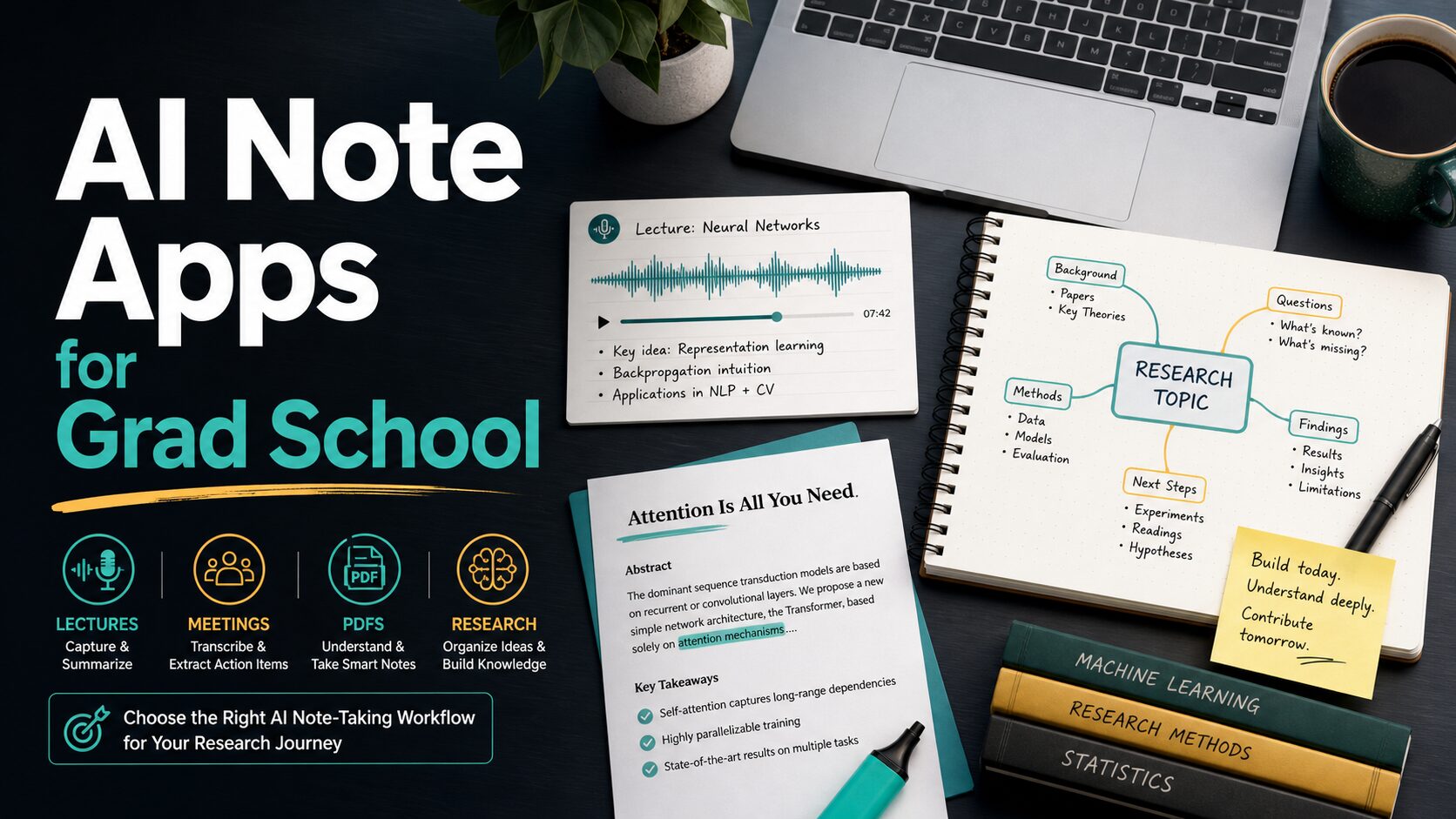
Graduate school notes are not one job. A lecture recording, a dense PDF, a research notebook, and a meeting with your advisor all create different note-taking problems. The best AI note-taking app for students is usually the one that fits the task with the least privacy and academic-integrity risk.
Quick Verdict
If you mainly read papers and PDFs, start with NotebookLM. If you already organize your graduate work in databases and project pages, consider Notion AI. If you need lecture, interview, or seminar transcription, compare Otter.ai, Notta, and Fathom. If you want a local-first research vault and are comfortable managing plugins, Obsidian can be the safest long-term note base, but it is not a ready-made AI note app by default.
Evidence limit: This guide is based on official product, pricing, help, privacy, and security pages checked on June 7, 2026. It is official-research-only, not a hands-on accuracy test.
How To Choose an AI Note-Taking App for Graduate School
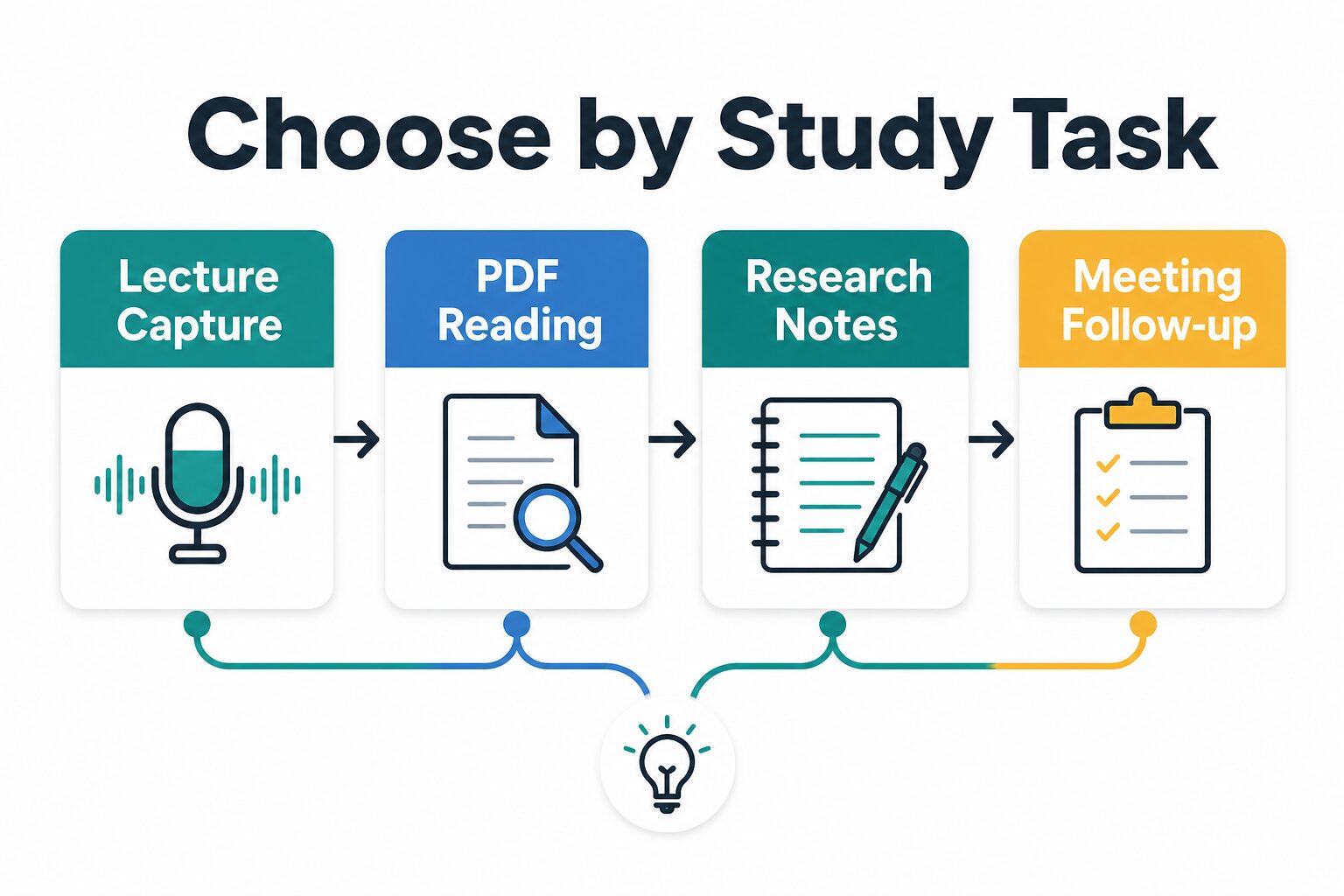
Do not begin with the tool name. Begin with the study task:
Lecture capture
Choose a transcription-first tool only when recording is allowed, the lecture format works, and the free minutes cover your real schedule.
PDF reading
Choose a source-grounded research tool when you need summaries, citations, questions, and study guides from papers you upload.
Research notes
Choose a durable knowledge base when your main problem is connecting ideas across months of reading and writing.
Meeting follow-up
Choose a meeting assistant when you need summaries and action items from advisor, lab, internship, or team calls.
Comparison Table
| Tool | Best fit for grad students | Free plan or entry point checked June 7, 2026 | Who should skip it |
|---|---|---|---|
| NotebookLM | PDFs, Google Docs, web sources, study guides, and source-grounded Q&A. | Google help lists standard limits such as 100 notebooks, up to 50 sources per notebook, and 500,000 words per source. | Students who need automatic live lecture recording or a full long-term note database. |
| Notion AI | Organizing class notes, project pages, reading logs, and group work in one workspace. | Notion’s pricing page lists Free and Plus with limited trial AI capabilities; Business adds more AI workspace features. | Students who only need transcription or who do not want course notes in a cloud workspace. |
| Otter.ai | Lecture, seminar, interview, and meeting transcription with speaker notes. | Otter’s official pricing page lists Basic with 300 monthly transcription minutes and Pro at $16.99/user/month monthly. | Students whose classes prohibit recording or whose courses exceed the free minute limits. |
| Fathom | Advisor meetings, research group calls, internship meetings, and follow-up emails. | Fathom help says the free individual plan includes unlimited recordings, storage, and transcriptions, with advanced AI limits. | Students who need a general research notebook or offline class-note system. |
| Notta | Transcription, meeting notes, translation-adjacent workflows, and uploaded files. | Notta’s official pricing page lists Free with 120 transcription minutes/month and up to 3 minutes per conversation. | Students who need to record full lectures on the free plan. |
| Obsidian + plugins | Local-first research vaults, literature notes, thesis notes, and long-term knowledge management. | Obsidian is free for local notes; optional Sync starts at $4/user/month annually or $5 monthly. | Students who want a ready-to-use hosted AI assistant without setup or plugin risk. |
Best Picks by Study Task
Best first try for PDFs and course readings: NotebookLM
NotebookLM is the clearest first stop when your main problem is reading and understanding sources. Google’s help pages describe notebooks as collections of uploaded or imported sources, and list supported source types such as PDFs, text, Markdown, Microsoft Word files, Google Docs, Google Slides, Google Sheets, web URLs, YouTube URLs, images, and audio files.
For graduate students, the main benefit is focus. Instead of asking a general chatbot about a topic, you can work inside a source set for one seminar, paper group, qualifying-exam theme, or thesis chapter. That makes it a good companion to AI research tools for graduate students and NotebookLM vs ChatPDF.
Use it when: you need summaries, outlines, study guides, citations back to uploaded material, and questions to ask during reading.
Skip it when: your priority is recording a live lecture or maintaining a full personal knowledge base outside Google.
Best workspace option: Notion AI
Notion is useful when your notes are part of a broader system: reading tracker, assignment board, lab wiki, thesis plan, meeting notes, and deadlines. Its pricing page lists Free at $0/member/month, Plus at $10/member/month monthly, Business at $20/member/month monthly, and Enterprise custom pricing. AI features vary by plan, with limited trials on lower tiers and Business listing AI Meeting Notes and Notion Agent features.
The privacy decision is more important than the feature list. Notion’s AI security page says it uses LLM providers and describes different data-retention handling by plan. Enterprise gets zero data retention with LLM providers, while non-Enterprise workspaces have provider retention of 30 days or fewer. That does not automatically make Notion unsafe, but it means students should avoid putting confidential research data, private participant notes, or unpublished collaborator material into AI workflows without permission.
Use it when: you already work in Notion and want one organized workspace for notes, tasks, and class projects.
Skip it when: you only need automatic transcription or you want your research vault to stay local by default.
Best lecture and interview transcription starting point: Otter.ai
Otter.ai is a strong candidate when you need transcripts from lectures, interviews, seminars, or group meetings. Its official pricing page lists Basic as free with 300 monthly transcription minutes, Pro at $16.99/user/month monthly, and Business at $30/user/month monthly. The same page also lists a student and teacher discount for Otter Pro when using an eligible .edu email.
The risk is not just price. Recording rules vary by institution, state, country, instructor, and research protocol. If you record classes, interviews, or meetings, get permission first. For human-subject research, follow your IRB or ethics-review rules rather than a software blog post.
Use it when: you need searchable transcripts and the recording context is allowed.
Skip it when: you cannot get consent, need source-grounded PDF analysis, or do not have enough monthly minutes.
Best for advisor and team meeting follow-up: Fathom
Fathom is more meeting assistant than academic note database. Its pricing page and help articles describe a free individual version, Premium, and team plans. Official help says the free plan includes unlimited recordings, storage, and transcriptions, while Premium expands advanced summaries, action items, follow-up emails, custom summaries, and Ask Fathom.
Fathom also publishes explicit consent guidance. Its help center says there is no way to silently record without some form of consent or visibility. That matters for graduate students because an advisor meeting, lab meeting, internship meeting, or research interview can contain sensitive information.
Use it when: your main pain is remembering decisions and action items from meetings.
Skip it when: you need to annotate papers, build a literature map, or manage long-term thesis notes.
Best alternative transcription option: Notta
Notta is worth comparing if you need transcription and meeting notes with cross-device access, integrations, and translation-adjacent workflows. Its official pricing page lists Free with 120 transcription minutes/month, up to 3 minutes per conversation, 50 file uploads/month, and 10 AI summaries/month. Pro and Business raise limits substantially, while Enterprise is custom.
For real graduate lectures, the free plan is usually a trial, not a semester workflow. A 75-minute seminar quickly exceeds the free per-conversation limit. Use Notta if the paid plan fits your language, meeting, and export needs after checking the current official page.
Use it when: you want a transcription tool to compare against Otter for meetings and short recordings.
Skip it when: you need long recordings on the free plan.
Best local-first research note base: Obsidian with careful plugins
Obsidian is different from the other tools here. It is not an AI note-taking app out of the box. It is a local-first Markdown note app with optional Sync and Publish services and a large community plugin ecosystem. Obsidian’s pricing page says the app is free without limits for local notes, with optional Sync and Publish add-ons. Its privacy page says desktop and mobile app data is saved locally and is not sent to Obsidian servers unless you use services such as Sync or Publish.
That local-first model is attractive for thesis notes, literature notes, and long-term knowledge work. The tradeoff is setup. AI features usually depend on community plugins or external model providers, which means the privacy and data-use rules may come from the plugin and the AI provider, not Obsidian itself.
Use it when: you want durable local research notes and are comfortable checking plugin permissions.
Skip it when: you want a simple hosted AI assistant that works on day one.
Privacy, Consent, and Academic Integrity Checks
Before uploading or recording anything: check whether the material includes unpublished research, private student or patient information, client data, interview recordings, advisor feedback, exam material, copyrighted course slides, or classmate voices. If it does, slow down and ask what your institution, instructor, research protocol, or workplace allows.
AI note-taking tools can help you organize work, but they do not remove your responsibility to read, cite, and verify. Do not submit AI-generated summaries as if they were your own close reading. Do not cite a source you have not checked. Do not let a summary replace the original paper when the stakes are high.
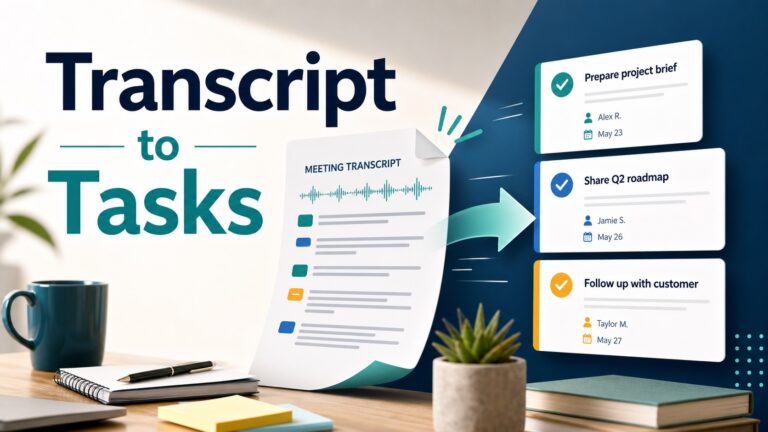
For research reading, pair this article with how to summarize academic papers with AI without losing accuracy. For long documents, compare AI PDF summarizers for students and professionals. For meeting-heavy workflows, see how to turn meeting transcripts into action items with AI.
Which Tool Should You Try First?
- Start with NotebookLM if your main work is reading papers, building study guides, and asking questions about uploaded sources.
- Start with Otter.ai or Notta if your main work is lecture or interview transcription and you can record with permission.
- Start with Fathom if your main work is advisor, lab, internship, or team meeting follow-up.
- Start with Notion AI if your notes, tasks, projects, and group documents already live in Notion.
- Start with Obsidian if you care most about local-first, long-term research notes and can handle setup.
FAQ
What is the best free AI note-taking app for students?
For reading PDFs and source material, NotebookLM is the best first free option to check. For transcription, compare the official free limits for Otter.ai, Notta, and Fathom before relying on any of them for a full course.
Can I record lectures with an AI note-taking app?
Only if your instructor, institution, local law, and any accessibility or research rules allow it. Recording without permission can create legal, academic, or trust problems even when the software makes recording easy.
Is Obsidian better than Notion for graduate students?
Obsidian is better when local-first control and long-term Markdown notes matter most. Notion is better when collaboration, databases, templates, and shared workspaces matter more. For AI features, check the exact plugin or plan before choosing.
Should I pay for an AI note-taking app?
Pay only after your real workload breaks the free limit. A student with one recorded meeting per week may not need the same plan as a student transcribing three seminars, interviews, and lab meetings every week.
Final Recommendation
For most graduate students, the safest starting stack is simple: use NotebookLM for source-grounded reading, use one transcription tool only when recording is permitted, and keep your long-term research notes in a system you can export. Do not pay for a full semester until you have checked your actual recording minutes, upload limits, privacy rules, and academic-integrity requirements.