WordPress vs AI Website Builders: Control or Speed for Small Teams?
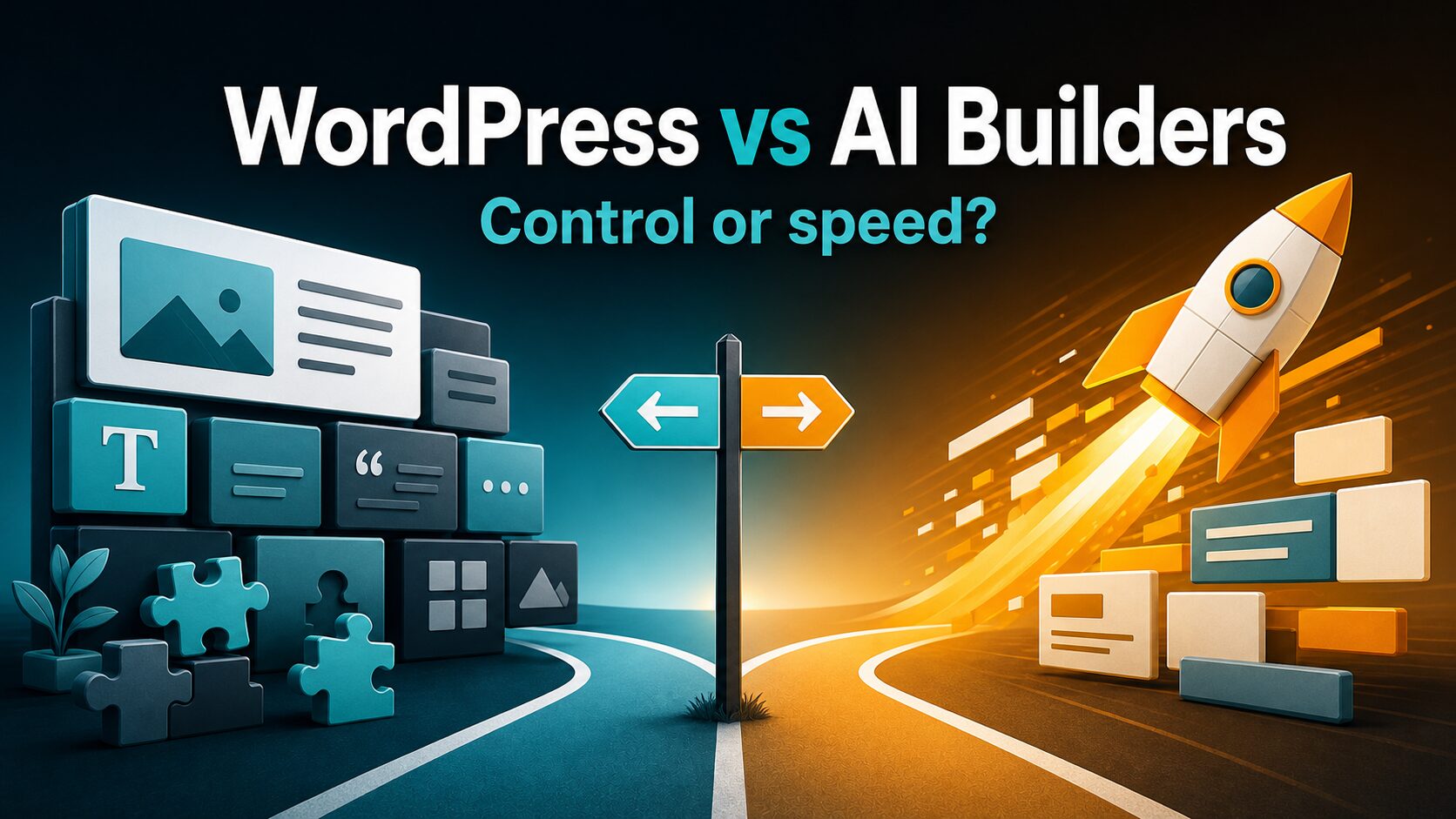
Choose WordPress if your small team is building a site that must grow into a durable content, SEO, lead-generation, ecommerce, or custom workflow asset. Choose an AI website builder if you need a clean first version online quickly and can accept the builder’s hosting, templates, export rules, plan limits, and data policies.
Quick verdict: control vs speed
- Use WordPress first when the site will publish regularly, need custom SEO or redirects, manage commercial links, connect unusual tools, or become harder to rebuild later.
- Use an AI website builder first when the job is a brochure site, portfolio, local-service site, landing page, or early MVP that needs a hosted draft this week.
- Do not choose yet if nobody owns forms, privacy review, analytics, renewals, backups, account access, or future migration. The platform decision is also an operations decision.
Evidence note: This guide is based on official product, pricing, privacy, and security pages checked on July 3, 2026. It is not a hands-on benchmark of site quality, conversion rate, SEO performance, or build speed.
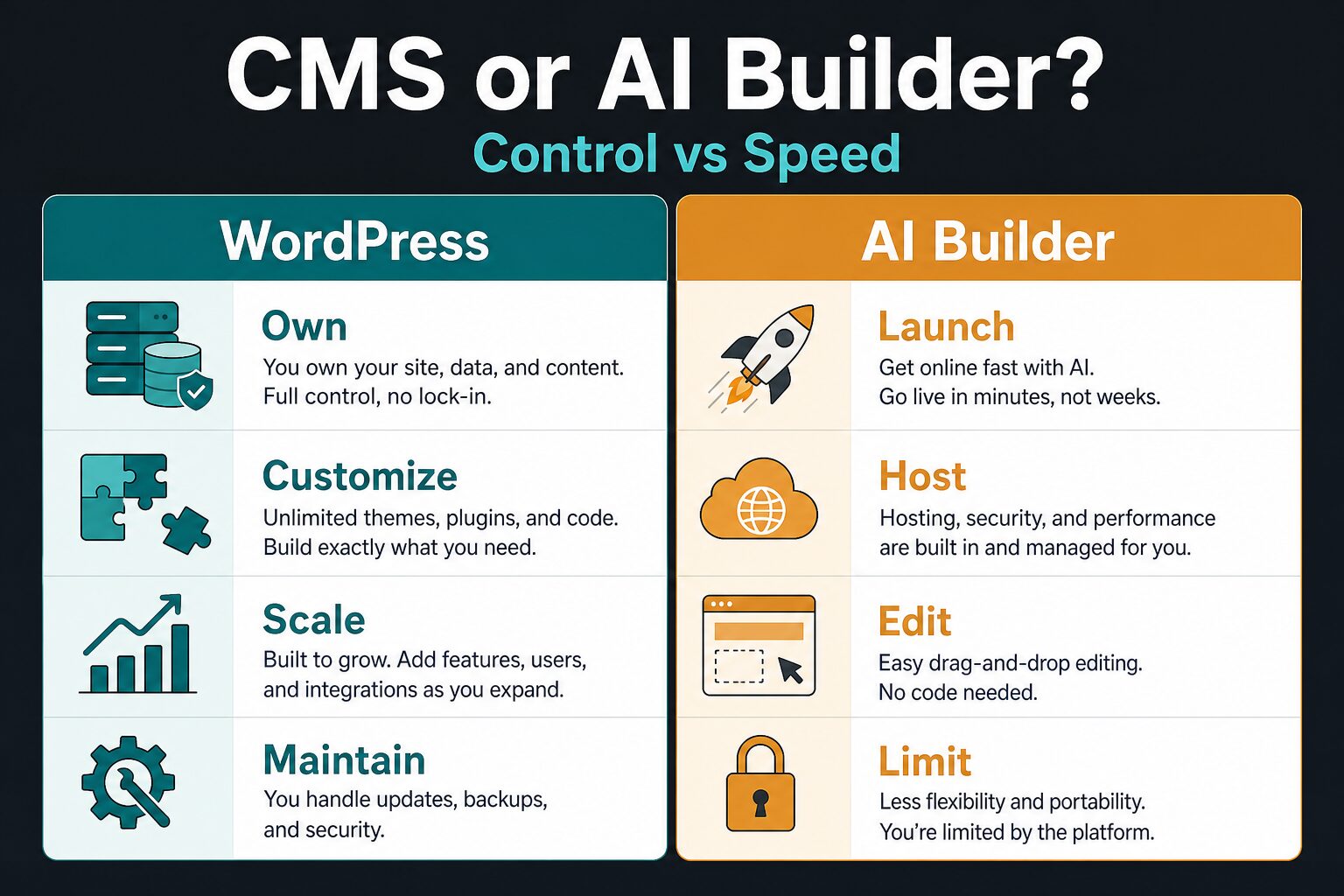
The real decision is what happens after launch
AI website builders can reduce blank-page friction. Many hosted builders now position AI around site generation, copy starters, layouts, images, editing, SEO helpers, or business-tool setup. That can be useful when a team has no designer, developer, or marketing system yet.
But the first draft is not the whole website. The harder question is who will own the site after the first version goes live. Someone still has to update pages, answer form leads, connect analytics, review privacy terms, maintain domains and email, fix broken links, and decide whether the site can move if the platform becomes limiting.
WordPress gives small teams more room to customize the operating model. Hosted AI builders reduce the number of decisions required to launch. The better choice is the one your team can run cleanly for the next year, not the one that looks fastest in a demo.
WordPress vs AI website builders: side-by-side
| Decision point | WordPress | AI website builder | Small-team check |
|---|---|---|---|
| Best first fit | Content-heavy sites, flexible marketing sites, SEO publishing, affiliate/content operations, custom workflows, and teams that want platform control. | Simple business sites, landing pages, portfolios, first-version service sites, and teams that want hosted setup with less technical maintenance. | Is this just a fast web presence, or is it becoming a long-term content and conversion system? |
| Launch speed | Can be fast with managed hosting and a good theme, but setup choices add friction. | Usually faster for a first draft because hosting, templates, and page generation are bundled. | Do you need the site live this week, or a better foundation for the next 12 months? |
| Control and customization | Strong. WordPress supports themes, plugins, custom code, custom hosting, user roles, and a large extension ecosystem. | Varies by platform and plan. You work inside the builder’s editor, templates, extensions, export tools, and billing rules. | Will you need unusual forms, structured content, redirects, affiliate operations, custom SEO, or integrations? |
| Maintenance burden | Higher. Someone owns hosting, updates, backups, plugin risk, spam, security settings, performance, and compatibility. | Lower. The platform handles more infrastructure, but you still own content, privacy review, forms, tracking, and account access. | Who checks updates, broken forms, renewal prices, domain settings, and email deliverability? |
| Pricing shape | The software may be open-source, but real cost includes hosting, domain, paid plugins, themes, backups, security, and maintenance time. | Usually subscription-based. Plan limits can affect domain connection, branding, ecommerce, storage, collaborators, analytics, and AI usage. | Compare the two-year operating cost, not only the first-month offer. |
| Ownership and exit risk | Usually stronger for self-hosted WordPress because content, files, database, hosting, and code can be moved with the right setup. | Usually weaker. Export and migration depend on the builder’s available tools, page structure, custom-code support, and plan rules. | Can you export content, move domains, keep redirects, and rebuild pages without losing search traffic? |
| Privacy and client data | You choose hosting, forms, plugins, analytics, and data processors, which gives control but adds responsibility. | The platform processes more of the stack for you. Check privacy terms, AI features, form handling, analytics, subprocessors, and account permissions. | Before adding forms or AI-generated copy, review the client website privacy checklist. |
Choose WordPress when the site is a long-term asset
WordPress is the better first choice when your small team wants control over content structure, SEO tools, plugins, redirects, schema, affiliate-link management, custom forms, user roles, hosting decisions, and future migration. That matters when the site will publish many articles, compare tools, capture leads from multiple pages, or support a real business process.
The main advantage is room to grow. WordPress.org describes WordPress as flexible publishing software with themes, plugins, user management, media handling, publishing tools, and the ability to own your data. The plugin directory also shows why the system can become a broad operating layer instead of only a page builder.
The tradeoff is that flexibility creates work. Updates, plugin compatibility, performance, spam, backups, security hardening, permissions, accessibility, broken forms, and hosting quality can become a hidden workload. For a two-person team, that workload may be heavier than the website itself.
You expect to publish content regularly, need advanced SEO or commercial-link operations, want custom integrations, or need stronger ownership over site files and hosting.
No one can own plugin review, backup checks, hosting decisions, spam prevention, and basic security hygiene.
If your WordPress site will include product recommendations or comparison tables later, read our guide to managing commercial links in WordPress without losing trust. Even before monetization, the same discipline helps with disclosures, redirects, source logs, and update history.
Choose an AI website builder when speed matters more than flexibility
An AI website builder is the better first choice when the site is simple and the team wants fewer technical decisions. If you need a homepage, service page, contact page, portfolio, local-business site, or campaign landing page, a hosted builder can be the pragmatic path.
The practical benefit is bundling. Wix, Squarespace, Framer, Durable, and Hostinger Website Builder each position parts of the experience around hosted site creation, templates, AI-assisted setup, editing, publication, business tools, or plan-based features. That can reduce the number of separate decisions a small team must make before launch.
The tradeoff is dependency. Verify the current plan before buying: custom domain rules, lower-plan branding, ecommerce, forms, analytics, AI usage limits, collaborators, storage, renewal price, export options, and data handling. A builder that is perfect for a first version can still be painful if you need to migrate, add unusual workflows, or publish deeply later.
You need a simple hosted site, fast visual setup, basic marketing pages, and fewer moving parts.
You need deep customization, portable infrastructure, complex content modeling, unusual integrations, or tight control over export and migration.
If the AI-builder path looks right, use our AI website builder checklist before publishing. It covers pages, forms, domains, privacy, tracking, and exit risk.
Tool notes: where each option usually fits
Do not treat every AI website builder as the same product. Start with the type of site, the work after launch, and the constraints your team cannot accept.
| Option | Best use case | Check before paying | Source path |
|---|---|---|---|
| WordPress | Content operations, custom SEO, plugins, affiliate/content sites, flexible publishing, user roles, and long-term ownership. | Hosting quality, backup process, plugin policy, maintenance owner, theme lock-in, security process, and total setup time. | WordPress features and plugin directory. |
| Wix | Hosted small-business sites where fast setup, AI-assisted site creation, templates, and simple editing matter. | Current plan limits, custom-domain rules, branding, storage, ecommerce, forms, analytics, privacy, and security terms. | Wix AI website builder and Wix plans. |
| Squarespace | Design-forward business sites, portfolios, services, content pages, and simple commerce. | Current trial/plan terms, ecommerce features, transaction fees, AI features, forms, privacy, and export limits. | Squarespace pricing and Squarespace AI. |
| Framer | Design-led marketing sites where polished presentation, CMS-style pages, and hosted editing matter. | Free/paid site limits, CMS needs, localization, collaborators, forms, analytics, AI features, and privacy terms. | Framer pricing and Framer AI. |
| Durable | Very fast business-site drafts for service businesses that want AI-assisted setup and simple business tools. | Current plan, AI usage, CRM/booking needs, custom domain rules, HTML/custom-code limits, data terms, and future content depth. | Durable AI website builder and Durable pricing. |
| Hostinger Website Builder | Hosted builder plus hosting bundle for teams that want one account for site setup and basic web operations. | Intro price vs renewal price, domain/email terms, AI features, ecommerce, backups, migration, and privacy policy. | Hostinger Website Builder and Hostinger privacy policy. |
Run this 20-minute decision test before you commit
If the choice is still unclear, run a small test instead of debating platform theory. The goal is not to build a perfect site. The goal is to learn which platform creates less risk for your actual team.
- Pick one real page: homepage, service page, lead magnet page, or product landing page.
- Write one page brief: audience, offer, proof, CTA, required sections, form fields, tracking needs, and privacy constraints.
- Map the two-year cost: subscription, domain, hosting, paid theme/plugin, ecommerce, email, analytics, backups, security, and maintenance time.
- Check editing friction: who can update copy, add testimonials, revise services, publish a blog post, or fix a broken form?
- Check exit risk: can you export content, keep URLs, preserve redirects, move media, and recover forms or customer data?
- Check privacy: what happens to form submissions, AI-generated copy, analytics data, uploaded assets, client notes, and account access?
Choose the platform your team can operate cleanly, not the platform that produces the prettiest first draft.
Pricing checks small teams should not skip
Pricing for website platforms changes often, and introductory offers can hide the real operating cost. Use official pricing pages before buying and write down the plan you are actually choosing.
- Custom domain: Is it included, discounted for the first year, or a separate renewal?
- Branding: Does the platform add visible branding on lower plans?
- Forms and leads: Are form submissions, CRM features, automations, or email notifications limited?
- Ecommerce: Are products, checkout, appointments, subscriptions, or transaction fees limited by plan?
- Collaborators: How many team members can edit the site, and can you limit permissions?
- Storage and traffic: Are media uploads, bandwidth, file limits, or traffic claims relevant to the site?
- AI features: Are AI tools included, usage-limited, temporarily promoted, or locked to higher plans?
- Renewals and cancellation: What happens after the first term, and how hard is it to leave?
Privacy and client-data checks
For client websites, the platform decision touches more than design. Forms, analytics, chat widgets, AI-generated copy, uploaded assets, CRM fields, appointment tools, and third-party scripts can all process data. Do not paste private client information into AI copy tools, page generators, or prompt fields unless the client and your terms allow that use.
At minimum, review the platform’s privacy policy, security page, AI terms, data-processing options, cookie/tracking behavior, form storage, user permissions, and account recovery process. If your site collects lead forms, appointment requests, quote requests, health information, legal information, payment information, or children’s data, get proper legal or compliance advice before publishing.
For a broader workflow, use our AI tool privacy checklist and the client website privacy checklist before connecting forms, analytics, AI copy, or third-party scripts.
How this page differs from our AI website builder roundup
This article answers the category decision: WordPress control or hosted AI-builder speed. If you already know you want the hosted-builder path, go to our best AI website builders for solo businesses guide to compare individual builder options.
If you are close to publishing, use the AI website builder checklist for launch readiness and the client website privacy checklist for forms, analytics, uploaded assets, and AI copy risk.
Final recommendation
For most small teams, the answer is practical: use an AI website builder when you need a clean first version fast and the site is not yet a complex asset. Use WordPress when the site will become a serious content, SEO, affiliate, ecommerce, membership, or custom marketing system.
Do not choose only by the first draft. Choose by the work after launch: who edits pages, who updates the stack, who controls data, who handles forms, who can move the site, and who will still understand the setup six months from now.
Sources checked
- WordPress: features, requirements, plugins, and themes.
- Wix: AI website builder, plans, privacy, and website security.
- Squarespace: pricing, AI, and privacy.
- Framer: pricing, AI, and privacy statement.
- Durable: AI website builder, pricing, and privacy policy.
- Hostinger: Website Builder and privacy policy.